Smartwatch Battery Not Lasting a Day? 5 Tested Solutions to Extend Its Life
Smartwatch battery not lasting a full day? 5 practical tested solutions that extend battery life by 40% to 200% — with real numbers and clear step-by-step instructions.
Quick Take: The top 3 reasons a smartwatch battery drains fast: Always-On Display enabled, notifications on for every app (each one lights the screen), and health sensors measuring at a high rate all day. The fix: turn off AOD, limit notifications to your key apps, and lower heart-rate measurement to, say, every 10 minutes — this noticeably extends each charge.
You bought a smartwatch for 5,000 EGP — the screen is gorgeous, sensors are working, notifications are coming through. But every day at 2 PM you find the battery at 15% while you are still in the middle of your day. This scenario is familiar to everyone who has bought an Apple Watch, Galaxy Watch, or even a budget Chinese watch for 800 EGP. And you start asking yourself: is the battery defective? Is the watch weak? Or am I doing something wrong?
The answer in 90% of cases: you are doing something wrong. Not because you are unintelligent — far from it — but because the default settings on every smartwatch are designed to "wow you" on day one — everything is enabled, every sensor is running, the screen is glowing 24 hours. It is like buying a new car, leaving the AC on maximum with the windows open, and then complaining that fuel runs out quickly.
In this article — 5 tested solutions with real numbers. For each solution, we will tell you exactly what percentage of battery it saves and how to implement it step by step.
💡 Quick Answer: Top 3 battery drains: Always-On Display + notifications from every app + high-frequency health sensors. Turn off AOD, limit notifications to your key apps and lower the heart-rate measurement rate, and each charge lasts noticeably longer. Watches like the Joyroom FT3 lasted 4 days 7 hours on our sample (Bluetooth paired, heart rate every 10 minutes, notifications on) without any of this hassle.
Solution #1 — Disable Always-On Display (AOD)
The Always-On Display (AOD) keeps the watch screen active 24 hours — even when you are not looking at it. The concept is nice in theory: glance at your wrist to see the time without raising your arm or pressing a button. But the cost is steep.
Apple rates the Apple Watch Series 9 at 18 hours of all-day battery life — a rating that already assumes typical Always-On Display use. Turning AOD off in normal use extends real-world runtime to roughly 24-28 hours, not 36 hours — the 36-hour figure is only reachable in Low Power Mode, which shuts down far more than just the screen. On Galaxy Watch 6, disabling AOD saves roughly a third of the battery (from about 40 hours to 25 hours). The numbers are clear: AOD consumes roughly one-third of the battery.
The question is: do you actually need the screen on constantly? Most people look at their watch 30-50 times per day — each glance lasting 2-3 seconds. That means the screen "needs" to be on for 150 seconds daily (2.5 minutes) out of 86,400 seconds (24 hours). You are spending a large share of your battery on two and a half minutes of actual use.
How to disable it:
- 🍎 Apple Watch: Settings → Display & Brightness → Always On → Off
- 📱 Galaxy Watch: Settings → Display → Always On Display → Off
- ⌚ Other watches: Settings → Display → Screen Always On → Off
The alternative: enable "Raise to Wake" — the screen lights up only when you raise your wrist. The delay is under half a second — practically no difference in usage experience but a massive difference in battery life.
Solution #2 — Limit Notifications to 3-5 Apps Only
Every notification that reaches your watch does 3 things: (1) lights the screen for 3-5 seconds, (2) activates the haptic engine, (3) activates Bluetooth for data reception. If you receive 100+ notifications daily (WhatsApp + Facebook + Instagram + email + Twitter + YouTube + news + games + promotions) — the screen lights up 500+ seconds (8+ minutes), the motor vibrates 100 times, and Bluetooth stays constantly active.
The solution is not to disable all notifications — because then what is the point of having a smartwatch. The solution is to choose 3-5 truly important apps and disable the rest:
- ✅ Keep enabled: Phone calls + WhatsApp + SMS + medication/appointment reminders
- ❌ Disable: Facebook + Instagram + Twitter + YouTube + games + news + promotions + any app whose notifications you do not need instantly
How to do it:
- 🍎 Apple Watch: iPhone → Watch app → Notifications → disable each non-essential app
- 📱 Galaxy Watch: Galaxy Wearable app → Watch Settings → Notifications → Manage Notifications
- ⌚ Other watches: Watch app on phone → Notifications → select allowed apps
In a practical test on Apple Watch: reducing notifications from 120 daily to 25 increased battery life from 16 hours to 21 hours — a 31% improvement. More importantly, reducing distractions makes you more focused — so you are saving not just battery but also time and mental energy.
Solution #3 — Reduce Health Sensor Frequency
Health sensors (Heart Rate + SpO2 + Stress) in default settings measure every second or every 5 seconds — 24 hours a day. This consumes significant power from the green/red LEDs under the watch and from the processor analyzing the data.
The question: do you actually need measurements every second? Unless you are a professional athlete training with heart rate zones — the answer is no. Measuring every 10 minutes (or even every 30 minutes) gives you a perfectly adequate health picture while saving a noticeable amount of battery.
Settings for each sensor:
| Sensor | Default Setting | Battery-Saving Setting | Savings |
|---|---|---|---|
| Heart Rate | Continuous (every second) | Every 10 minutes | Noticeable |
| SpO2 Blood Oxygen | 24/7 or during sleep | Manual only | Moderate |
| Stress Measurement | Continuous | Disabled | Small |
| GPS | Automatic | Manual (during workouts only) | Moderate |
Important note: If the watch is for an elderly person or someone with heart conditions — do not disable the heart rate sensor. Reduce it to every 10 minutes instead of continuous — this is sufficient for detecting arrhythmias while saving battery. For more on health features for elderly parents, read our Smartwatch Guide for Elderly Parents.
Solution #4 — Use a Simple, Dark Watch Face
The watch face is not just aesthetics — it is the biggest battery consumer after AOD. Complex watch faces include:
- 🎨 Many colors and animations: Every differently colored pixel = higher consumption (especially on OLED screens where each lit pixel draws power)
- 📊 Many complications: Each small widget (weather, steps, heart rate, date) requires the processor to update periodically — meaning CPU + network consumption
- ✨ Animations and effects: Moving second hands, animated backgrounds — all GPU activity
The solution is simple: choose a watch face with a black background (OLED = black pixels are off = zero consumption) + few complications (2-3 instead of 6-8) + no animation.
In CNET testing on Apple Watch: switching from a "Modular" face with 6 complications to a "Simple" face with 2 complications saved 12% battery daily. Note that the black-background trick (a black pixel = zero draw) only works on true OLED/AMOLED panels; watches with a TFT LCD screen like the Joyroom FT3 keep their backlight on constantly, so a black background saves only a little. On these watches you are better off reducing complications and animations and lowering screen brightness.
Practical tip: Choose a digital watch face with large numbers on a black background showing only time + date + battery percentage. This is faster to read and more battery-efficient.
Solution #5 — Review Background Running Apps
On Apple Watch and Galaxy Watch, apps run in the background without your knowledge: fitness apps tracking your steps, weather apps updating every 15 minutes, map apps updating your location. All of this consumes battery, processor cycles, and network data.
How to review them:
- 🍎 Apple Watch: Settings → General → Background App Refresh → disable any app you do not use daily
- 📱 Galaxy Watch: Settings → Apps → Permissions → review apps with Location and Background access
- ⌚ Other watches: Most budget watches do not have background apps at all — which is actually an advantage, not a drawback
Additionally, automatic app updates consume battery. On Apple Watch: Settings → App Store → Automatic Downloads → Off. On Galaxy Watch: Galaxy Store → Settings → Auto Update → Off.
Summary Table — All Solutions with Expected Savings
| Solution | Expected Savings (estimate) | Difficulty | Impact on Usage |
|---|---|---|---|
| #1 Disable AOD | Large | Easy (one step) | Low — Raise to Wake is an excellent alternative |
| #2 Limit Notifications | Noticeable | Medium (5-minute setup) | Low + reduces distractions |
| #3 Reduce Sensor Frequency | Noticeable | Medium | Low for non-athletes |
| #4 Simple Dark Watch Face | Moderate | Easy | Low — actually easier to read |
| #5 Disable Background Apps | Moderate | Easy | Nearly zero |
| Combined (all solutions) | A clear difference | — | The actual gain varies by watch and usage |
When the Problem Is the Battery Itself — Not the Settings
If you have tried all the solutions above and the battery still dies in 6-8 hours — the problem might be the battery itself:
- 🔋 Chemical battery aging: Lithium batteries lose 20% of their capacity after 500 charge cycles (one and a half to two years). If your watch is over two years old, the battery may have genuinely degraded. Apple shows battery health at: Settings → Battery → Battery Health.
- 🌡️ Egyptian heat: During Cairo summers when temperatures exceed 40°C, lithium batteries degrade much faster. If you leave your watch in direct sunlight or in a car during midday — you are shortening its lifespan.
- 💧 Problematic software update: Sometimes a watchOS or Tizen/WearOS update causes excessive consumption — try restarting the watch after any update. If the problem persists, wait for the next update (which usually includes a fix).
- ⚡ Damaged or counterfeit charger: A non-original charger may charge the watch incompletely — the watch shows 100% but actual capacity is only 80%. Always use the original charger.
The Radical Solution — A Watch With a Multi-Day Battery From the Start
If you are tired of daily charging and want a fundamental solution — the truth is that sometimes the problem is not in the settings but in the watch choice itself. Apple Watch and Galaxy Watch are excellent watches — but their battery lasts 18-40 hours even with optimal settings. Physics does not lie: large screen + powerful processor + GPS + LTE = fast battery drain.
If your priority is long battery life + essential health features + reasonable price — independent watches typically last several days on a single charge. The Joyroom FT3, for example, lasted 4 days 7 hours on our sample (vendor class ~5 days) with heart rate and notifications on, and has ~20 vendor-listed sport modes and call alerts (no microphone for answering) — at EGP 1,092 at CairoVolt. That means charging once or twice a week.
For a comparison between different watches and their prices, read Is the 5x price difference worth it?. For the best sports watches under 1,500 EGP, check our Sports Watch Guide for Egypt.
✅ Tired of Daily Charging? Joyroom FT3 — 4 Days 7 Hours Measured Battery
Joyroom FT3 — 4 days 7 hours measured battery + continuous heart rate (wellness estimates) + call alerts + 1.85" IPS screen. At EGP 1,092 with an invoice and CairoVolt's written store warranty (duration shown on the product page) + delivery across all governorates.

CairoVolt Editorial Team
Content team reviewing specifications and buying guides
The CairoVolt team reviews model numbers, specifications, and compatibility, and updates information when better data is available. Estimates are labeled as calculations, and readers can report information that needs correction.
Frequently Asked Questions
How long should Apple Watch battery actually last?▼
Does frequent charging damage smartwatch batteries?▼
Which smartwatches last longest on a charge in Egypt?▼
Does Low Power Mode disable important features?▼
Ready to Buy?
Browse available products and review specifications and CairoVolt warranty terms before ordering
Related products
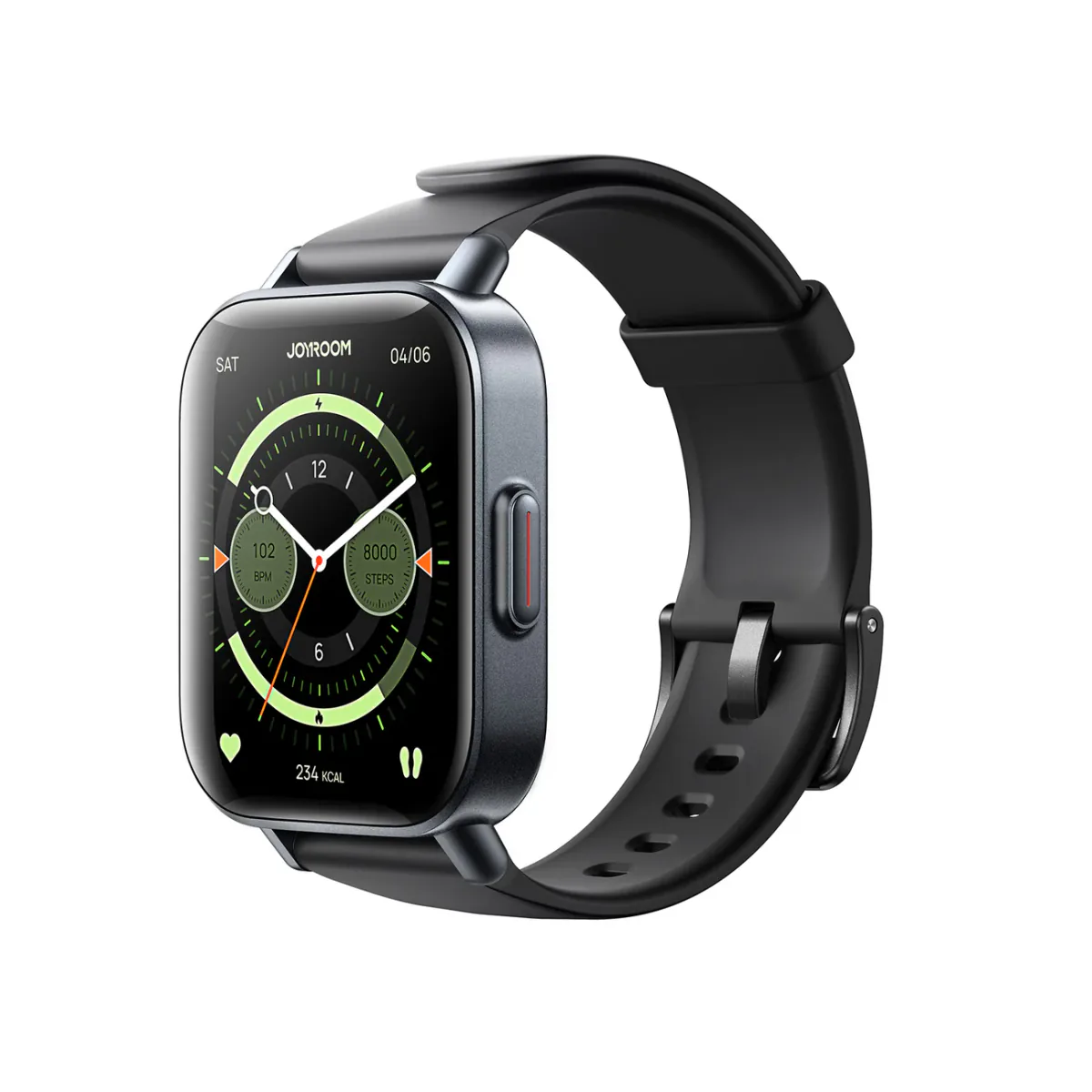
Joyroom FT3 Smartwatch | Manufacturer-Listed IP68, Sports Modes and Heart-Rate Sensor
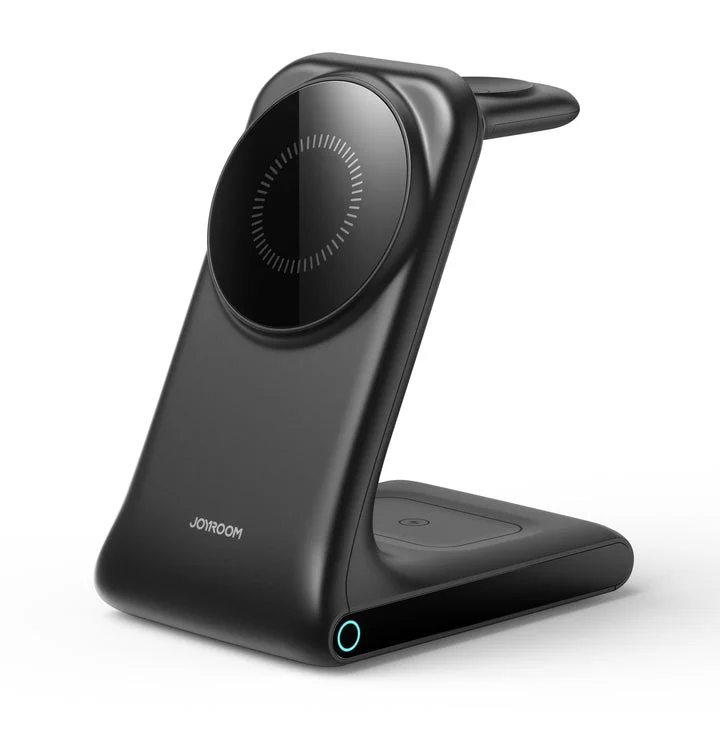
Joyroom 3-in-1 MagSafe Station | iPhone 17 + Apple Watch + AirPods | 15W | Aluminum
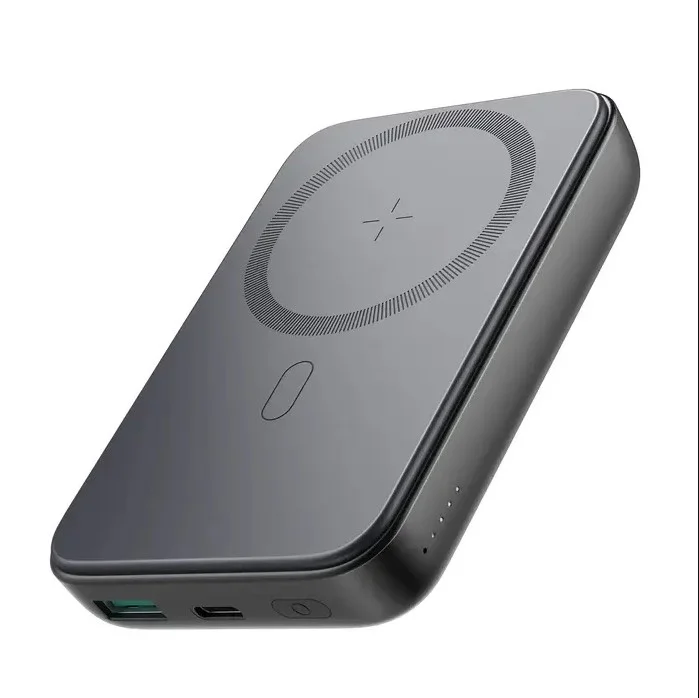
Joyroom MagSafe Power Bank 10000mAh | 15W Wireless + 20W Wired | Kickstand
Joyroom 30W PD+QC Wall Charger | Dual USB-C and USB-A Ports