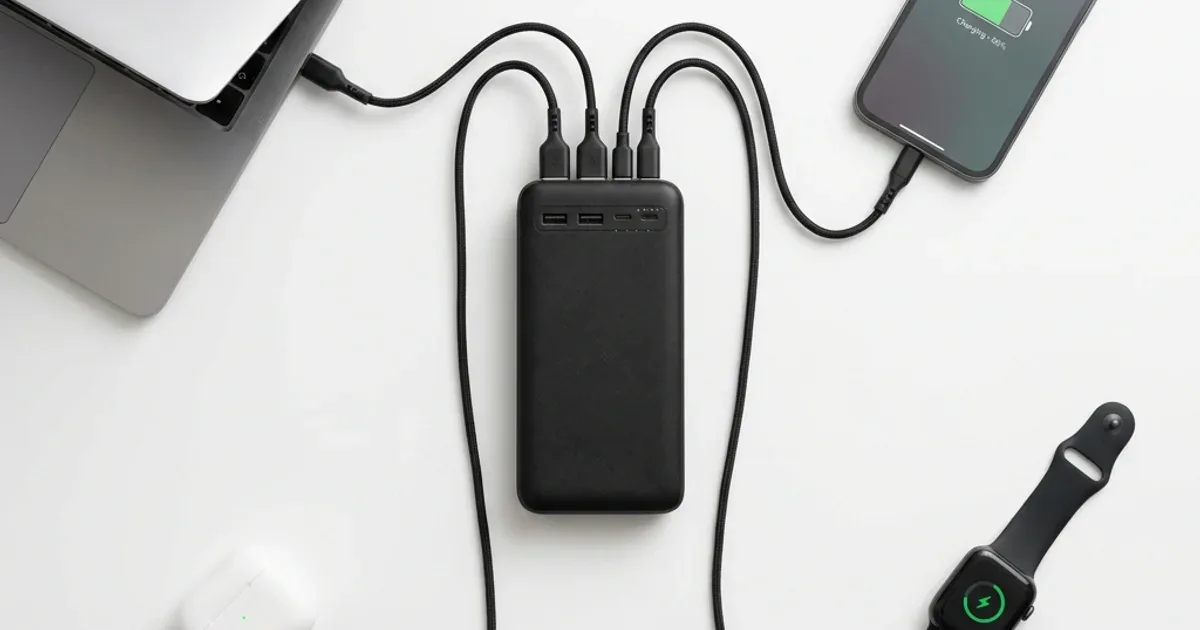
You are sitting in a café or driving to the North Coast — your laptop is about to die, your phone is at 12%, your wireless earbuds are empty, and your smartwatch says "low battery." The logical solution? One power bank that charges everything at the same time. But not just any power bank can pull this off — it requires very specific specifications. And most of what is sold on the Egyptian market simply cannot do it.
💡 Quick Answer: Yes, you can charge a phone + laptop + earbuds + smartwatch from a single power bank — with 3 conditions: (1) at least 20,000mAh capacity (ideally 25,000mAh), (2) 3 or more output ports with USB-C PD support at 65W+, (3) total output of 100W+ so wattage distributes adequately. Best pick: Anker Prime A1695 — 25,000mAh, 165W total, dual USB-C + USB-A, charges a full laptop + 3 smaller devices simultaneously.
🔬 Real Wattage Distribution — A Worked Example from the Specs:
Connect 4 devices (MacBook Air M2 + iPhone 17 Pro + AirPods Pro 3 + smartwatch) to a capable power bank, and the expected split based on the manufacturer's published specifications looks like this: the Anker Prime A1695 distributes about 62W to the laptop + 18W to the phone + 5W to earbuds + 2.5W to the watch = 87.5W total out of 165W. A cheap 2-port power bank fails to charge the laptop entirely and delivers only 10W to the phone instead of 25W.
Why Can't Just Any Power Bank Charge 4 Devices?
It is pure physics. Every USB port on a power bank has a maximum wattage it can deliver. When you connect multiple devices, the power bank distributes available energy among them — it does not multiply it. If your power bank has a total maximum output of 22.5W and you plug in 4 devices, each one gets roughly 5W. That is slower than the slowest wall charger you own.
The second problem: most budget power banks (under 800 EGP) only have two ports — one USB-A and one USB-C. Even if the capacity is large (20,000mAh), there is physically no place to plug in 4 devices. You need at least 3 ports — ideally 4.
The third and most critical requirement: a USB-C PD port capable of at least 65W if you want to charge a laptop. Most modern laptops (MacBook Air M2/M3, Dell XPS 13, Lenovo ThinkPad X1) need 30-67W. Without adequate PD output, the laptop will not charge — it will stay at the same percentage or slowly drain.
Wattage Distribution Physics — The Real Numbers
Think of a power bank like a large water faucet. The total pressure (total wattage) is fixed. Every time you open a new branch (connect a device), the water splits. There is no magic — energy distributes based on what each device requests.
| Device | Ideal Wattage | Minimum Acceptable | Required Port |
|---|---|---|---|
| 💻 Laptop (MacBook Air/Dell XPS) | 65W | 30W | USB-C PD (mandatory) |
| 📱 Phone (iPhone 17 / S26) | 25-30W | 10W | USB-C or USB-A QC |
| 🎧 Wireless Earbuds | 5W | 2.5W | USB-C or USB-A |
| ⌚ Smartwatch | 5W | 2.5W | USB-A (usually) |
| Total | 100W | 45W | 3-4 ports |
The conclusion is clear: you need a power bank with at least 100W total output for all four devices to charge at a reasonable speed. If the total is below 45W, the laptop will not charge — it will stay flat or drain slowly, and everything else charges at a crawl.
If you want to understand the difference between power bank capacities in detail — 5,000 vs 10,000 vs 20,000 — read our capacity selection guide.
Top 4 Multi-Device Power Banks in Egypt 2026
| Model | Capacity | Total Output | Ports | Charges Laptop? | Price |
|---|---|---|---|---|---|
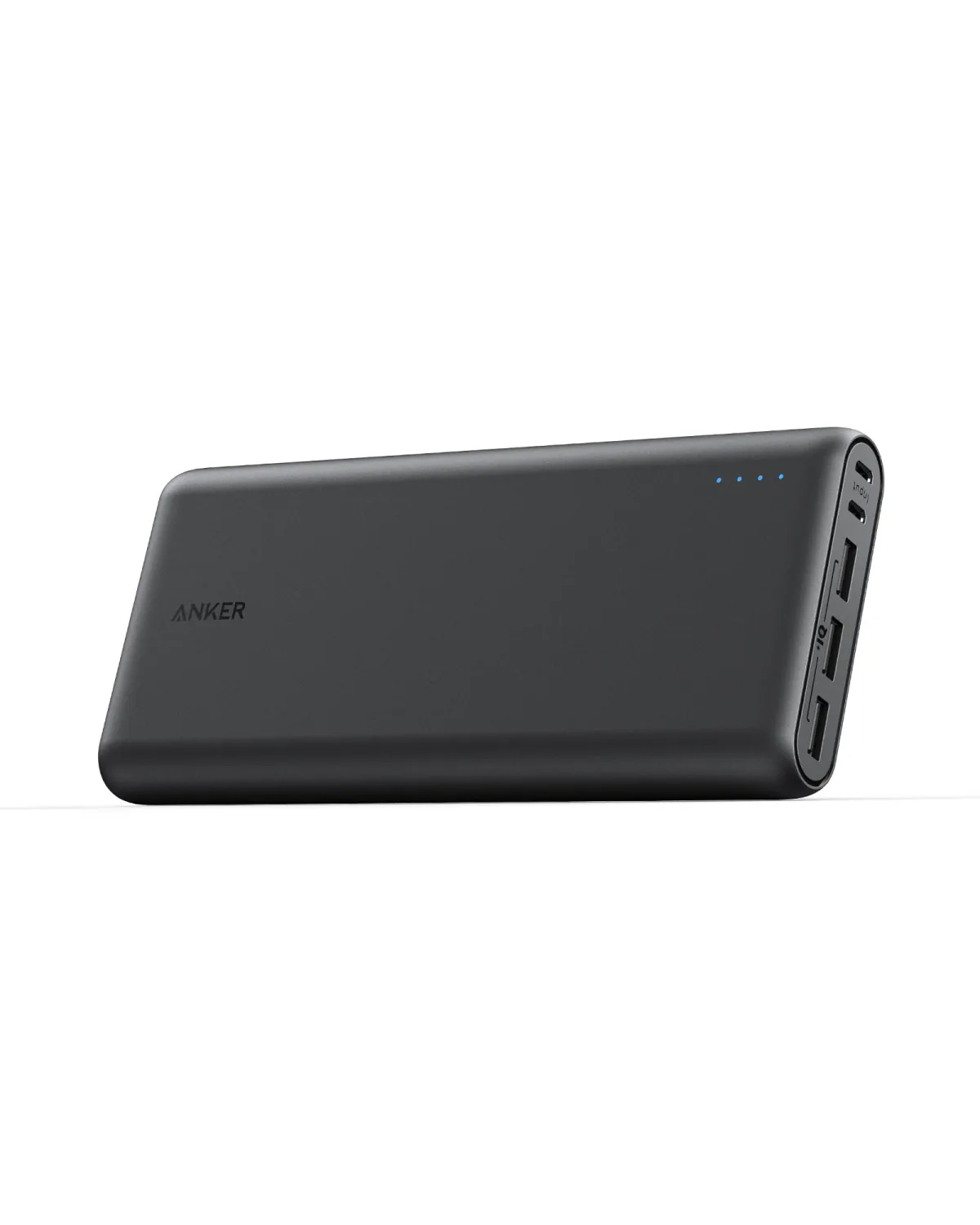
| Anker Prime A1695 | 25,000mAh (92.7Wh) | 165W | 2× USB-C + 1× USB-A | ✅ Up to MacBook Pro 14 | 3,950 EGP ⭐ |
| Anker 737 PowerCore | 24,000mAh (86.4Wh) | 140W | 2× USB-C + 1× USB-A | ✅ Up to MacBook Air M3 | 3,650 EGP |
| Anker ZOLO A1681 | 20,000mAh (72Wh) | 30W | Built-in dual cables (USB-C + Lightning) + 1× USB-A | ⚠️ Light laptops only | 2,200 EGP |
| Anker ZOLO A110E | 20,000mAh (74Wh) | 22.5W | 1× USB-C + 1× USB-A + built-in cable | ❌ No | 1,730 EGP |
If your primary goal is charging a laptop from a power bank, read the detailed guide: Can a Power Bank Charge a Laptop?
How to Distribute Charging Smartly Across 4 Devices
Not every device needs to charge at the same time with the same priority. Smart sequencing saves time and preserves battery health:
- ⚡ Priority 1 — Laptop: Connect it first to the main USB-C PD port. The laptop takes the largest share of wattage (30-65W), and if you connect it after other devices, the power bank may refuse to negotiate PD and deliver only 5W.
- 📱 Priority 2 — Phone: Connect it to the second port (USB-C or USB-A QC). The phone needs 10-25W and charges quickly if the bank supports Quick Charge or PD.
- 🎧 Priority 3 — Earbuds and Watch: These charge at only 2.5-5W. Any available USB-A port is sufficient. If you have a 3-in-1 cable (like the Joyroom 3-in-1), you can connect two devices through a single port.
- 🛡️ Golden Rule: Connect the laptop first → wait 5 seconds for PD negotiation to complete → then connect the rest one by one. Plugging in all 4 devices simultaneously can cause the PD chip to renegotiate and reduce output to everything.
5 Mistakes That Make Your Power Bank Fail at Multi-Device Charging
⚠️ Warning: Most complaints about "power bank won't charge laptop" are caused by cheap USB-C cables that do not support PD. The cable that came with your phone typically supports only 15-18W — not the 65W your laptop needs. Use a USB-C cable rated for 100W PD minimum.
- ❌ Mistake #1 — USB-C cable without PD support: The most common cause. A cheap OLX cable maxes out at 15W. The laptop refuses to charge entirely. Solution: a certified 100W USB-C PD cable (like Anker PowerLine USB-C to USB-C).
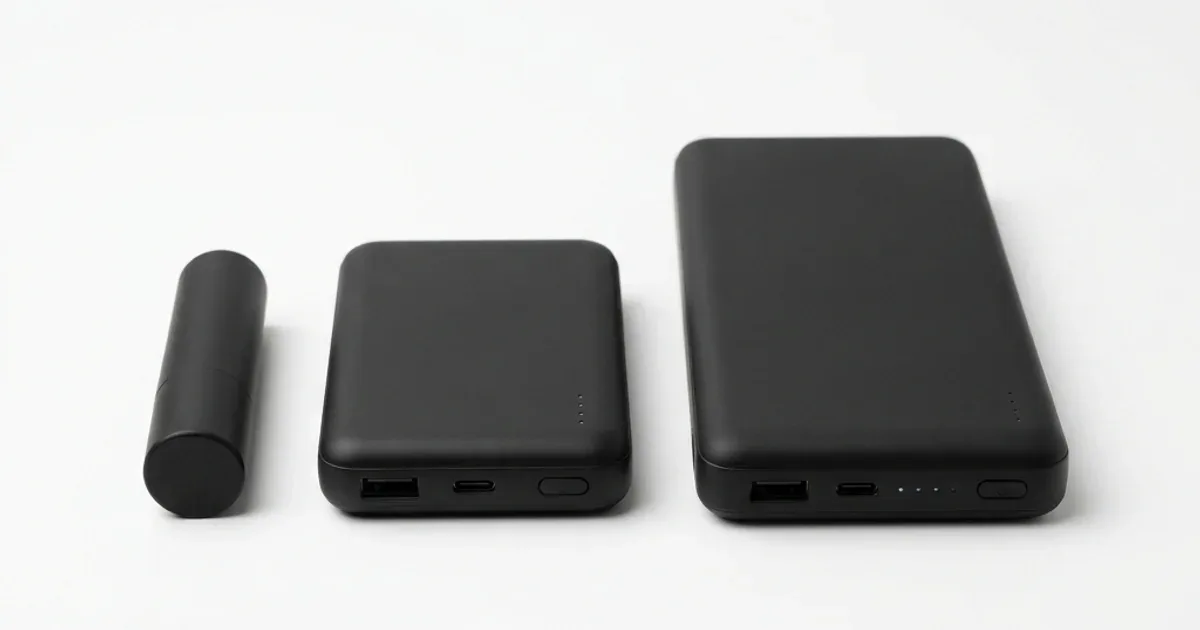
- ❌ Mistake #2 — Power bank capacity too small: A 10,000mAh bank will charge the laptop only 20-25% before dying. For 4 devices, you need 20,000mAh minimum.
- ❌ Mistake #3 — Plugging in all devices at once: Connect them one by one, 5 seconds apart. Sudden simultaneous connection forces the PD chip to renegotiate and reduces output for everything.
- ❌ Mistake #4 — Using the power bank above 45°C: Inside a parked car during Cairo's summer, internal temperatures reach 60-70°C. The power bank automatically throttles output to protect the battery — resulting in the laptop refusing to charge.
- ❌ Mistake #5 — Buying a cheap "4-port" power bank: Some power banks on Facebook Marketplace advertise 4 ports — but total output is 15W. That means each port delivers 3-4W. That is slower than charging a smartwatch!
Who Needs a Multi-Device Power Bank and Who Doesn't?
- ✅ You work remotely from cafés: Laptop + phone + earbuds = your entire livelihood depends on a single charge. The Anker Prime covers a full work day (6-8 hours).
- ✅ You travel frequently: A 5-hour trip to the North Coast or Hurghada — one power bank instead of 3 chargers and 3 cables. Lighten your bag.
- ✅ You are a content creator: Camera + phone + laptop + wireless mic. The Anker 737 (140W) charges them all without hunting for an outlet.
- ❌ Your usage is light: If you only charge your phone once a day, the Joyroom 20,000mAh at 997 EGP is more than enough — no need to spend 3,000+ EGP.
✅ Available on CairoVolt with Official Warranty
All listed power banks are 100% authentic with 18-month warranty + delivery to all Egyptian governorates within 24-72 hours + cash on delivery + 24/7 WhatsApp support.

CairoVolt Team
Tech Editor
Frequently Asked Questions
Can a power bank charge a gaming laptop?▼
How long does the battery last when charging 4 devices?▼
Does multi-device charging damage the power bank battery?▼
Can I use a 3-in-1 cable instead of 3 separate cables?▼
Ready to Buy?
Browse available products and review specifications and CairoVolt warranty terms before ordering
Products Mentioned in This Article
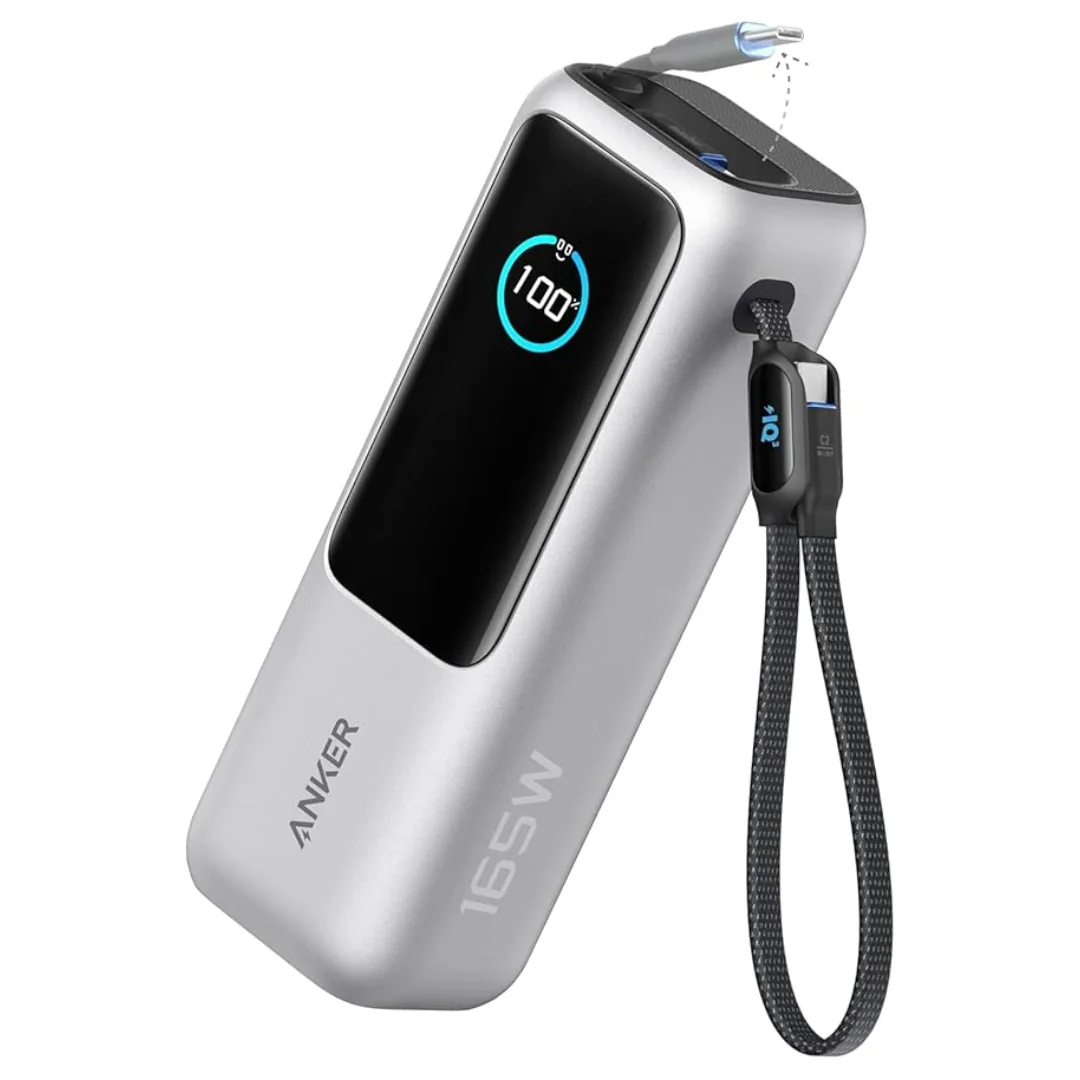
Anker Zolo Power Bank 25,000mAh 165W — Built-In Dual Cables | MacBook Charging
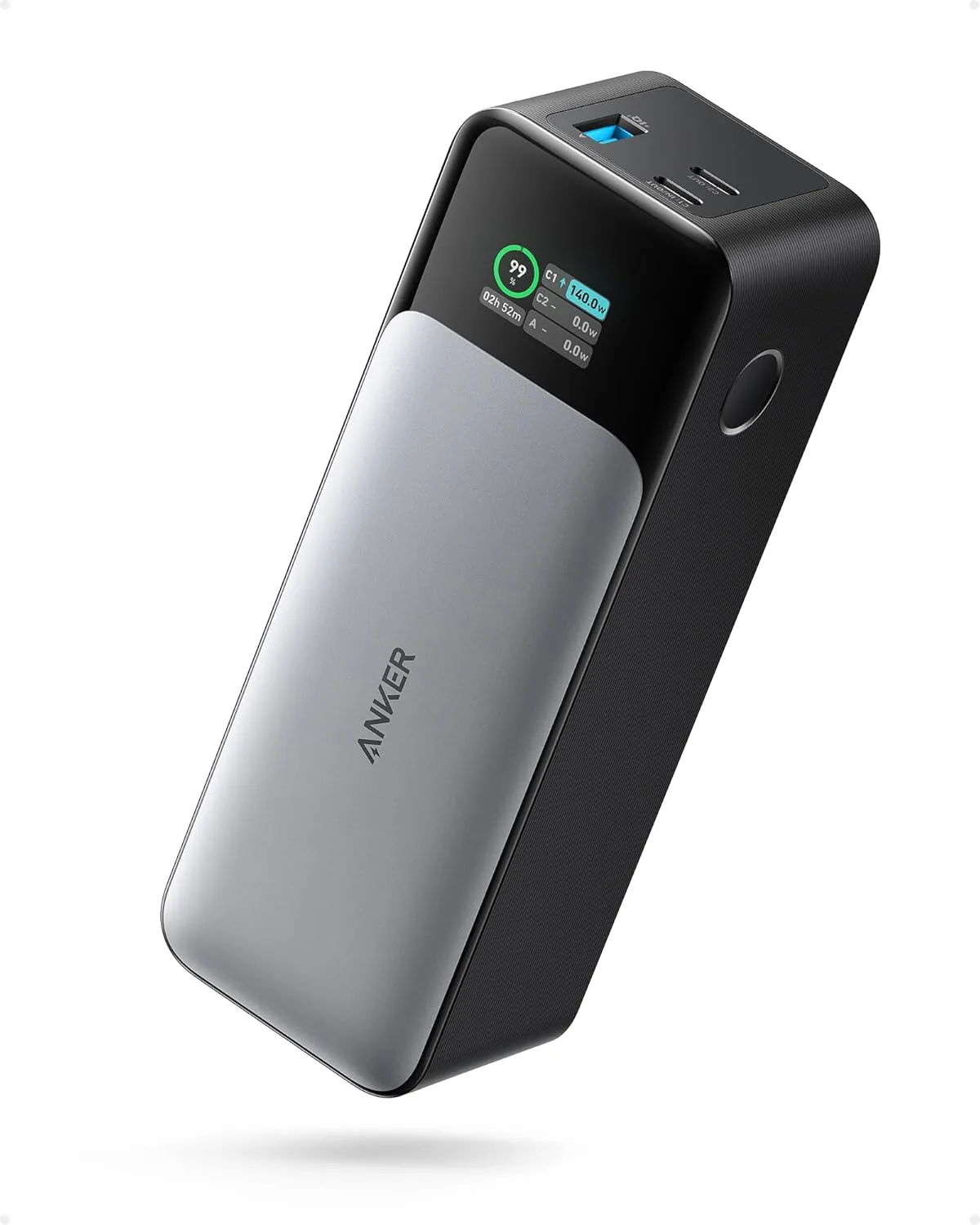
Anker 737 Power Bank (PowerCore 24K, A1289011) | Listed 140W PD 3.1 | 24,000mAh
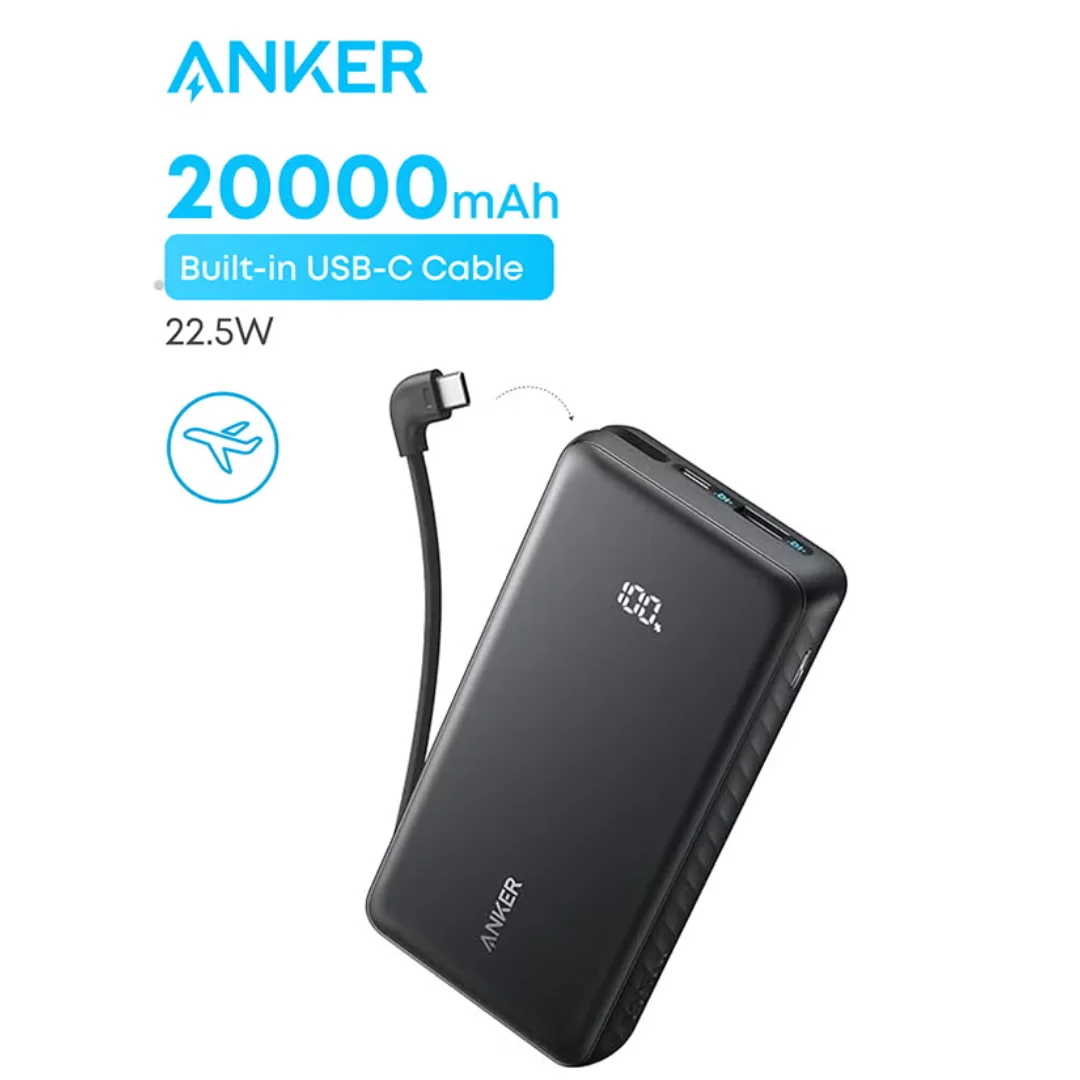
Anker ZOLO Power Bank 20,000mAh (22.5W) | Built-in Cable
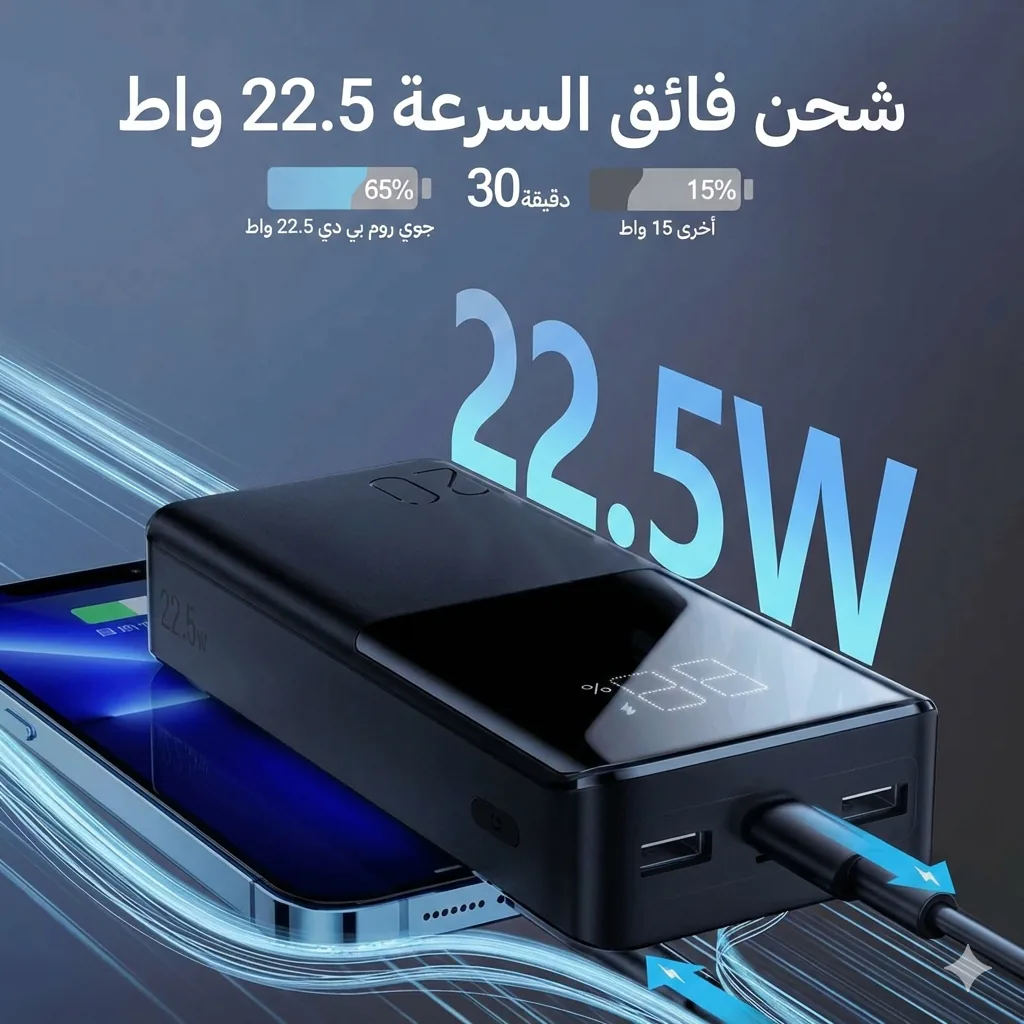
Joyroom 20000mAh Power Bank | 22.5W PD+QC | Triple Output