

Upgrading Your Charger with a New Phone — When It's Worth It and When It's Wasted Money
A scientific guide to the charger upgrade decision when buying a new phone — when your old charger is enough and when you genuinely need to upgrade, backed by real numbers.
Bottom Line: Not necessarily: any USB-C PD charger rated 20W or more charges the iPhone 17 Pro Max well, but Apple's fastest figure (up to 50% in about 20 minutes) needs a 40W-or-higher adapter. Upgrade if you want that speed, if your charger is USB-A without PD, or if you need to charge a laptop from the same charger.
You've come home with the new box — iPhone 17 Pro Max, Samsung S26 Ultra, or any flagship phone that makes your bank account weep. You open the box and find: the phone, a USB-C cable, a SIM ejector pin, and a warranty card. The charger? Nowhere to be found. Thanks, tech companies, for your commitment to the environment... and your profit margins.
So you look at the old charger you've been using for 3 years — a 20-watt charger you bought with your previous phone. The question everyone asks at that moment: "Is this charger still good enough, or do I need to buy a new one with my new phone?" And of course, your friend tells you "You need a 65-watt charger, bro!" — while he charges his phone from his work laptop.
Look, as an electronics engineer, I'll tell you the bitter truth: in many cases your old charger is sufficient — and there's no need to buy a new one. In others, the upgrade isn't just useful — it's essential for your battery's health or for faster charging. In this article, we'll build you a scientific Decision Tree with real numbers so you know which category you fall into.
💡 Quick Answer: Not necessarily: any USB-C PD charger rated 20W or more charges the iPhone 17 Pro Max well, but Apple's fastest figure (up to 50% in about 20 minutes) needs a 40W-or-higher adapter. Upgrade if you want that speed, if your charger is USB-A without PD, or if you need to charge a laptop from the same charger.
The Real Difference Between 20W, 30W, and 45W — In Minutes, Not Marketing
The problem is that most people assume a more powerful charger = faster charging all the time. The physical reality is quite different. Modern phones charge in a non-linear pattern — the first 50% charges at blazing speed, while the last 20% charges slowly regardless of charger wattage. Why? Because the Power Management IC (PMIC) in your phone reduces voltage and amperage as the battery nears capacity — this is called Trickle Charging and it's what protects your battery from swelling.
The figures below are approximate estimates (not lab measurements) to illustrate the idea. Apple's official figure for the iPhone 17 Pro Max is up to 50% in about 20 minutes with a 40W or higher adapter.
iPhone 17 Pro Max Charging Table (4,832mAh battery)
| Target | 5W (Old) | 20W PD | 30W PD | 45W PD |
|---|---|---|---|---|
| 0% → 50% | 95 min | 28 min | 22 min | 20 min |
| 0% → 80% | 155 min | 55 min | 42 min | 38 min |
| 0% → 100% | 210+ min | 98 min | 88 min | 82 min |
| Real difference (0→50%) | — | Baseline | 6 min faster | 8 min faster |
The critical observation: The difference between 20W and 30W during the most important period (0→50%) is only 6 minutes. Between 20W and 45W, it's 8 minutes. Are those 8 minutes worth 400-500 EGP extra for the charger? In most cases: no. But the real difference between 5W and 20W = 67 minutes — and that's a fundamental difference worth every piastre.
Samsung Galaxy S26 Ultra Charging Table (5,000mAh battery)
| Target | 15W (Old Samsung) | 25W PD+PPS | 45W PD+PPS |
|---|---|---|---|
| 0% → 50% | 48 min | 26 min | 22 min |
| 0% → 100% | 125 min | 62 min | 55 min |
| Difference (0→50%) | — | Baseline | 4 min faster |
Same story with Samsung: the difference between 25W and 45W for the first 50% = only 4 minutes. But the difference between the old 15W charger and the 25W = 22 minutes — a gap that actually makes you feel like you bought a new phone.
Decision Tree — Do You Need a New Charger? (Answer in 60 Seconds)
Instead of asking friends who all give different opinions — make the decision with engineering logic:
Scenario 1: Your charger is USB-A without PD (pre-2020 chargers)
⚠️ Verdict: Immediate upgrade — no debate. An old USB-A charger outputs only 5-10W. That charges iPhone 17 Pro Max from 0 to 50% in 95 minutes instead of 28 minutes. Also, old chargers (4+ years) have deteriorating internal capacitors — they output higher voltage ripple which affects the new phone's battery health. Recommendation: Buy at least a 20W USB-C PD charger.
Scenario 2: Your charger is USB-C PD at 18-20W (less than 3 years old)
✅ Verdict: Perfectly sufficient — save your money. This charger charges any modern phone at excellent speed. The difference between it and a 30W charger in daily use = 4-8 minutes. One exception: If the charger overheats noticeably (above 55°C to the touch) or the cable wiggles in the port → that's a sign of wear and you need a replacement.
Scenario 3: You have a USB-C laptop + new phone
💡 Verdict: Smart upgrade to a 45W+ GaN multi-port. Instead of carrying two chargers (one for phone, one for laptop), a 45-65W GaN charger with dual ports charges both from a single outlet. Anker Nano 45W at 790 EGP — a single USB-C port that charges an iPhone 17 Pro Max at full speed or a MacBook Air (one device at a time). To charge both at once, choose a charger with two USB-C ports.
Scenario 4: Your charger is Samsung 25W and you switched to iPhone (or vice versa)
Good news: if the charger is USB-C PD — it will work with any other phone. PD (Power Delivery) fast charging is a universal protocol, not tied to any brand. So a Samsung 25W PD charger will charge an iPhone 17 exactly the way Apple's original charger does. And vice versa.
The only exception: Samsung's Super Fast Charging 2.0 protocol (45W) requires PPS (Programmable Power Supply), not just PD. Most modern Anker and Joyroom chargers support PPS — but if your charger is older and lacks PPS, Samsung will charge at only 15W (not 25W or 45W). How to check: look at the charging screen — if it says "Super Fast Charging," it's working. If it just says "Charging" → the charger doesn't support PPS.
Why Your Old Charger Might Be More Dangerous Than You Think
Not every reason to upgrade is about speed. There are other reasons that are actually more important — related to the charger's safety:
- 🔥 Capacitor Aging: Electrolytic capacitors in chargers have a rated lifespan of 3,000-5,000 operating hours. After 3-4 years of daily use, the ESR (Equivalent Series Resistance) increases — which translates to higher voltage ripple on the charger's output. This ripple raises the temperature of the phone's charging circuit by an additional 5-8°C.
- ⚡ Port Wear: After 5,000+ plug/unplug cycles (= 3-4 years), the copper contact pins in the USB-C port erode. The result: unstable connection → small sparks during connection → abnormal heating. If you notice that you need to "press" or "angle" the cable for charging to work — that's a clear sign.
- 🛡️ Missing Modern GaN Protections: Chargers manufactured before 2022 are mostly traditional silicon — 80-85% efficiency. Modern chargers (GaN II and GaN III) achieve 92-95% efficiency. That difference = 30% less heat + 10-15% less electricity consumed from the outlet.
Chargers We Recommend — Based on Your Scenario
Instead of giving you a long list of 20 chargers — let me simplify:
If You Only Need a Phone Charger (Most Common Scenario)
- ⚡ Budget pick: Anker PowerPort 20W at 490 EGP — USB-C PD. Fine for everyday charging of iPhone 15/16/17 (the iPhone 17 Pro Max's fastest charge needs 40W+).
- 🎯 Balanced pick: Anker Nano 30W GaN (A2147) at 490 EGP — 30W USB-C PD, faster than 20W. For Samsung, check the printed PPS profile.
- 🚀 Future-proof pick: Anker Nano 45W at 790 EGP — charges a phone, an iPad or a MacBook Air (one at a time). If you're buying a USB-C laptop soon, this saves you from buying another charger.
If You Have Multiple Devices (phone + tablet + laptop)
This is where upgrading can save you money: instead of 3 separate chargers, one charger such as the Anker Nano 45W at 790 EGP charges all 3 devices — one at a time, not simultaneously.
5 Signs Your Charger Needs Replacing — Even If It Looks Fine
Your charger doesn't need to burn or explode for you to know it's failing. There are subtle signs that say "I'm done":
- 🔴 Sign #1: Abnormal heat. Every charger warms up slightly during use — that's normal. But if the charger gets so hot you can't hold it for more than 3 seconds (meaning above 55°C) → the capacitors are deteriorating. Replace it immediately.
- 🔴 Sign #2: Buzzing sound (Coil Whine). If you hear a faint "zzz" from the charger — that's the internal transformer vibrating. In new chargers, a faint buzz can be normal. In a 3+ year old charger with increasing noise = sign of wear.
- 🔴 Sign #3: Charging cuts in and out. If the screen alternates between "Charging" and "Not Charging" — usually the port is worn. Try a different cable first. If the problem persists = the charger.
- 🔴 Sign #4: Yellowing plastic. White plastic yellows from repeated heat exposure. If the charger is visibly yellowed — it means it's been subjected to high internal temperatures for extended periods. Not catastrophic alone, but combined with any other sign = replacement.
- 🔴 Sign #5: Burning plastic smell. This is the most dangerous sign. If you smell burning plastic or rubber — unplug the charger immediately and never use it again. This means the internal insulation is degrading.
The Cable — The Forgotten Second Half of the Equation
You can buy the best charger in the world — but if the cable is poor, the charger behaves like a 5W unit. This isn't opinion — it's physics. Electrical resistance in the cable (R) causes voltage drop (V = IR). A cheap cable with AWG 28 wires has 4× the resistance of an AWG 22 cable — meaning 25-40% less power actually reaches your phone.
The simple rule: if you upgraded your phone or charger — upgrade the cable too. Cables wear out faster than chargers (due to repeated bending at the connector), and if yours is 1+ year old — get a new one:
- 📱 iPhone: Anker PowerLine USB-C to Lightning at 630 EGP — confirm the MFi listing on the product page.
- 📱 Android/Samsung: Anker PowerLine USB-C to USB-C at 590 EGP — up to 60W.
Upgrade Calculator — How Much Will You Save (or Waste)?
Let's do simple math so you can see if the upgrade makes financial sense:
| Scenario | Cost | Real Benefit | Verdict |
|---|---|---|---|
| USB-A 5W → 20W PD | from 236 EGP | Save 67 minutes daily + battery protection | ✅ Essential |
| 20W PD (1 yr old) → 30W PD | 490 EGP | Save 6 minutes daily | ❌ Not worth it |
| 20W PD (3+ yr old) → 30W GaN | 490 EGP | 6 min + capacitor degradation protection | ✅ Worth it (safety) |
| Two separate chargers → one 45W GaN | 790 EGP | One charger + one outlet instead of 2 | ✅ Smartest move |
✅ Available on CairoVolt
All chargers mentioned in this article are genuine, with CairoVolt's written store warranty (duration shown on each product page) + delivery to all governorates (commonly 1–6 business days depending on governorate) + 24/7 WhatsApp support. Not sure which charger fits your new phone? Message us on WhatsApp and we'll help you make the right decision.

CairoVolt Editorial Team
Content team reviewing specifications and buying guides
The CairoVolt team reviews model numbers, specifications, and compatibility, and updates information when better data is available. Estimates are labeled as calculations, and readers can report information that needs correction.
Frequently Asked Questions
Does a Samsung charger charge an iPhone at the same speed?▼
Does fast charging damage a new phone's battery?▼
How do I know my old charger needs replacing?▼
If my 20W charger is only one year old — should I replace it with iPhone 17?▼
Ready to Buy?
Browse available products and review specifications and CairoVolt warranty terms before ordering
Related products
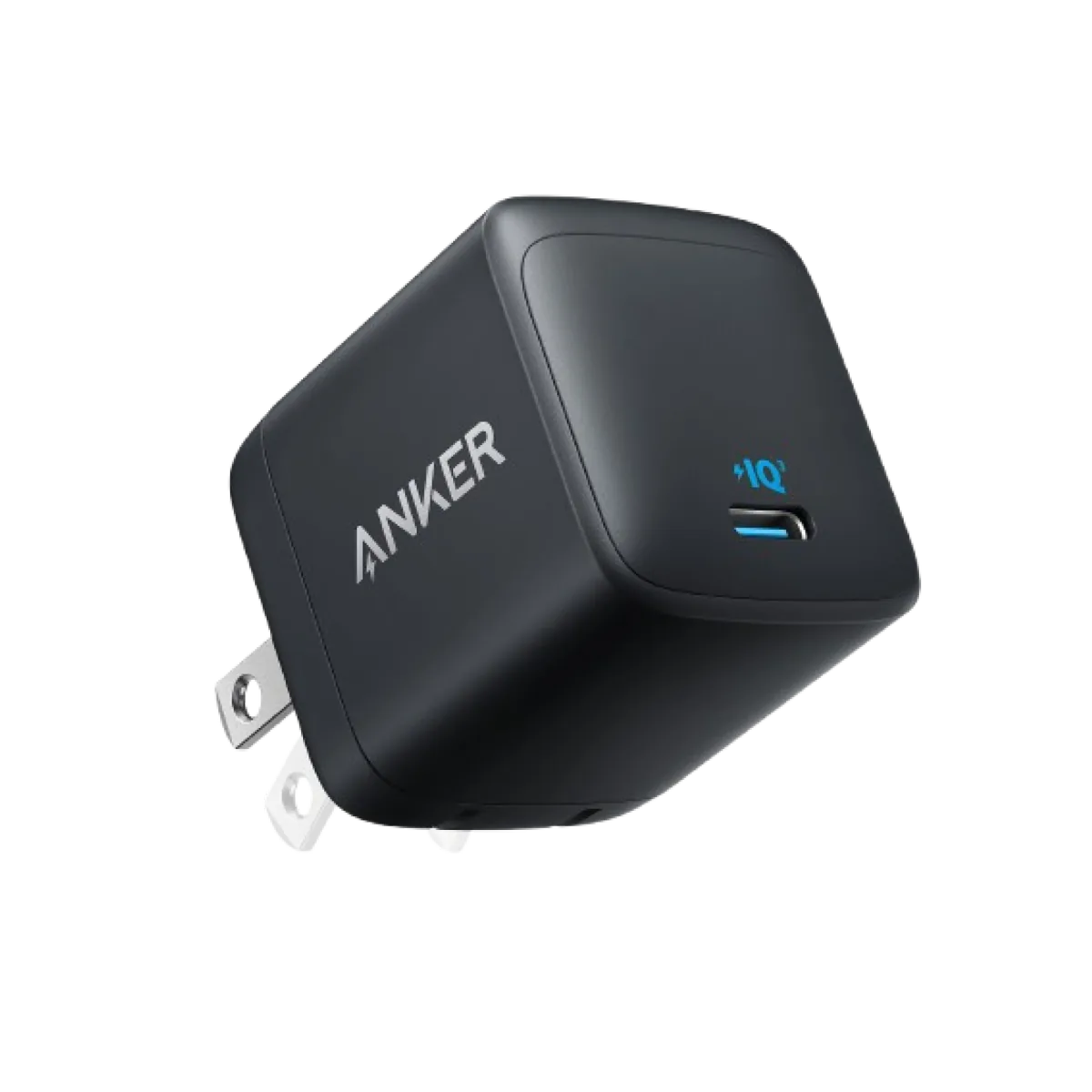
Anker Nano 45W GaN USB-C Charger | MacBook Air + iPhone 17
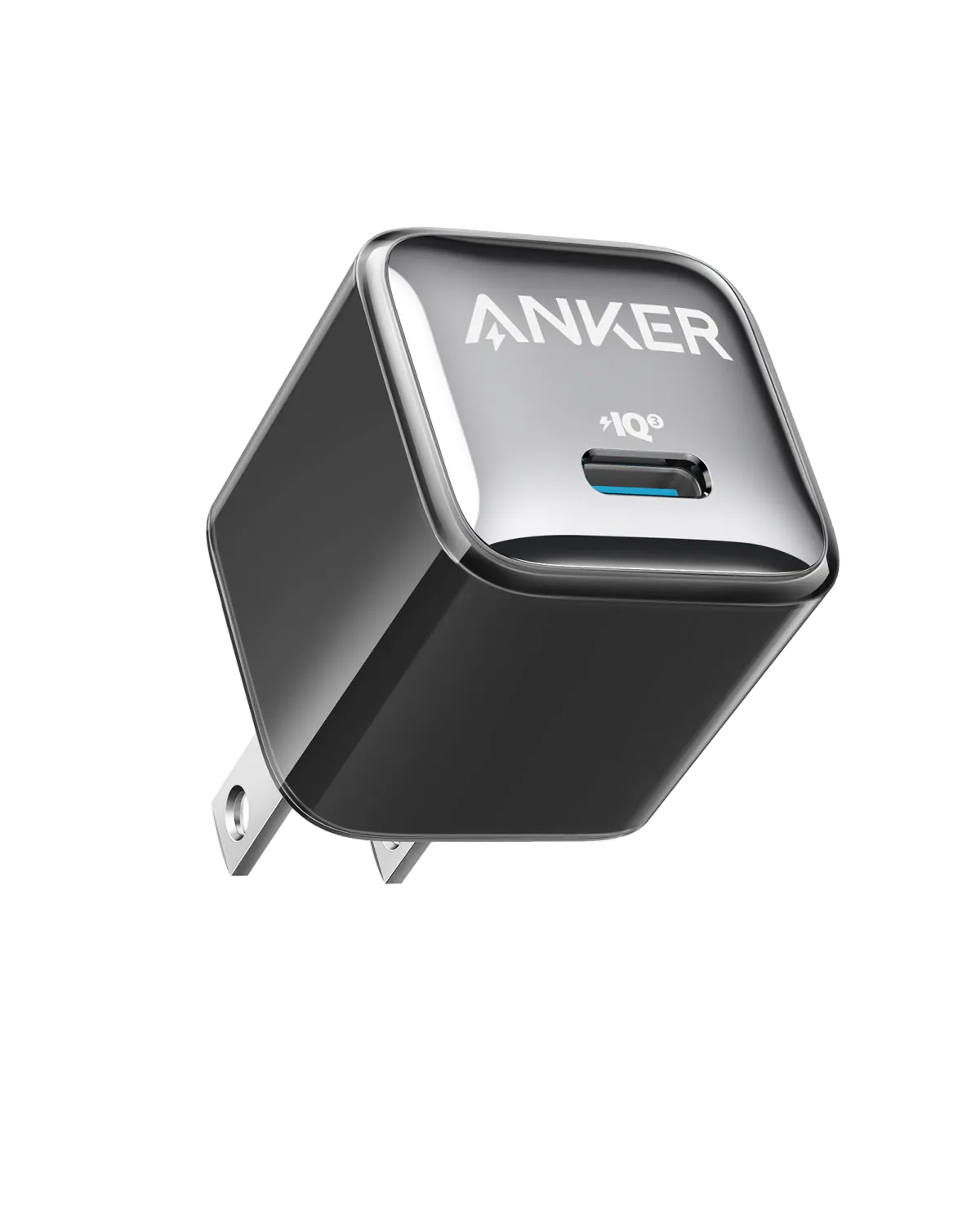
Anker A2347K11 20W USB-C PD Charger | Check Device Profile and Plug
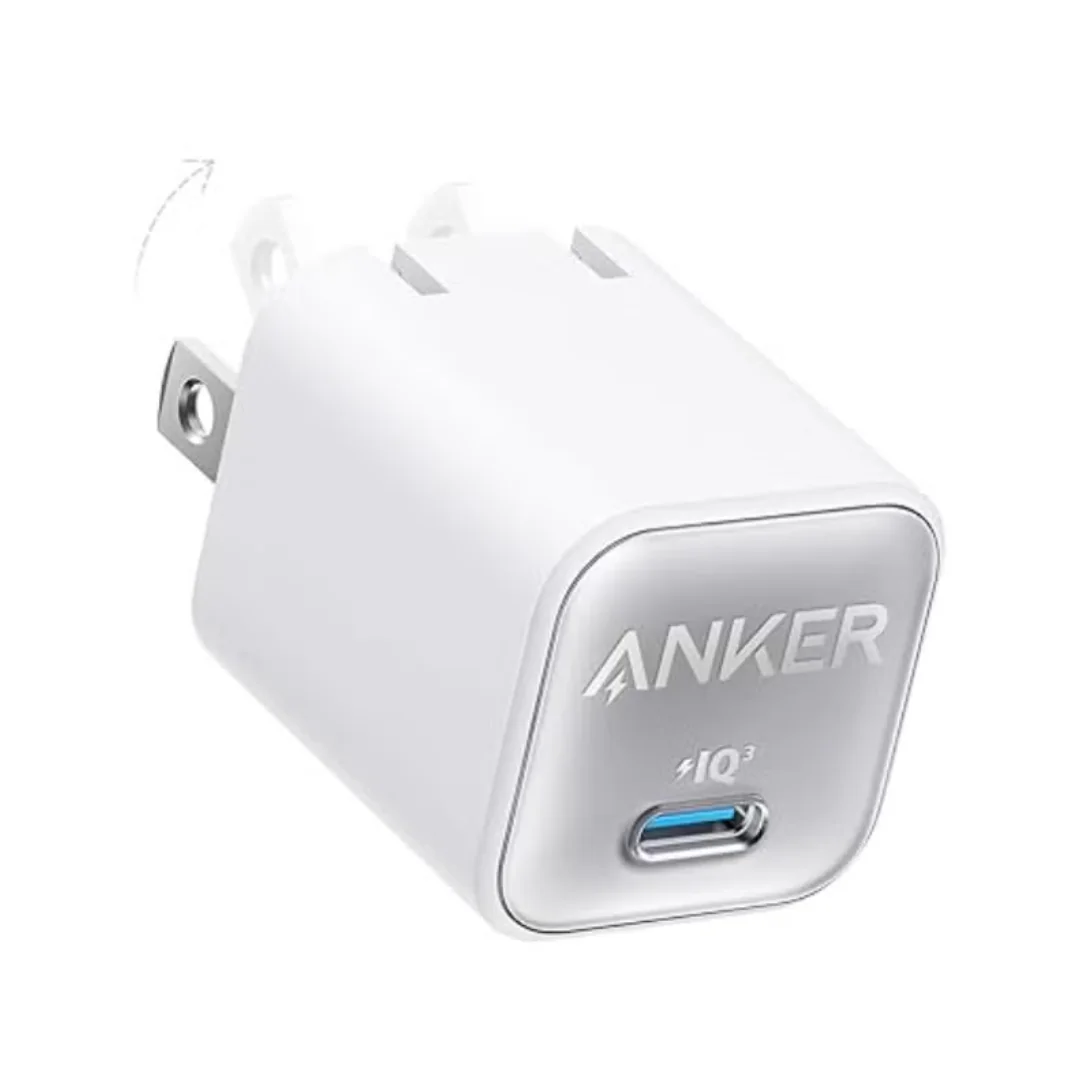
Anker 511 Nano 3 GaN Charger 30W (A2147) | USB-C PD | IQ3
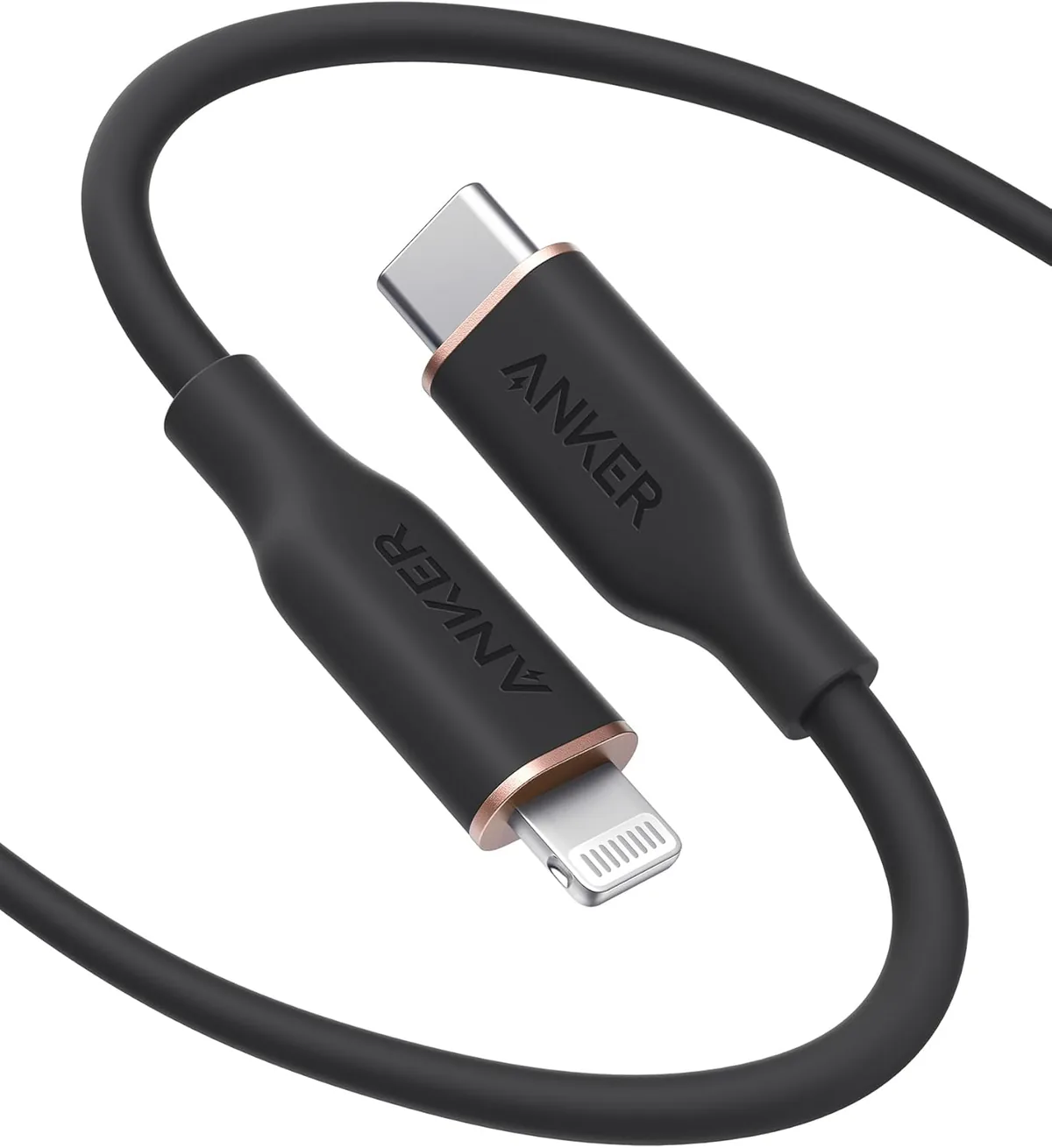
Anker PowerLine Select USB-C to Lightning (A8612H11) | Verify MFi | USB-PD
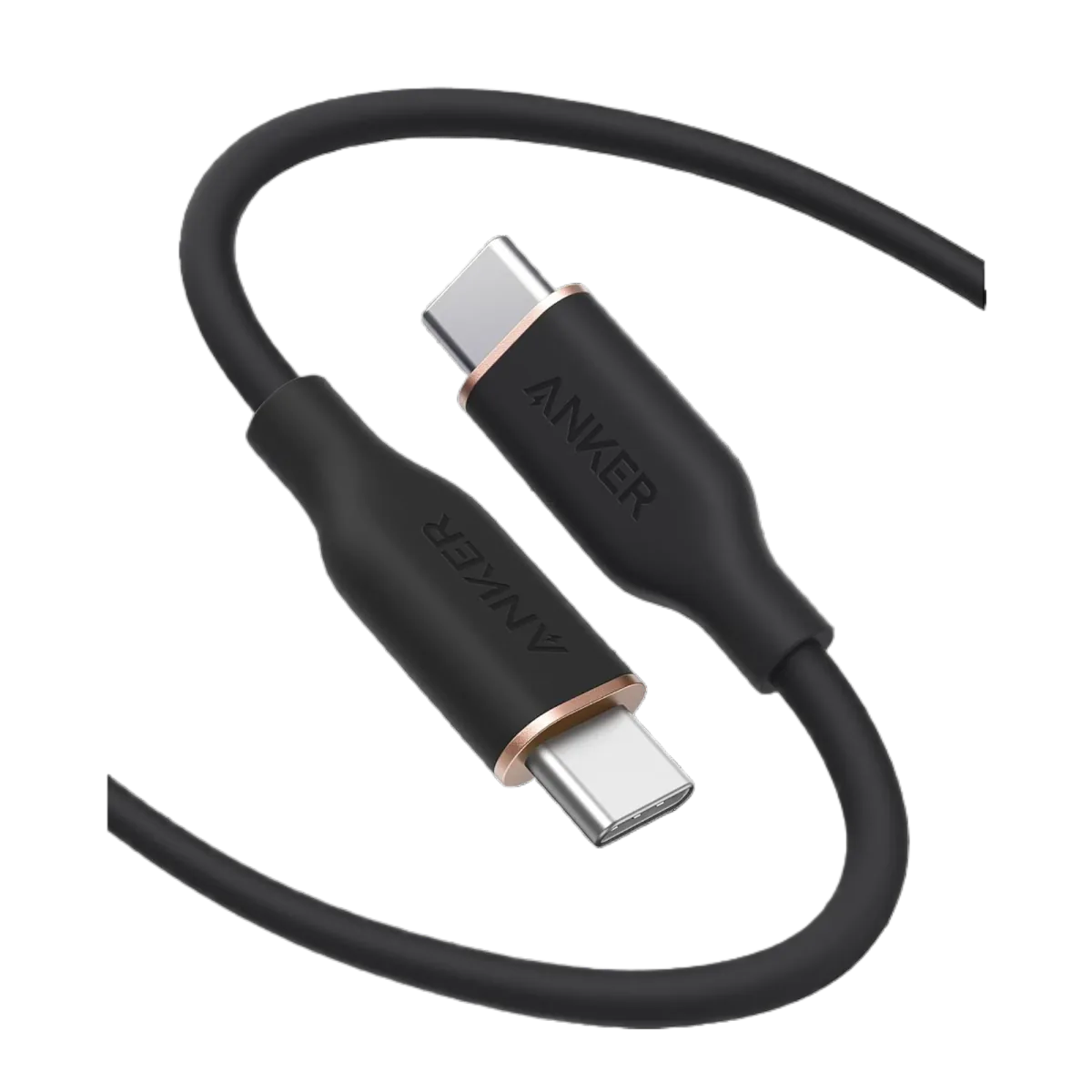
Anker PowerLine III USB-C to USB-C | 60W | iPhone 17 & Samsung S26
Browse the categories this article covers
Related Articles
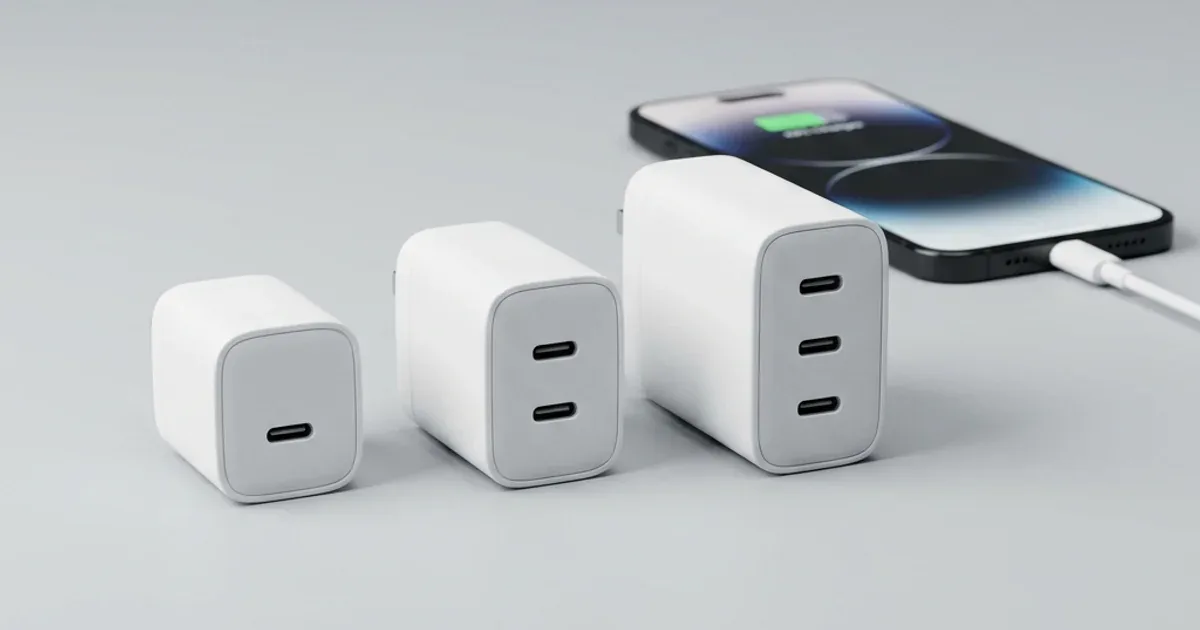
Best iPhone 17 Pro Max Charger — 20W vs 30W vs 45W? Tested with Real Numbers
Read more →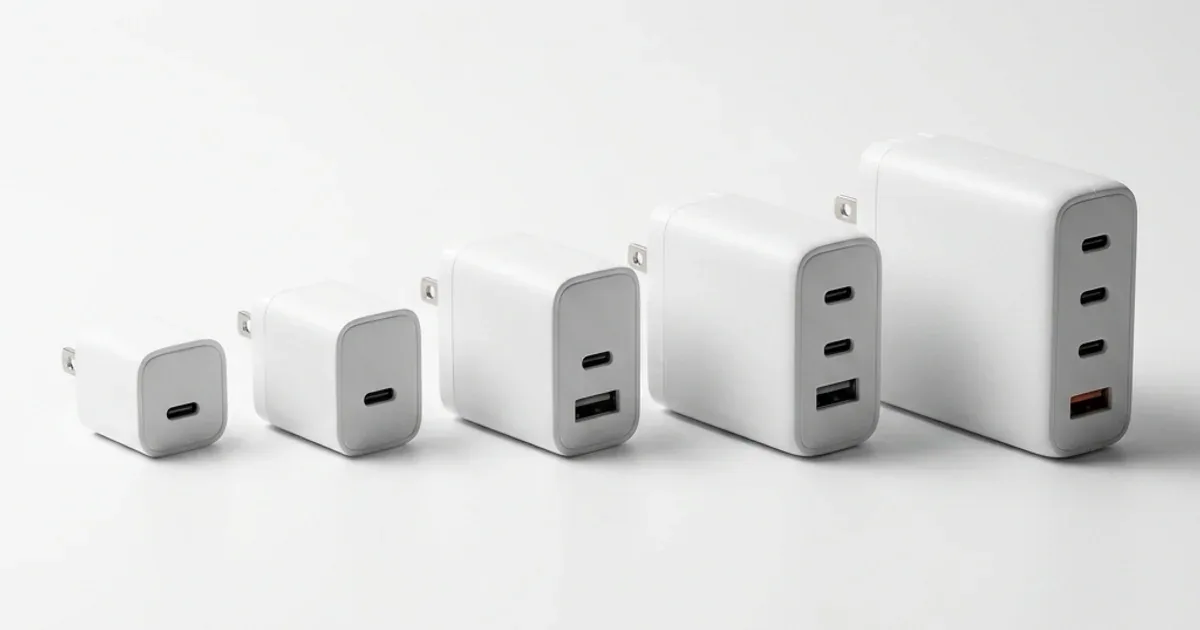
The Complete Difference Between 20W, 30W, 45W, 65W & 100W Chargers — Which Do You Actually Need?
Read more →