 CairoVolt Team
The Complete Difference Between 20W, 30W, 45W, 65W & 100W Chargers — Which Do You Actually Need?
Not every charger watt translates to actual speed. A practical guide with real numbers — from 20W to 100W — so you know which wattage your devices actually need in Egypt 2026.
Bottom Line: Pick the charger by device: iPhone 15 and 16 need only 20–30W; Apple says the iPhone 17 Pro and Pro Max reach 50% in about 20 minutes with a 40W-or-higher adapter; the S26 Ultra accepts up to 60W PPS, so 45W is fast but below the peak; laptops need 65–100W. Example: the Anker 511 Nano 3 (30W) at EGP 490.
Walk into any shop or website to buy a charger and you will face a flood of numbers: 20W, 30W, 45W, 65W, 100W. The salesperson will usually say "get the biggest one." The truth is that higher wattage does not always help — the device decides how much it takes. This guide tells you how many watts each device needs according to its own manufacturer, and which charger fits.
💡 Quick Answer: iPhone 15 and 16 by cable need only 20–30W. The iPhone 17 Pro and Pro Max reach 50% in about 20 minutes with a 40W-or-higher adapter, per Apple. The S26 Ultra accepts up to 60W with a PPS charger, per Samsung, so a 45W charger is fast but below the peak. Laptops need 65–100W. A practical pick for most phones: the Anker 511 Nano 3 (30W) at EGP 490.
The Golden Rule — The Device Sets the Speed, Not the Charger
The single most important thing to understand: the charger sets the maximum it can deliver; the device sets the maximum it accepts; the lower of the two applies.
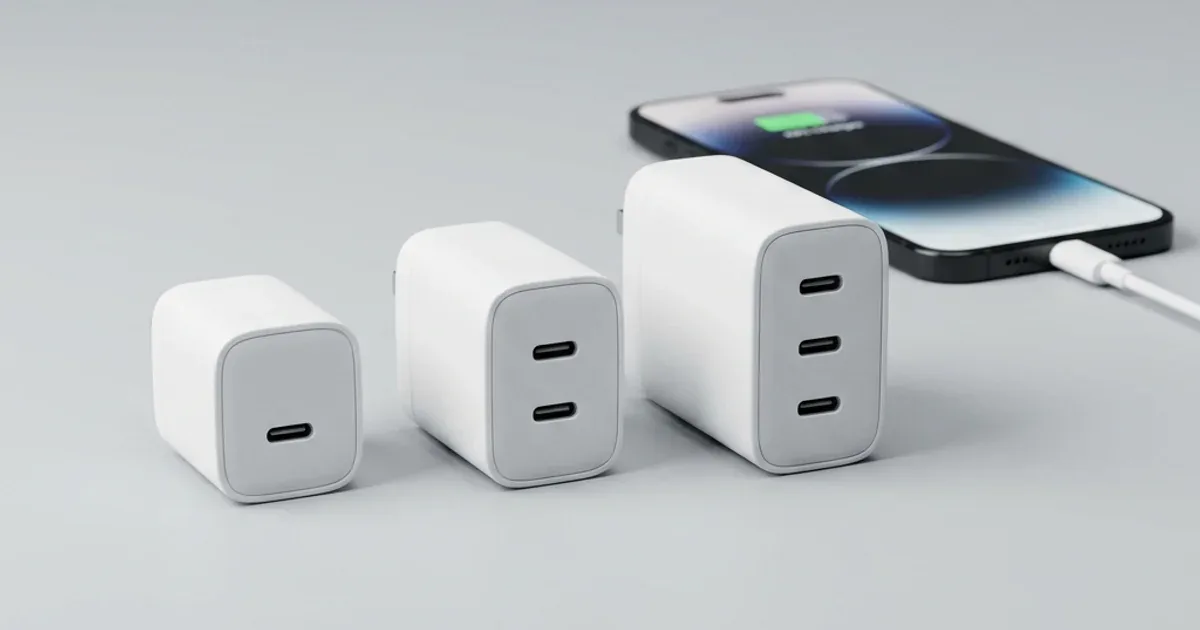
So if you connect an iPhone 15 to a 100W charger, it only draws what it needs (in our test an iPhone 15 peaked at about 19.7W even on a 30W charger). The extra watts do not turn into speed and do not cause harm. Imagine ordering a quarter chicken at a restaurant with an oven big enough for 100 chickens — your chicken will not cook faster, but the big oven lets more customers cook at once. Same idea with a multi-port charger.
The Reality Table — How Many Watts Does Each Device Actually Accept?
| Device | What the maker says | Best charger | Does a bigger charger help? |
|---|---|---|---|
| iPhone 15 / 16 | Fast charge with an 18W+ USB-C PD adapter (Apple) | 20–30W | ❌ Not for wired — we measured iPhone 15 at about 19.7W |
| iPhone 17 / 17 Pro / 17 Pro Max | 50% in about 20 min with a 40W+ adapter (Apple) | 40–45W | ✅ Yes — below 40W is slower |
| Samsung S26 | 25W PPS (Super Fast Charging) | 25–30W PPS | ❌ No |
| Samsung S26 Ultra | Up to 60W with a PPS charger — up to 75% in about 30 min (Samsung) | 45–60W PPS | ⚠️ 45W is fast but below the 60W peak |
| Xiaomi / Oppo / Realme | Proprietary protocols (HyperCharge / VOOC) | The original charger for top speed | ⚠️ A generic PD charger gives less |
| iPad Pro M4 | Up to about 38W — iPad Pro M4 / iPad Air charger guide | 45W | ❌ No |
| MacBook Air (2022 or later) | Fast charge with Apple 67/70W adapters and up (Apple) | 65–70W | ⚠️ 45W charges it more slowly |
| MacBook Pro 14" | Fast charge with 96W or 140W adapters (Apple) | 100W | ⚠️ 65W charges it slowly while in use |
🎯 Table takeaway: iPhone 15/16 by cable — 20–30W. iPhone 17 Pro and Pro Max — 40–45W. Samsung S26 — 25W PPS. S26 Ultra — 45W is fast, 60W PPS for the peak. Laptops — 65W and up. For several devices, add up what the devices you charge together need.
Each Wattage Class in Detail — Speed, Price, and Who It Suits
⚡ 20W Charger — The Minimum Acceptable
Apple says iPhone 15 and later fast charge with an 18W-or-higher USB-C PD adapter, so 20W is enough for an iPhone 15 or 16 by cable. It is slower for the iPhone 17 Pro and Pro Max (Apple asks for 40W or more to reach 50% in about 20 minutes), and it does not enable fast MagSafe charging.
- ✅ Best for: iPhone 15/16 by cable, earbuds and watches, tight budgets.
- ❌ Not ideal for: the iPhone 17 Pro if you want top speed, and fast MagSafe wireless charging.
- 💰 On CairoVolt: Joyroom 20W (EGP 236) — Anker 20W (EGP 490).
⚡ 30W Charger — The Practical Pick for Most Phones
A 30W charger covers Samsung 25W PPS (if the charger supports PPS), is enough for fast MagSafe charging on iPhone 16 and 17 (Apple asks for 30W or more with the MagSafe Charger), and suits the iPad Air. In our test, the Anker 511 Nano 3 ran Super Fast Charging on a Galaxy S24 at a peak of about 24.3W.
- ✅ Best for: Samsung 25W phones, iPhones on MagSafe, homes with more than one phone brand.
- ❌ Not ideal for: laptops, or the S26 Ultra and iPhone 17 Pro if you want top speed.
- 💰 On CairoVolt: Joyroom 30W (EGP 280) — Anker 511 Nano 3 GaN 30W (EGP 490).
⚡ 45W Charger — For iPhone 17 Pro, S26 Ultra and iPad Pro
A 45W charger makes a difference with devices that accept more than 30W: the iPhone 17 Pro and Pro Max (40W or more per Apple) and the iPad Pro M4 (about 38W — see our iPad Pro M4 / iPad Air charger guide). The S26 Ultra accepts up to 60W with a PPS charger, so a 45W charger charges it fast but below the peak.
- ✅ Best for: iPhone 17 Pro / Pro Max · S26 Ultra · iPad Pro M4.
- ❌ Not ideal for: iPhone 15/16 by cable only (you will not use the extra watts) · laptops that need fast charging.
- 💰 On CairoVolt: Anker Nano 45W (EGP 790) — Anker Nano 45W Smart Display (EGP 1,250, single USB-C + a wattage display).
⚡ 65–67W Charger — Light Laptop + Phone
This is where laptops come in. Apple lists 67W and 70W adapters among the fast-charge combinations for MacBook Air (2022 or later) on its MacBook fast-charge page, and many Windows laptops accept 65W. A multi-port GaN charger charges the laptop and the phone from one socket.
- ✅ Best for: MacBook Air · light Windows laptops · travel.
- ❌ Not ideal for: MacBook Pro 14" if you want fast charging (Apple lists 96W or 140W) · gaming laptops.
- ⚠️ Warning: if the laptop draws a lot of power while you work, a charger of the same rating will charge it slowly because part of the power goes to running it.
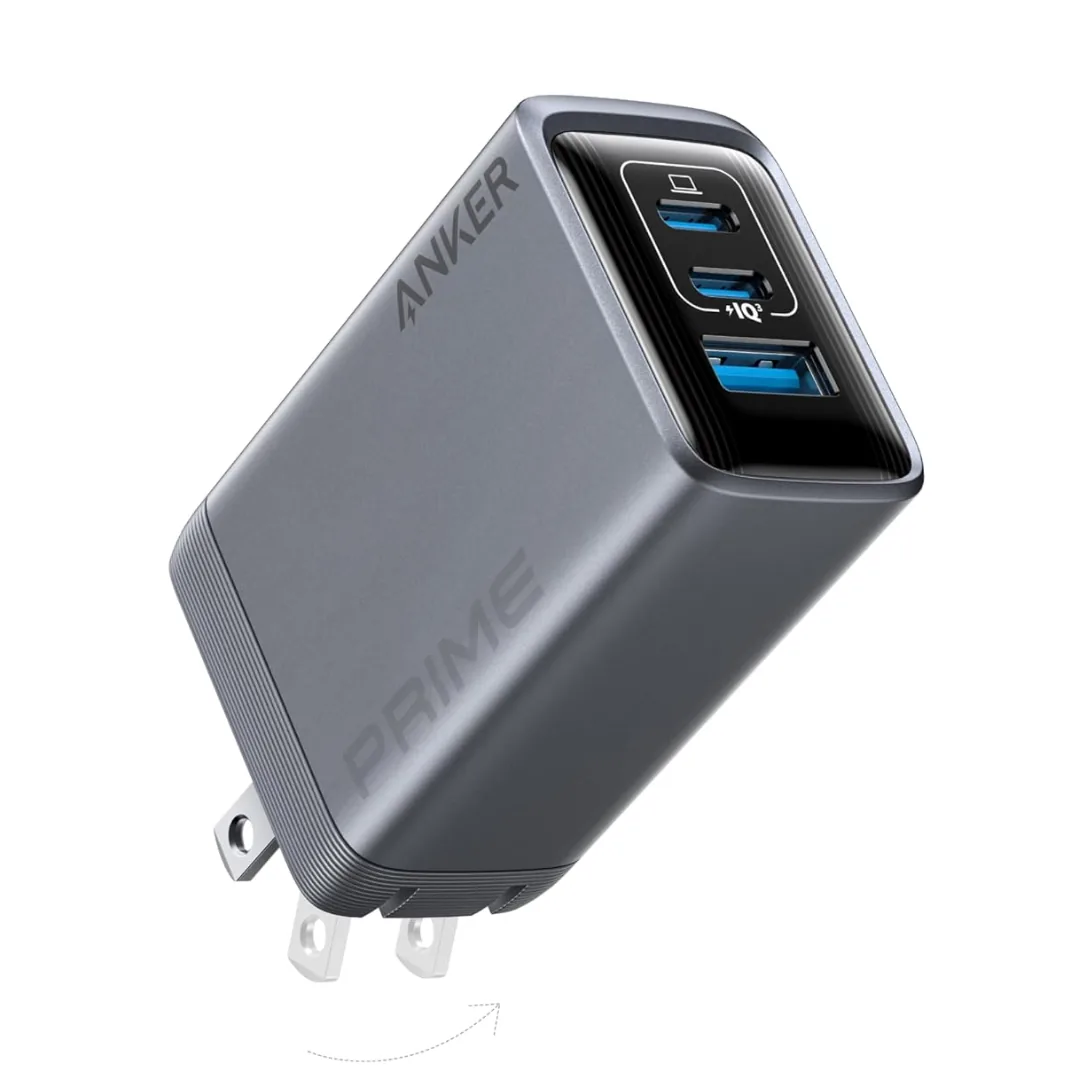
- 💰 On CairoVolt: Anker Prime 67W (EGP 1,970) — 3 ports.
⚡ 100W Charger — The All-in-One for Professionals
A 100W GaN charger gets a MacBook Pro 14" much closer to full speed, or shares its power across a laptop, a phone and earbuds at once. On one desk, all your devices charge from a single socket.
- ✅ Best for: people charging a laptop and several devices · travelling with one charger · the office.
- ❌ Not ideal for: people who only charge a phone — no practical benefit.
- 💰 On CairoVolt: Anker Prime 100W (A2688) (EGP 1,999) — 2 USB-C + 1 USB-A.
The Full Table — Every Wattage Class and Its Models
| Class | Models on CairoVolt | Best for |
|---|---|---|
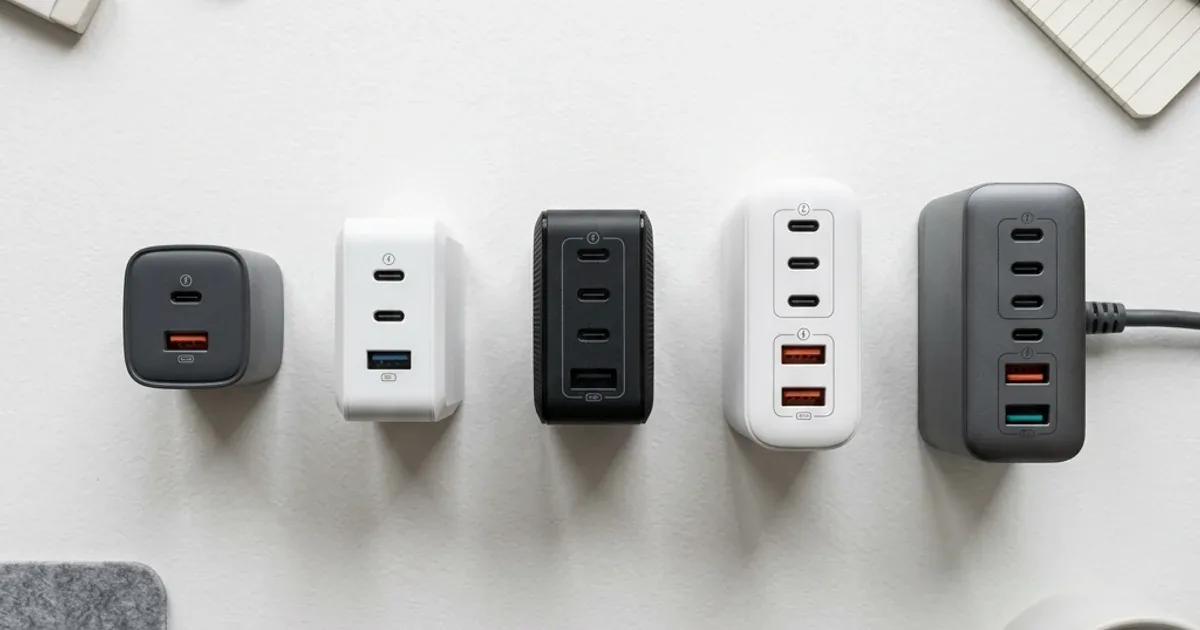
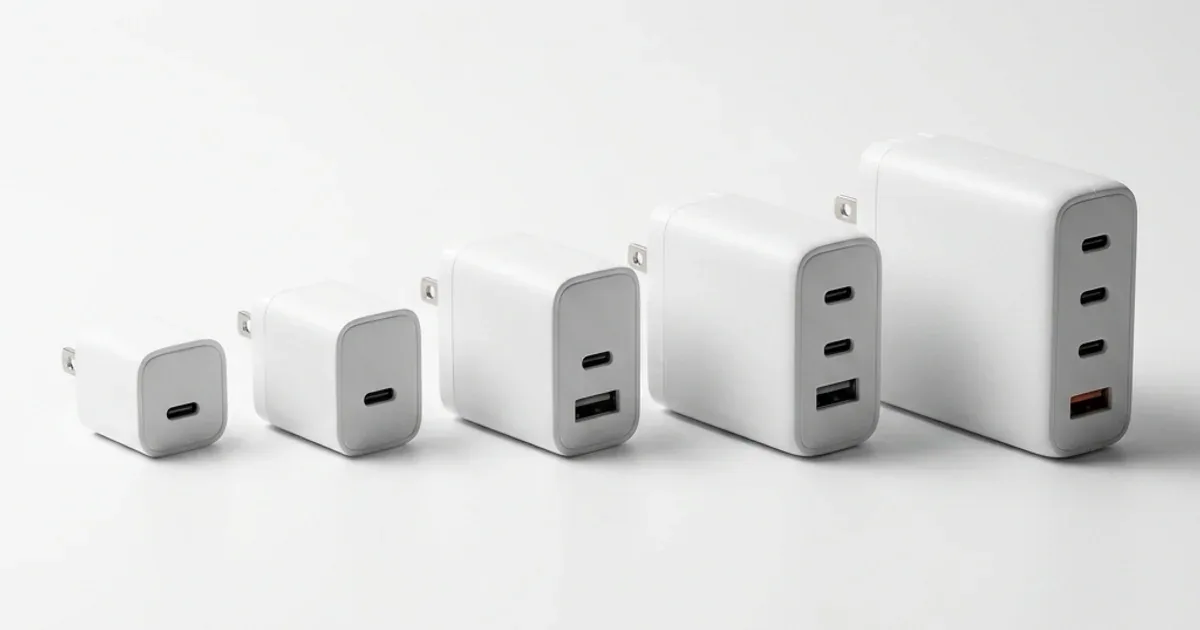
| 20W | Joyroom 20W — EGP 236 Anker 20W — EGP 490 |
iPhone 15/16 wired, earbuds, watches |
| 30W | Joyroom 30W (dual port) — EGP 280 Anker 511 Nano 3 (GaN) — EGP 490 |
Samsung 25W PPS, iPhone 16/17 MagSafe, iPad Air |
| 45W | Anker Nano 45W — EGP 790 Anker Nano 45W Smart Display (single USB-C) — EGP 1,250 |
iPhone 17 Pro/Pro Max, S26 Ultra (below its 60W peak), iPad Pro |
| 65–67W | Anker Prime 67W (3 ports) — EGP 1,970 | MacBook Air and light laptops + a phone |
| 100W | Anker Prime 100W (2 USB-C + USB-A) — EGP 1,999 | MacBook Pro 14 and several devices |
The key takeaway: for an iPhone 15/16 by cable, 20–30W gives about the same speed because the phone sets the pace. The difference shows with the iPhone 17 Pro (40W and up), the S26 Ultra (up to 60W PPS) and laptops.
5 Common Charger-Wattage Mistakes
- ❌ Mistake #1: "More watts always means faster charging." Wrong. More watts help only if the device accepts them. We measured an iPhone 15 on a 30W charger at about 19.7W.
- ❌ Mistake #2: "A 100W charger will damage my phone." Wrong. The device draws only what it needs, and PD and PPS negotiate this automatically.
- ❌ Mistake #3: "The phone maker's original charger is always best." Not always. Apple does not include a charger in the box, and any genuine charger that supports the same protocol and power delivers the same performance.
- ❌ Mistake #4: "Buy the lowest wattage to protect the battery." Heat affects the battery more than charging speed itself. Remove the case if the phone gets hot, and do not charge under a pillow.
- ❌ Mistake #5: "A 20-pound minibus charger works like the original." The most dangerous one. A no-name charger may lack protection circuits — a real risk with Egypt's unstable grid. Buy from a seller that issues an invoice and a written warranty in its own name.
The Decision Tree — Pick Your Charger in 30 Seconds
-
❓ Charging a laptop?
✅ Yes → MacBook Pro or a powerful laptop → Anker Prime 100W (EGP 1,999)
✅ Yes → MacBook Air or a light laptop → Anker Prime 67W (EGP 1,970)
❌ No ←
-
❓ Do you have an iPhone 17 Pro, an S26 Ultra or an iPad Pro?
✅ Yes → Anker Nano 45W (EGP 790)
❌ No ←
-
❓ Do you have a Samsung, or an iPhone on a MagSafe charger?
✅ Yes → Anker 511 Nano 3 (30W) (EGP 490) or Joyroom 30W (EGP 280)
❌ No → iPhone 15/16 by cable: Joyroom 20W (EGP 236) or Anker 20W (EGP 490)
✅ Every Charger Class on CairoVolt
All chargers come with CairoVolt's written store warranty (duration shown on each product page). Delivery is commonly 1–6 business days depending on the governorate + cash on delivery.
CairoVolt Team
Tech Editor
Frequently Asked Questions
Can a 100W charger damage my phone if it accepts less power?▼
Does fast charging with a 30W charger damage the battery long-term?▼
Why does my Xiaomi 67W charger not charge my iPhone at the same speed?▼
Can I charge a laptop with a 45W charger?▼
Ready to Buy?
Browse available products and review specifications and CairoVolt warranty terms before ordering
Related products
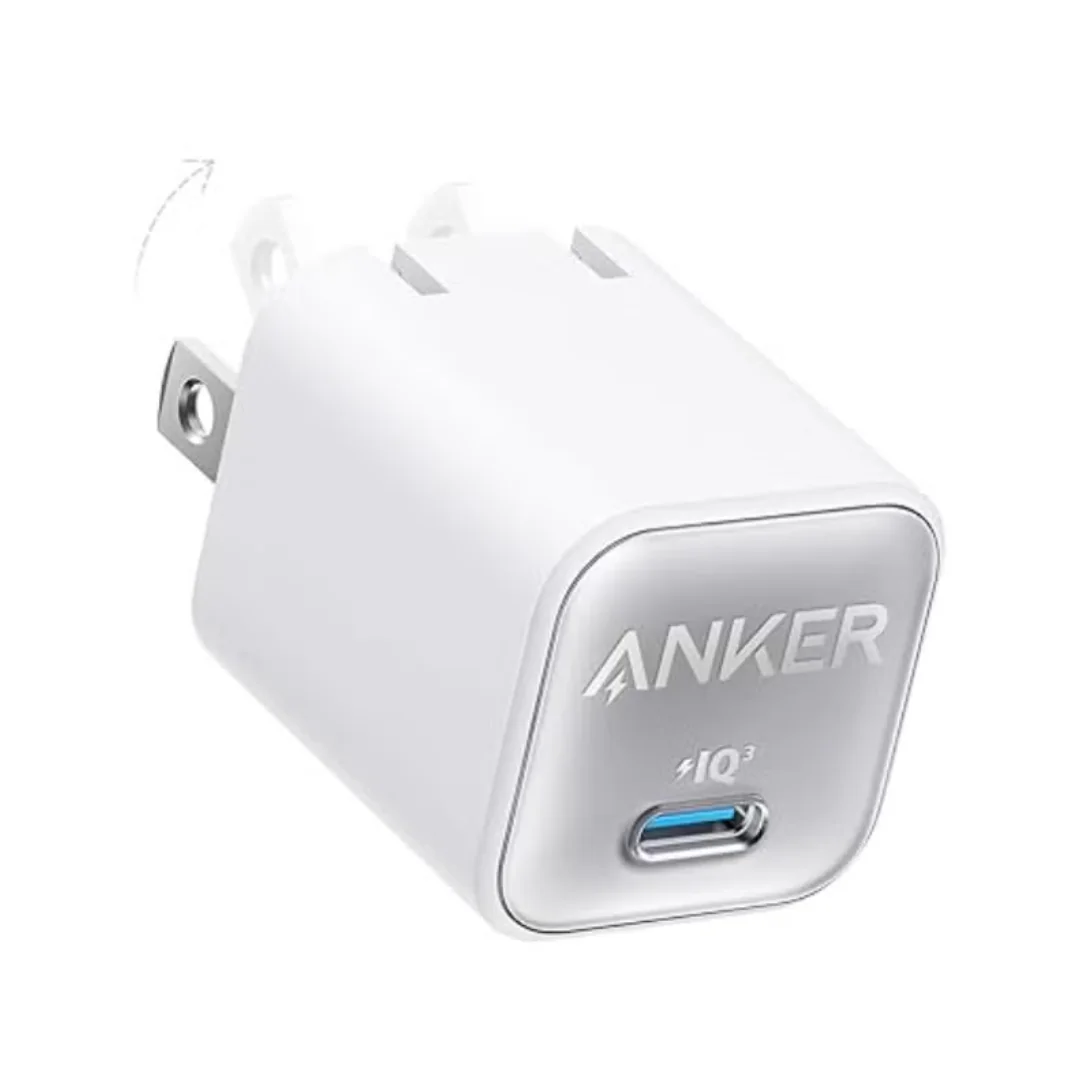
Anker 511 Nano 3 GaN Charger 30W (A2147) | USB-C PD | IQ3
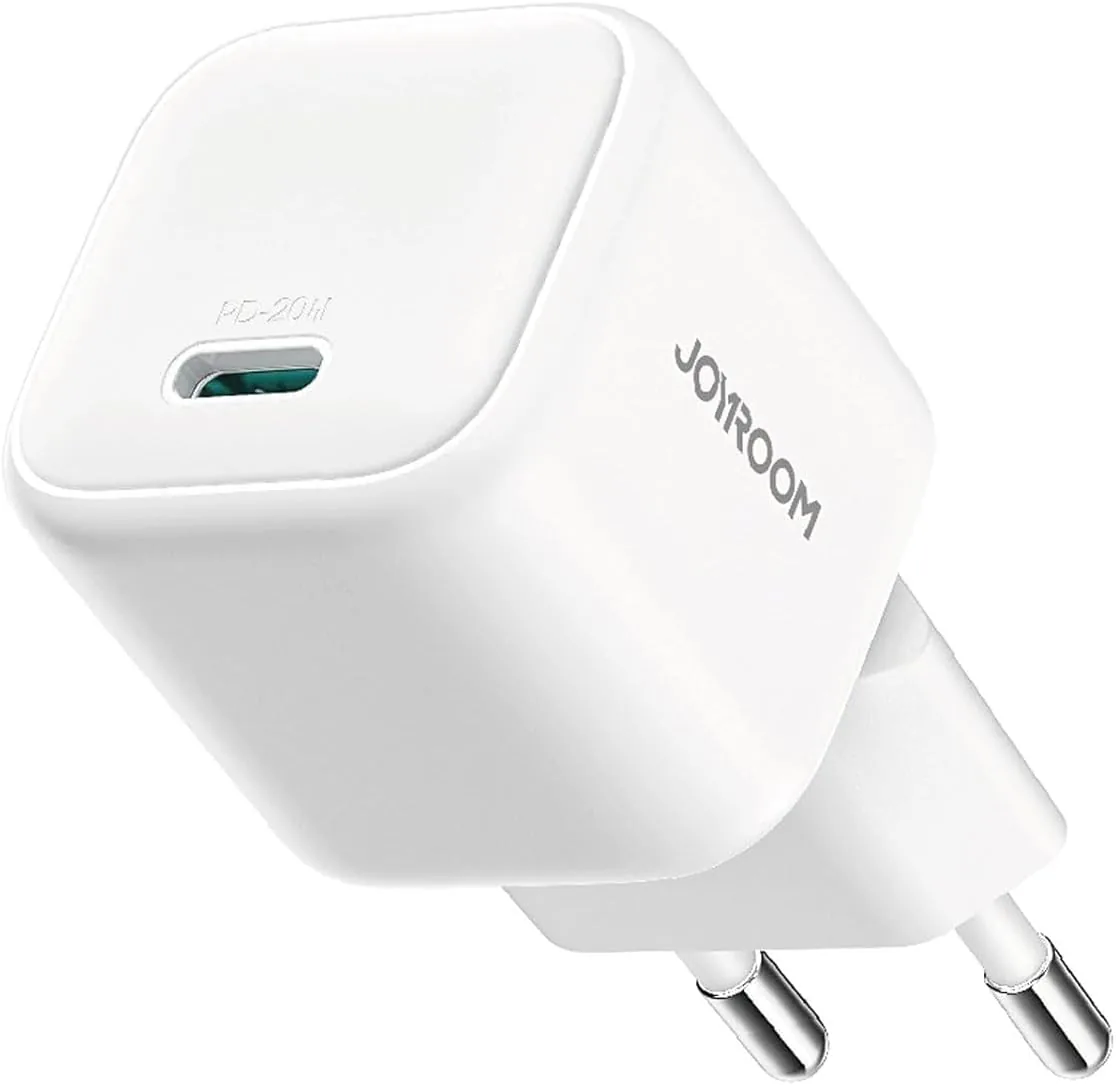
Joyroom 20W USB-C PD Charger | iPhone 17 Fast Charge
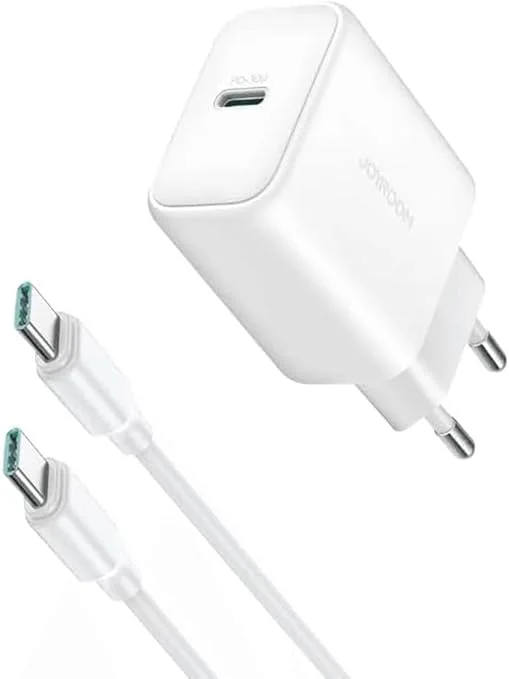
Joyroom 30W PD+QC Wall Charger | Dual USB-C and USB-A Ports
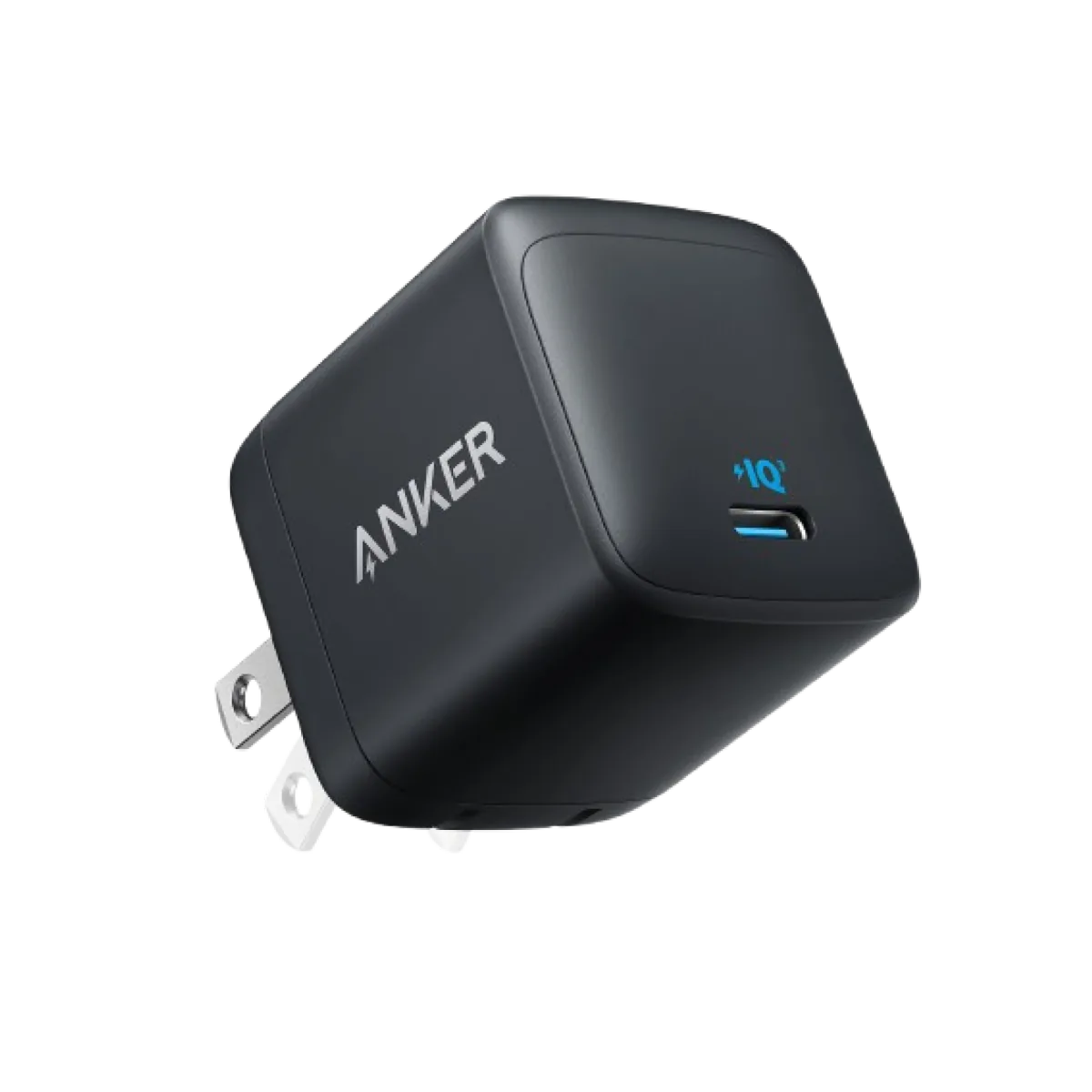
Anker Nano 45W GaN USB-C Charger | MacBook Air + iPhone 17
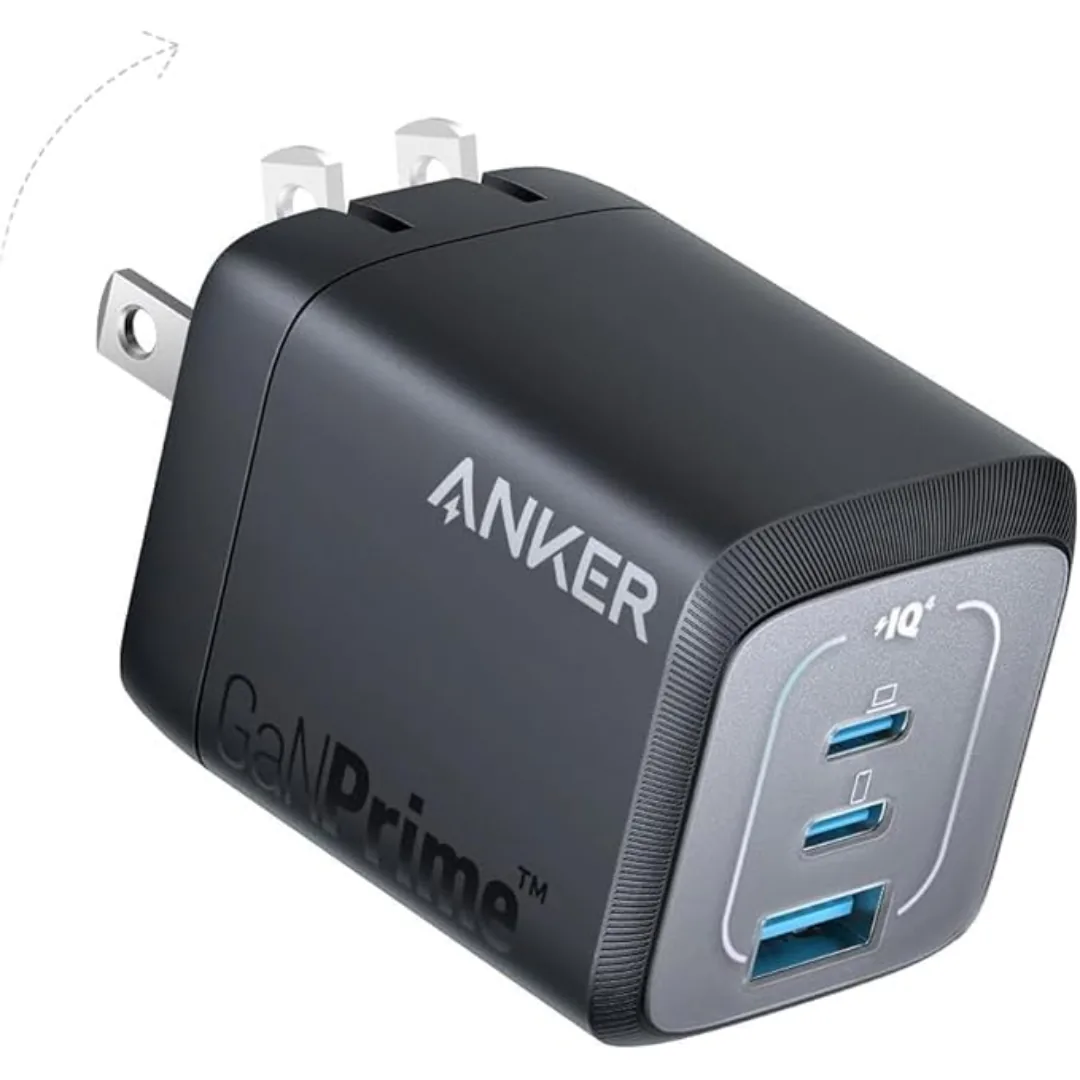
Anker Prime 67W GaN Wall Charger (A2669) — 3 Ports (2 USB-C + USB-A) | GaNPrime + PowerIQ 4.0