 CairoVolt Team
Hair Clipper Charger Guide — How to Match Voltage and Pin Connectors for Kemei & Moser
Losing your hair clipper charger is frustrating. Using a replacement charger with the wrong voltage or reversed polarity can fry the device instantly. Here is the technical guide to selecting the correct replacement.
TL;DR: To choose the correct replacement charger for your Kemei or Moser hair clipper, you must verify three variables: Voltage compatibility (typically 2.4V, 3V, 5V, or 12V), connector pin spacing (ranging from 5.0mm to 6.5mm for Figure-8 plugs), and polarity configuration (positive pin matching). Never connect a higher voltage adapter than specified on the clipper's label.
A hair clipper is a vital part of daily grooming. However, when the original charger for a clipper (such as Kemei or German-engineered Moser models) is lost or damaged, many users make the mistake of buying any replacement adapter that physically fits the charging port. This critical error frequently leads to fried internal circuit boards and swollen batteries due to incorrect voltage levels or reversed electrical polarity. In the Egyptian market, where generic chargers and counterfeit clippers are common, understanding the technical specifications of your device is essential. Here is the comprehensive guide to selecting the correct replacement charger without destroying your clipper.
💡 Quick Answer: When purchasing a hair clipper charger, you must match the exact voltage printed on the clipper (e.g., 2.4V, 3V, 5V, or 12V) and verify the connector shape (pin-to-pin distance). Never use a 5V or 12V adapter on a 2.4V clipper, and avoid smart USB-C to USB-C chargers, which fail to charge legacy clippers due to missing CC channel resistors.
1. The Voltage Trap: Chemical and Electronic Impacts on Clipper Batteries
Hair clippers utilize distinct battery chemistry and configurations, requiring specific charging voltages:
- 2.4V Clippers (Ni-Cd / Ni-MH): These use older Nickel-Cadmium or Nickel-Metal Hydride cells (typically two cells connected in series). They are highly sensitive to voltage surges. Charging them with a 5V or 12V adapter causes chemical boiling, internal pressure buildup, venting of alkaline electrolyte, and motor failure.
- 3.0V to 3.7V Clippers (Single Lithium-Ion Cell): Modern clippers use a single Li-ion cell (3.7V nominal, 4.2V max charge) or LiFePO4 cells. These require regulated charging profiles. Connecting a raw 5V charger to a 3V clipper lacking an internal voltage regulator degrades the battery within a few charge cycles.
- 5V USB-Charged Clippers: Standard for modern Kemei models and the Moser Top series (Type 50 / Type 65). They feature an internal buck-converter circuit that steps down the standard 5V USB input to the safe charge voltage required by the internal cells. These can be safely powered by standard wall chargers or power banks.
- 12V Professional Clippers: Common in high-end salon clippers. The high voltage is necessary to drive heavy-duty magnetic or rotary motors and recharge high-capacity cells. Connecting a 5V charger to a 12V device will fail to charge the battery because the charging potential cannot overcome the battery's internal chemical EMF.
2. Analyzing Clipper Connector Types and Pin Spacing Heuristics
Replacement cables must match the exact physical geometry of your clipper's port:
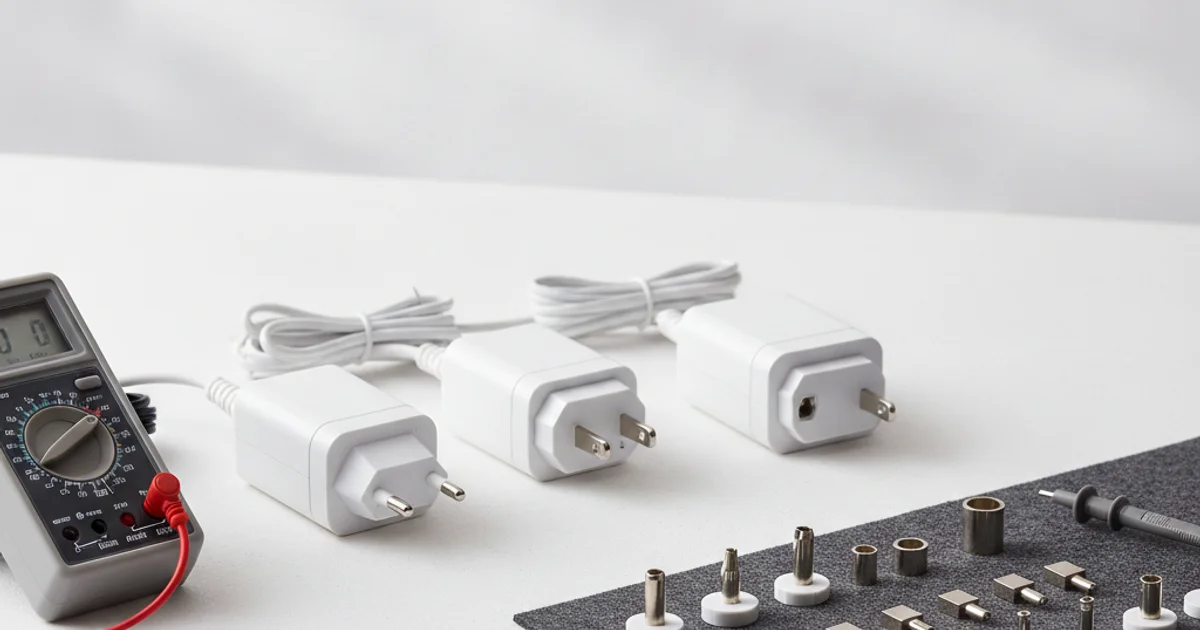
- Figure-8 Connectors (2-Pin Oval): These look like a number 8. However, pin-to-pin pitch varies. German Moser clippers typically use a tight 5.0mm or 5.5mm pin spacing, whereas Chinese brands like Kemei use 6.0mm or 6.5mm spacing. Forcing a tight connector onto wider contact pins bends and breaks the internal alignment blocks. Furthermore, Moser pins are 2.0mm in diameter, whereas Kemei pins are 2.35mm. Inserting a 2.0mm female connector onto a 2.35mm male pin expands the internal leaf springs, destroying the cable interface.
- Coaxial Barrel Connectors: Round jacks that vary by Outer Diameter (OD) and Inner Diameter (ID) (such as 2.5mm × 0.7mm or 3.5mm × 1.35mm). Proper calliper measurement prevents loose connections, which cause micro-arcing and port damage.
- USB Type-C Ports: Featured on devices like the Moser Top Type 50. While convenient, they are subject to a common charging protocol issue.
Required Charger Amps (mA) ≥ Device Current Draw (e.g., 1000mA or 1A)
3. Technical Specs of Kemei and the Moser Top Series
Understanding the exact charging configurations of popular local models is essential:
- Kemei Moser Top Type 50 (KM-50 / MAX5090): Consumes 5W with universal voltage compatibility (100-240V). Features a lithium battery and digital display. It requires a 5V, 1A (1000mA) USB charger via its USB Type-C port.
- Kemei Moser Top Type 60: A T-blade trimmer offering 180 minutes of runtime. It charges via a 5V desktop cradle (stand) or a direct 2-pin Figure-8 cable.
- Kemei Moser Top Type 63: Built with a 2000mAh lithium battery and a rotary motor running up to 6200 RPM. Requires a minimum input of 5V, 1.2A to complete its charge cycle in 3 hours.
- Kemei Moser Top Type 65: Matte-black finish, weighing 280g, providing 240 minutes of continuous runtime. It utilizes a proprietary 2-pin USB cable operating at 5V, 1A.
- Kemei Moser Top Kids Trimmer: A silent trimmer designed for children, charging via a standard 5V USB connection to prevent user exposure to high-voltage AC.
4. The Polarity Trap: Avoiding Short Circuits in Unregulated Devices
Modern smartphones contain reverse-polarity protection ICs. In contrast, many budget clippers utilize simple direct-charge wiring. If you purchase a generic 2-pin replacement cable and plug it in backward (sending the positive lead to the negative battery terminal), you will cause a direct short circuit. This burns the internal PCB tracks, melts the solder joints, and destroys the motor controller.
Always inspect the polarity symbols on both the adapter and the clipper. The symbol shows a center circle linked to a positive (+) or negative (-) sign. For 2-pin connectors, the plug and port feature a flat-edge keying mechanism (one side rounded, one side flat). Never force a connector in upside down; it is keyed specifically to maintain correct polarity.
5. Why Your Clipper Fails to Charge with USB-C to USB-C PD Chargers
Many users notice that clippers equipped with USB-C ports do not charge when connected to a modern USB-C power adapter (like an Apple 20W or Samsung 25W charger) using a Type-C to Type-C cable. The clipper appears dead, but the issue is a design shortcut:
USB Power Delivery (PD) chargers output no voltage until they detect a specific resistance value on the Configuration Channel (CC) pins of the connected device. This requires two 5.1k Ohm pull-down resistors (tied to ground) on the CC1 and CC2 lines of the USB-C port. Budget clippers often omit these resistors to save cost, causing the smart charger to treat the port as empty and output 0V. This means the CC lines remain floating at open-circuit potential, preventing the Power Delivery controller from negotiating the standard 5V power profile.
The Technical Solution: Always use a **USB-A to USB-C cable** plugged into a legacy 5V USB-A power adapter (such as a standard 1A charger or a computer USB port). USB-A ports supply a constant 5V output by default, bypassing the handshake requirement and forcing the clipper to charge.
6. Safety Precautions and Battery Preservation Rules
Clippers are frequently charged in humid bathroom environments, posing unique electrical risks. Adhere to these guidelines:
- Avoid Humid Charging Environments: High humidity in bathrooms condenses inside the charging port, causing copper pin corrosion and risk of short circuits or mild shocks. Always charge your clipper in a dry, well-ventilated room.
- Do Not Overcharge: Unless your device features a smart auto-cutoff circuit (indicated by an LCD display showing 100% and shutting down), do not leave it plugged in overnight. Continuous trickle charging on cheap Ni-Cd or Li-ion batteries generates heat, causing cell swelling. Typical charge times should not exceed 3 hours.
- Inspect for Battery Swelling: If you notice the clipper's plastic seams splitting or a significant drop in motor torque despite a full charge, the battery has likely swelled. Stop charging immediately and dispose of the battery safely at a recycling center to avoid thermal runaway.
When looking for a replacement adapter, check the silver rating sticker on the device for the required input voltage. If it specifies 3V, do not connect a direct 5V USB cable unless it includes a built-in step-down converter (usually housed in the cable's plug casing). Applying a raw 5V to a 3V board will burn the charging diode.
Selecting the correct charger for your Kemei or Moser hair clipper preserves the battery chemistry and protects the internal electronics. By matching the voltage, avoiding smart charger handshakes with legacy USB-A cables, and keeping the device dry, you ensure safe operation and long-lasting performance.
CairoVolt Team
Tech Editor
Frequently Asked Questions
Can I charge a 3V hair clipper with a 5V smartphone charger?▼
Why does my clipper fail to charge with my laptop's USB-C charger?▼
How do I know the correct orientation of a 2-pin clipper cable?▼
What are the signs of a failing battery in my Kemei clipper?▼
Ready to Buy?
Browse available products and review specifications and CairoVolt warranty terms before ordering
Related products
Joyroom USB-A to Micro USB Cable 1.2m
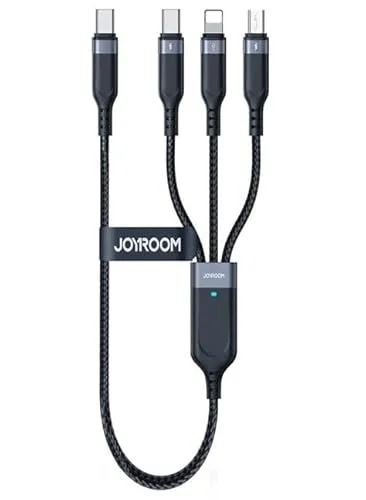
Joyroom 3-in-1 Multi-Connector Charging Cable
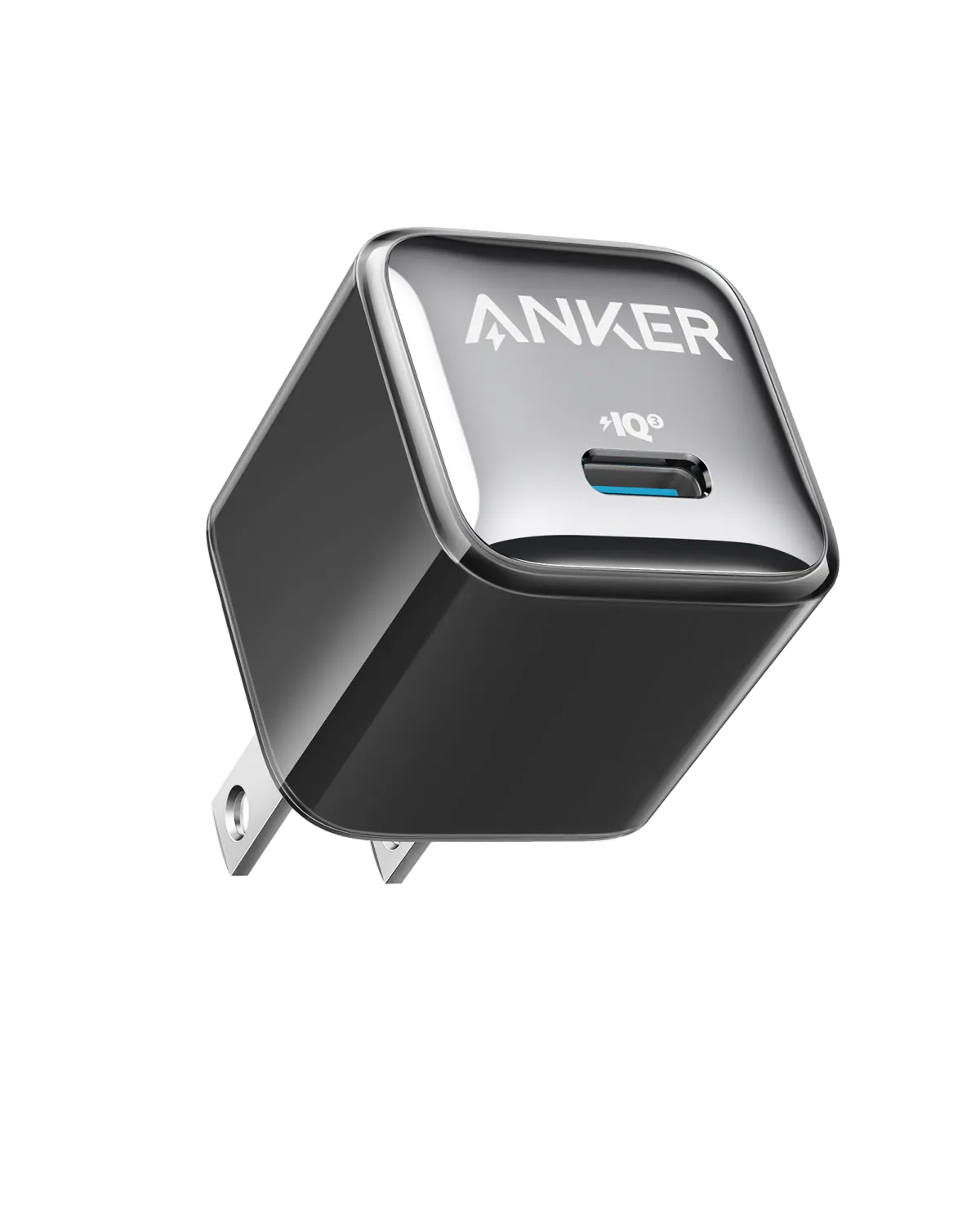
Anker A2347K11 20W USB-C PD Charger | Check Device Profile and Plug
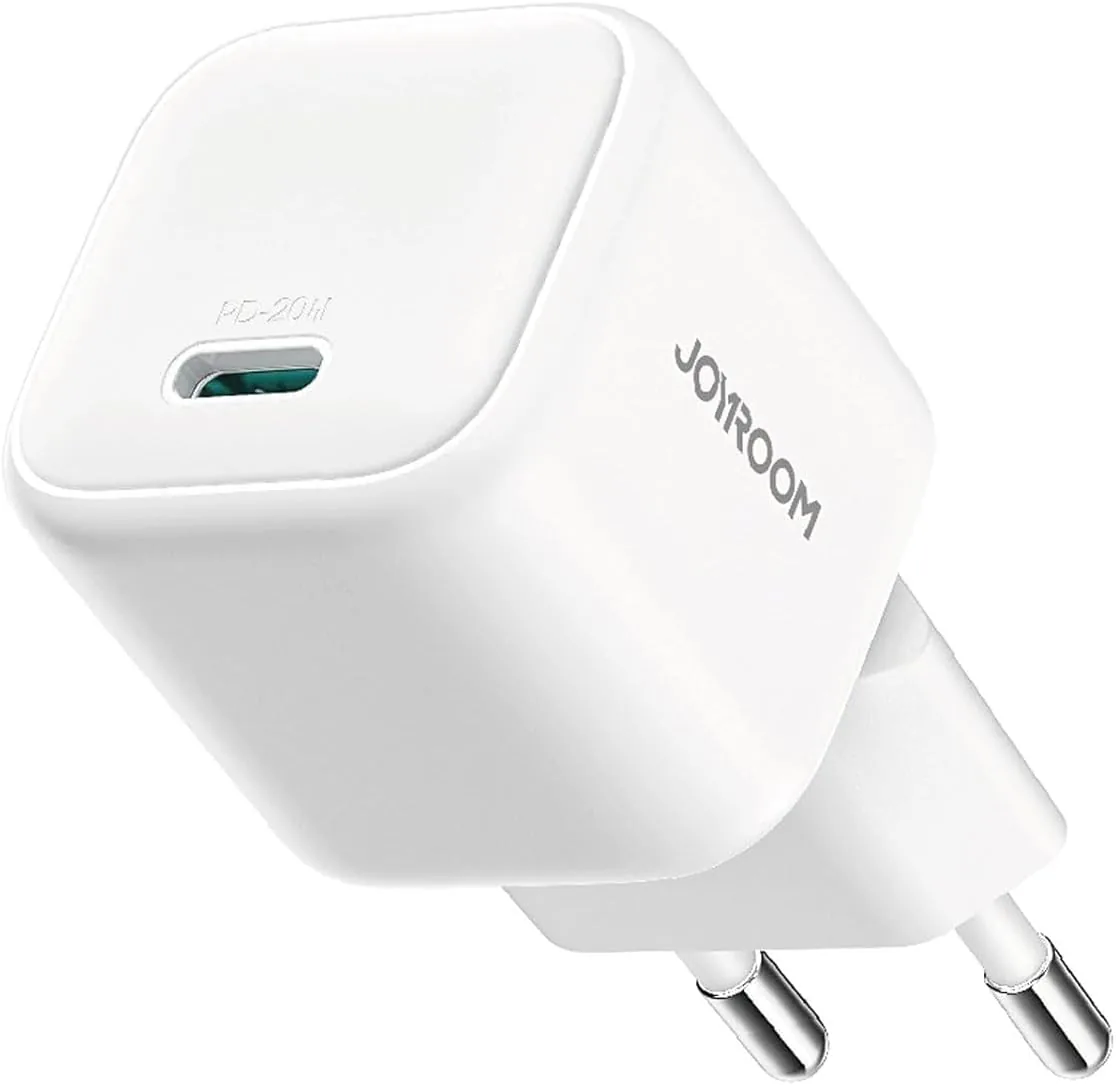
Joyroom 20W USB-C PD Charger | iPhone 17 Fast Charge