 CairoVolt Team
Charging Your Laptop in the Car — Guide to Choosing a 100W Charger for Long Road Trips
Complete guide to choosing a 100W car charger for laptop charging on Egyptian road trips with power calculations and summer heat safety tips.
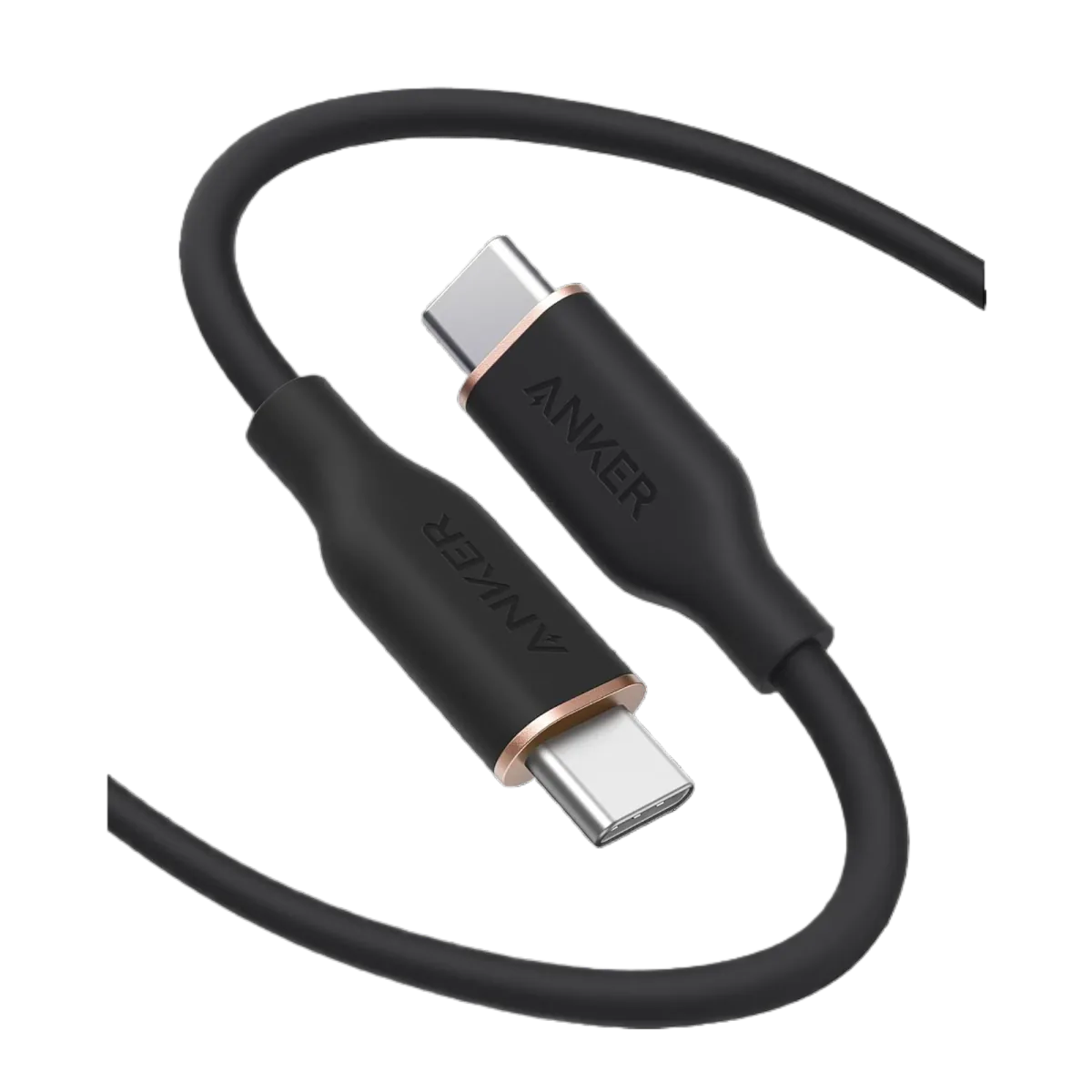
In short: Yes, you can charge your laptop in the car with a USB-C PD charger under 3 conditions: (1) charger supports 65W minimum (100W for powerful laptops), (2) USB-C cable rated for 100W like Anker Zolo A8060, (3) cigarette lighter outputs 120-180W (12V × 10-15A). Best setup for Sahel trips: 100W GaN car charger + 100W cable + Anker 737 power bank as backup.
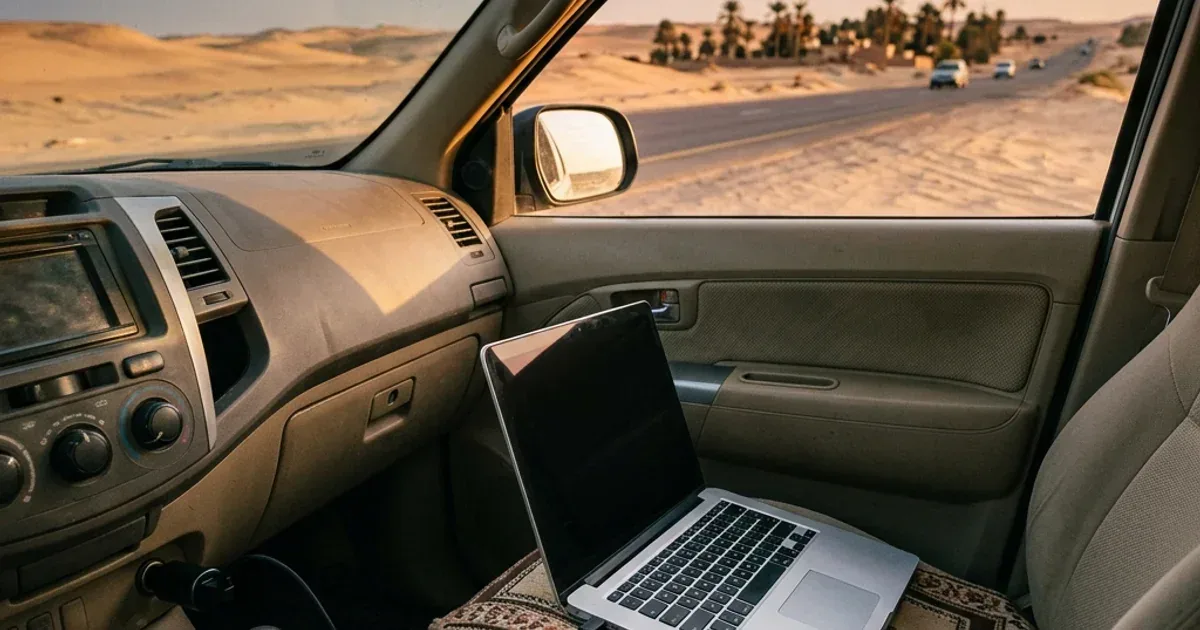
It's 6 AM on the Alexandria Desert Road. You're riding shotgun, frantically trying to open an Excel sheet on your laptop before the Zoom meeting in an hour. Battery: 12%. You glance at the car charger you brought — 18 watts. My friend, 18 watts won't charge your laptop; it'll barely keep a smartwatch alive. This is like trying to fill a swimming pool with a kitchen hose — technically possible, practically you'll be waiting until next Eid.
And that's exactly the trap many people fall into: assuming any car charger can handle any device. The truth is, charging a laptop in a car requires a dedicated charger — one that delivers 65 to 100 real watts via USB-C Power Delivery. In this guide, we'll break down the physics and the numbers to help you choose the right charger for your Sahel, Ain Sokhna, or even Hurghada road trip, so your laptop doesn't die halfway there.
💡 Quick Answer: Yes, you can charge your laptop in the car with a USB-C PD charger under 3 conditions: (1) charger supports 65W minimum (100W for powerful laptops), (2) USB-C cable rated for 100W like Anker Zolo A8060, (3) cigarette lighter outputs 120-180W (12V × 10-15A). Best setup for Sahel trips: 100W GaN car charger + 100W USB-C cable + Anker 737 power bank as backup.
Why Your Laptop Needs a Dedicated Car Charger
A phone draws 5-20W while charging. A laptop? Completely different league. A MacBook Air needs 30-45W, a MacBook Pro 16" demands 96-140W, and a gaming laptop like ASUS ROG needs 100-240W. Plug a standard 24W car charger into your laptop and one of two things happens: the laptop ignores the charger entirely, or it charges so slowly that battery drain outpaces charging while the device is in use.
It's pure physics: if your laptop consumes 60W and you're feeding it 24W, the battery is going down, not up — just slower. Think of it as running a faucet into a sink while the drain is open — the water level won't rise if the drain is wider than the faucet. This is why your car charger must support USB-C Power Delivery (PD) and output at least 65W for most laptops. For MacBook Pro or heavy-duty work machines, 100W is the target number.
The Engineering Math: How Much Power Does a Cigarette Lighter Deliver?
Before buying a 100W charger, you need to understand a critical fact: the cigarette lighter socket doesn't deliver unlimited power. It's connected to the car's 12V battery and protected by a fuse that caps the maximum current.
| Parameter | Value | Calculation |
|---|---|---|
| Car battery voltage | 12V (14.4V with engine running) | — |
| Cigarette lighter fuse (most cars) | 10-15 amps | — |
| Max power (10A fuse) | 120W | 12V × 10A = 120W |
| Max power (15A fuse) | 180W | 12V × 15A = 180W |
| Safe operating power (80% of max) | 96-144W | 20% safety margin |
What does this mean practically? A 100W charger is perfectly safe in most cars — it draws approximately 8.3 amps from the cigarette lighter (100W ÷ 12V = 8.3A), well under the 10A fuse. However, if you try to run two 100W chargers on the same circuit (using a splitter), you risk blowing the fuse. The rule: one 100W charger per cigarette lighter socket = safe. Two = risky.
Important tip: if your car is a pre-2015 model, check the fuse rating for the cigarette lighter in your owner's manual. Some older cars use a 7.5A fuse — meaning the maximum safe power is 90W, and a 100W charger could trip the fuse.
How to Choose a 100W Car Charger for Your Laptop
Not every charger labeled "100W" actually delivers 100 watts. The market is flooded with chargers sporting fantasy numbers on the box. Here are 5 critical criteria to watch for:
- ⚡ USB-C PD 3.0 protocol or newer: This is non-negotiable. Your laptop won't charge from a USB-A charger regardless of wattage. It must be USB-C Power Delivery — the protocol that negotiates optimal voltage and current with your laptop (5V/9V/15V/20V × up to 5A).
- 🔋 True 100W from a single port: Some chargers advertise "100W Total" — meaning combined across all ports. You need 100W from a single USB-C port. Confirm the specs state "Single port: 100W."
- 🔥 GaN (Gallium Nitride) technology: A traditional silicon charger at 100W runs large and extremely hot. A GaN charger is smaller at the same wattage, and real heat varies by model and load — which matters in Egypt's summer temperatures.
- 🛡️ Thermal protection: Your charger operates inside a car that reaches 60-70°C internally in Egyptian summer. It must include thermal throttling circuits that automatically reduce power output when temperature exceeds safe limits (typically 45°C).
- 🔌 Secondary port for your phone: On a long road trip, your laptop takes the main port, but your phone also needs charging for maps and calls. Ideally: USB-C 100W for laptop + USB-C or USB-A for phone.
Comparing 100W+ Car Chargers Available in Egypt
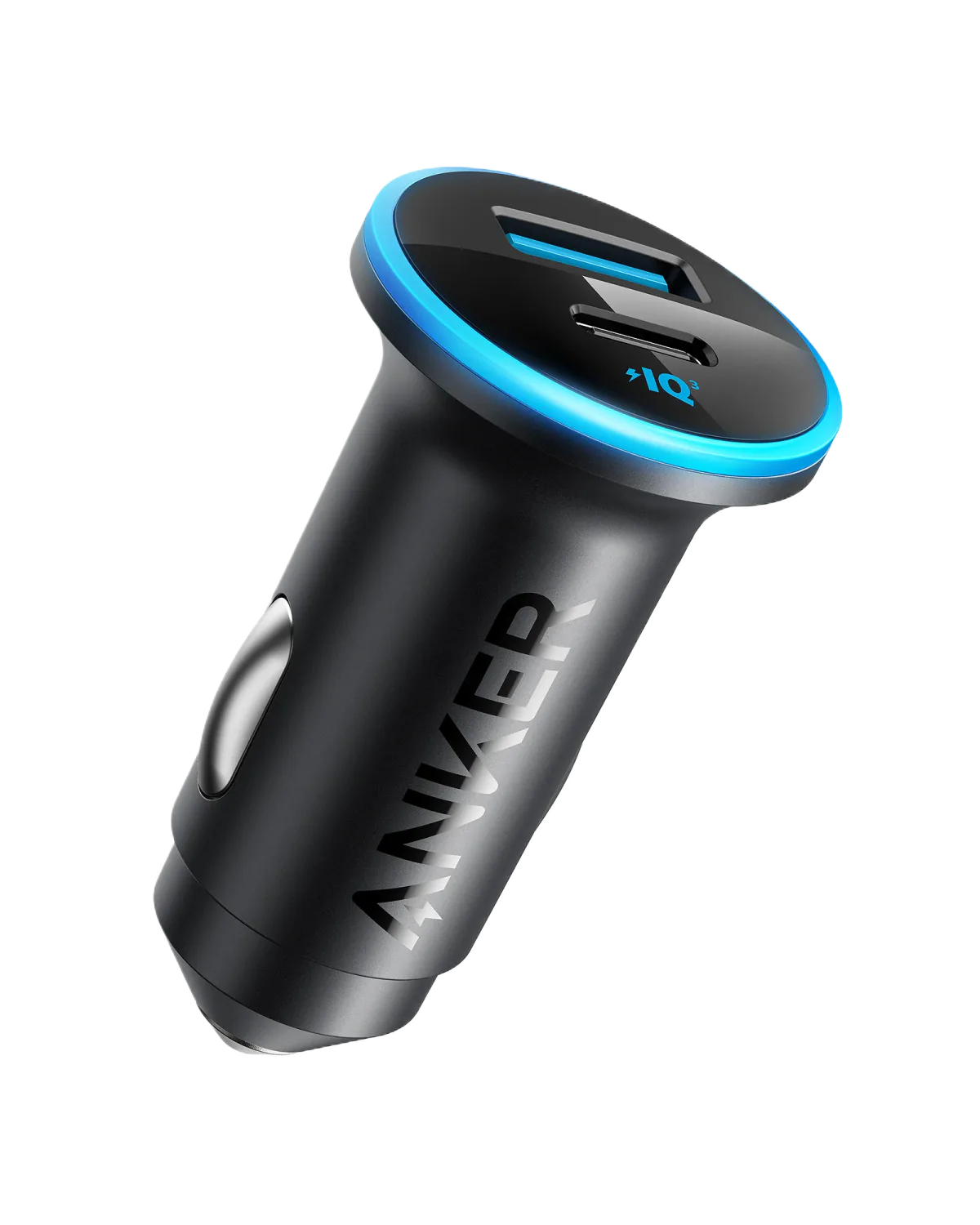
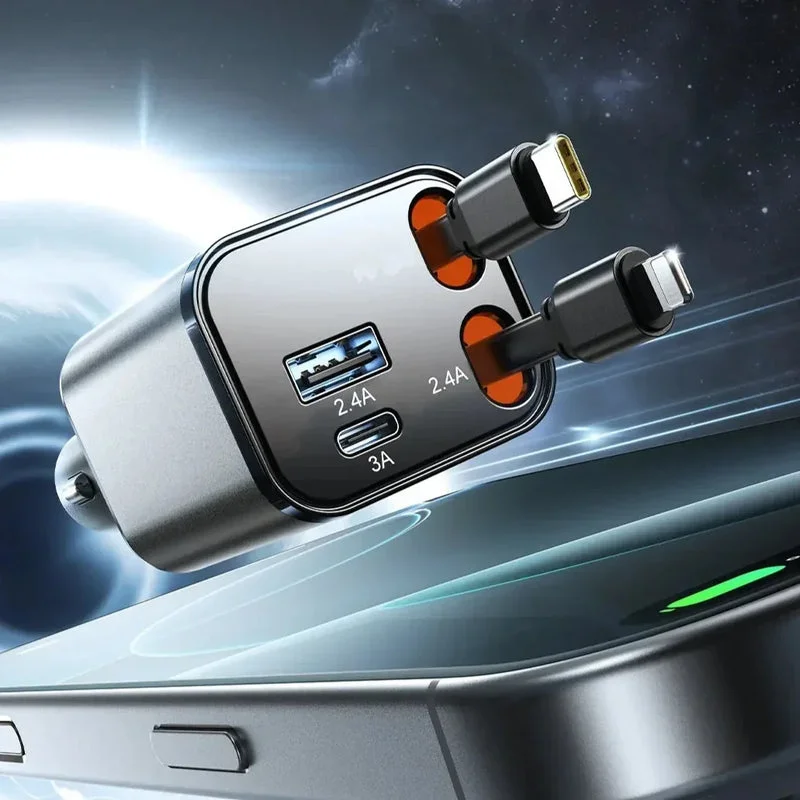
Let's place the available options side by side. We're comparing the Anker Car Charger Dual USB (the baseline for phones) against the Joyroom JR-CCL05 (4-in-1, 69W total listed, shared across its outputs):
| Criteria | 100W GaN (Optimal) | Joyroom JR-CCL05 | Anker Dual USB 24W |
|---|---|---|---|
| Max power | 100W | 69W total listed (highest USB-C measured 29.1W) | 24W |
| Charges laptops? | ✅ All laptops | ⚠️ Slow top-up only (about 30W on the USB-C cable) | ❌ No |
| Charging protocol | USB-C PD 3.0 | USB-C PD/PPS on the built-in cable | PowerIQ |
| Port count | 2 (USB-C + USB-A) | 4 (built-in USB-C + Lightning cables + USB-C + USB-A) | 2 (USB-A × 2) |
| GaN technology | ✅ Yes | Not listed | ❌ No |
| Suitable for Sahel trips | ⭐ Optimal | 📱 Phones and small devices (up to 4) | 📱 Phones only |
Our recommendation: the Joyroom JR-CCL05 suits phones and small devices, but its highest USB-C output is about 30W (we measured 29.1W), so it can only top up a laptop slowly and cannot keep up with a laptop in use that draws more than that. If you own a MacBook Pro 14"/16" or a workstation laptop drawing 65W+, you need a 100W GaN charger — it guarantees your laptop charges at full speed even while in use.
Egyptian Road Trip Scenarios: How Much Charging Time Do You Get?
Let's run the numbers for the most popular Egyptian road trips:
| Route | Duration | With 100W charger | With 60W charger |
|---|---|---|---|
| Cairo → Ain Sokhna | 1.5-2 hours | 0→70% (MacBook Pro) | 0→45% (MacBook Pro) |
| Cairo → North Coast (Sahel) | 3-3.5 hours | 0→100% (full charge) | 0→80% (MacBook Pro) |
| Cairo → Hurghada | 4.5-5.5 hours | 0→100% + second charge 50% | 0→100% (with extra time) |
| Cairo → Sharm El Sheikh | 5-6 hours | Full charge + phone too | Full laptop charge |
These figures are based on a laptop with a 58Wh battery (typical MacBook Pro 14"). If the laptop is active and consuming 30W during charging, the net charge rate is 70W (100W output minus 30W consumption). That means the 3-hour Sahel trip is enough to fully charge from zero — great news for anyone working remotely from the passenger seat.
The Cable: The Forgotten Half of the Equation
Got an excellent 100W charger? Great. But if you use a 20 EGP cable from the corner shop — you'll find it charges at 15-20W at best. Why? Because that cable has high resistance and doesn't support 100W in the first place.
A 100W cable needs 3 things:
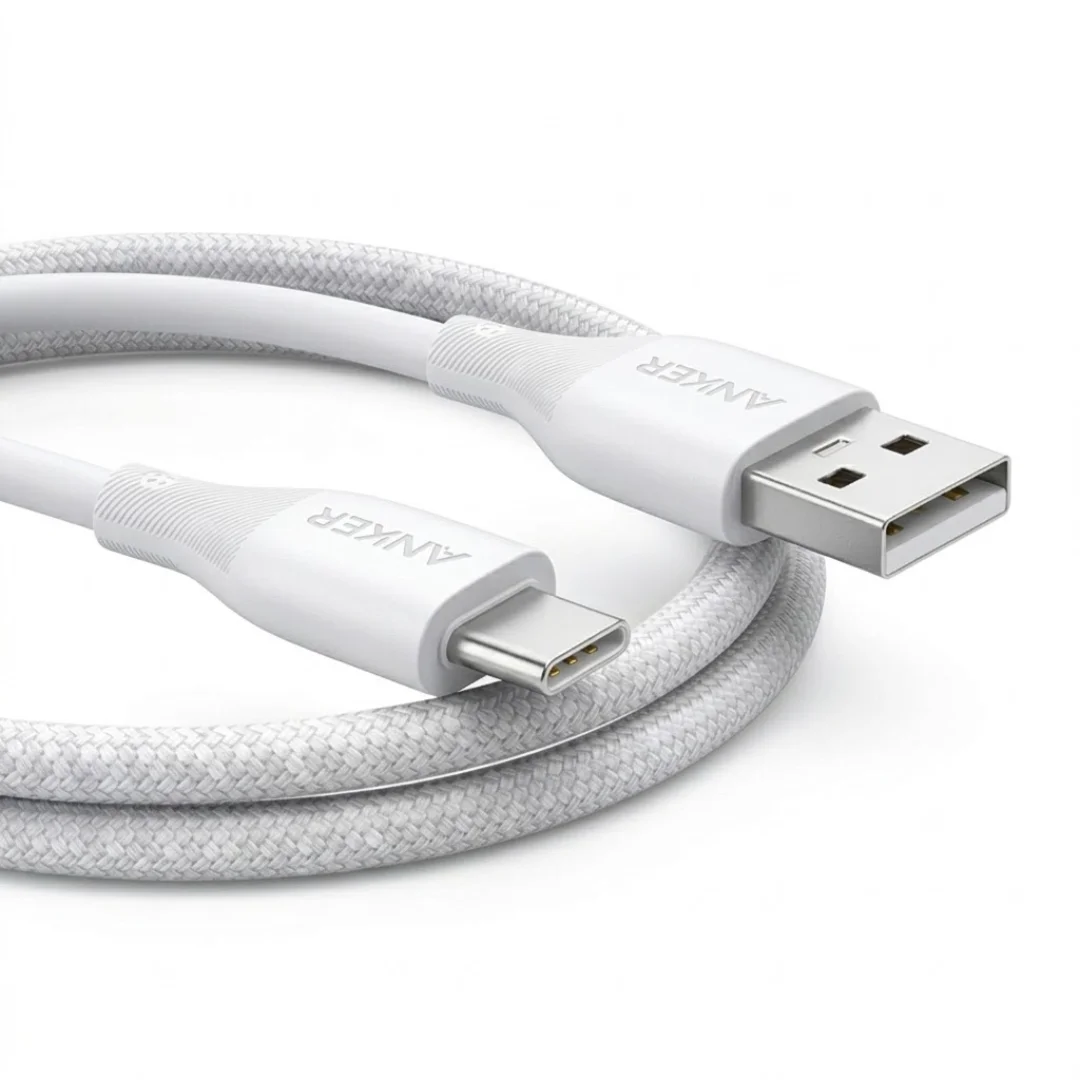
- ⚡ 5A (100W) support: Standard USB-C cables only support 3A (= 60W max at 20V). To reach 100W, you need an E-Marker rated cable supporting 5A. The Anker Zolo A8060 cable is one that delivers true 100W.
- 📏 Proper length: In a car, 1-1.5 meters is ideal. Cables longer than 2 meters increase resistance and reduce effective power. The Anker Zolo A8060 cable is 1.5 m long and rated 240W. (The Anker PowerLine III USB-C cable is rated 60W only, so it is not suited to 100W.)
- 🛡️ Durability: Car cables face extreme heat + repeated bending. A cable without reinforced connectors fails within 2-3 months in Egyptian summer conditions. Read our article on protecting cables from Cairo's summer heat for details.
Egyptian Summer Warnings: Heat Is the Charger's Enemy
This is the most important section in this guide — especially if you're traveling in June, July, or August. A closed car under Egyptian sun reaches 60-70°C inside. The charger itself generates heat during the DC-DC conversion from 12V to 20V. So the charger is operating in an environment far hotter than any standard use case.
What happens when the charger overheats?
- 🌡️ Thermal Throttling: Smart chargers (like GaN models) automatically reduce power output. Instead of 100W, they may drop to 65W or even 45W. Your laptop still charges, just slower.
- 🔥 Cheap chargers without protection: They don't throttle — they keep running until they fail. In worst cases, the plastic housing can melt or cause a short circuit.
- 🔋 The laptop battery itself: Charging in high heat degrades battery longevity. Apple states that charging above 35°C harms the battery long-term. When possible, run the AC for a few minutes before starting to charge.
5 practical tips for Egyptian summer:
- Run the engine and AC for 5 minutes before plugging in the charger — let the cabin temperature drop from 65°C to 30°C first.
- Don't leave the charger in a parked car under direct sun — extreme heat damages electronic components even when they're not in use. Put the charger in your bag when you leave the car.
- Don't cover the charger — some people bury the charger under papers, books, or tissue boxes in the center console. This blocks ventilation and raises temperature.
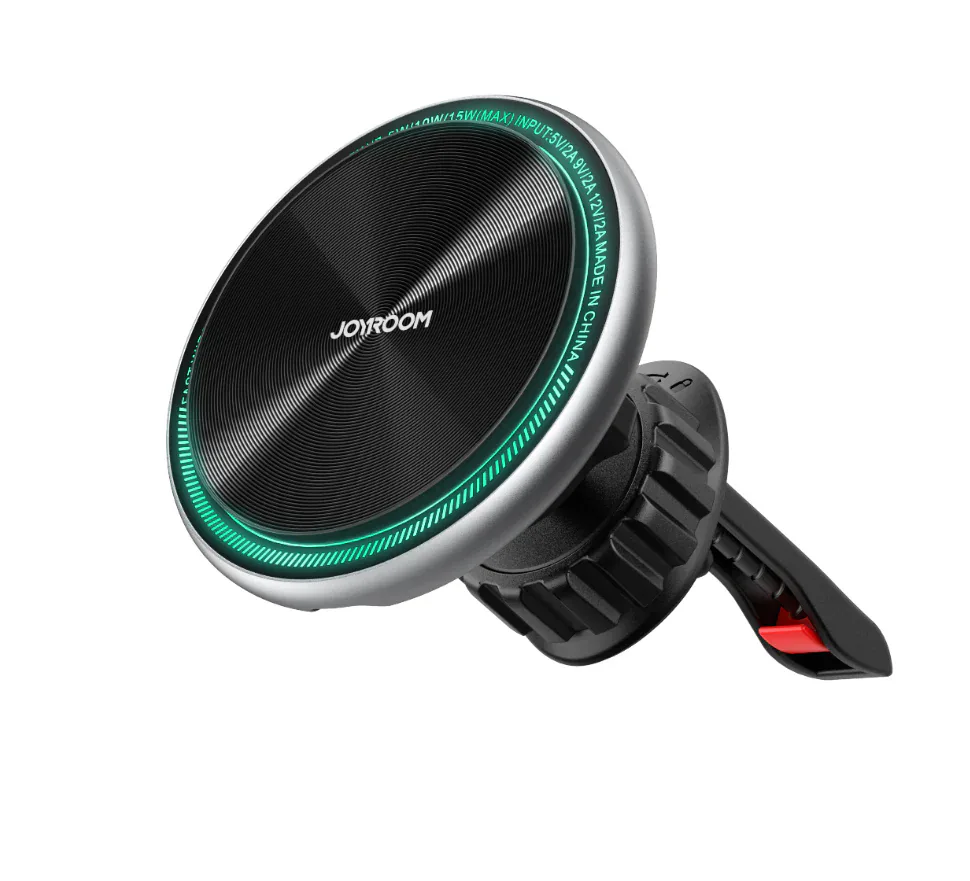
- Use a Joyroom ZS290 car mount for cable management — a phone mount keeps cables organized and prevents damage from repeated bending.
- Carry an Anker 737 power bank as backup — if the charger thermal throttles or you arrive at a Sahel chalet with no electricity (happens more often than you'd think), the 140W / 24,000mAh power bank provides an emergency laptop charge.
65W vs 100W — Which One Should You Buy?
The answer depends entirely on your laptop:
| Laptop | Charger Needed | Why |
|---|---|---|
| MacBook Air M1/M2/M3 | 30-45W sufficient | Low power draw — even 60W is more than enough |
| MacBook Pro 14" M3/M4 | 70-96W | Accepts up to 96W — a 100W charger is ideal |
| MacBook Pro 16" M3/M4 Max | 96-140W | 100W charges it slightly slower — still better than no charge |
| Dell XPS 13/14 | 45-65W | 60W is enough for most XPS models |
| ThinkPad X1 Carbon | 45-65W | Supports USB-C PD — 65W charges it fully |
| Gaming Laptop (ASUS/MSI) | 100W+ (limited) | Needs 150-240W — 100W slows drain but won't charge while gaming |
The simple rule: If your laptop's original charger is 65W or less → a 65W car charger is sufficient. If the original charger is 96W or more → go for 100W without hesitation. The price difference between 65W and 100W is minimal, and the peace of mind is worth every pound. For more details on GaN laptop chargers, read our guide to the slimmest 100W GaN laptop chargers in Egypt.
Common Mistakes When Charging a Laptop in the Car
Based on real customer questions we receive at CairoVolt, here are the 5 most common mistakes:
- Using a 220V inverter: Some people buy an inverter to convert 12V DC to 220V AC, then plug in their regular laptop charger. This is the worst approach — efficiency drops to 60-70% (meaning 30-40% of energy becomes heat), the device is bulky, and it generates noise. A direct USB-C PD charger operates at 90-95% efficiency.
- Cable doesn't support 100W: Buying a 100W charger but using a 60W cable — the charge rate is limited by the weakest link in the chain. Verify your cable is rated 100W or 5A.
- Charging with the engine off: This draws directly from the car battery. A laptop pulling 100W for one hour = 100Wh = approximately 8.3 amp-hours from a 12V battery. A standard car battery is 45-60Ah — meaning you could drain a significant portion and be unable to start the car.
- Using a cheap cigarette lighter splitter: Splitters distribute power and increase resistance. If you need to charge multiple devices, use a multi-port charger — not a splitter.
- Ignoring ventilation: The charger is buried in the center console between tissues, cash, and cards — zero airflow. This raises temperature and reduces performance. Leave space around the charger for air circulation.
⚡ Ready for your Sahel trip without battery anxiety?
Browse original car chargers on CairoVolt — covered by CairoVolt's written store warranty (duration shown on each product page) + delivery to all governorates across Egypt.
CairoVolt Team
Tech Editor
Frequently Asked Questions
Is a 100W car charger safe for my car battery?▼
Can I charge my laptop and phone simultaneously in the car?▼
What is the difference between a USB-C PD car charger and a 220V inverter?▼
My gaming laptop needs 240W — can I charge it in the car?▼
Ready to Buy?
Browse available products and review specifications and CairoVolt warranty terms before ordering
Related products
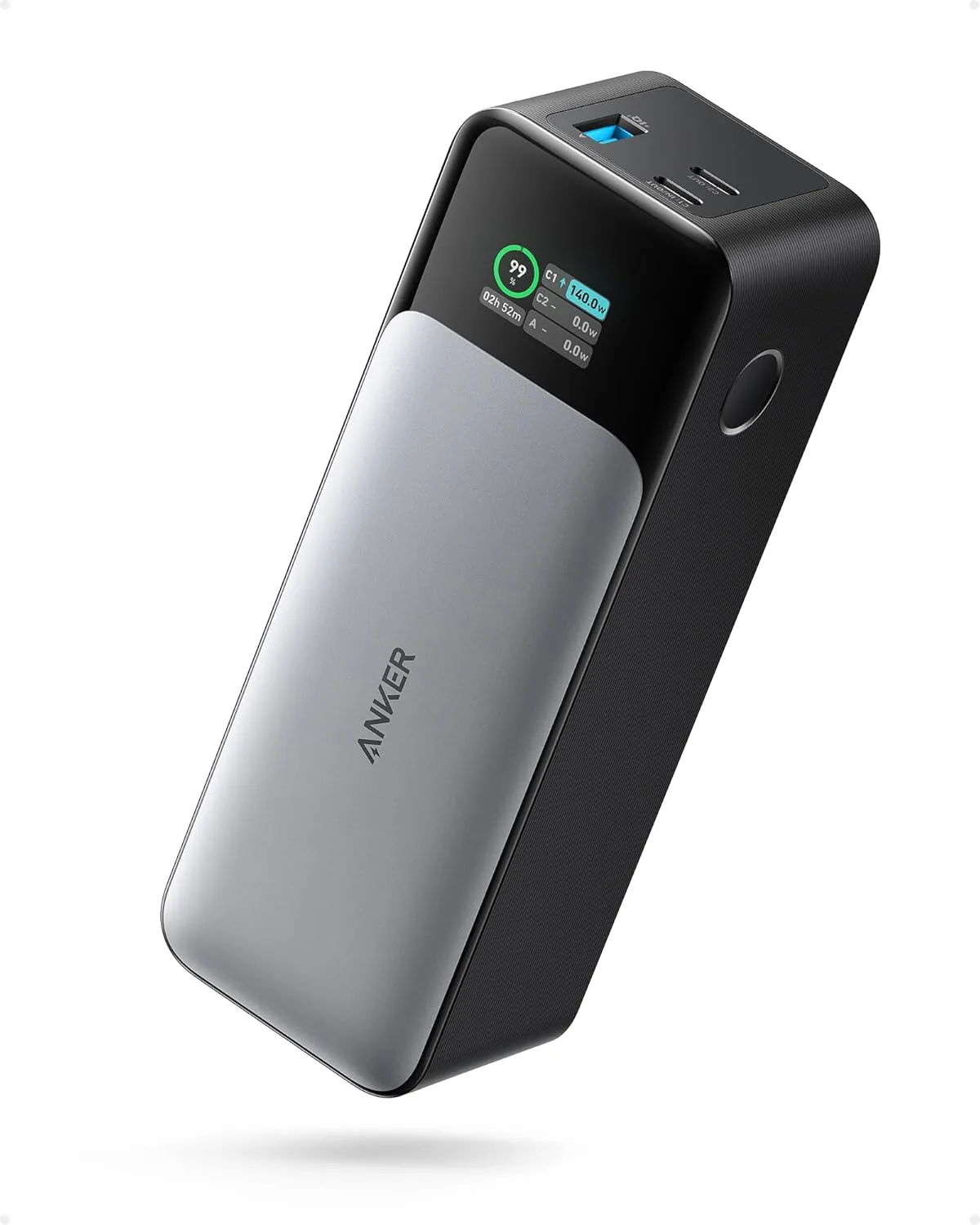
Anker 737 Power Bank (PowerCore 24K, A1289011) | Listed 140W PD 3.1 | 24,000mAh
Anker PowerDrive 2 Car Charger | 24W Dual USB | PowerIQ
Joyroom JR-CCL05 Retractable 4-in-1 Car Charger 69W | 2 Cables + 2 Ports
Joyroom Magnetic Car Mount ZS290 | N52 Magnets | MagSafe | 360°
Anker USB-A to USB-C Cable (A8050) | Braided Nylon 1.8m | Fast Charging