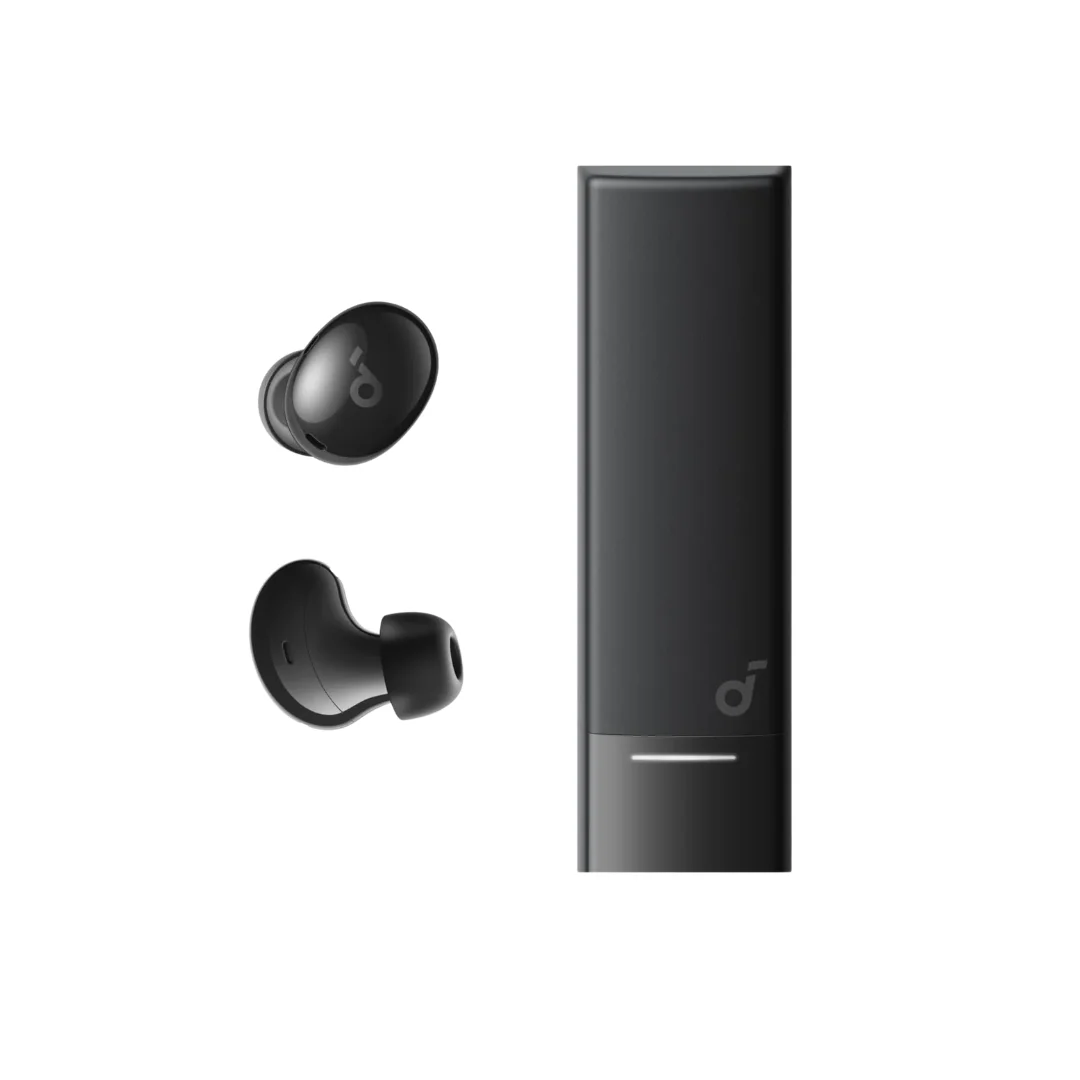
Earbud Only Working on One Side? Complete Fix Guide Before You Throw It Away
Bluetooth earbud only working on one side? Complete guide with 8 proven fixes — from re-syncing to cleaning charging contacts — before you decide to throw it away.
TL;DR: In most cases this is not a real hardware failure — it is a desync between the two earbuds. The magic fix: return both earbuds to the case, close the lid, wait 10 seconds, and reopen. If that fails: forget the device from Bluetooth and re-pair from scratch. Still nothing: clean the metal charging contacts on the case and earbuds with a dry cotton swab.
You opened the case, pulled out both earbuds, placed them in your ears — the right one works perfectly, the left one is dead. No sound, no LED, no sign of life. Or the reverse: left works, right is dead. You return them to the case and try again — same problem. You feel like the earbuds are broken and you need to throw them away or buy new ones.
But wait — in most cases, this is not a hardware failure at all. It is simply a desync between the primary and secondary earbuds, or a minor charging issue with a 30-second fix. In this article, we will walk you through step by step — 8 solutions ordered from easiest to most complex — and after trying them all, you will know exactly whether your earbuds need repair or will work like new again.
💡 Quick Answer: In most cases this is not a real hardware failure — it is a desync between the two earbuds. The fix: return both earbuds to the case for 10 seconds and reopen. If that fails: forget the device from Bluetooth and re-pair. Still nothing: clean the metal charging contacts with a dry cotton swab.
Why Does This Problem Happen? The Technical Explanation
True Wireless earbuds are not connected to each other by a wire — each earbud has its own independent Bluetooth chip. One of them is designated as the "primary" (master) — it connects directly to your phone — while the other is "secondary" (slave) and receives audio from the primary. If the connection between them drops for any reason — the secondary remains silent.
Common causes of desync:
- ⚡ One earbud drained its battery before the other — and could not re-sync after charging
- 🧲 Metal charging contacts in the case are dirty — one earbud charges while the other does not
- 📱 A phone system update changed Bluetooth settings
- 📶 Signal interference from nearby Bluetooth or WiFi devices
- 🔄 The earbud was connected to another device (laptop or tablet) and is still "remembering" the old connection
Fix #1 — Return Earbuds to the Case (30 seconds)
The simplest fix, and it resolves many cases:
- Return both earbuds to the charging case
- Make sure they are seated properly — the LED should light up when you close the lid (charging)
- Close the lid and wait 10-15 seconds
- Open the lid — both earbuds should show LED indicators simultaneously
- Remove them and place them in your ears
Why it works: When both earbuds return to the case, they perform a new "handshake" with each other and the case. The 10-second wait gives them time to re-sync. If the lid was open or the earbud was not properly seated — the handshake does not occur.
Fix #2 — Remove Pairing and Reconnect (1 minute)
If Fix #1 did not work — the problem may be in the Bluetooth pairing itself:
- Return both earbuds to the case
- On your phone: go to Settings → Bluetooth → your earbuds → "Forget This Device"
- Turn off Bluetooth on your phone, wait 5 seconds, and turn it back on
- Open the case — the earbuds will automatically enter pairing mode
- Select them from the Bluetooth list and pair from scratch
Important: If the earbuds were connected to multiple devices (phone and laptop) — remove them from all devices, not just your phone. Some earbuds remain "stuck" on the old device.
Fix #3 — Clean the Charging Contacts (2 minutes)
This is the most commonly overlooked cause — the metal charging contacts (gold or copper pins) in the case and on the earbuds get dirty over time. Sweat, dust, and earwax create an insulating layer — the earbud appears to be in the case but is not actually charging.
The correct method:
- 1️⃣ Take a dry cotton swab — not wet
- 2️⃣ Clean the metal pins inside the case (typically 2-4 pins per earbud slot)
- 3️⃣ Clean the metal pins on the earbud itself
- 4️⃣ For stubborn dirt — use a plastic toothpick (not metal) gently
- 5️⃣ Return the earbuds and check the LED — if it lights up, it was a charging issue
Warning: Do not use alcohol, water, or any liquid. Do not use a metal pin — it could cause a short circuit across the contacts.
Fix #4 — Hard Reset (Factory Reset)
If previous solutions did not work — you need a Factory Reset. The method varies by brand:
For Soundcore earbuds:
- Return both earbuds to the case
- Open the Soundcore app on your phone
- Go to Settings → Factory Reset
- Follow the instructions — the earbuds will flash their LED rapidly
- After the reset — forget the device from Bluetooth and pair again from scratch
If there is no app or different brand: Most earbuds can be reset by pressing and holding the button for 10-15 seconds while the earbuds are in the case. Look up the exact method for your model in the user manual or on the manufacturer's website.
Note: Factory Reset erases all settings — custom EQ, paired devices, and ANC configurations. You will need to set them up again.
Fix #5 — Update Firmware
Sometimes the problem is a firmware bug — and the manufacturer has released an update that fixes it, but you have not updated. Open your earbuds' app (Soundcore, Sony Headphones, Samsung Wearable, etc.) and check for available updates. If one is available — update and wait until completion (do not remove the earbuds during the update), then try again.
Soundcore earbuds receive regular firmware updates that fix connectivity and sync issues — this is one of the advantages of buying from a reputable brand rather than no-name alternatives.
Fix #6 — Check Audio Balance Settings
Sometimes the problem is not the earbuds at all — it is your phone. If someone adjusted the Accessibility or Audio Balance settings — the sound might be routed 100% to one side:
- 📱 iPhone: Settings → Accessibility → Audio/Visual → Balance — make sure the slider is exactly in the center
- 📱 Android: Settings → Accessibility → Audio Balance or Hearing → ensure Balance is centered
If the slider was pulled to one side — that is your culprit. Center it and sound will return to both earbuds.
Fix #7 — Test on a Different Device
An important diagnostic step: pair the earbuds with a different phone or laptop. If both earbuds work on the other device — the problem is your phone, not the earbuds (Bluetooth driver or settings). If the same issue persists on the other device — the problem is the earbuds themselves.
This saves significant time — because it pinpoints exactly whether the fix needs to target your phone or your earbuds.
Fix #8 — Check Your Warranty
If you have tried all previous solutions with no result — the problem is likely a genuine hardware issue (burned driver or end-of-life battery). This is where warranty makes all the difference:
- ✅ If you bought original earbuds with warranty: Contact the seller — if the earbuds are still within warranty, they will be replaced or repaired for free. Soundcore earbuds from CairoVolt carry CairoVolt's written store warranty (duration shown on each product page) — if this problem occurs within the warranty period, you will not lose your money.
- ❌ If you bought no-name earbuds without warranty: Unfortunately there is no recourse — you will need to buy new ones. This is exactly why we always recommend original earbuds even if they cost slightly more.
How to Prevent This Problem in the First Place
- 📦 Always return both earbuds to the case together: Do not leave one earbud out — this causes one battery to drain before the other and triggers desync.
- 🧹 Clean charging contacts weekly: 30 seconds with a dry cotton swab prevents 80% of uneven charging problems.
- 📱 Update firmware regularly: Monthly or bimonthly updates fix many connectivity bugs before they occur.
- 🌡️ Avoid extreme heat: Never leave the case in a car during summer — heat degrades the battery and disrupts charging.
- 💧 Dry earbuds after gym use: Even with IPX4/5 — salty sweat corrodes charging contacts over time. Wipe with a soft cloth after every workout.
If your earbuds are beyond repair and you have decided to replace them — check our Best Bluetooth Earbuds in Egypt 2026 Guide to choose the right replacement. On a tight budget? Read Best Earbuds Under 1,000 EGP. If the problem is disconnections rather than one side not working — read Bluetooth Earbuds Keep Disconnecting — 6 Causes and 7 Fixes.
✅ Original Earbuds with CairoVolt's Written Store Warranty
All Soundcore earbuds on our store are original — if any issue occurs within the warranty period, we replace or repair them for free. No need to search for fixes online — message us on WhatsApp and we will solve the problem. Delivery across all Egyptian governorates + WhatsApp tech support.
🛒 Related Products from CairoVolt:
Based on this article, here are our picks: Soundcore Liberty 4 NC.

CairoVolt Editorial Team
Content team reviewing specifications and buying guides
The CairoVolt team reviews model numbers, specifications, and compatibility, and updates information when better data is available. Estimates are labeled as calculations, and readers can report information that needs correction.
Frequently Asked Questions
The right earbud is not working but the left is fine — is this a hardware defect?▼
Metal charging contacts get dirty quickly — is there a permanent solution?▼
Does using mono mode (single earbud) damage the other one?▼
I bought no-name earbuds and they broke after two months — what should I do?▼
Ready to Buy?
Browse available products and review specifications and CairoVolt warranty terms before ordering
Related products
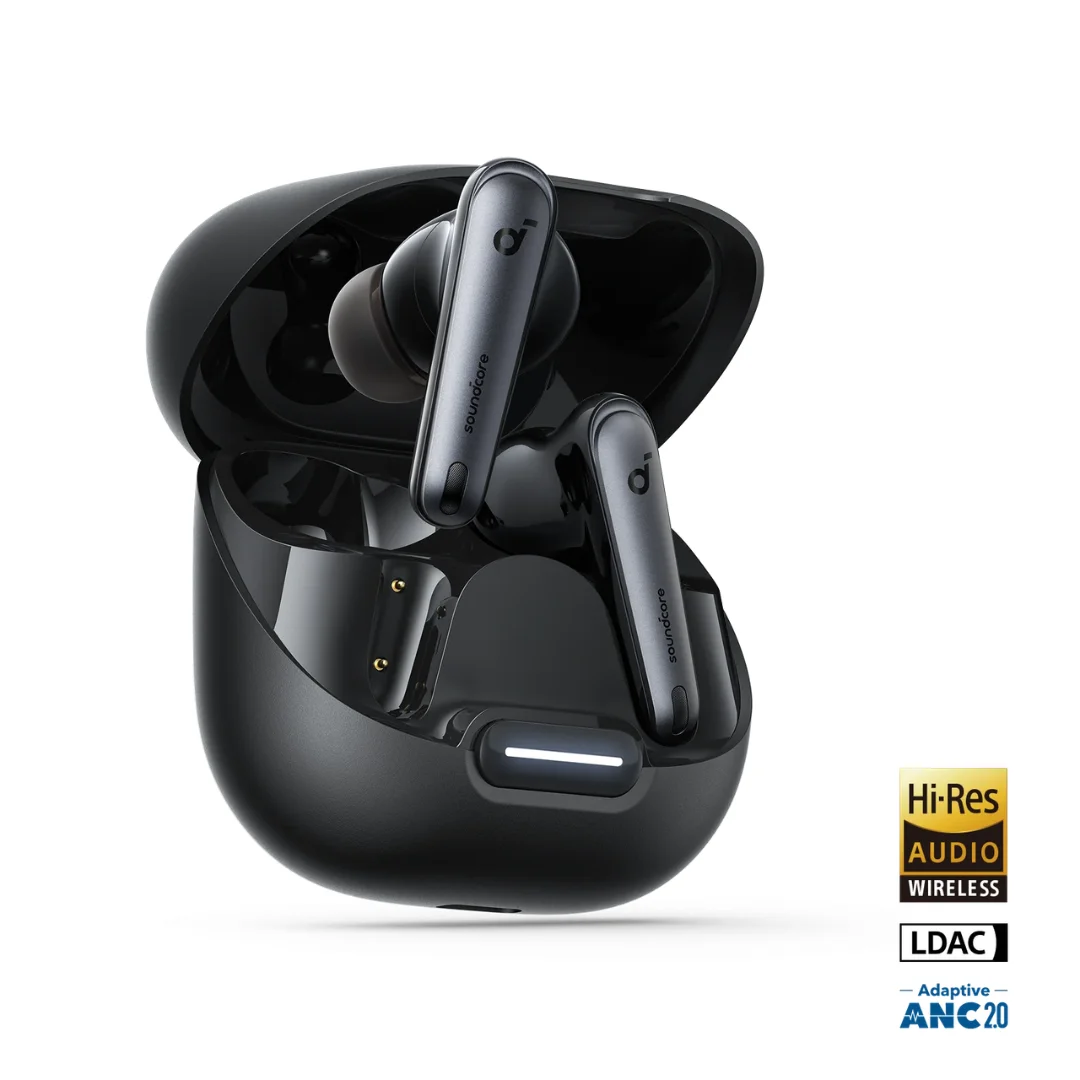
Soundcore Liberty 4 NC | Manufacturer-Listed Adaptive ANC | 11mm | LDAC | Up to 50h
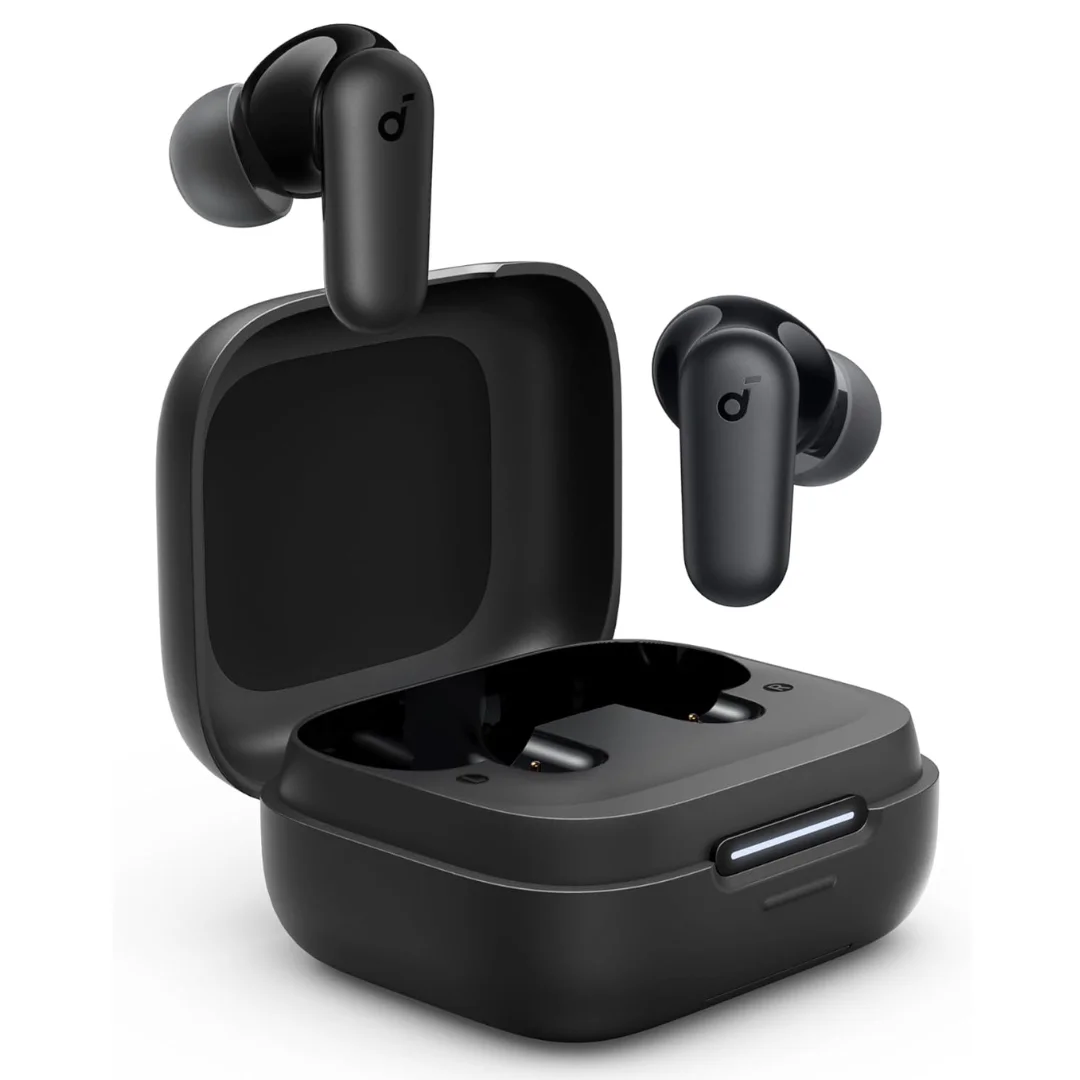
Soundcore R50i NC A3959 Earbuds | Manufacturer-Listed ANC and Battery | Phone-Stand Case
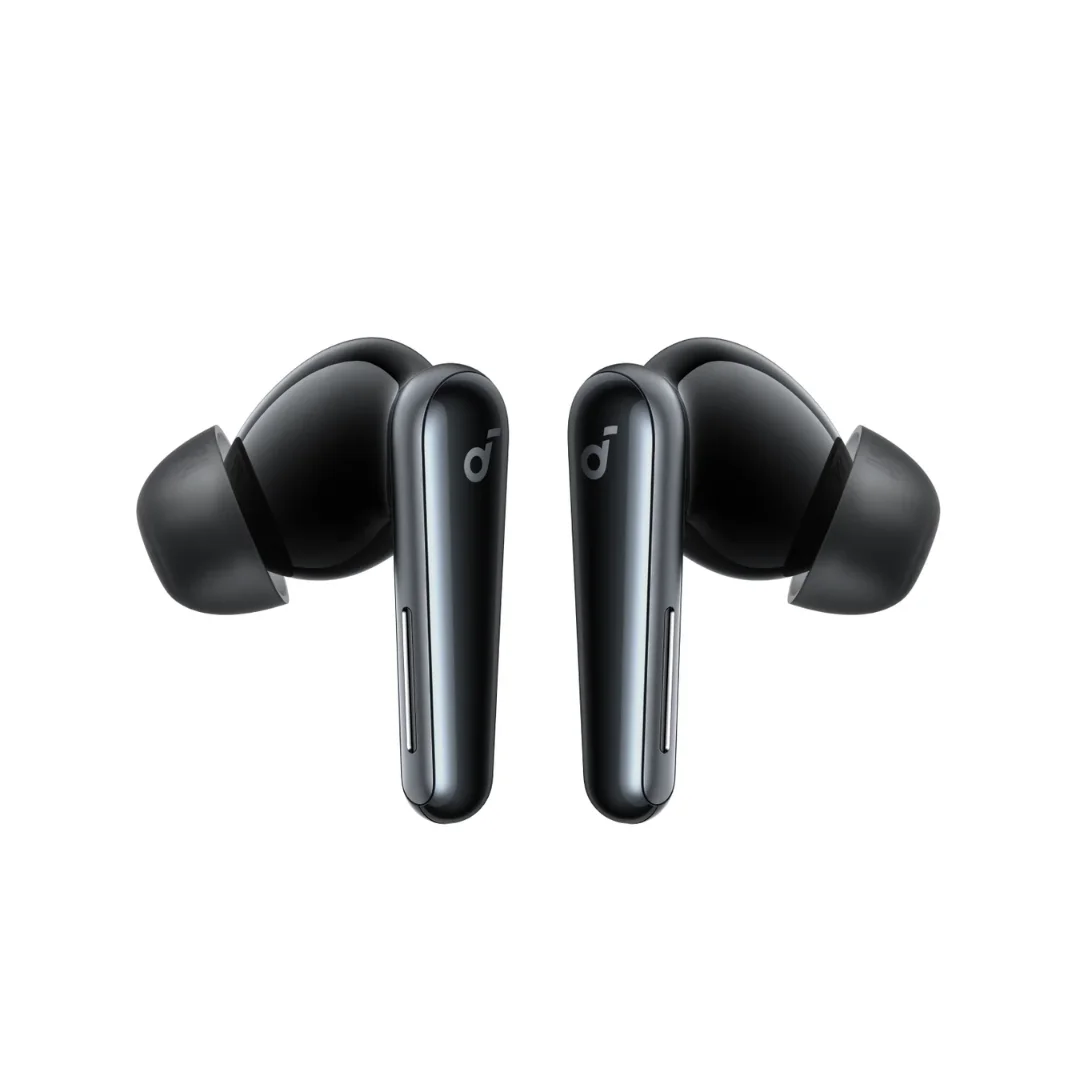
Soundcore Liberty 5 | 9.2mm Wool-Paper Driver | Adaptive ANC 3.0 | IP55 | LDAC | Up to 48h
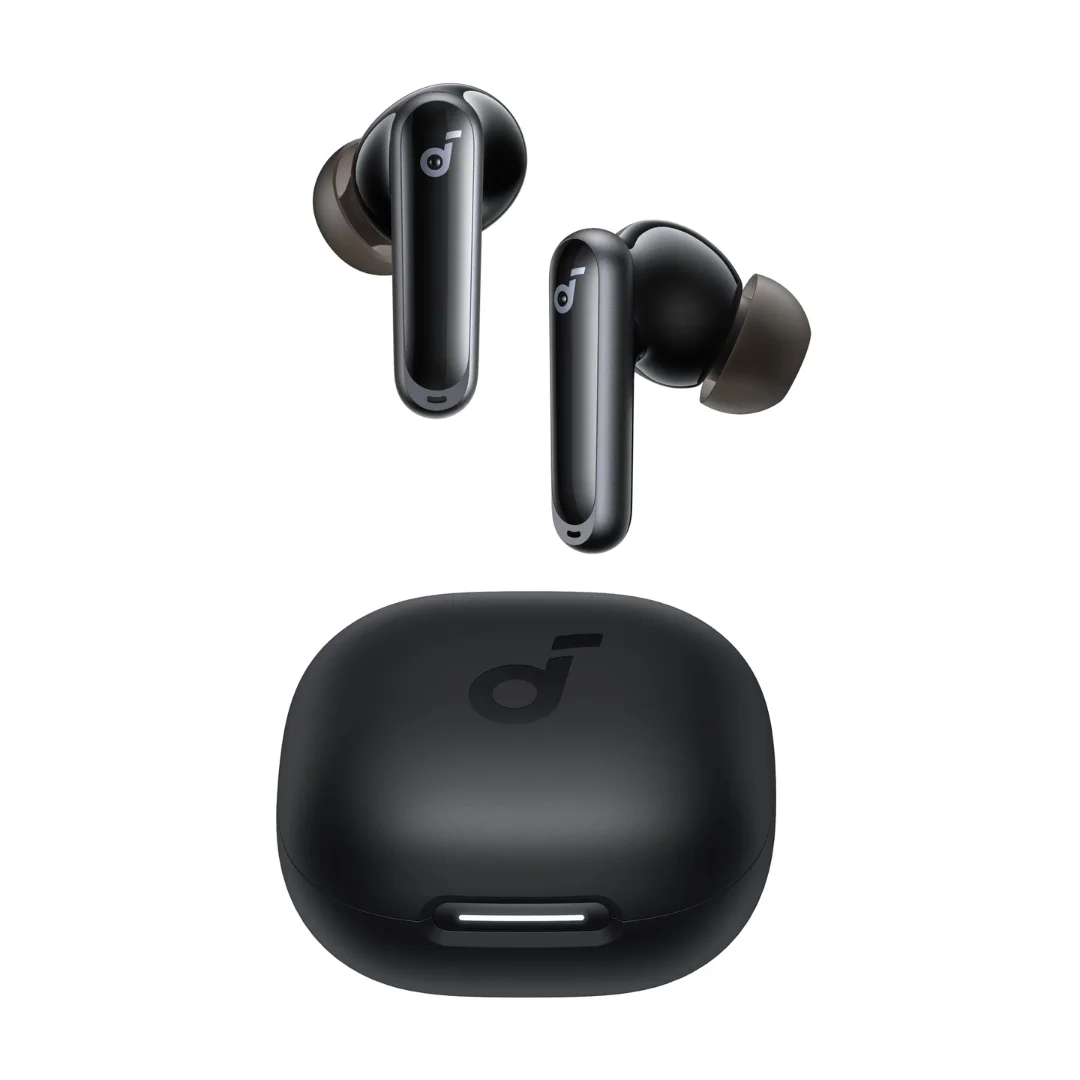
Soundcore P40i | Adaptive ANC | 11mm BassUp | 60h Battery | App EQ
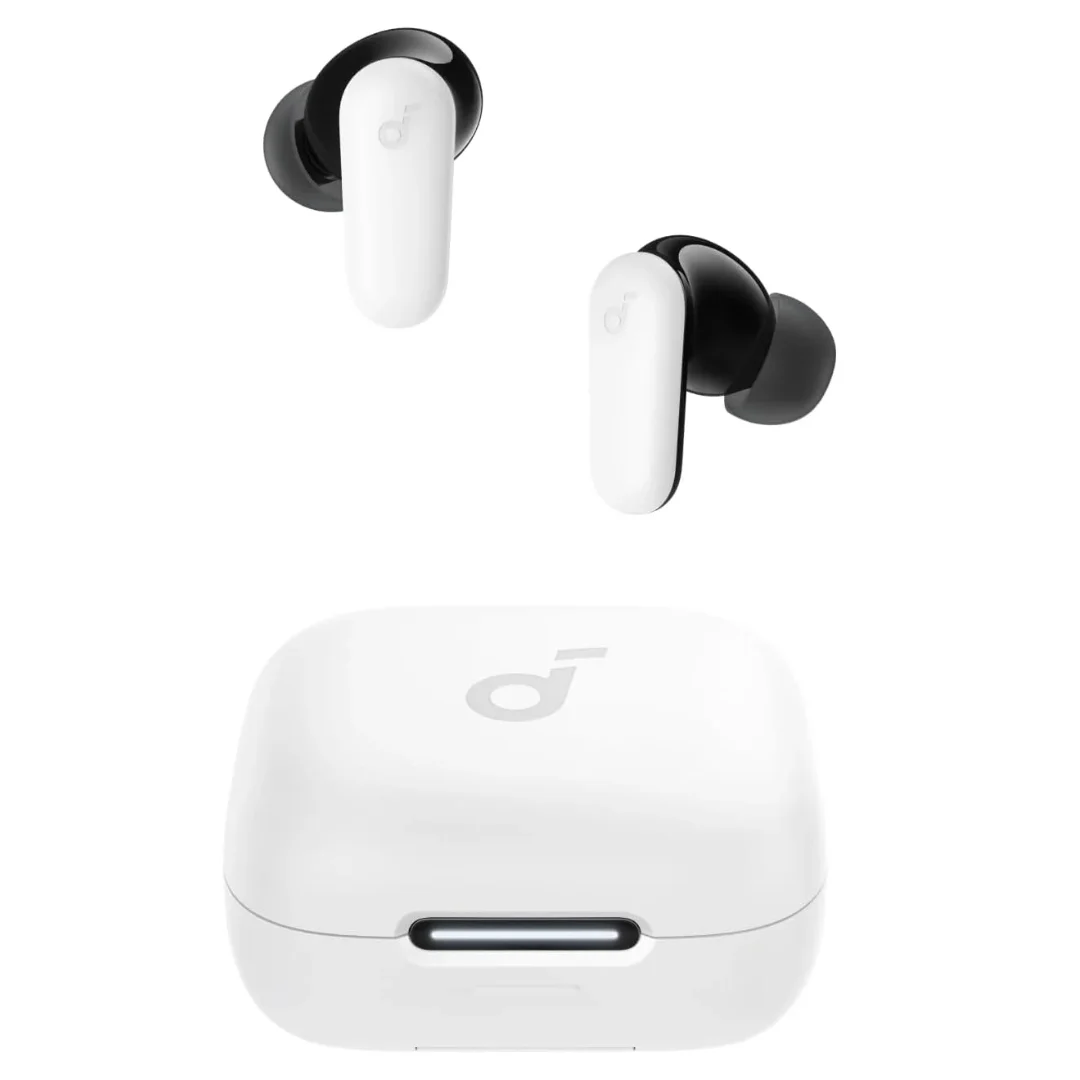
Soundcore P30i | 42dB ANC | 10mm BassUp | 45h Battery | Phone Stand Case | BT 5.4