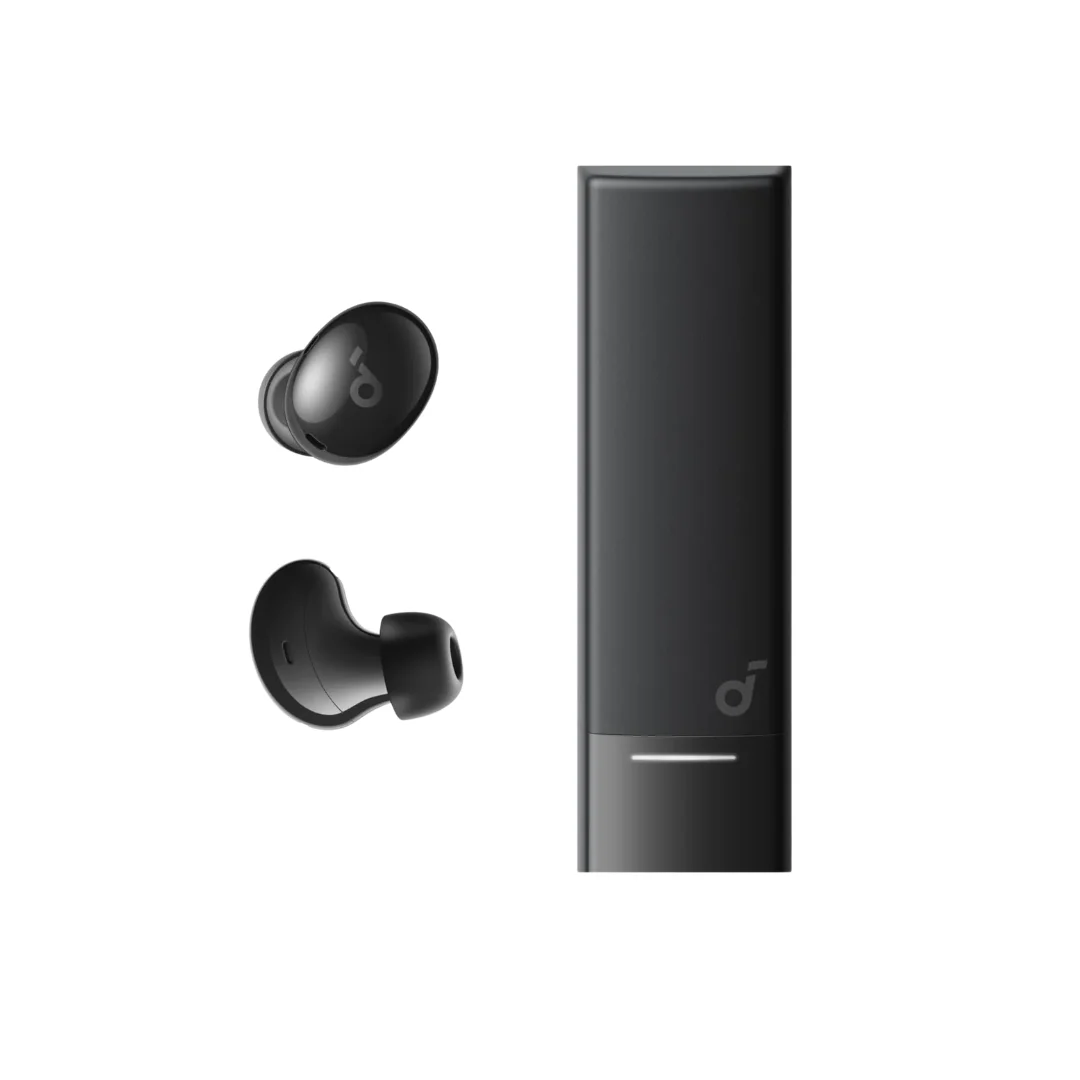
Bluetooth Earbuds Keep Disconnecting? 6 Scientific Causes & 7 Proven Fixes
The 6 scientific causes behind Bluetooth earbuds disconnecting and 7 proven fixes including re-pairing, firmware updates, and WiFi band switching — plus stable earbuds recommendations in Egypt.
TL;DR: Most Bluetooth disconnections are caused by 2.4GHz WiFi interference, distance, or low battery. Quick fix: (1) forget the earbuds from Bluetooth settings and re-pair, (2) switch your router to 5GHz, (3) update earbuds firmware via the official app. If the issue persists, a factory reset solves many cases.
You are on the metro, headphones in, your favorite podcast just hit the juicy part — the host is about to reveal who did it — and then: "beep beep." Dead silence. The Bluetooth disconnected. Instead of the podcast, you are now listening to the beautiful symphony of Cairo Metro: squeaky brakes, a vendor selling tissues, and two strangers debating football transfers at maximum volume. Your day just got 40% worse in half a second.
Or the nightmare scenario: you are on a work call with your manager, carefully explaining why the quarterly report is "still in progress" (translation: you have not started it), and mid-sentence — the Bluetooth drops. Your manager thinks you hung up on them. Meanwhile, you are frantically tapping the earbuds like a morse code operator while they flash blue-red-blue-red like a tiny ambulance.
Here is the good news: your earbuds probably are not broken. Bluetooth disconnections have specific, well-understood scientific causes — and most of them can be fixed from your phone settings without spending a single pound. As electronics engineers (not YouTubers telling you to "like and subscribe"), we will explain the real physics behind the problem and give you actual solutions that work.
In this article, you will learn the 6 real scientific causes behind Bluetooth disconnections, 7 practical fixes that resolve most cases, a quick diagnostic chart to identify your specific issue in 30 seconds, and how to choose earbuds that will not disconnect on you in the first place.
💡 Quick Answer: Most Bluetooth disconnections are caused by 2.4GHz WiFi interference, distance, or low battery. Quick fix: (1) forget the earbuds from Bluetooth settings and re-pair, (2) switch your router to 5GHz, (3) update earbuds firmware via the official app. If the issue persists, a factory reset solves many cases.
Why Does Bluetooth Disconnect? The Science Behind the Problem
To understand the problem, you need to know one fundamental fact: Bluetooth operates on the 2.4GHz frequency band — the exact same band used by your WiFi router (2.4GHz), your microwave oven, baby monitors, and even drone controllers. They are all competing for the same radio space — imagine the 6th of October Bridge at 8 AM rush hour, but instead of cars, you have electromagnetic waves fighting for lanes.
Bluetooth has a clever trick called Frequency Hopping Spread Spectrum (FHSS) — it jumps between 79 different channels at a speed of 1,600 hops per second. Think of it as changing lanes every second to find a gap in traffic. But when interference is extremely heavy — 10 WiFi networks plus a microwave plus 5 other Bluetooth devices in one room — even the smartest hopping algorithm cannot find a clear channel. That is when disconnections happen.
The reality is that Bluetooth is designed as a short-range technology with low transmission power (1-2.5 milliwatts in Class 2). This is a feature — it saves battery — but its downside is that any obstacle, even your own body, significantly weakens the signal. When your phone is in your back pocket and your body sits between the phone and earbuds, the signal weakens further — enough to cause dropouts.
The 6 Real Causes of Bluetooth Disconnections — Ranked by Frequency
Cause #1: 2.4GHz WiFi Interference (The Most Common by Far)
If your router is running on 2.4GHz and your earbuds disconnect near the router or in the same room — this is the cause in 40-50% of disconnection cases. Interference gets worse if you have an older router broadcasting on all channels, or if there are many neighboring WiFi networks around you (open a WiFi analyzer app and you will likely find 15-20 networks). The simple fix: switch your router to the 5GHz band — it is a completely different frequency range with zero Bluetooth interference.
Cause #2: Distance or Physical Barriers
Bluetooth Class 2 (used in most earbuds) has a theoretical range of 10 meters in open air. But "open air" means no walls, furniture, or people. In a typical Egyptian apartment — one concrete wall cuts the range roughly in half (5 meters). Two walls = only 2-3 meters of usable range. If your phone is in the living room and your earbuds are in the kitchen with two walls between you — disconnections are expected. Your own body is also an obstacle: if the phone is in your back pocket while walking, your body absorbs a significant portion of the signal.
Cause #3: Low Battery on Earbuds or Phone
Many earbuds — especially budget models — reduce Bluetooth signal power when battery drops below 15-20% to conserve energy and squeeze out a few more minutes of playback. The result: weaker signal and disconnections begin. The same applies to your phone if Battery Saver mode is active — some operating systems throttle Bluetooth performance as part of power saving. If you notice disconnections only when battery is low — this is the cause.
Cause #4: Outdated Bluetooth Version (4.2 or Below)
The difference between Bluetooth versions is not just speed — the crucial factor is stability and interference resistance:
| Version | Transfer Speed | Range | Stability |
|---|---|---|---|
| BT 4.2 | 1 Mbps | 10m | Poor |
| BT 5.0 | 2 Mbps | 40m | Average |
| BT 5.3 | 2 Mbps + LE Audio | 40m+ | Excellent |
| BT 5.4 | 2 Mbps + LE Audio + PBP | 40m+ | Excellent |
BT 5.3 and 5.4 feature LE Audio (Low Energy Audio) technology that reduces power consumption while improving connection quality in crowded environments. If your earbuds are BT 4.2 and disconnect frequently — upgrading to BT 5.3+ will solve the problem at its root.
Cause #5: Outdated Firmware or Operating System
Manufacturers release firmware updates that fix real connection issues. For example, Soundcore delivers firmware updates for supported models through its app. If you are not updating your earbuds via the official app, you are missing important fixes. The same applies to your phone OS — iOS and Android updates can include Bluetooth fixes, so keep your system up to date.
Cause #6: Too Many Connected Devices Simultaneously
Many modern earbuds support Multipoint — connecting to your phone and laptop at the same time. This is a great feature, but if the earbuds are connected to 3 devices all sending signals — the Bluetooth chip gets overwhelmed. It is like being in a meeting where 3 people talk to you simultaneously — who can you actually listen to? The fix: keep connections to 1-2 devices maximum.
7 Proven Fixes — Step by Step
Try these solutions in order — easiest first. Often, one of the first 3 fixes resolves the issue:
Fix #1: Forget the Earbuds and Re-pair
This is the simplest and most effective fix — it resolves 60% of problems on its own. Go to Settings> Bluetooth> tap your earbuds name> Forget This Device. Then put the earbuds back in the case, take them out again to enter Pairing Mode, and pair from scratch. The reason: sometimes the old pairing profile becomes corrupted — especially after an OS update — and re-pairing creates a fresh, clean connection profile.
Fix #2: Switch Your WiFi Router to 5GHz
Access your router settings page (usually 192.168.1.1 or 192.168.0.1) and enable the 5GHz band. Most modern routers support Dual Band (2.4GHz + 5GHz). If your router only supports 2.4GHz — at minimum change the WiFi channel to a less congested one (channels 1, 6, or 11 are best because they do not overlap with each other). If switching to 5GHz eliminates the disconnections — congratulations, you found the cause.
Fix #3: Update Earbuds Firmware via Official App
Every reputable brand has an official app that delivers firmware updates. Soundcore has the Soundcore app (available on iOS and Android) — open it, connect your earbuds, and if an update is available you will see a notification. Updates take 3-5 minutes and install over Bluetooth. Also update your phone OS — every iOS and Android update improves the Bluetooth stack.
Fix #4: Factory Reset the Earbuds
If the previous fixes did not work — a factory reset is the strongest weapon. The method varies by brand, but the common approach is: place both earbuds in the case, press and hold the case button for 10-15 seconds until the LED flashes orange. This erases all old pairing data and restores factory settings. Then pair from scratch. In the Soundcore app, there is a direct Reset option in settings — even easier.
Fix #5: Clear Bluetooth Cache on Your Phone (Android)
For Android: Settings> Apps> Show System Apps> Bluetooth> Storage> Clear Cache + Clear Data. Then restart your phone. This clears accumulated pairing files and corrupted cache. On iOS there is no direct cache clearing option, but you can do a Network Reset: Settings> General> Transfer or Reset> Reset Network Settings. This will erase all WiFi and Bluetooth settings — you will need to re-pair all your devices, but it fixes many persistent issues.
Fix #6: Reduce Connected Devices
If your earbuds are connected to your phone, laptop, and tablet simultaneously — try disconnecting devices you are not actively using. Keep connections to 1-2 devices maximum. Also delete old saved Bluetooth devices from your phone that you no longer use — sometimes the phone tries to communicate with old devices in the background, affecting your current connection. Go to Settings> Bluetooth and remove every device you do not use.
Fix #7: Change the Audio Codec
The audio codec is the "language" used to transmit audio between your phone and earbuds. The default SBC is stable but lower quality. AAC is better on iPhone. LDAC offers the highest quality but uses more bandwidth and can sometimes cause disconnections in crowded environments. On Android: Settings> Developer Options> Bluetooth Audio Codec — try switching from LDAC to AAC or SBC and observe the difference. If disconnections disappear on SBC but persist on LDAC — the issue is bandwidth, not the earbuds.
Quick Diagnostic Chart — Identify Your Problem in 30 Seconds
Do not feel like reading everything? Find your symptom in this chart and jump straight to the cause and fix:
| Symptom | Likely Cause | Fix |
|---|---|---|
| Disconnects near the router only | WiFi 2.4GHz interference | Switch WiFi to 5GHz |
| Disconnects when far from phone | Distance / barriers | Move phone closer (front pocket) |
| Disconnects when battery is low | Earbuds power saving | Charge above 20% |
| Disconnects after phone update | Corrupted pairing profile | Forget + Re-pair |
| Disconnects in metro / crowds | Multiple device interference | BT 5.3+ earbuds / switch to SBC codec |
| Only one ear disconnects | Relay issue between earbuds | Factory Reset + clean contacts |
How to Choose Earbuds That Will Not Disconnect
If you have tried all fixes and the problem persists — the earbuds themselves likely have a hardware issue or an outdated Bluetooth version. In this case, upgrading is the only solution. To avoid the same problem again, look for these specifications:
- 📡 Bluetooth 5.3 or newer: This is the minimum standard in 2026 — anything below BT 5.0 will disconnect in any crowded environment. BT 5.3+ features LE Audio and significantly better stability.
- 📱 Official app with firmware updates: If the earbuds have no app that delivers updates — any connection bug will stay forever. Soundcore has an app that delivers firmware updates for supported models.
- 🔗 True Multipoint support: If you need multiple device connections — choose earbuds with official Multipoint support, not workarounds. The Soundcore Liberty 5 supports stable Multipoint with BT 5.4.
- 🏋️ IPX4 rating or higher: Moisture and sweat affect the antenna — water-resistant earbuds maintain connection stability longer.
Our recommendations for the most stable earbuds in Egypt 2026:
| Earbuds | BT Version | Multipoint | Tier |
|---|---|---|---|
| Soundcore Liberty 5 | 5.4 | ✅ Yes | Flagship |
| Soundcore Liberty 4 NC | 5.3 | ✅ Yes | Upper Mid-Range |
| Soundcore P40i | 5.3 | ✅ Yes | Mid-Range |
| Soundcore R50i | 5.3 | ❌ No | Budget |
| Soundcore P30i | 5.3 | ❌ No | Budget |
For deeper comparisons of each model, read our Best Bluetooth Earbuds in Egypt 2026 Guide or the Complete Soundcore Earbuds Guide.
Common Mistakes That Make Disconnections Worse — Avoid These
Many people do things — with good intentions — that make the problem worse instead of fixing it. Watch out for these mistakes:
- ❌ Keeping your phone in your back pocket: Your entire body becomes a barrier between phone and earbuds. Better option: front pocket or jacket pocket — shorter direct path and a stronger signal.
- ❌ Keeping old Bluetooth devices saved: If you have 15 saved devices in your Bluetooth list — your phone wastes time and resources scanning for them in the background. Delete any device you no longer use.
- ❌ Ignoring firmware updates: Every update fixes connection bugs. The Soundcore app sends you a notification when an update is available — do not dismiss it.
- ❌ Using earbuds near an active microwave: Microwaves broadcast at 2.45GHz — right in the heart of the Bluetooth band. If the microwave is running and has a weak door seal, the signal will be affected. Solution: step away from the kitchen while heating food.
- ❌ Buying BT 4.2 earbuds because they are cheaper: Saving on Bluetooth version means daily frustration with disconnections. The price difference between BT 4.2 and BT 5.3 earbuds can be as little as 200-300 EGP — far cheaper than buying another pair after 3 months of suffering.
✅ Original Bluetooth Earbuds with Warranty — on CairoVolt
All Soundcore earbuds on our store are original and covered by CairoVolt's written store warranty (duration shown on each product page) + delivery to all governorates (commonly 1–6 business days depending on governorate) + WhatsApp support. If your earbuds keep disconnecting — start with the fixes above, and if the problem is the earbuds themselves — browse our full collection and choose BT 5.3+ earbuds for a frustration-free experience.

CairoVolt Editorial Team
Content team reviewing specifications and buying guides
The CairoVolt team reviews model numbers, specifications, and compatibility, and updates information when better data is available. Estimates are labeled as calculations, and readers can report information that needs correction.
Frequently Asked Questions
Does Bluetooth version really affect connection stability?▼
My earbud disconnects in one ear only — what does that mean?▼
Can a microwave actually interfere with Bluetooth earbuds?▼
What is the best stable Bluetooth earbud in Egypt under 2,000 EGP?▼
Ready to Buy?
Browse available products and review specifications and CairoVolt warranty terms before ordering
Related products
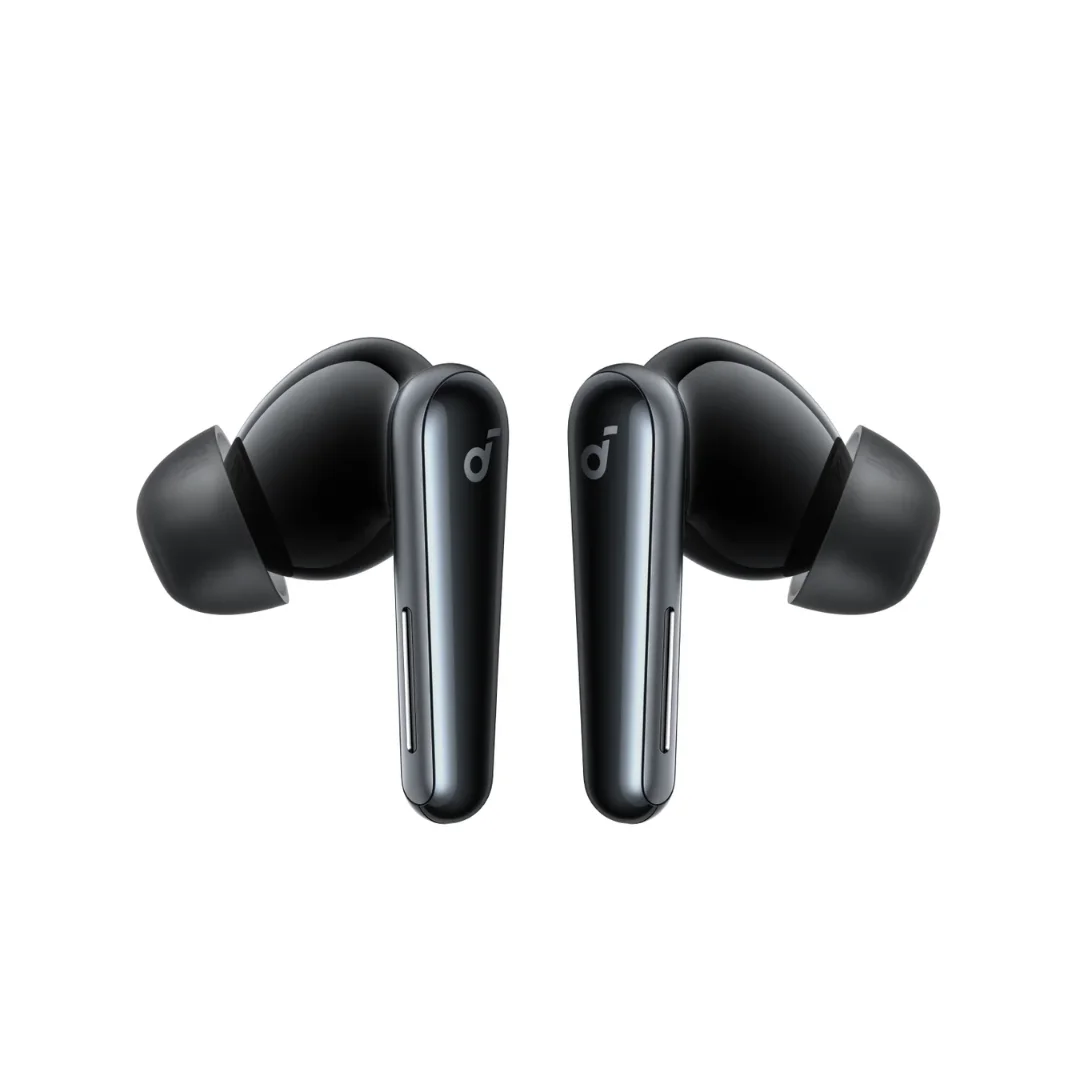
Soundcore Liberty 5 | 9.2mm Wool-Paper Driver | Adaptive ANC 3.0 | IP55 | LDAC | Up to 48h
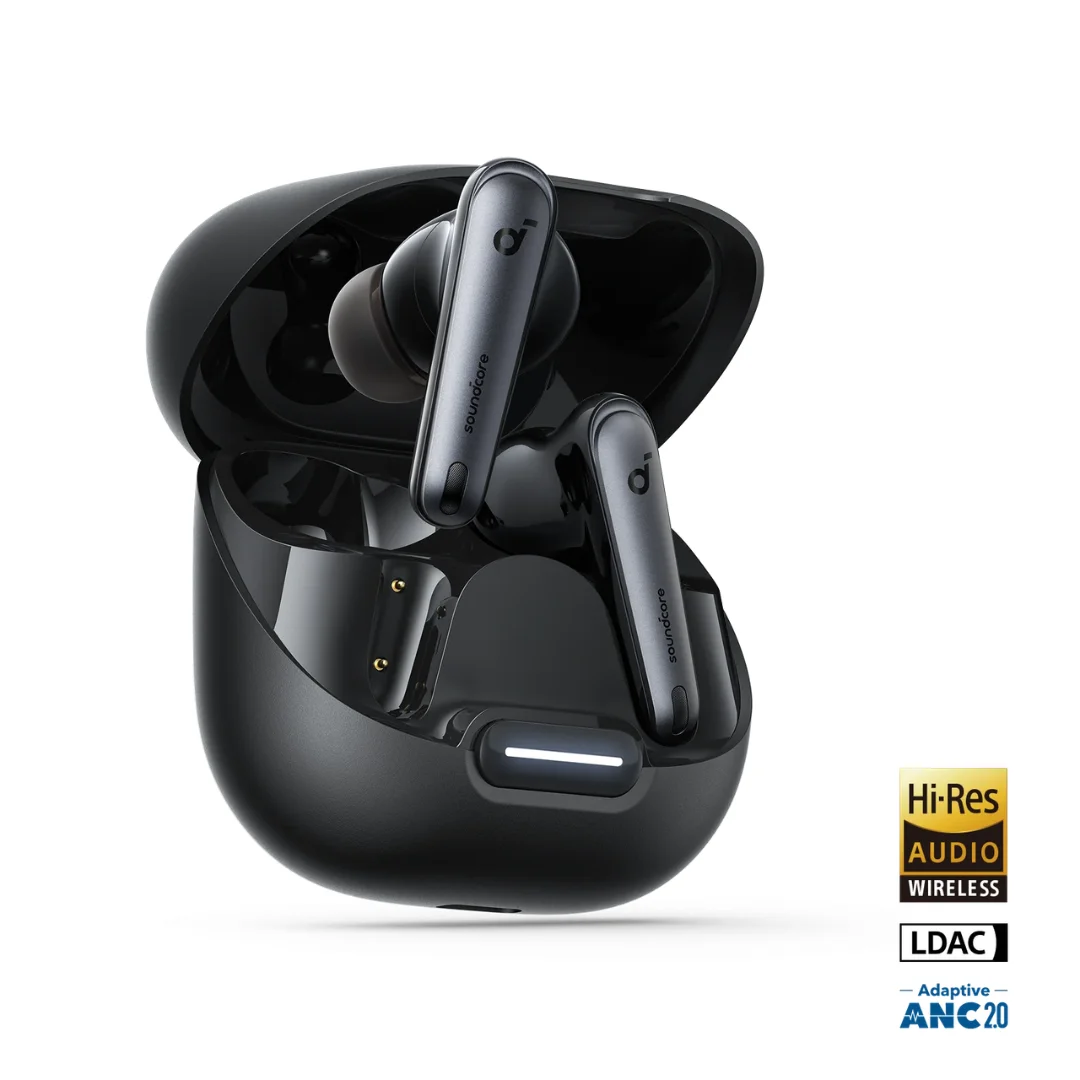
Soundcore Liberty 4 NC | Manufacturer-Listed Adaptive ANC | 11mm | LDAC | Up to 50h
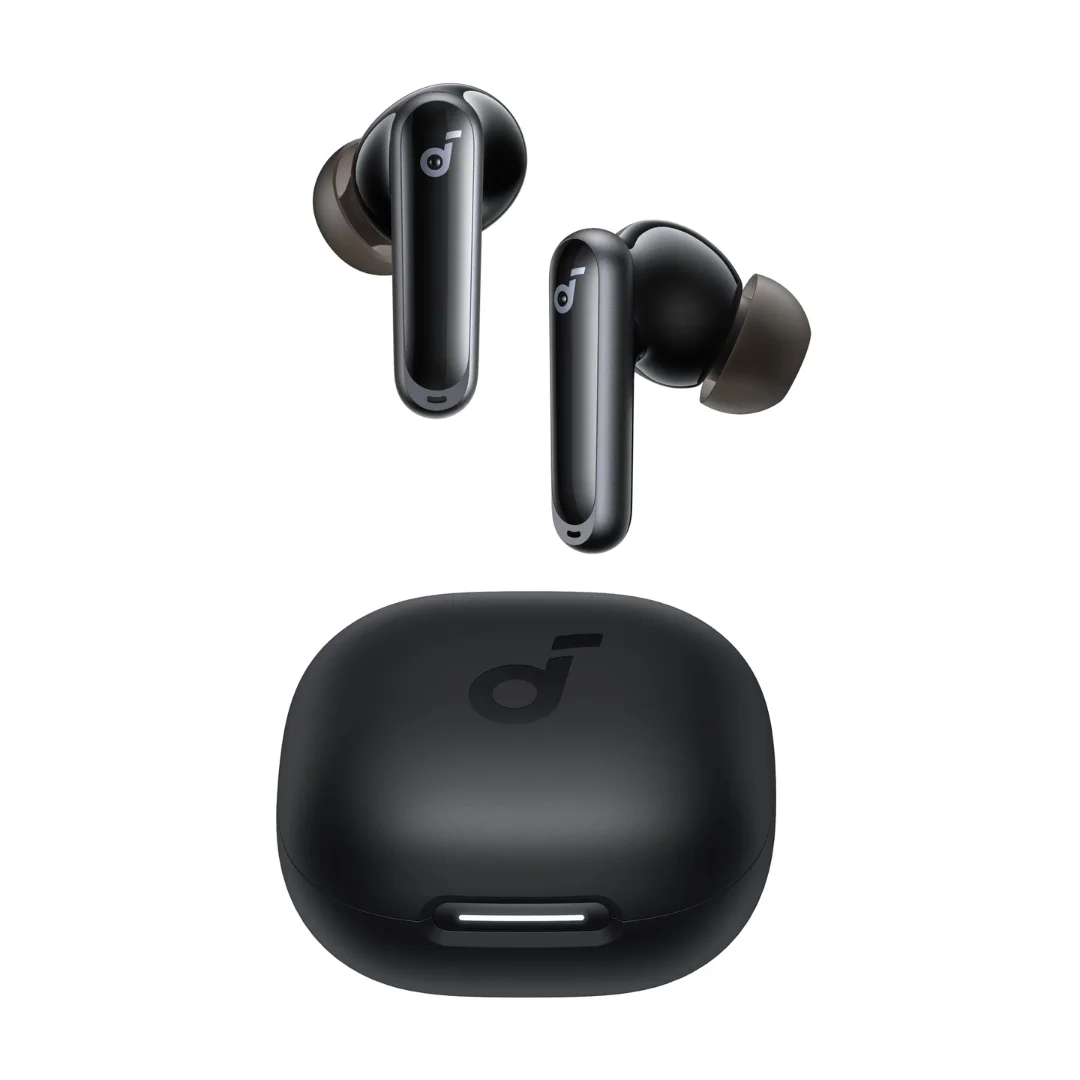
Soundcore P40i | Adaptive ANC | 11mm BassUp | 60h Battery | App EQ
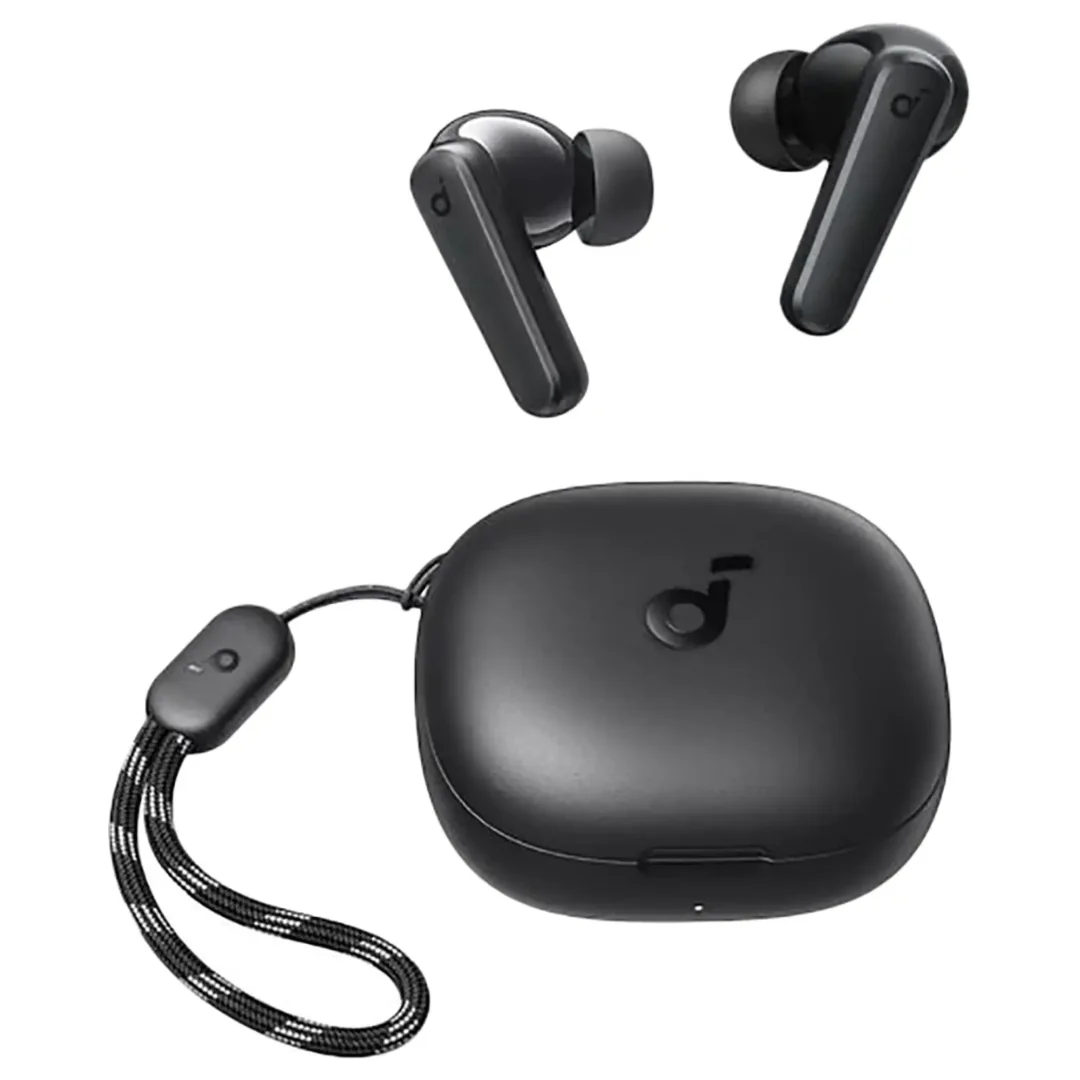
Anker Soundcore R50i | 10mm Drivers | 30h Battery | In-Ear
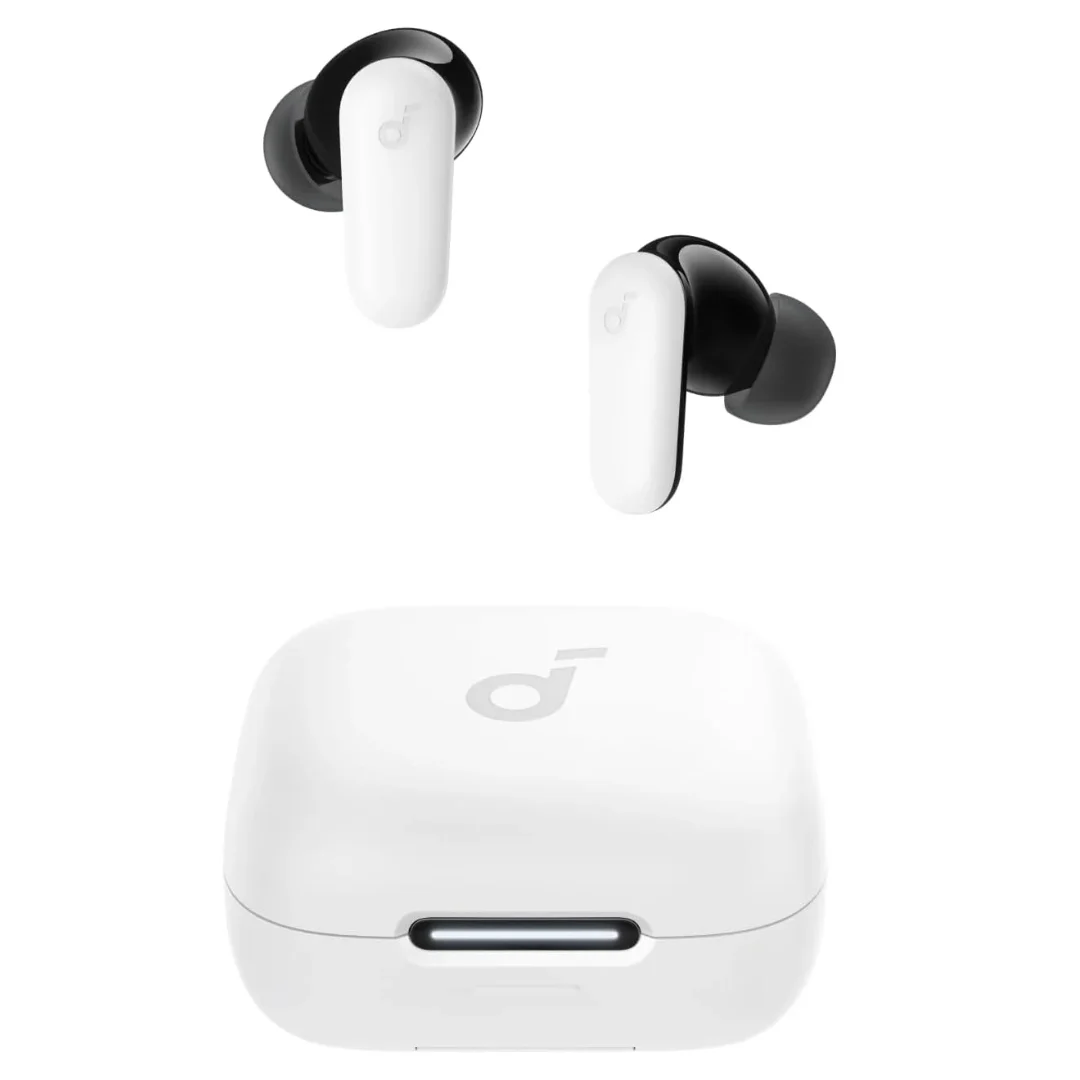
Soundcore P30i | 42dB ANC | 10mm BassUp | 45h Battery | Phone Stand Case | BT 5.4