A Smartwatch That Works on Both iPhone and Samsung — How to Choose Right
Not every smartwatch works with every phone. Complete guide to choosing a watch compatible with both iPhone and Samsung — without losing features when you switch phones.
TL;DR: Apple Watch works with iPhone only, and Galaxy Watch works best with Samsung but can pair with other Android phones. For a watch that works with any phone, independent watches such as the Joyroom FT3 at EGP 1,092 are the answer: they pair over Bluetooth with any system and give notifications, call alerts, health and sport tracking without ecosystem lock-in. Note: the FT3 has no microphone for answering calls.
You have an iPhone now — but who guarantees you will not buy a Samsung next year? Or vice versa. Or you have an iPhone and your spouse has a Samsung and you want to buy someone a smartwatch gift but do not know what phone they use. The situation is more complex than you might think — because the smartwatch world is full of "locks" that bind you to a single operating system.
In this article, we will explain exactly which watches work with which phones, what you lose when using a watch on a system it was not designed for, and what the best options are if you want a "free" watch that works with any phone without restrictions.
💡 Quick Answer: Apple Watch = iPhone only. Galaxy Watch = Samsung best / Android possible. For a free watch — Joyroom FT3 works on any phone (iOS + Android) with full features.
The Complete Compatibility Map — What Works With What?
| Watch | iPhone | Samsung | Other Android | Notes |
|---|---|---|---|---|
| Apple Watch | ✅ Full | ❌ No | ❌ No | Locked to iOS entirely |
| Galaxy Watch | ❌ No | ✅ Full | ✅ Most | Current (Wear OS) models don't connect to iPhone |
| Huawei Watch | ✅ Most | ✅ Full | ✅ Full | Huawei Health app |
| Xiaomi Band/Watch | ✅ Most | ✅ Full | ✅ Full | Mi Fitness app |
| Joyroom FT3 | ✅ Full | ✅ Full | ✅ Full | Direct BT, no lock-in |
The Real Problem — Ecosystem Lock-in
Major companies deliberately design their watches to bind you to their ecosystem. The Apple Watch does not connect to Android at all — not "works with limited features," it simply does not work. If you buy an Apple Watch and later switch to Samsung — your watch becomes a piece of metal on your wrist. Literally.
The Galaxy Watch has improved in this regard — it works on any Android device, but current models (the Galaxy Watch 4 and later, running Wear OS) do not connect to an iPhone at all — the Galaxy Wearable app does not exist on iOS. (Only the older, discontinued Tizen models like the Watch 3 and Active 2 ever paired with an iPhone, and only in a limited mode.) Even on non-Samsung Android, you lose some features like blood pressure measurement and ECG heart monitoring.
What does this mean practically? If you change phones every year or two — you might find yourself forced to change the watch as well. That is an additional cost nobody calculates at purchase time.
What Exactly Do You Lose Using a Watch on the Wrong System?
Let us be practical — not all losses are equal:
- 🔴 Apple Watch on Android: Does not work at all. Zero. Does not connect. Does not sync. Period.
- 🔴 Galaxy Watch on iPhone: Current models (the Galaxy Watch 4 and later, running Wear OS) do not connect to an iPhone at all — the Galaxy Wearable app is not available on iOS, so if you switch from Samsung to iPhone the watch stops working with your new phone. (Older Tizen models like the Watch 3 paired in a limited mode but are discontinued.)
- 🟡 Galaxy Watch on non-Samsung Android: Works well but you lose: ECG (electrocardiogram), blood pressure measurement, some exclusive Samsung Health features.
- 🟢 Independent watches (Joyroom / Xiaomi / Haylou): Work with equal efficiency on any phone. Bluetooth connection is direct — no ecosystem locking you in.
Why an Independent Watch Might Be the Smartest Choice
Independent watches (meaning not affiliated with Apple, Samsung, or Google) use standard Bluetooth for phone connectivity — meaning any phone with Bluetooth can connect to them. The Joyroom FT3, for example, connects to iPhone, Samsung, Xiaomi, Oppo, and any other phone using the same method and delivering the same features.
This gives you complete freedom — if you switch from iPhone to Samsung or vice versa, your watch keeps working. You delete the app from the old phone, download it on the new one, and pair fresh. No data is lost (workout and health history is saved in the app).
Notification Comparison — Which Delivers Better?
Notifications are the single most important feature in any smartwatch — they are the primary reason people buy one. Apple Watch delivers iPhone notifications perfectly — you see the full message and can reply directly from the watch using voice or text. Galaxy Watch on Samsung does exactly the same thing.
Independent watches deliver notifications very well — you see the app name and full content (WhatsApp, Facebook, Telegram, everything). The only difference: you cannot reply to messages from the watch itself — you need to open your phone. However, you can reject or accept calls and answer using the watch speaker. Practically — 90% of notification usage is a quick glance to see who messaged you and whether you need to respond. Independent watches handle this excellently.
The True Cost — A Calculation Nobody Makes
Let us calculate properly. If you buy an Apple Watch SE (approximate market range around 7,000 EGP) and switch to Samsung two years later — you need a new watch. If you buy a Joyroom FT3 at EGP 1,092 — even if you switch phones 10 times, the watch keeps working. Even if Apple Watch is technically superior in several areas — the price difference plus the freedom to move between systems makes independent watches economically smarter for most Egyptian consumers.
Google Pixel Watch and WearOS — A Third Alternative?
The Google Pixel Watch runs WearOS — which works on any Android but not on iPhone. So it is a middle ground between Apple Watch (fully locked) and Galaxy Watch (partially locked) — but still not completely free. Its price is also high (4,000+ EGP) and availability in Egypt is limited. If you truly want complete freedom — Bluetooth-based independent watches are the only guaranteed solution.
Features That Work on Any System — and Which Are Exclusive
| Feature | Independent Watch | Apple Watch | Galaxy Watch |
|---|---|---|---|
| Notifications | ✅ Any system | iOS only | Android only |
| Heart rate | ✅ Any system | iOS only | Android |
| Sports tracking | ✅ Any system | iOS only | Android |
| BT calls | ✅ Any system | iOS only | Android |
| ECG | ❌ Not available | iOS only | Samsung only |
| Third-party apps | ❌ Limited | ✅ App Store | ✅ Play Store |
| Built-in GPS | Model dependent | iOS only | Android |
| Mobile payments | ❌ | Apple Pay | Samsung Pay |
5 Practical Scenarios — What Is Right for You?
- 📱 You have an iPhone and will never switch: Apple Watch is the best choice — iOS integration is unmatched. But know that you are "locked" into the ecosystem.
- 📱 You have a Samsung and will never switch: Galaxy Watch is the best choice — Samsung Health is excellent and integration is complete. But switching to iPhone later means losing most features.
- 🔄 You change phones regularly: An independent watch like the Joyroom FT3 — moves with you from any phone to any phone without issues.
- 👫 You and your partner use different systems: If you want to buy a watch as a gift and are unsure of the recipient's phone — an independent watch is the safest choice.
- 💰 Your budget is limited: Independent watches are significantly cheaper (800-1,500 EGP) compared to Apple Watch (7,000+) or Galaxy Watch (4,000+). And they provide 90% of daily features.
How to Transfer Your Watch From Phone to Phone — Step by Step
If you have an independent watch and switch phones — the process is simple:
- On the old phone: Open the watch app → Settings → Unpair / Disconnect.
- On the new phone: Download the watch app (same app — works on iOS and Android).
- Enable Bluetooth on the new phone and open the app.
- Select "Add Device" — the app will find the watch automatically.
- Pair — and done. All notifications and calls will work immediately.
Old health and sports data may be saved in your account within the app (if you registered with an email). If you did not register — the data remains on the old phone only. Our advice: always register in the watch app with an account so your data is saved to the cloud.
For a detailed comparison between Joyroom and Apple Watch — read our full comparison: Is the 5x price difference worth it?. For the best sports watches under 1,500 EGP — read our Sports Watch Guide.
✅ Smartwatch That Works With Any Phone — on CairoVolt
Joyroom FT3 compatible with iPhone, Samsung and all Android devices — invoice and CairoVolt's written store warranty (duration shown on the product page) + call alerts (no microphone for answering) + ~20 vendor-listed sport modes. Delivery across all governorates.

CairoVolt Editorial Team
Content team reviewing specifications and buying guides
The CairoVolt team reviews model numbers, specifications, and compatibility, and updates information when better data is available. Estimates are labeled as calculations, and readers can report information that needs correction.
Frequently Asked Questions
Does Apple Watch work with Samsung or Android?▼
If I have a Galaxy Watch and switch to iPhone — what happens?▼
What is the best smartwatch that works on both iPhone and Android?▼
If I change phones — does my health data from the watch get lost?▼
Ready to Buy?
Browse available products and review specifications and CairoVolt warranty terms before ordering
Related products
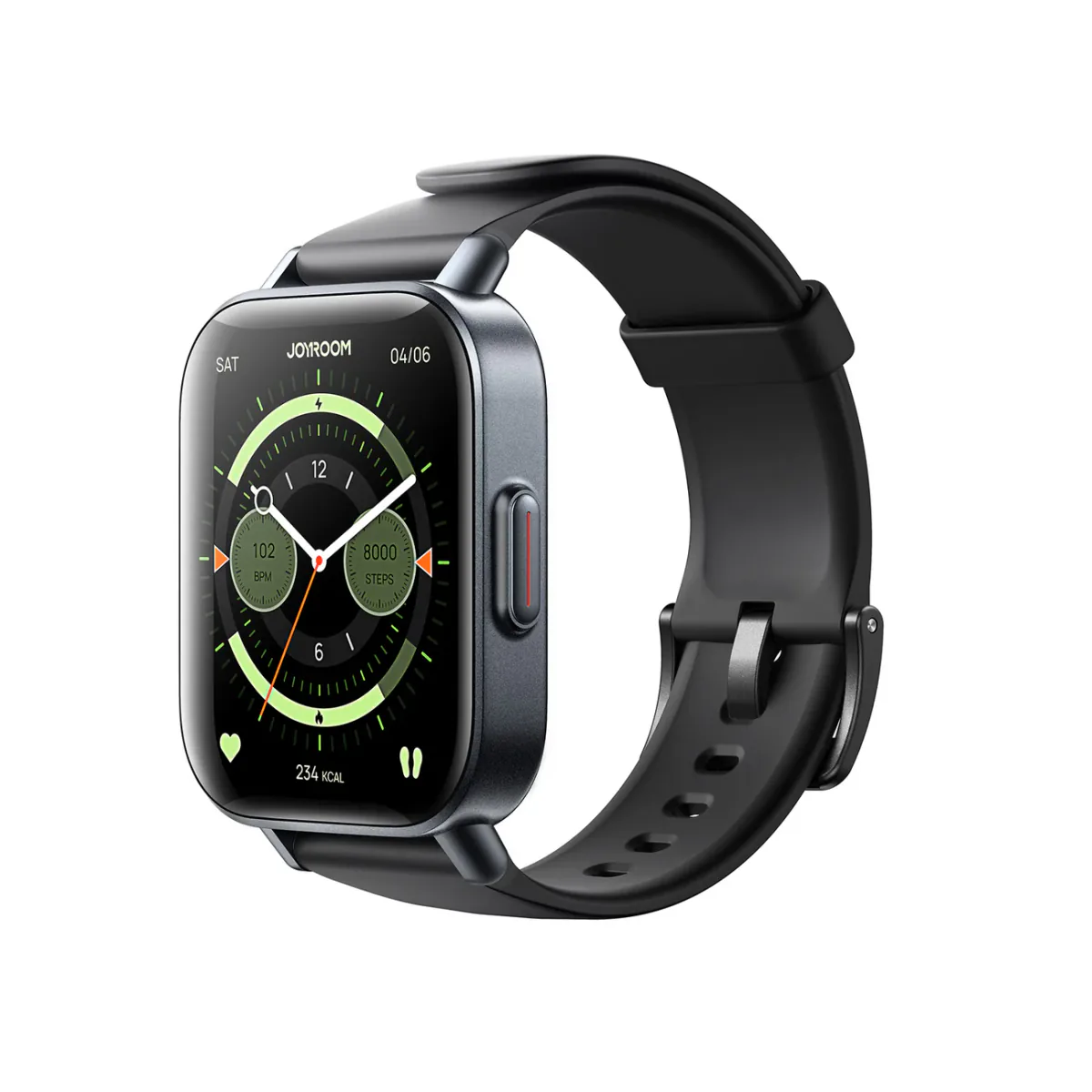
Joyroom FT3 Smartwatch | Manufacturer-Listed IP68, Sports Modes and Heart-Rate Sensor
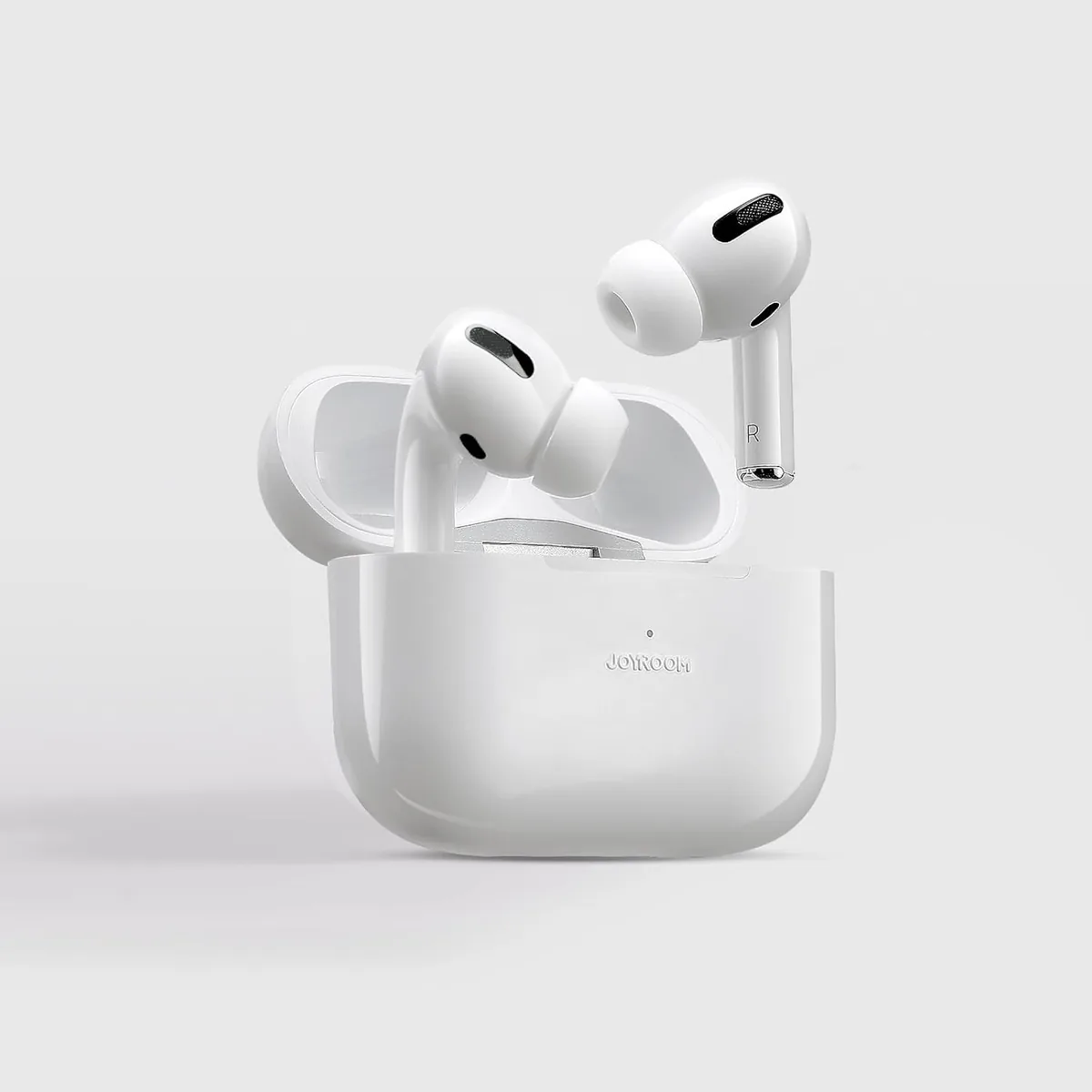
Joyroom JR-T03 Wireless Earbuds | 20H Battery | Bluetooth 5.0
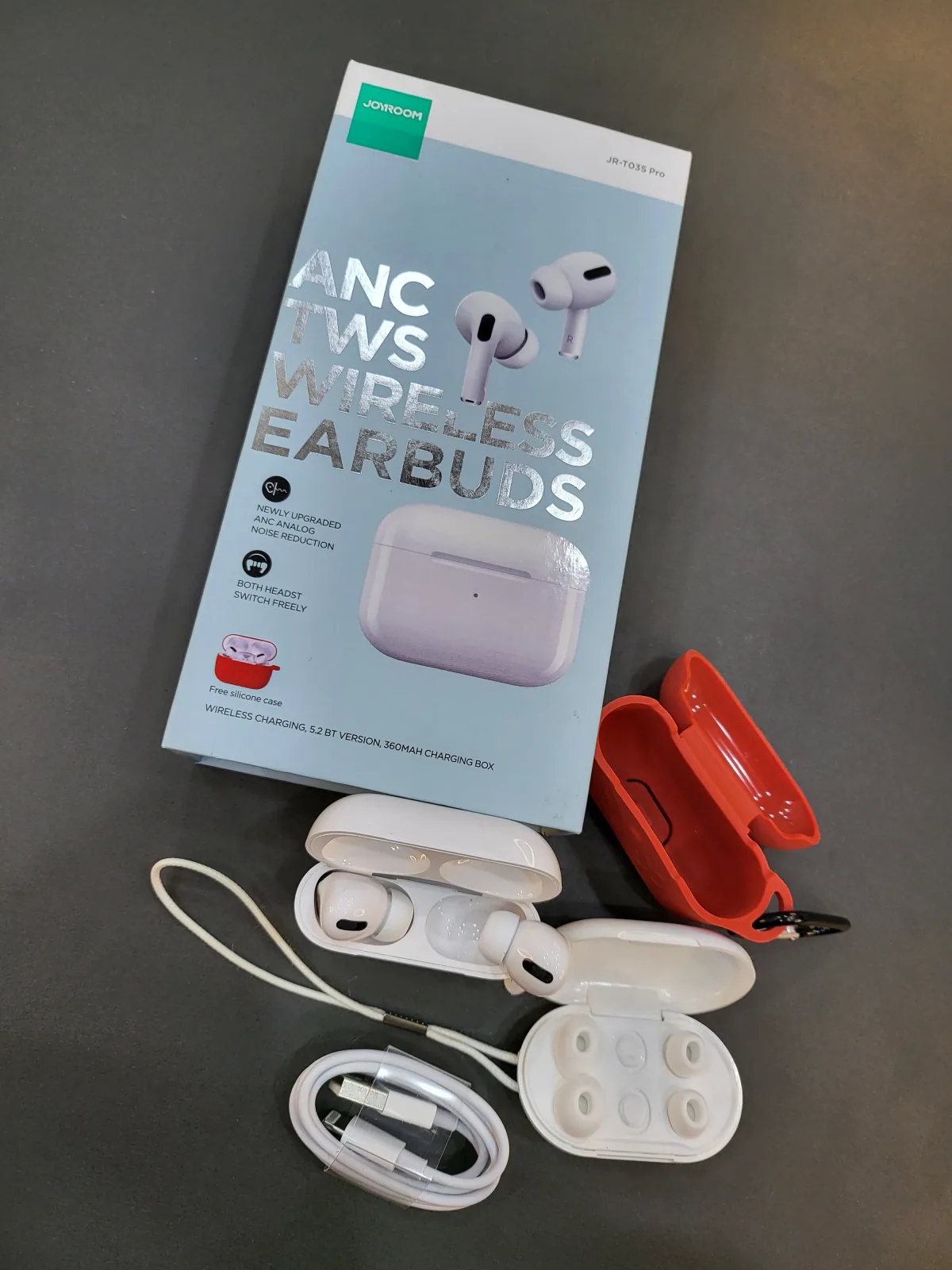
Joyroom T03S Pro ANC Earbuds
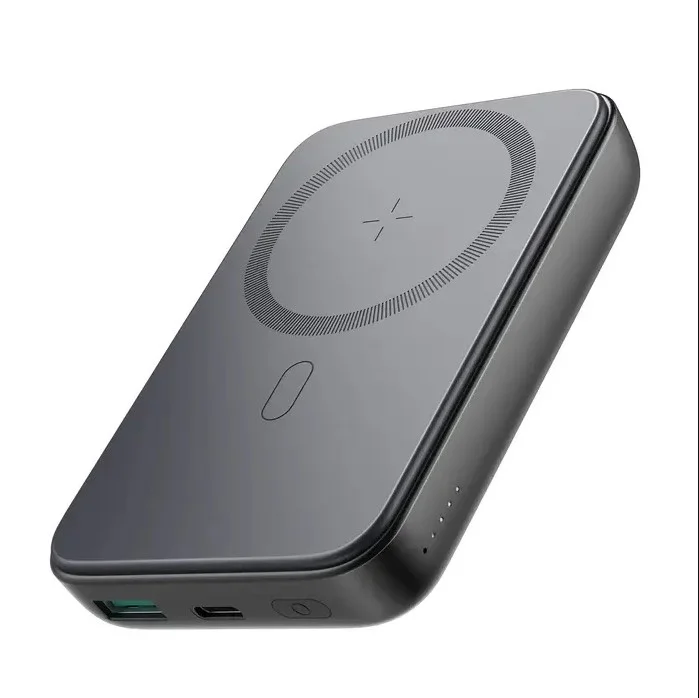
Joyroom MagSafe Power Bank 10000mAh | 15W Wireless + 20W Wired | Kickstand
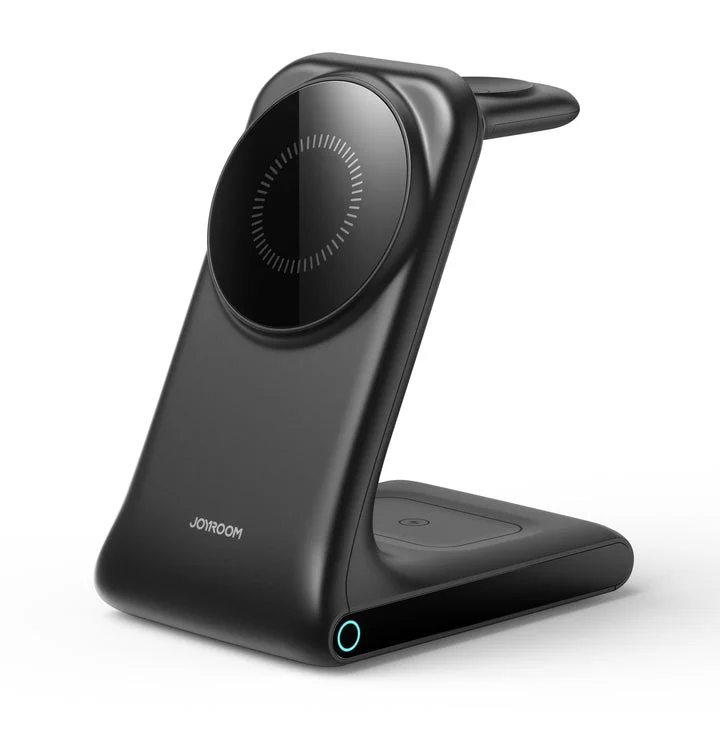
Joyroom 3-in-1 MagSafe Station | iPhone 17 + Apple Watch + AirPods | 15W | Aluminum