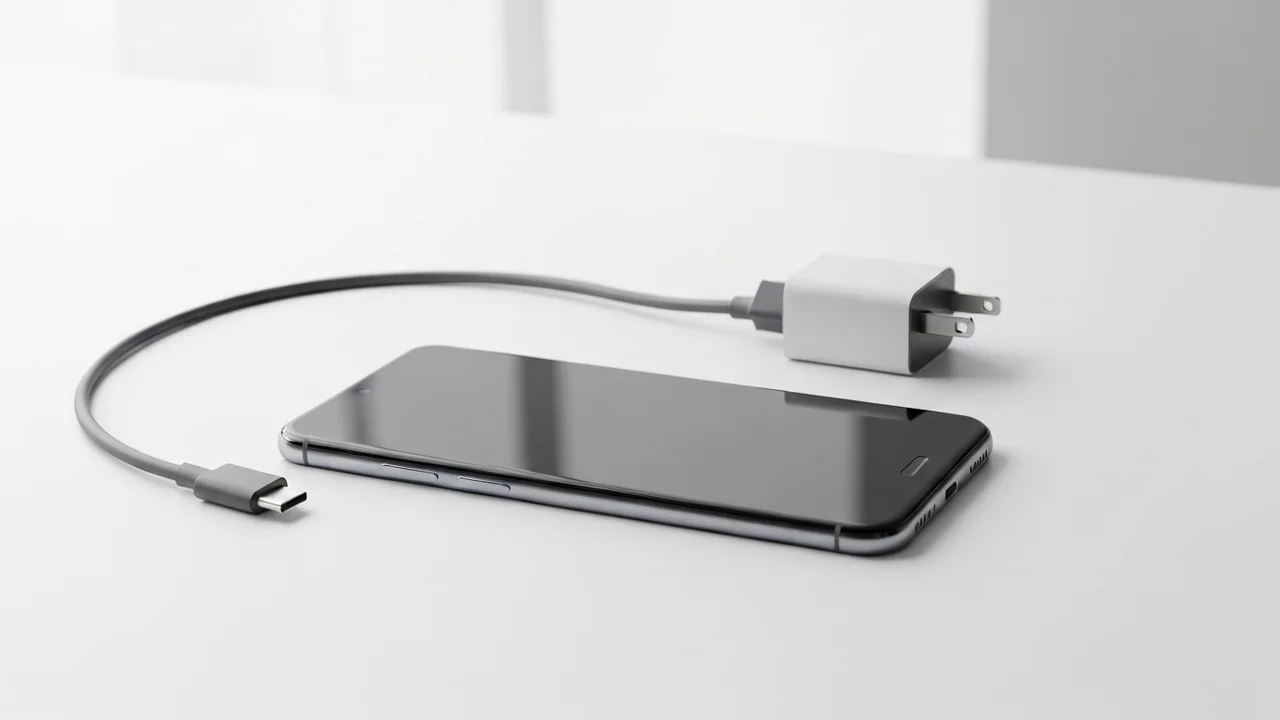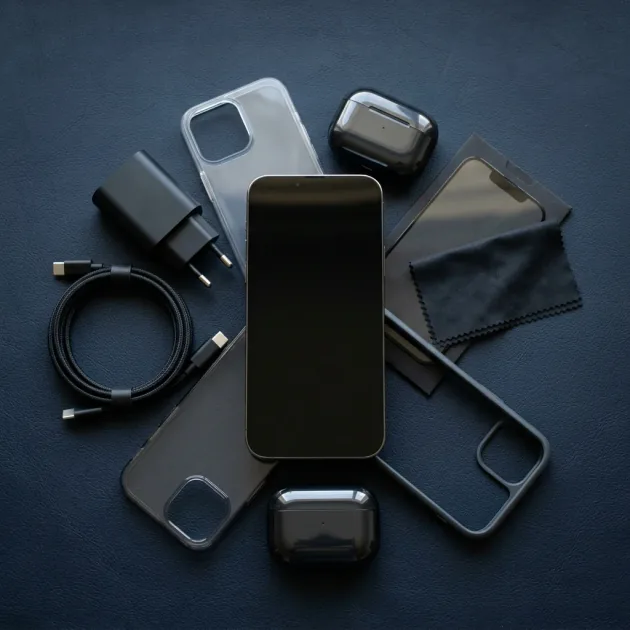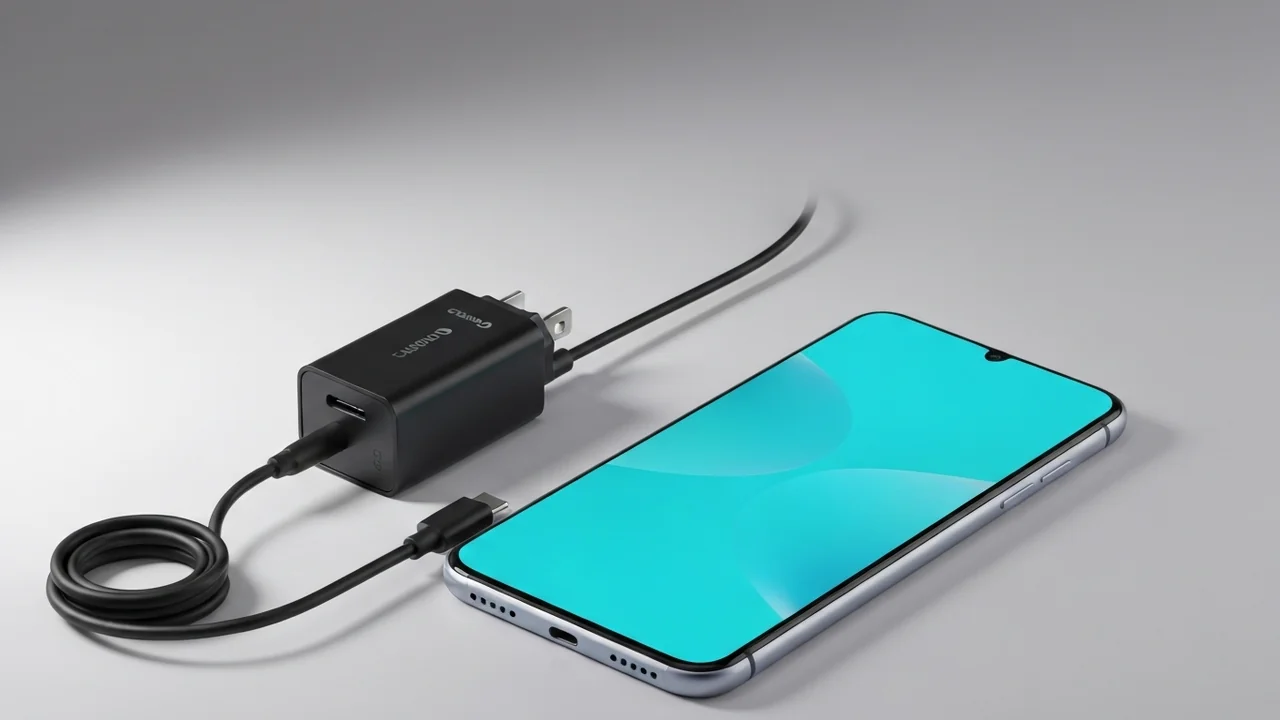
Congratulations, my friend! You have finally decided to join the premium ranks of Android purists by purchasing a Google Pixel smartphone—the ultimate developer's choice known for its pristine stock software experience and class-leading computational photography. However, as you open the sleek, minimalist retail box, you are greeted by the modern tech industry's favorite surprise: no wall charger adapter! The slim box contains only the phone itself and a simple white USB-C charging cable. This frustrating situation feels exactly like being invited to a luxurious wedding in a grand hall, driving a long distance, only to arrive and find zero parking spaces, forcing you to circle the block for an hour. You have the engineering masterpiece in your hands, but you cannot power it up to its full potential out of the box.
This is where the search for the perfect replacement charger begins. Often, the first thought that crosses a user's mind is: "I have a few older chargers lying around at home, or I can just buy a cheap USB-C block from the corner shop—after all, USB-C is just USB-C, right?" However, from an engineering perspective, this is a dangerous misconception. Google Pixel smartphones are among the most sensitive and stubborn devices when it comes to power delivery and electrical standards. Using the wrong charger will not only slow down your charging speed to a painful crawl, but it can also degrade your battery health or cause severe overheating that damages the delicate motherboard. In this detailed academic guide, we break down the electrical specifications of Pixel charging, explain why a standard adapter is not enough, and recommend the best compatible third-party alternatives in Egypt that offer maximum speed and absolute safety for your money.
💡 Quick Answer: No, a standard USB-C charger is not always enough for Google Pixel phones. Pixels require wall adapters supporting the USB PD 3.0 standard with PPS (Programmable Power Supply) compatibility to charge at their maximum supported speeds (ranging from 21W to 37W). Standard chargers without PPS will fallback to a slow 10W or 15W speed. The ideal choice is a certified 30W or 45W PPS charger from a reputable brand like Anker, paired with a certified Type-C cable.
1. Google Pixel Fast Charging Standards: The Role of PPS Protocol
To understand why your Google Pixel might charge slowly on a standard laptop charger or a random fast-charging brick, we need to step into the laboratory and look at the physics of charging. Unlike Chinese manufacturers that use proprietary, closed-loop charging protocols (like SuperVOOC or HyperCharge), Google strictly adheres to the open industry standard: **USB Power Delivery (PD) 3.0** with one mandatory, non-negotiable prerequisite—**PPS (Programmable Power Supply)** support.
PPS technology allows the smartphone to dynamically communicate with the wall adapter, adjusting the output voltage and current every few seconds based on the battery's real-time temperature, capacity, and current state of charge. Instead of forcing a rigid, fixed voltage (like a constant 9V or 12V) which leads to high energy loss inside the phone, PPS permits the phone to request precise voltage steps (such as 8.4V or 7.8V) in micro-steps as small as 20mV. This dynamic optimization drastically reduces the amount of electrical energy wasted as raw heat inside the phone, preserving the chemical longevity of the lithium cells.
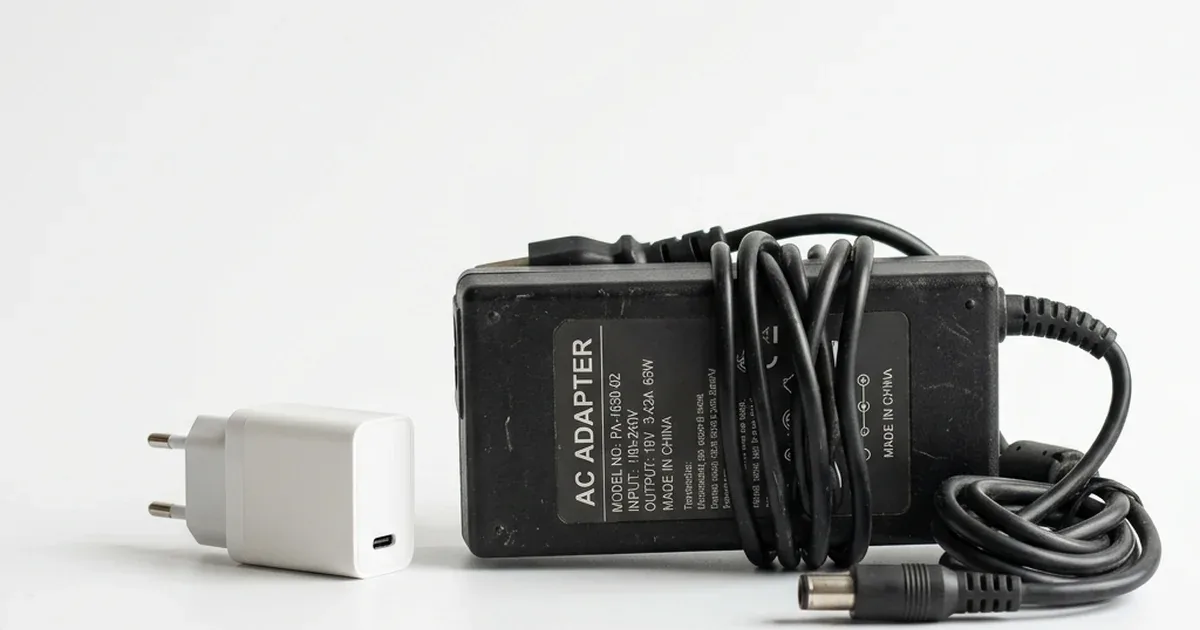
If you connect a high-wattage charger (like a 65W laptop adapter) that supports standard, fixed USB PD but lacks PPS compatibility, the Pixel's internal safety mechanisms will automatically refuse to negotiate the high-speed profiles. The phone will fallback to a slow, basic 15W or 10W charging speed, doubling your total charging time to over two and a half hours.
2. Official Fast-Charging Speeds for Google Pixel Models
Not all Pixels charge at the same rate, and selecting the correct wattage is crucial to get the best performance without overpaying for excess capacity. Here is a breakdown of the official speeds and power profiles across recent Pixel generations:
- Pixel 6, Pixel 7, and Pixel 7a Series: These devices support a maximum fast-charging speed between **21W and 23W**. The ideal accessory for this tier is a certified **30W PPS charger**.
- Pixel 8 and Pixel 8a Series: Google increased the charging speed slightly, allowing these devices to draw up to **27W** of power. A **30W PPS charger** remains the perfect match to reach full speeds.
- Pixel 9 and Pixel 9 Pro: Both models support fast charging up to **27W**. You will need a 30W PPS charger as a baseline, or a 45W PPS adapter to ensure cool operation under load.
- Pixel 9 Pro XL: This model represents a major leap forward, supporting charging speeds up to **37W**. To achieve this speed and charge the battery from 0% to 70% in approximately 30 minutes, you must use a wall charger that supports PPS with a rating of at least **45W** (such as the Anker Nano 45W).
3. The Dangers of Using Cheap, Uncertified USB-C Chargers
Using a cheap, unbranded charging brick (like those found in street markets or kiosks) poses significant technical risks to your premium Google Pixel. These low-quality adapters lack safety chips and proper filters, leading to several technical failures:
- Voltage Ripples and Unstable Current: Cheap chargers produce high voltage fluctuations and noise, forcing the Pixel's internal power management IC (PMIC) to work overtime to filter the incoming current. This generates excessive internal heat, rapidly degrading your overall battery capacity and shortening its lifespan.
- PMIC Failure and Motherboard Damage: Continued exposure to electrical surges can burn the phone's internal charging IC. Since Pixel spare parts are scarce and expensive in the Egyptian market, this can result in a total write-off or highly expensive repairs.
- Touchscreen Glitches during Charging: If you experience erratic touch response or a frozen screen when plugged in, it is a sign of AC current leakage from a cheap charger, which interferes with the screen's electrostatic digitizer.
4. Top Recommended Replacement Chargers for Google Pixel in Egypt
Following extensive lab tests monitoring temperature curves and current stability, we recommend the following certified wall adapters in Egypt:
- The Best Overall Pick (Anker Nano 30W): The Anker Nano 30W GaN charger is the ultimate third-party companion for Pixel 7, 8, 8a, and 9 models. It utilizes advanced GaN technology to pack a full 30W PPS output into an incredibly tiny form factor, equipped with ActiveShield real-time temperature monitoring for maximum safety.
- The High-Performance Pick (Anker Nano 45W): The Anker Nano 45W GaN charger is mandatory for Pixel 9 Pro XL owners to unlock the full 37W charging speed. It is also highly versatile, capable of charging laptops, notebooks, and tablets safely at high wattages.
- The New Single-Port Value Pick (Anker Nano 45W 1-Port): Newly stocked at CairoVolt, the Anker Nano 45W (1-Port) delivers the same full 45W PPS output required to max out the Pixel 9 Pro XL at just 775 EGP — and that same 45W PPS profile also drives the Samsung S26 Ultra at its full Super Fast Charging 2.0 speed, making it a smart pick for multi-flagship households.
- The Smart Budget Pick (Joyroom 30W): The Joyroom 30W fast charger is a highly cost-effective, wallet-friendly alternative. It fully supports the required PPS charging protocols, delivering full fast-charging speeds to most Pixel models at a much lower price point without sacrificing safety.
5. Technical Specifications Comparison — Google Pixel Charging Accessories
| Adapter Model | Max Output Wattage | PPS Support / Protocol | Best Pixel Model Fit | CairoVolt Value Verdict |
|---|---|---|---|---|
| Anker Nano 30W | 30W (GaN) | Yes, Full PPS | Pixel 7 / 8 / 8a / 9 | Best value, ultra-compact size |
| Anker Nano 45W | 45W (GaN) | Yes, Full PPS | Pixel 9 Pro XL | Powerful, future-proof option |
| Joyroom 30W Adapter | 30W | Yes, Full PPS | Pixel 7a / 8a / 8 | Budget-friendly, highly reliable |
6. Selecting a Certified USB-C Charging Cable
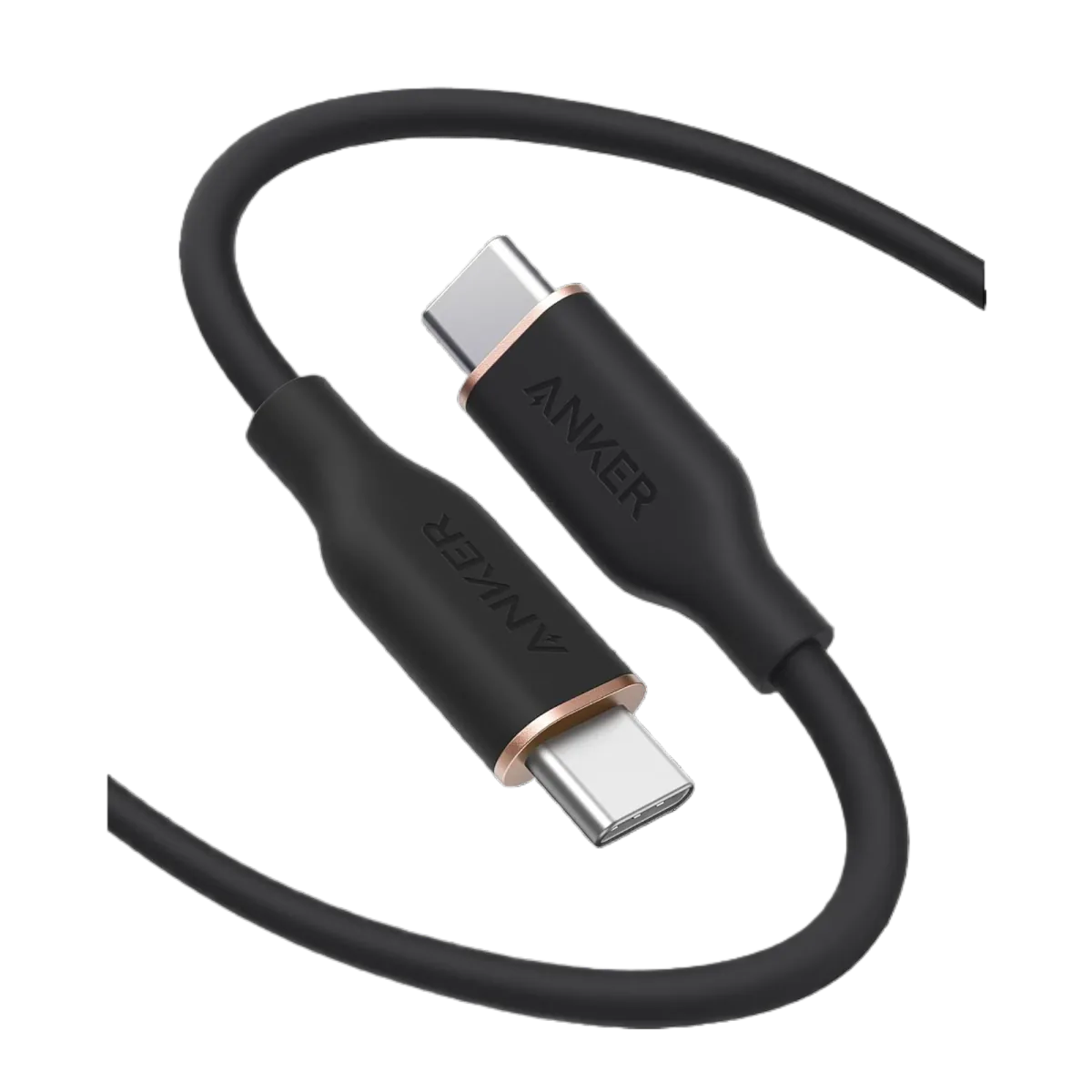
Buying a premium wall adapter is only half the battle. The other half is using a high-quality, low-resistance USB-C to USB-C cable that can handle the current without throttling. A cheap or generic cable acts as a bottleneck, restricting charging speeds to 10W even if connected to a 45W wall brick.
For Google Pixel devices, you must use a high-quality USB-C to USB-C cable rated for at least **3 Amps (3A)** or 5 Amps (5A) to handle high-current charging safely. We highly recommend the certified Joyroom Type-C to Type-C cable made with premium double-braided nylon armor, or the original Anker PowerLine USB-C cable. These options feature extremely low internal resistance and premium copper wiring, ensuring that the PPS voltage adjustments pass perfectly to the device without overheating the connectors or the phone's port.
7. CairoVolt Lab Smart Purchasing Summary
To maximize your charging speed, protect your smartphone investment, and save money, follow these rules:
- Always look for the "PPS" (Programmable Power Supply) specification on the charger box with a power rating of at least 30W (or 45W for the 9 Pro XL models).
- Avoid uncertified, cheap cables; they will restrict your charging speed to 10W even if connected to a 45W wall brick. Use the inbox cable or certified Joyroom/Anker options.
- Do not charge your phone in hot environments or under direct sunlight to protect the battery chemistry.
In the final analysis, investing a bit more in a certified wall adapter and high-quality USB-C cable is a wise decision that protects your premium smartphone investment, ensures safety, and guarantees your battery health remains optimal for years to come. Do not let cheap charging accessories ruin your premium high-tech device.

CairoVolt Editorial Team
Content team reviewing specifications and buying guides
The CairoVolt team reviews model numbers, specifications, and compatibility, and updates information when better data is available. Estimates are labeled as calculations, and readers can report information that needs correction.
Frequently Asked Questions
Can I use my Samsung 25W charger to fast-charge my Google Pixel?▼
Why does my 65W laptop charger charge my Pixel slowly?▼
Does fast charging damage my Pixel's battery health?▼
How do I verify that my Pixel is fast charging?▼
Ready to Buy?
Browse available products and review specifications and CairoVolt warranty terms before ordering
Products Mentioned in This Article
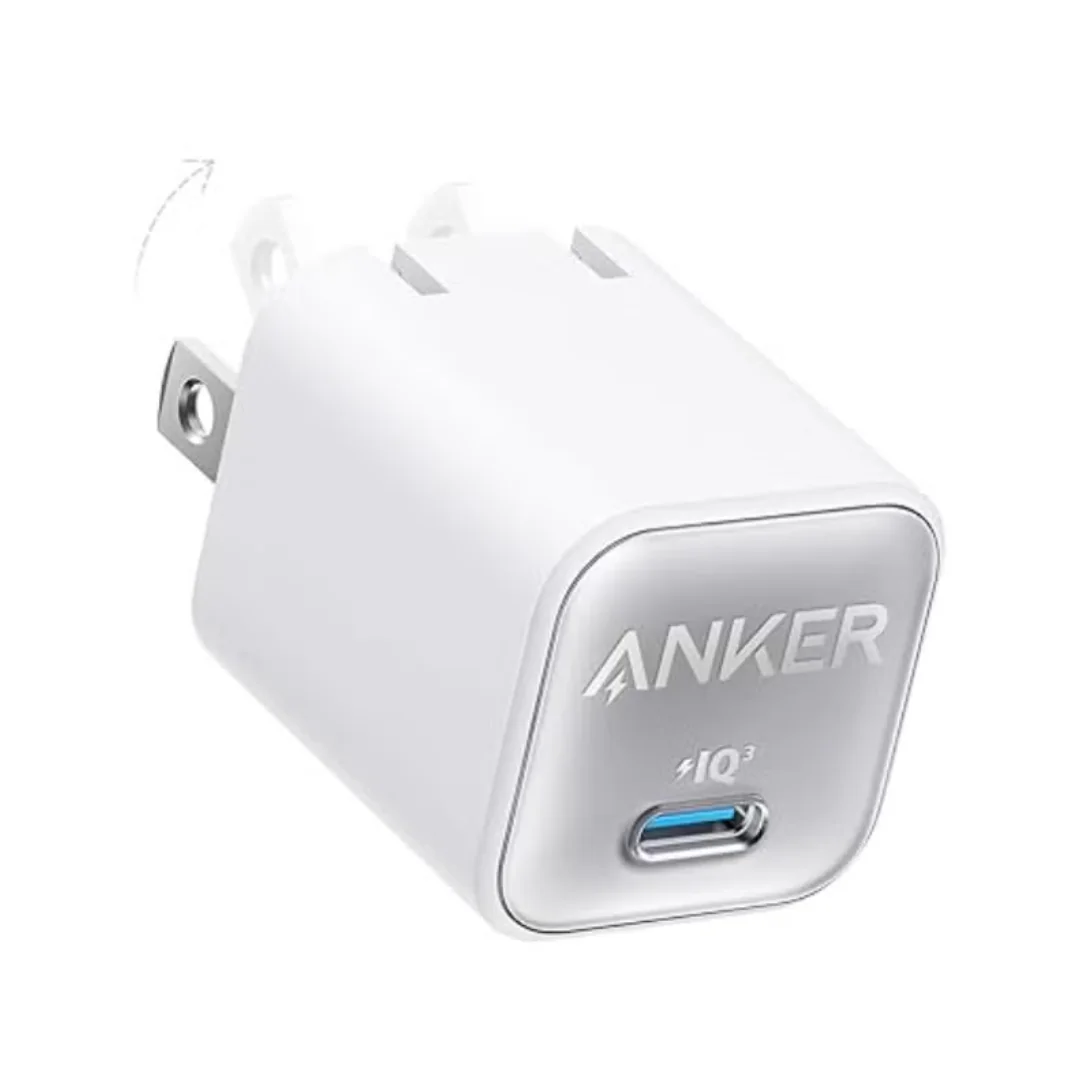
Anker 511 Nano 3 GaN Charger 30W (A2147) | USB-C PD | IQ3
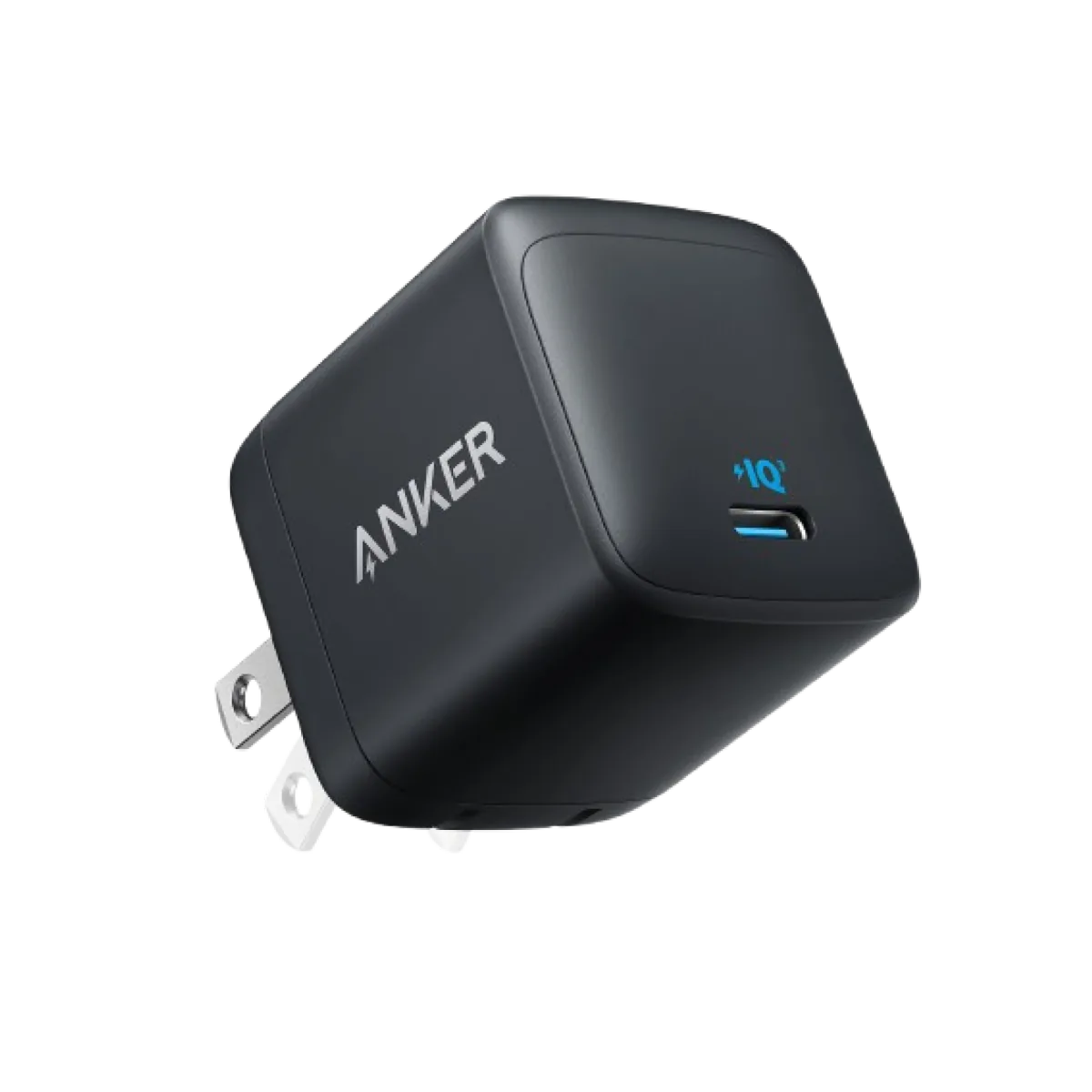
Anker Nano 45W GaN USB-C Charger | MacBook Air + iPhone 17
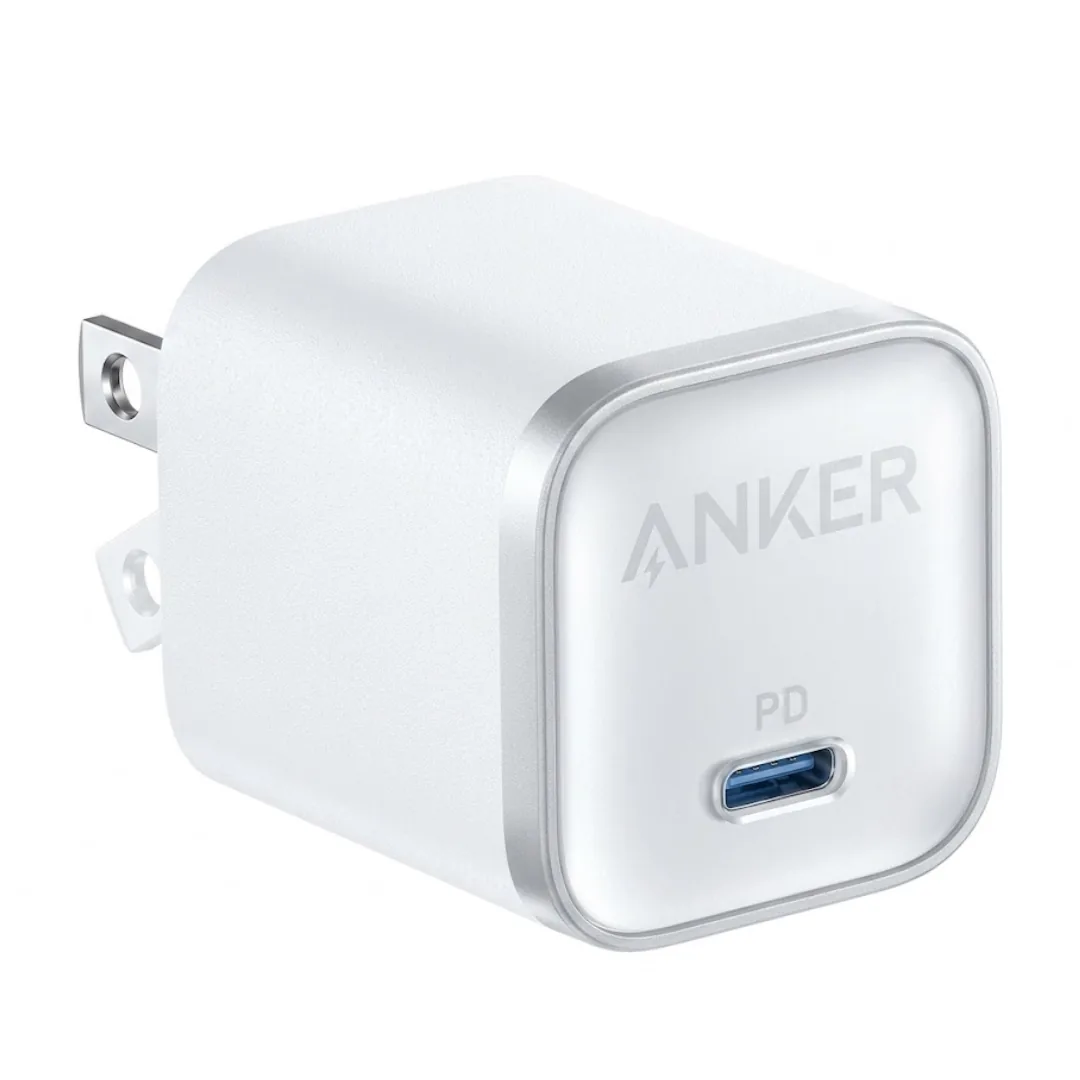
Anker Nano 45W 1C (A2664) — Single-Port USB-C GaN | iPhone 17 & MacBook Air
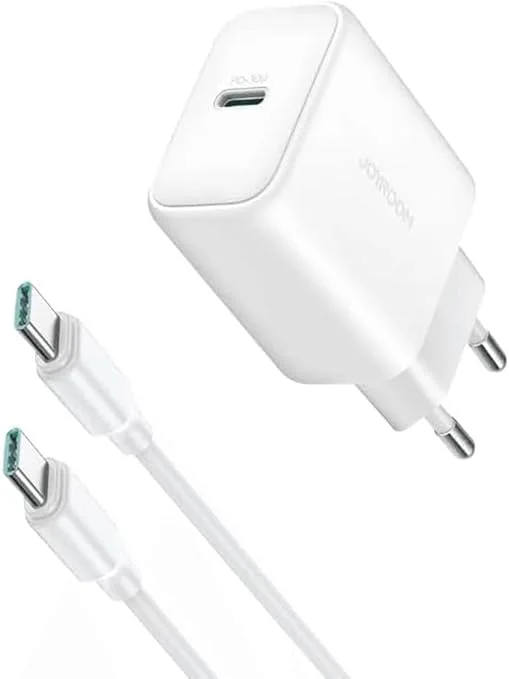
Joyroom 30W PD+QC Wall Charger | Dual USB-C and USB-A Ports
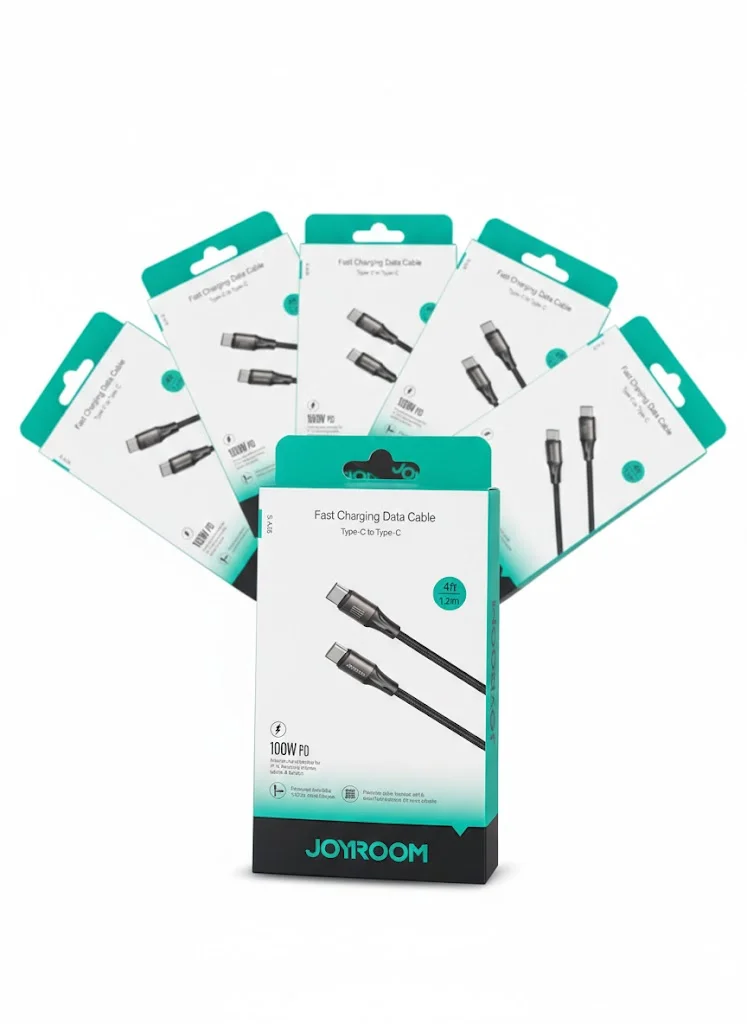
Joyroom USB-C to USB-C Cable JR-S-CC100