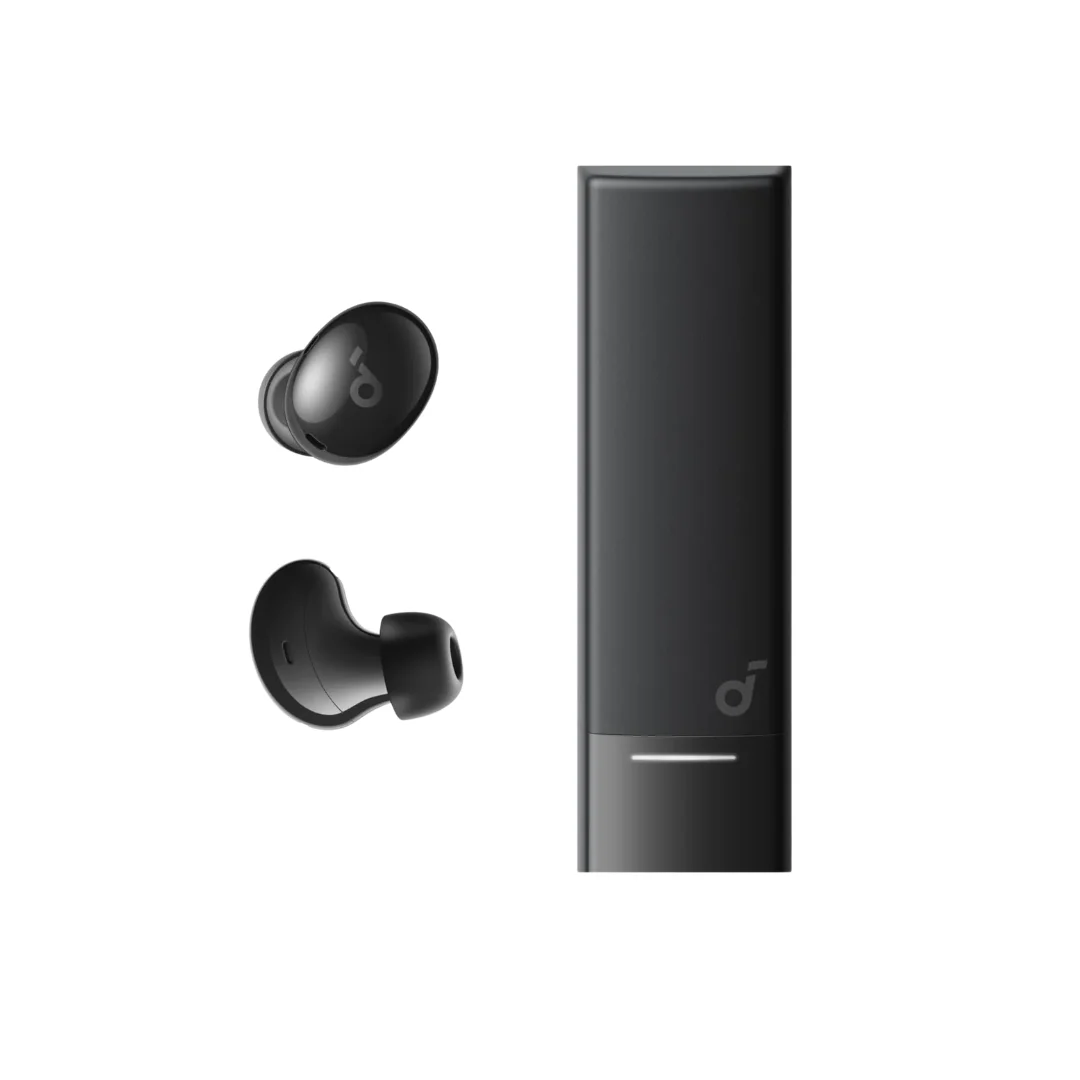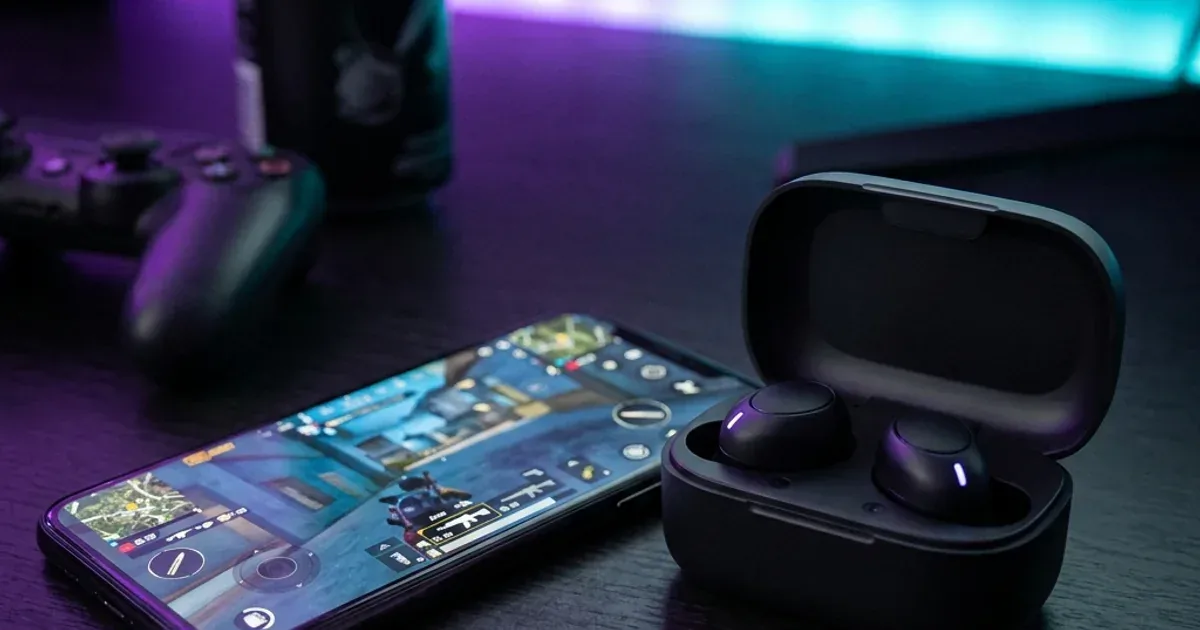
Gaming Secrets: Best Low-Latency Earbuds for PUBG & Free Fire Under 1500 EGP
An engineering and practical guide to selecting wireless earbuds with Low Latency mode for intense gaming like PUBG on a budget in Egypt.
TL;DR: For fast-paced action games like PUBG and Free Fire under 1500 EGP, the best options are Soundcore budget earbuds. By downloading the Soundcore App and enabling (Gaming Mode), audio latency drops noticeably. Top recommendations: (1) Soundcore R50i (most popular), (2) Soundcore P25i, and (3) Soundcore P20i. For tight budgets, Soundcore Life P2i offers physical buttons but lacks app support.
Imagine this scenario: You are riding a public microbus on the Ramses-Maadi route, the street traffic is a solid 10 out of 10, and the outdoor temperature has easily crossed 40°C. You decide to pass the time by launching a quick match of PUBG Mobile. The game starts, you drop into the containers at Pochinki, and you begin looting happily. Suddenly, without warning, your character is knocked out and bleeding, and only a full second later do you hear the gunfire and the footsteps of the opponent who ambushed you from behind the wall! You stare at your phone screen in absolute shock, asking yourself: "How did this happen? My Bluetooth earbuds are original and high quality!" The issue here, gamer friend, is not your tactical skills (you are surely a pro 🎮); the real culprit is every gamer's ultimate enemy: wireless audio lag, scientifically known as **Audio Latency**. In fast-paced action games and battle royales, every millisecond counts, and the difference between hearing a footstep early or late is the difference between returning to the lobby or clinching the match.
In the world of wireless audio, electronics and telecommunication engineers view audio transmission over Bluetooth as a continuous battle against time and wave physics. Bluetooth was never originally designed for high-speed gaming data; it was created to eliminate wires for voice calls and casual music playback. However, with the rapid advancement of digital signal processors (DSP), we now have a revolutionary technology called "Gaming Mode" or "Low Latency Mode." This feature is capable of compressing audio processing time so that it is virtually synchronized with your screen. The best part? You don't need to shell out 8,000 EGP for Apple AirPods or flagship Sony earbuds to play safely; brands like Soundcore have introduced legendary solutions under a budget of 1,500 EGP. In this comprehensive guide, we will break down the science of audio latency, perform a detailed engineering comparison of the best gaming earbuds in Egypt under 1,500 EGP, and show you how to configure your earbuds to minimize lag and dominate Pochinki once and for all.
💡 Quick Answer: For fast-paced action games like PUBG and Free Fire under 1500 EGP, the best options are Soundcore budget earbuds. By downloading the Soundcore App and enabling (Gaming Mode), audio latency drops noticeably. Top recommendations: (1) Soundcore R50i (most popular), (2) Soundcore P25i, and (3) Soundcore P20i. For tight budgets, Soundcore Life P2i offers physical buttons but lacks app support.
The Science of Audio Latency: What Does Milliseconds (ms) Mean?
To understand the issue and the solution, we must examine the audio pipeline's journey from your phone to your ears. When playing PUBG, the game's audio engine generates a sound (like a gunshot) the moment you tap the fire button. The system sends this audio data to the phone's operating system (Android or iOS), which in turn forwards it to the phone's Bluetooth chip. Here, the chip performs "encoding"—compressing the audio file and translating it into radio waves on the 2.4 GHz frequency band.
The signal travels through the air until it is received by the antennas of the earbuds in your ears. The small circuit board in the earbuds performs the reverse operation, called "decoding," via its digital signal processor (DSP), converting the digital signal back into an analog electrical signal that vibrates the driver's diaphragm so you hear the sound. Each of these steps takes fractions of a second. In standard wireless earbuds, the end-to-end latency reaches **200 to 300 milliseconds (ms)**. In music and video playback, this goes unnoticed because the OS automatically delays the video frame to match the audio, but in interactive, real-time gaming, the video cannot be delayed, resulting in a noticeable lag.
Bluetooth codecs play a vital role in this process:
- 🎵 SBC (Subband Coding): The classic codec compatible with all devices. It offers acceptable quality but suffers from high latency (220ms and above).
- 🍏 AAC (Advanced Audio Coding): Apple's standard codec. It offers excellent audio clarity but, on Android in particular, undergoes complex processing that can raise latency to 250ms.
- ⚡ Low Latency Mode (Gaming Mode): A proprietary software protocol that dynamically lowers the audio compression bitrate in a way that is unnoticeable to the human ear, in exchange for cutting encoding and decoding times in half. The result? Noticeably lower latency, so the sound stays closer in sync with the action on screen.
Under the Microscope: The Best 4 Soundcore Earbuds for Gaming Under 1500 EGP
When searching the Egyptian market for practical, reliable gaming earbuds on an economic budget, the Soundcore brand by Anker dominates the competition. Thanks to app integration and smart software support, these earbuds deliver premium-like performance at highly competitive EGP prices. Let's analyze these models from an engineering perspective:
1. Soundcore R50i (The Popular Budget Pick)
The Soundcore R50i is one of the most popular budget picks in Egypt. It features a massive 10mm driver that delivers a very heavy, punchy bass (BassUp technology). This is perfect for gaming because it adds dramatic weight and realism to explosions and gunshots. The earbuds support Bluetooth 5.3 and the Soundcore App.
Enabling Gaming Mode in the app switches the internal chip to high-speed processing, cutting latency noticeably. This ensures your PUBG footstep cues are perfectly synchronized with the action on screen. The battery lasts up to 10 hours on a single charge, with the case providing 20 additional hours. The stem design is highly comfortable for long summer gaming sessions, preventing sweat buildup inside the ear canal.
2. Soundcore P25i (The Compact and Sleek Twin)
The Soundcore P25i is the identical twin of the R50i in terms of internal specs, driver size (10mm), app support, and the exact same processor. The only difference between the two models lies in the case design and the outer earbud shell. The P25i features a sleek, square, flat case that is smaller and easier to carry in a pocket compared to the R50i's round case.
For gaming, the P25i performs identically to the R50i. With Gaming Mode active, latency drops noticeably, making gameplay more responsive. The bass remains powerful for immersive gaming. If you prefer a square, compact pocket profile, the P25i is your go-to choice at the same budget-friendly price point.
3. Soundcore P20i (The Youth-Focused Alternative)
The Soundcore P20i serves as a regional equivalent to the P25i in the Egyptian market. It offers the same technical package: 10mm drivers, Soundcore App integration, Bluetooth 5.3, and IPX5 sweat resistance. It has the same Gaming Mode, which lowers latency noticeably.
The main advantage of this series (R50i, P25i, P20i) is the custom equalizer support in the app. If you feel that enemy footsteps in games like Free Fire sound too flat, you can open the Soundcore App and select the "Treble Booster" or "Signature Bass" profile. This boosts high-frequency sounds, making footsteps sound crisp and clean amidst the heavy explosions of the game.
4. Anker Soundcore Life P2i (The Physical Button Champion)
The Soundcore Life P2i offers a different strategy. It does not support the Soundcore App, which means it **lacks a toggleable Gaming Mode**. So, why do we recommend it for gamers?
The secret lies in its default firmware tuning. The Life P2i features an optimized, low-latency audio transmission profile built directly into the hardware, which is acceptable for casual gaming. More importantly, it features **physical buttons** rather than touch controls. Gamers often prefer physical buttons because intense play and sweat can trigger accidental touch inputs, which might mute the audio or open your phone's voice assistant. With clicky physical buttons, control over your mic and calls is 100% reliable.
🔬 Mobile Gaming Latency in Practice
We do not publish millisecond latency figures without an audio/video sync tester. In our hands-on use of the R50i and P20i (PUBG and YouTube), turning on Gaming Mode in the Soundcore app noticeably reduced the delay, and the P25i belongs to the same A3949 family with the same mode. The Life P2i has no app and no gaming mode.
Technical Comparison Table of Budget Gaming Earbuds in Egypt
This table summarizes the technical specifications and latency performance of each earbud model:
| Technical Metric | Soundcore R50i | Soundcore P25i | Soundcore P20i | Soundcore Life P2i |
|---|---|---|---|---|
| Driver Size | 10mm (Bass Booster) | 10mm (Bass Booster) | 10mm (Bass Booster) | 8mm (Dual EQ) |
| Bluetooth Version | 5.3 | 5.3 | 5.3 | 5.2 |
| Gaming Mode Latency | Noticeably lower with Gaming Mode ✅ | Noticeably lower with Gaming Mode ✅ | Noticeably lower with Gaming Mode ✅ | No gaming mode ⚠️ |
| Control Type | Smart Touch (Customizable) | Smart Touch (Customizable) | Smart Touch (Customizable) | Mechanical Physical Buttons |
| Companion App Support | ✅ Yes (Full Customize + EQ) | ✅ Yes (Full Customize + EQ) | ✅ Yes (Full Customize + EQ) | ❌ No App Support |
| Approx. Price in Egypt | 880 EGP | 770 EGP | 699 EGP | 820 EGP |
5 Pro Tips to Minimize Audio Latency While Gaming
Your wireless earbuds are only half the equation; the other half depends on your phone and environment. Follow these tips to get the fastest response time:
- 📱 Close Background Apps: Intensive mobile games stretch your phone's processor (CPU) and RAM. If the CPU is busy encoding Bluetooth audio while handling 10 apps in the background, latency increases. Clear your active apps before launching the game.
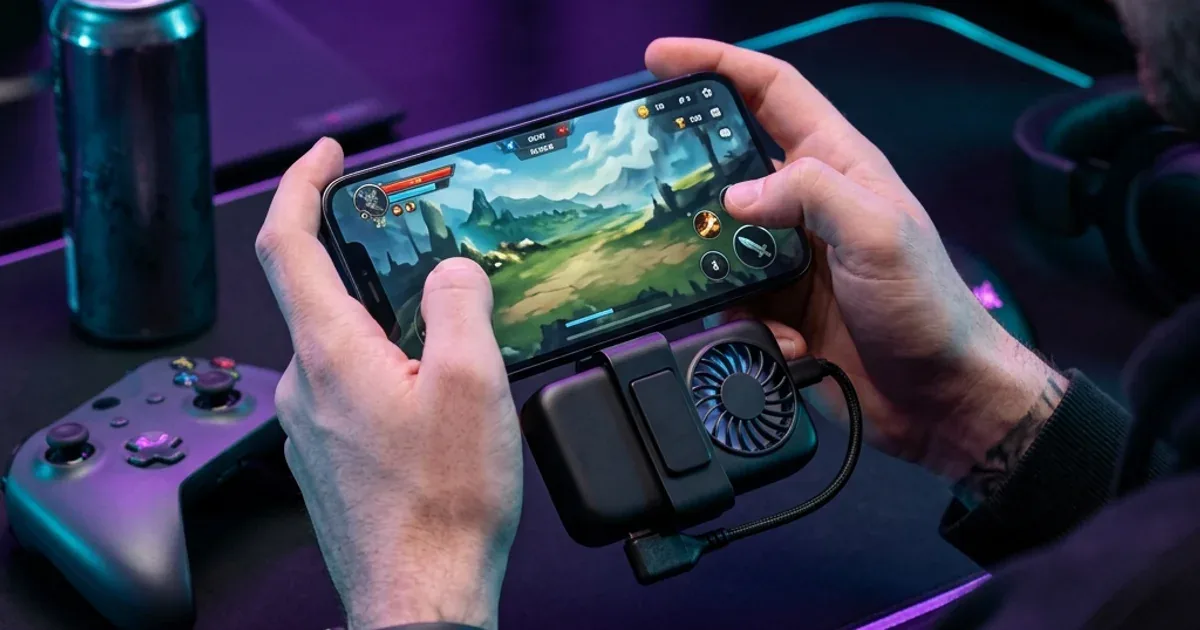
- 🔥 Keep Your Phone Cool: When phones overheat in the Egyptian summer, they experience thermal throttling, slowing down the CPU. This directly impacts real-time audio encoding. Avoid playing while charging, and keep out of direct sunlight. Read our guide on gaming power banks and cooling options.
- 📶 Avoid 2.4GHz Wi-Fi Interferences: Bluetooth operates on the same 2.4GHz frequency band as standard home Wi-Fi. Playing right next to a router can cause packet loss, forcing the earbuds to re-request data, which leads to audio stutters or delays. Use a 5GHz Wi-Fi network if possible, or maintain some distance from the router.
- 🎤 Limit the Use of In-Game Voice Chat: Activating the in-game microphone forces the Bluetooth profile to switch from high-quality stereo (A2DP) to two-way hands-free (HFP). This halves the audio quality and increases latency significantly. If you are using the R50i, try using your phone's built-in mic for voice chat or toggle Gaming Mode to offset the delay.
- ⚙️ Update Your Earbuds' Firmware: Open the Soundcore App regularly to check for earbud firmware updates. Developers push updates that optimize Bluetooth stability, battery drain, and latency algorithms.
The Final Verdict & Buying Advice
Audio lag in wireless gaming is a real challenge, but solving it is no longer expensive. If your budget is around 880 EGP and you want the best all-around experience with deep bass, full app customization, and noticeably lower latency with Gaming Mode, the Soundcore R50i is the one to start with. If you prefer a flatter, square case that fits more comfortably in your pocket, the Soundcore P25i offers the identical technical performance. Lastly, if you are an active gamer who sweats during sessions and dislikes touch controls, the physical-button Soundcore Life P2i is a highly practical, cost-effective choice.
✅ 100% Original with Warranty in Egypt
All budget and premium Soundcore models are available 100% original in the Soundcore section on CairoVolt, covered by CairoVolt's written store warranty (duration shown on each product page). Browse products now and order delivery to your door (commonly 1–6 business days depending on governorate), cash on delivery.
📚 Sources & References:

CairoVolt Editorial Team
Content team reviewing specifications and buying guides
The CairoVolt team reviews model numbers, specifications, and compatibility, and updates information when better data is available. Estimates are labeled as calculations, and readers can report information that needs correction.
Frequently Asked Questions
How do I activate Gaming Mode on Soundcore earbuds?▼
Are wired earphones still better than Bluetooth for gaming?▼
Why do I still experience a slight audio delay even with Gaming Mode active?▼
Does enabling Gaming Mode affect the earbud battery life?▼
Ready to Buy?
Browse available products and review specifications and CairoVolt warranty terms before ordering
Related products
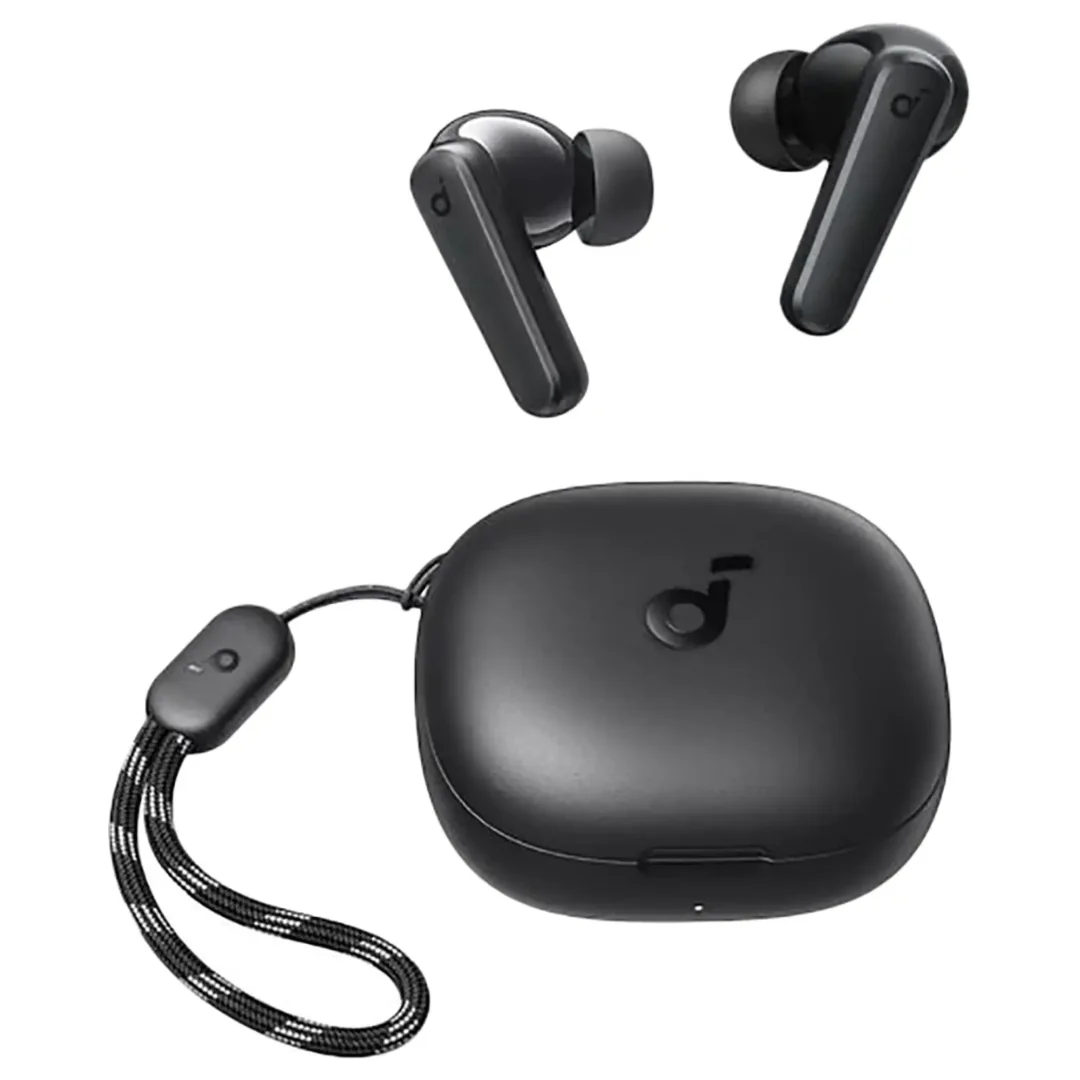
Anker Soundcore R50i | 10mm Drivers | 30h Battery | In-Ear
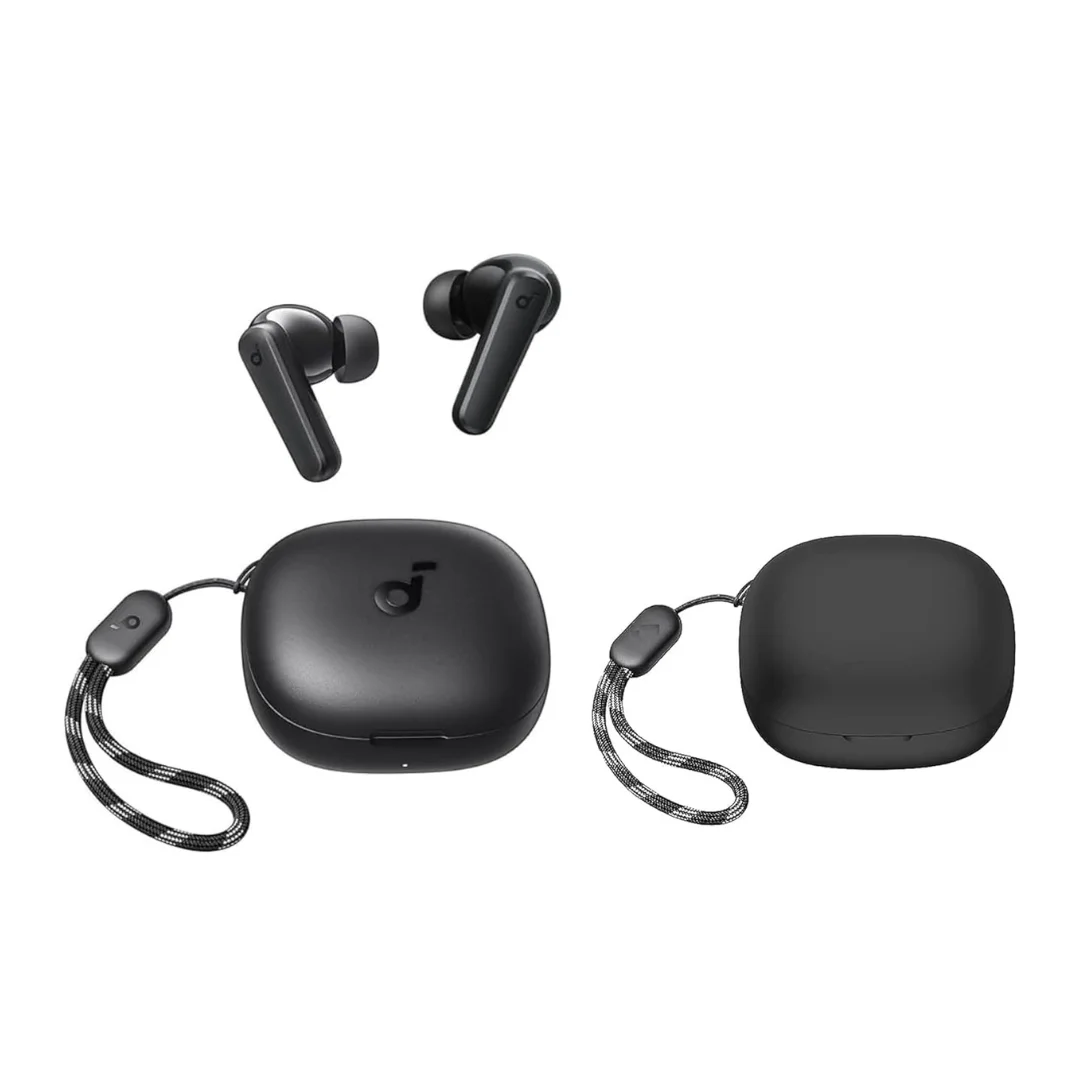
Soundcore P25i | 10mm BassUp | 30h Battery | Ultra-Light
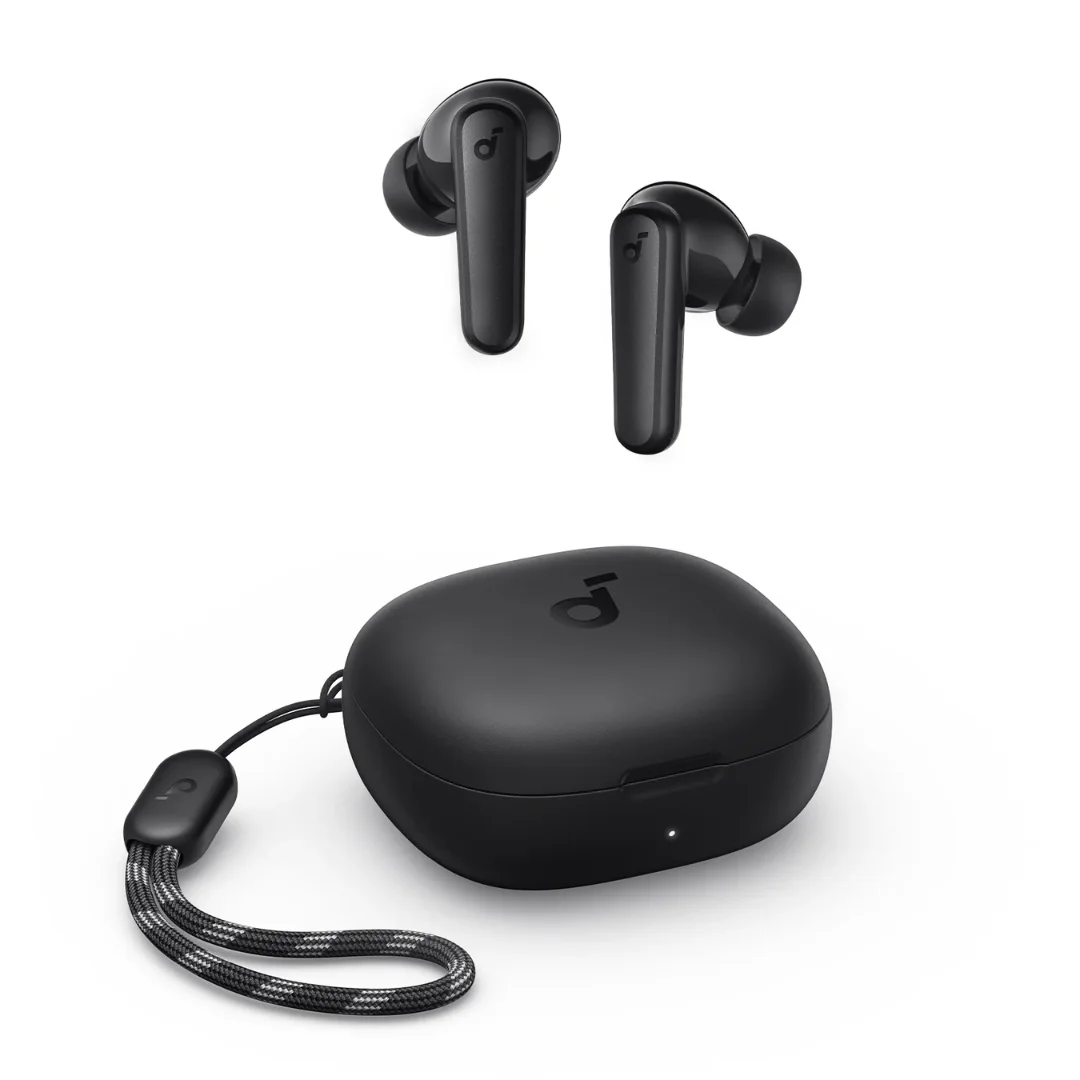
Soundcore P20i | 10mm Drivers | 30h Battery | Bluetooth 5.3
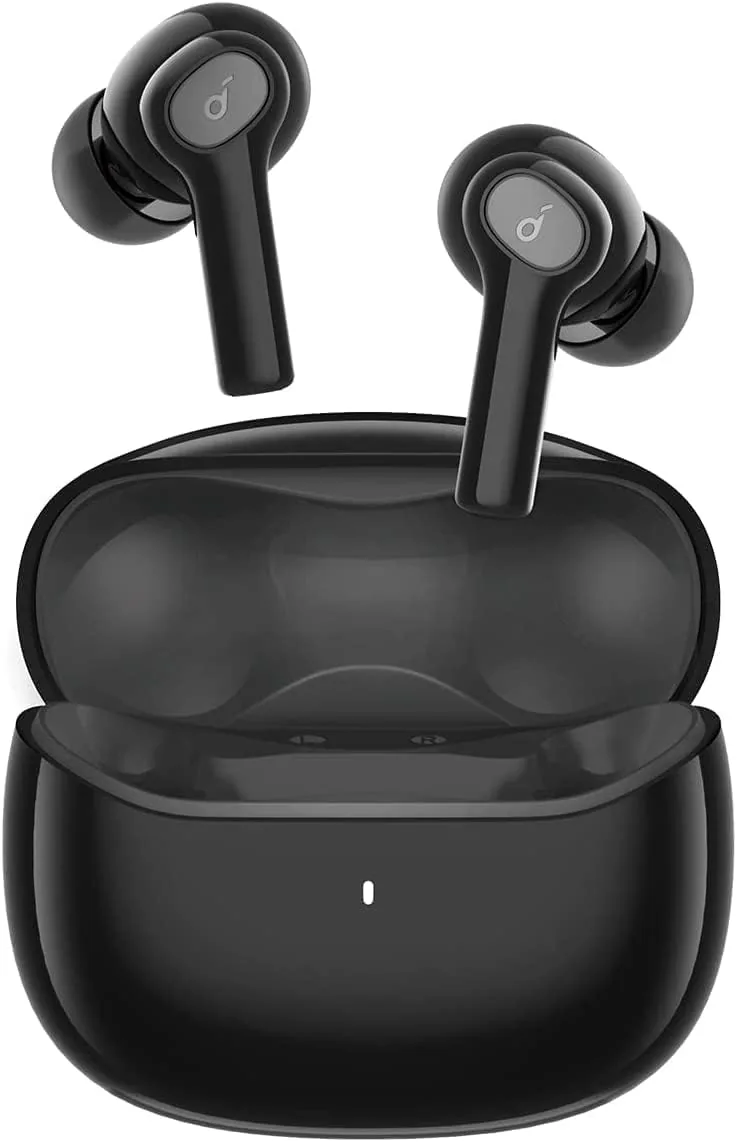
Anker Soundcore Life P2i | 28H Battery | AI Calls | Bluetooth 5.2
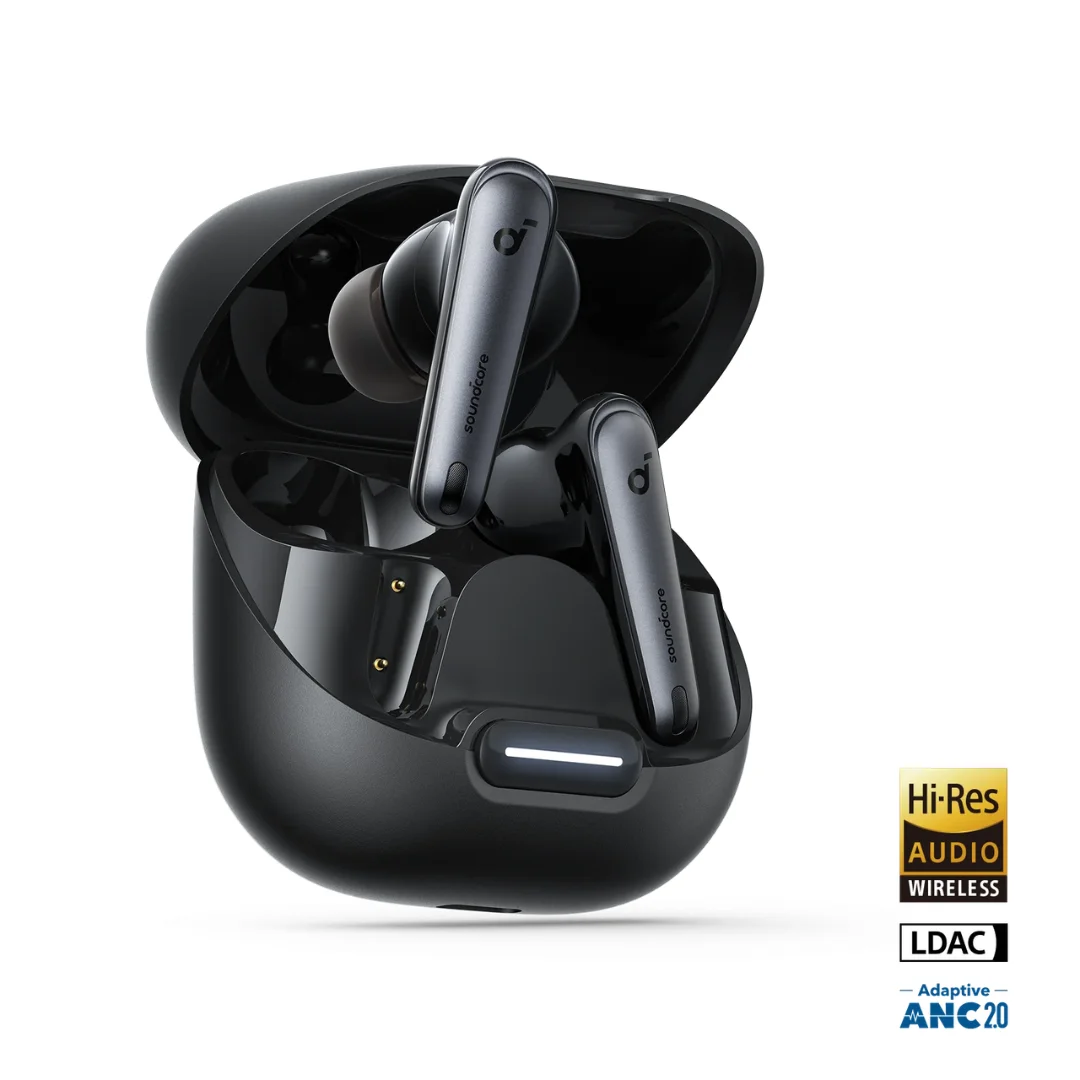
Soundcore Liberty 4 NC | Manufacturer-Listed Adaptive ANC | 11mm | LDAC | Up to 50h