 CairoVolt Team
Samsung S26 Ultra 45W Charger — Does It Support Real Super Fast Charging? The Surprise: 60W
Samsung S26 Ultra supports 60W, not just 45W — most people don't know. Super Fast Charging 2.0 vs 3.0 explained + best charger in Egypt with real numbers.
TL;DR: The Samsung S26 Ultra supports Super Fast Charging 3.0 at up to 60W with a PPS charger; Samsung says it reaches up to 75% in about 30 minutes. Our pick: the Anker Nano 45W at EGP 790 — it ran Super Fast Charging 2.0 at a ~43.6W peak on an S24 Ultra in our test; fast, but below the 60W peak.
You bought a Samsung S26 Ultra. Opened the box. Phone. Cable. That is it. No charger. So you go looking for a 45W charger because "that is what the phone supports." And that is exactly where the missing information begins.
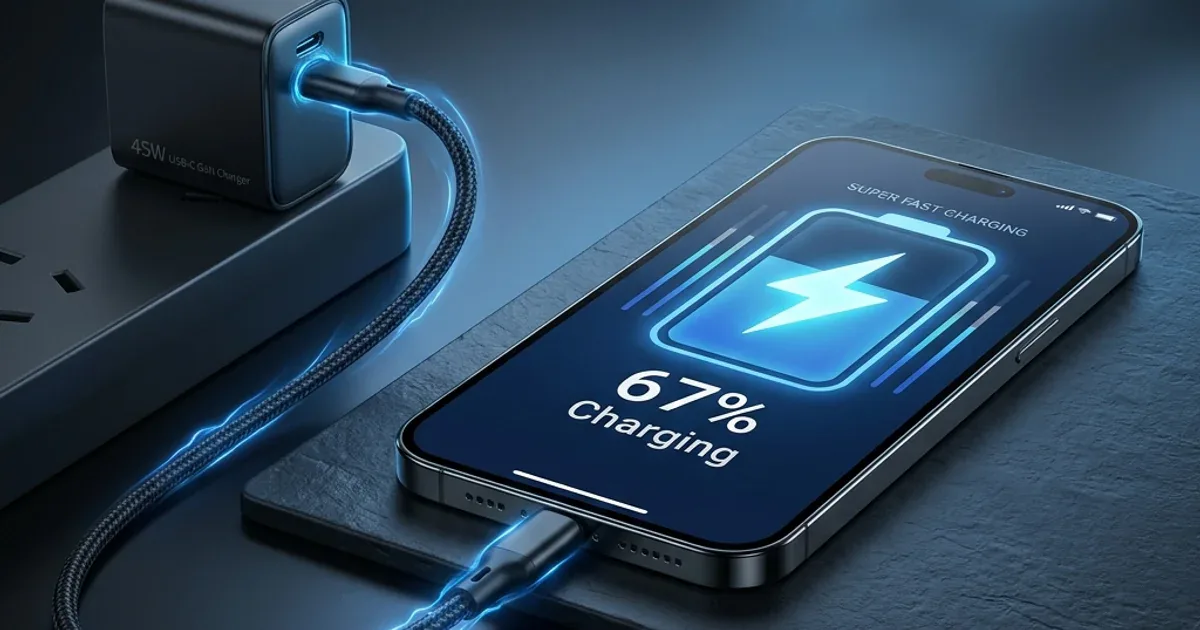
Because the Samsung S26 Ultra supports up to 60W. Samsung calls it Super Fast Charging 3.0. In this article we explain the difference between 25W, 45W and 60W, what it takes for fast charging to actually work, and which charger fits, from the ones we tested.
💡 Quick Answer: The Samsung S26 Ultra supports Super Fast Charging 3.0 at up to 60W with a PPS charger, and according to Samsung's page it reaches up to 75% in about 30 minutes. The key condition: the charger must support PPS. Our pick: the Anker Nano 45W at EGP 790 — in our test it ran Super Fast Charging 2.0 at a ~43.6W peak on an S24 Ultra. Fast, but below the 60W peak.
🔬 CairoVolt note:
Samsung S26 chargers are among the most in-demand categories. Many people think the phone supports only 45W — when it actually supports up to 60W. Also worth knowing: not every 45W charger delivers 45W to Ultra models — in our test the Anker Nano 45W Smart Display (A121D) fell back to 25W on an S24 Ultra because its PPS range stops at 11V, while the Anker Nano 45W (A2664) delivered 45W.
Super Fast Charging 2.0 vs 3.0 — The Numbers
Samsung has several fast-charging tiers, each with different requirements. The names are similar, which confuses people:
| Comparison | Super Fast Charging | Super Fast 2.0 | Super Fast 3.0 |
|---|---|---|---|
| Max watts | 25W | 45W | 60W |
| On S26 Ultra | ✅ Supported | ✅ Supported | ✅ Supported — up to 75% in about 30 min (Samsung) |
| Protocol needed | PD + PPS | PD + PPS | PD + PPS at 60W |
| Cable needed | A sound USB-C ↔ USB-C | USB-C ↔ USB-C 3A | USB-C ↔ USB-C 3A (20V × 3A = 60W) |
| How do you know it is on? | "Super Fast Charging" | "Super Fast Charging 2.0" | "Super Fast Charging 3.0" |
Table takeaway: if your S26 Ultra screen just says "Charging" (without "Super Fast"), the charger or cable is not enabling fast charging, and you are charging much more slowly without realising it.
Why a 100W Charger Might Charge the S26 Ultra Slowly — PPS Is the Secret
This confuses a lot of people. You have a charger labelled 65W or 100W, you plug it into an S26 Ultra, and the screen says plain "Charging". Why?
Because Samsung uses the PPS (Programmable Power Supply) protocol for Super Fast Charging, and Samsung itself says devices lacking the required support will charge slower. The difference:
- 🔌 Standard PD (without PPS): the charger offers fixed voltages — 5V, 9V, 15V or 20V. Like a restaurant menu with only three sizes.
- ⚡ PD + PPS: the phone requests voltage in 20 mV steps and current in 50 mA steps. Like an open buffet — you take exactly what you need, which reduces heat inside the phone. Just as important: the charger's PPS range must reach high enough for the tier you want (45W on an Ultra needs PPS up to about 20V).
⚠️ Warning: many chargers on OLX and Facebook are labelled "65W Fast Charger" or "100W Super Charger" but do not support PPS. Plugged into an S26 Ultra, they charge more slowly than a genuine 25W PPS charger. Before buying, make sure the charger says "PPS" — and that its range suits the tier you want.
Suitable Chargers for the Samsung S26 Ultra in Egypt 2026
These are chargers whose PPS ranges we measured in the CairoVolt lab (the Ultra test was run on a Galaxy S24 Ultra):
| Charger | Power | PPS range (our reading) | On a Galaxy Ultra (our S24 Ultra test) | Price |
|---|---|---|---|---|
| Anker Nano 45W (A2664) | 45W | 3.3–16V/3A + 3.3–21V/2.25A | Super Fast Charging 2.0 — ~43.6W peak, 0→100% in about 41 min | EGP 790 |
| Anker Nano 45W Smart Display (A121D) | 45W | 3.3–11V/4.05A | Falls back to 25W Super Fast Charging — PPS tops out at 11V | EGP 1,250 |
| Anker 25W PPS | 25W | PPS | 25W Super Fast Charging | EGP 550 |
| Joyroom 30W PD+QC | 30W | 3.3–11V/3A + 3.3–16V/2A | 25W class (the base S24 ran Super Fast Charging at ~24.2W peak) | EGP 280 |
| No-name "65W" charger without PPS | — | ❌ None | Slower — no Super Fast Charging | Varies by seller |
Why we picked the Anker Nano 45W (A2664)? (1) PPS up to 21V, and in our test it ran Super Fast Charging 2.0 on an S24 Ultra at a ~43.6W peak and reached 100% in about 41 minutes. (2) A small GaN body with a single USB-C port. (3) It costs EGP 790, while Samsung's original charger price varies by seller. But note: it is 45W, so below the Super Fast Charging 3.0 peak (60W) — for the peak you need a 60W PPS charger.
The Cable — The Forgotten Hero of Fast Charging
Even with the best PPS charger, the wrong cable slows things down:
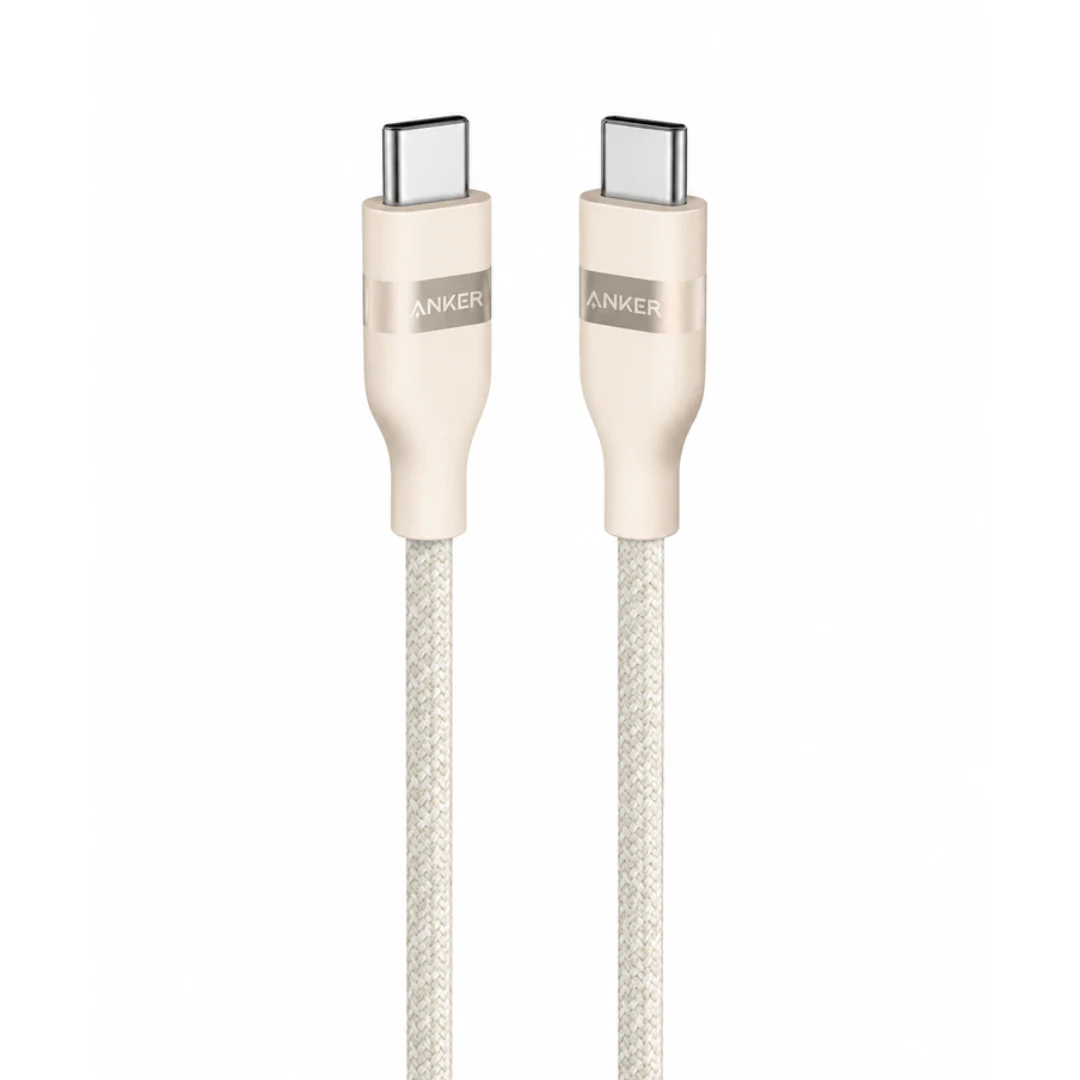
- ⚡ A sound 3A USB-C cable is enough: 60W on the S26 Ultra means 20V × 3A, so a 3A-rated USB-C ↔ USB-C cable such as the Anker PowerLine III (up to 60W) (EGP 590) is enough. Cables without an E-marker chip are limited to 3A (60W at 20V), so if you also charge a laptop above 60W, choose a 5A E-marked cable such as the Anker Ultra-Soft A82E2 (240W) (EGP 650).
- 🔌 USB-C ↔ USB-C only: a USB-A ↔ USB-C cable does not carry PD or PPS, so it will not enable Super Fast Charging. Both ends must be USB-C.
- 📏 Length and quality: longer, thinner cables lose more. For top speed, use a short, sound cable from a seller with an invoice.
How to Verify Super Fast Charging Is Actually Working
Samsung makes it easy to check — if you know how to read the signs:
- 🔵 The on-screen text: "Fast Charging" = standard fast charging, "Super Fast Charging" with no number = 25W, "Super Fast Charging 2.0" = 45W, and "Super Fast Charging 3.0" = 60W on the S26 Ultra.
- ⚙️ In settings: Settings → Battery → Charging Settings. Make sure "Super Fast Charging" is enabled.
- 📊 Quick test: compare the estimated time-to-full shown on screen with two different chargers at the same battery level — the difference shows which one enables fast charging.
✅ Super Fast Charging Chargers for Samsung S26 on CairoVolt
The Anker Nano 45W at EGP 790 — PPS up to 21V and Super Fast Charging 2.0 in our test. Or the Anker 25W PPS at EGP 550 for 25W Super Fast Charging. All covered by CairoVolt's written store warranty (duration shown on each product page) + delivery to all governorates.
CairoVolt Team
Tech Editor
Frequently Asked Questions
Is a 25W charger enough for Samsung S26 Ultra, or do I need 45W or 60W?▼
Why does my phone say "Charging" instead of "Super Fast Charging" even with a 45W charger?▼
Does charging at 60W damage the S26 Ultra battery faster than 25W?▼
Is the Anker Nano 45W better than Samsung's official 45W charger for S26 Ultra?▼
Ready to Buy?
Browse available products and review specifications and CairoVolt warranty terms before ordering
Related products
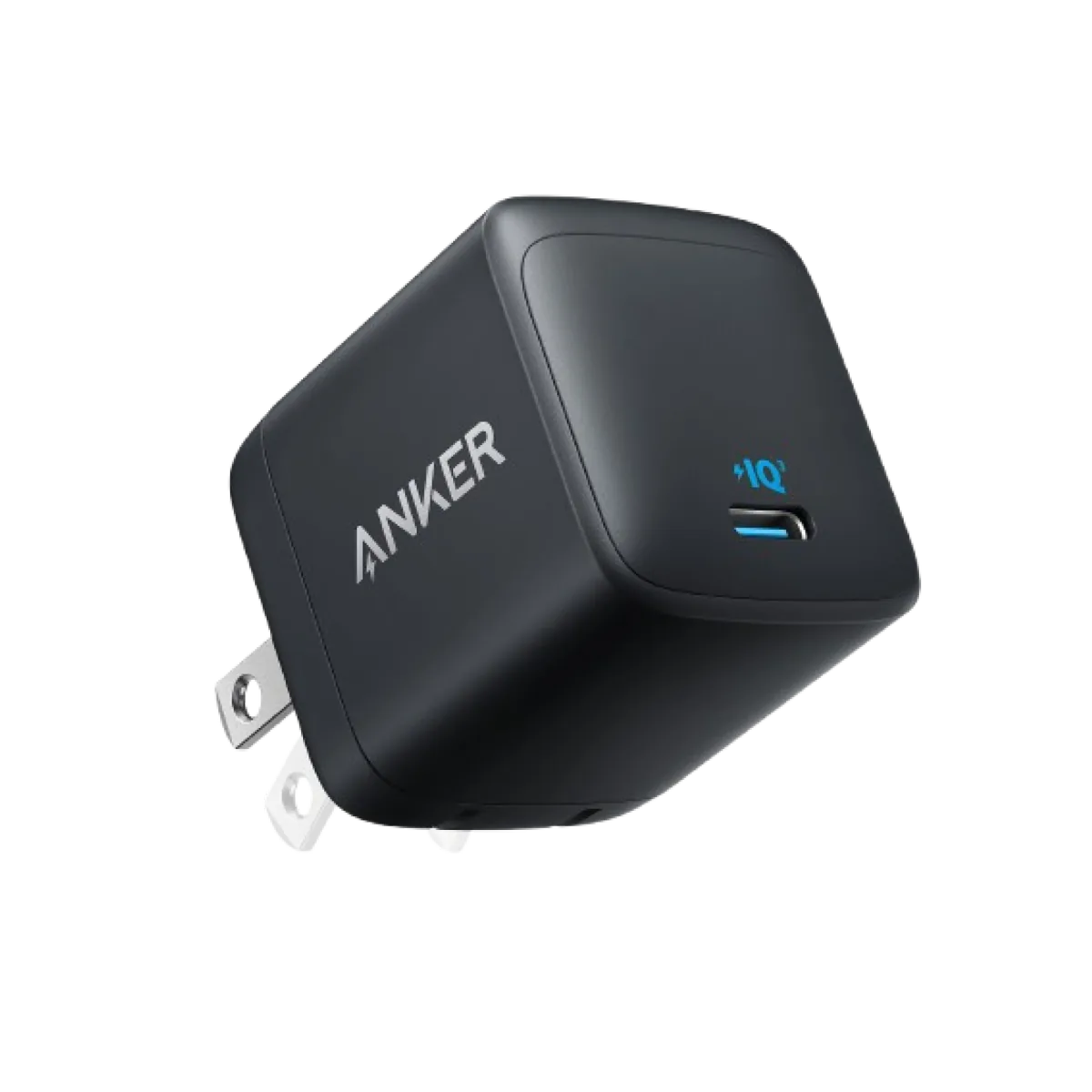
Anker Nano 45W GaN USB-C Charger | MacBook Air + iPhone 17
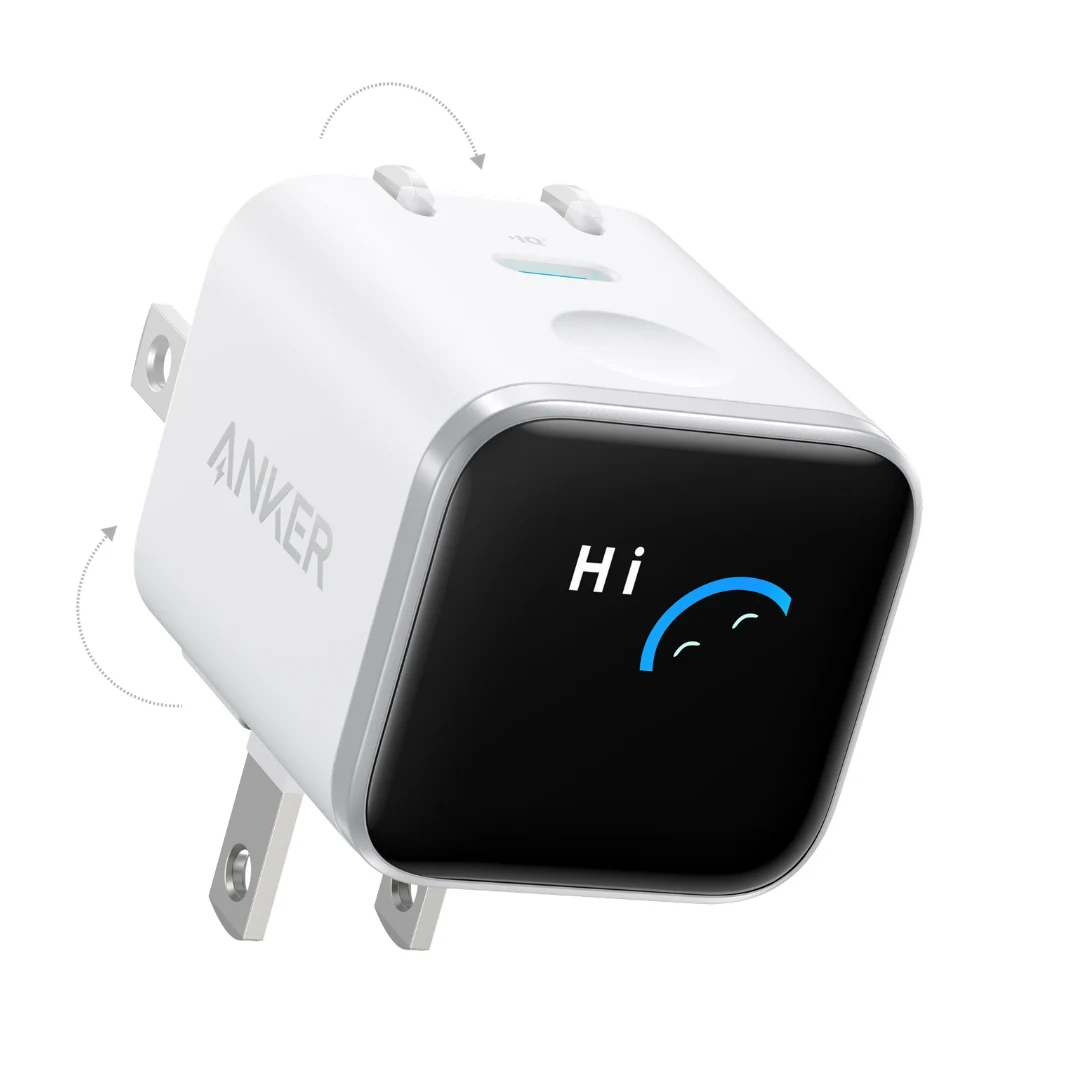
Anker Nano 45W Smart Display GaN Charger (A121D) | 180° Foldable Plug | USB-C PD
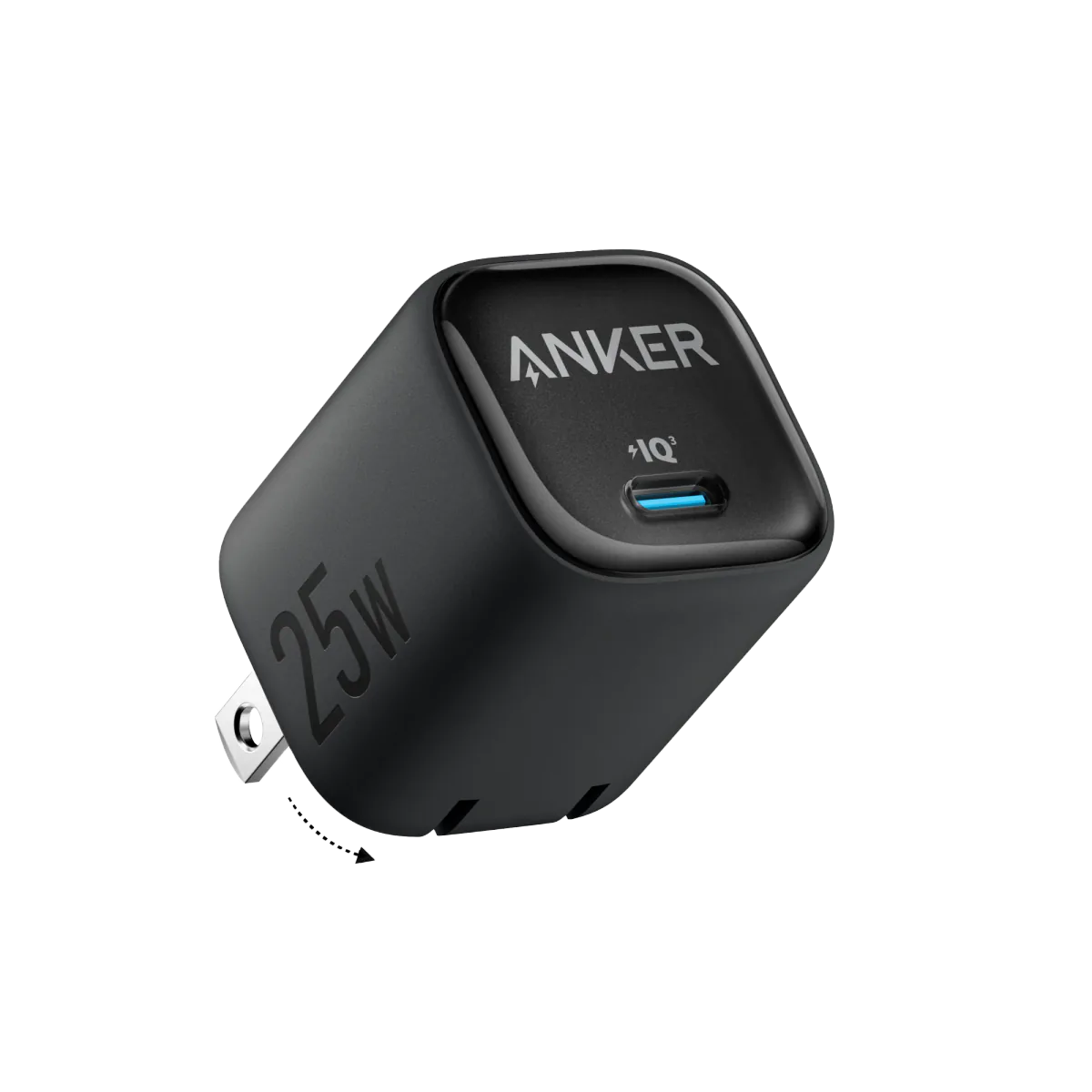
Anker 25W PPS Charger (A2656111) | Samsung-Compatible USB-C PD
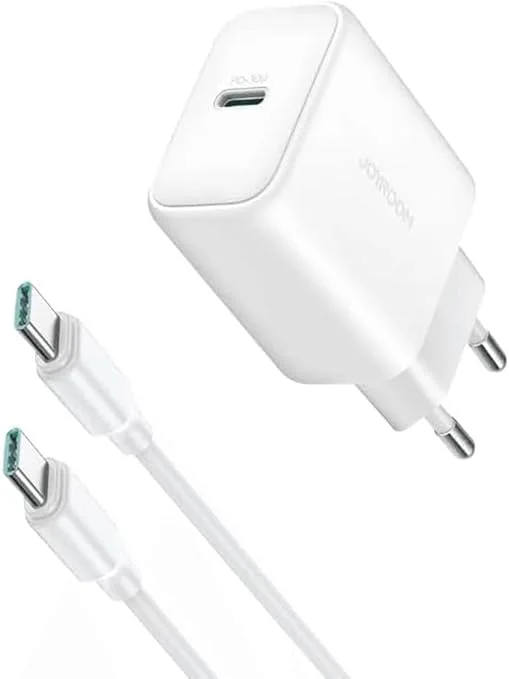
Joyroom 30W PD+QC Wall Charger | Dual USB-C and USB-A Ports
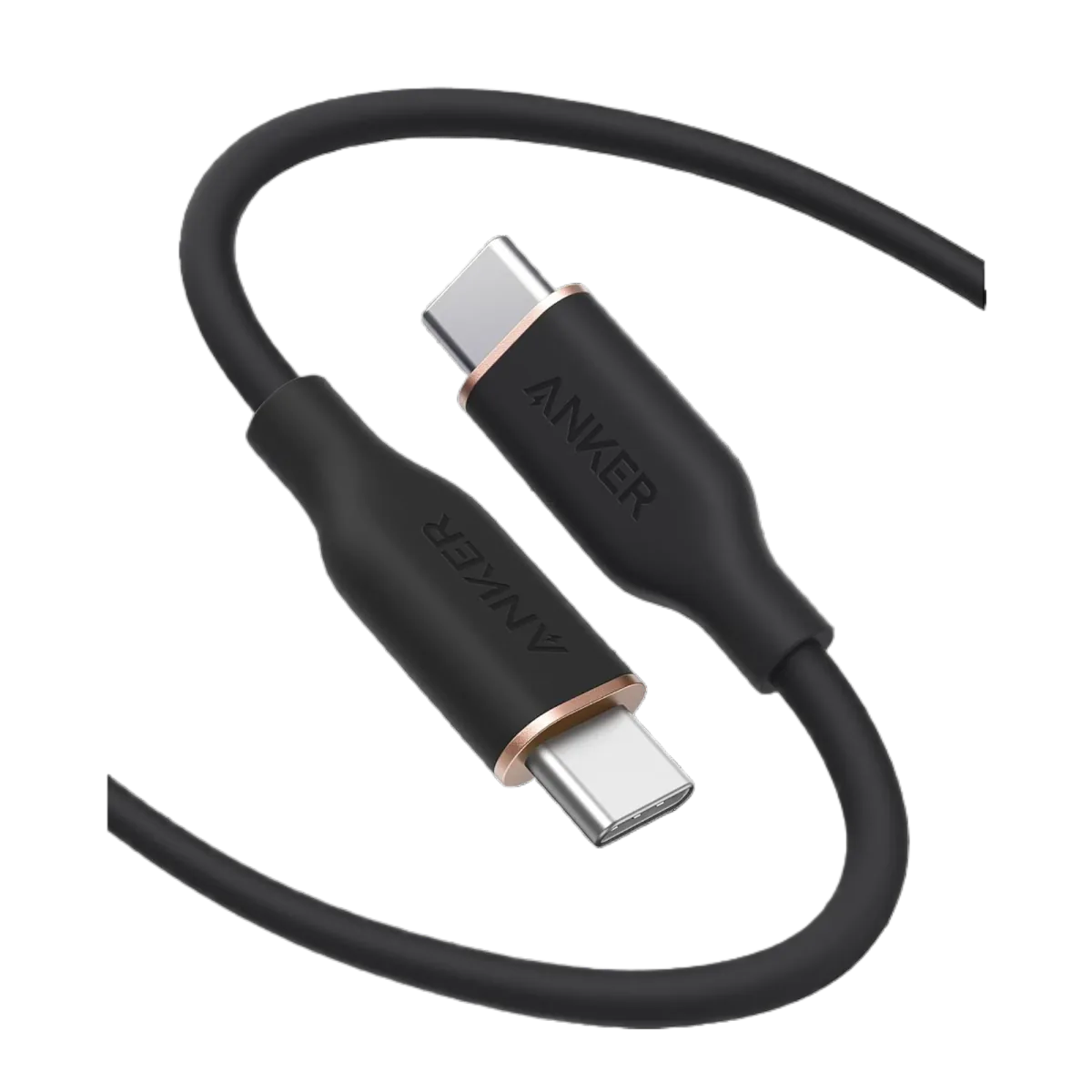
Anker PowerLine III USB-C to USB-C | 60W | iPhone 17 & Samsung S26