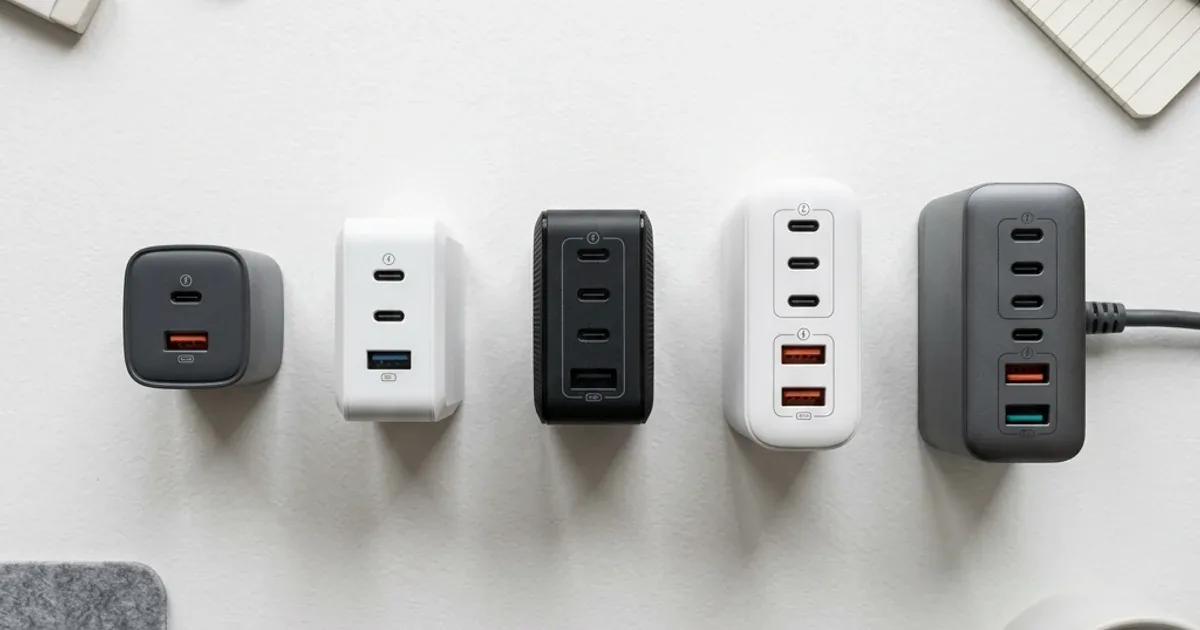
GaN Alternatives to Apple MacBook Chargers — Same Performance, Half the Price in Egypt
A comprehensive comparison between Apple's original MacBook charger and GaN alternatives from Anker — which one offers better value, smaller size, and equal speed in Egypt.
TL;DR: Yes. A GaN charger such as the Anker Nano 45W charges a MacBook Air M3/M4 at the same 45W as Apple's original charger (USB-C PD), in a smaller body and at a lower price. You need a USB-C cable rated for 60W, such as the Anker PowerLine. Available at CairoVolt for 790 EGP with CairoVolt's written store warranty.
If you're a MacBook user in Egypt — especially a MacBook Air M3 or M4 owner — you've definitely experienced this moment before: the "original" Apple charger that came in the box... didn't actually come in the box. That's right — since 2022, Apple has been selling you a laptop worth 40,000-65,000 EGP and telling you "the charger is on you, buddy." Then you visit the Apple Store or authorized reseller and find the original 30W charger at 1,500 EGP and the 35W Dual at 2,200 EGP. At that point, you look at the charger, look at your wallet, and ask yourself: "Do I really need to spend the equivalent of a fancy dinner to charge my laptop?"
The short answer: No. GaN (Gallium Nitride) technology has produced alternative chargers that deliver the same wattage — and sometimes more — in a smaller size at a lower price. But not every alternative is worth your money. In this article, we'll explain with physics and real numbers: why GaN chargers compete with Apple, which models are worth buying in Egypt, and what pitfalls to avoid to protect both your battery and your wallet.
💡 Quick Answer: Yes. A GaN charger such as the Anker Nano 45W charges a MacBook Air M3/M4 at the same 45W as Apple's original charger (USB-C PD), in a smaller body and at a lower price. You need a USB-C cable rated for 60W, such as the Anker PowerLine. Available at CairoVolt for 790 EGP with CairoVolt's written store warranty.
Why Is Apple's Original Charger So Expensive — and Is It Actually Worth It?
Let's be honest: Apple's original charger isn't a bad charger. The build quality is excellent, safety is top-notch, and compatibility is guaranteed at 100%. But the problem is you're paying the "Apple tax" — a significant portion of the price goes to the brand, not the technology.
Apple's 30W USB-C charger (Model A2164) sells for 1,400-1,600 EGP from authorized distributors in Egypt. The 35W Dual USB-C (A2571) goes for 2,000-2,300 EGP. And these are traditional silicon chargers — not GaN — meaning they're 30-50% larger than modern alternatives.
In contrast, the Anker Nano 45W GaN II delivers a real 45 watts via USB-C PD 3.0 — 15W more than Apple's original charger — while being 40% smaller and priced at 790 EGP. That's half the price with higher output. This isn't opinion — it's physics.
What Is GaN Technology — and Why Does It Matter for MacBook Charging?
If you're hearing GaN for the first time: it stands for Gallium Nitride — a semiconductor material that replaces the traditional silicon used in every charger for the past 50 years. The key difference is that GaN has a band gap of 3.4 eV compared to silicon's 1.1 eV. In practical terms, this translates to 3 direct advantages:
| Metric | Traditional Silicon | GaN II | Difference |
|---|---|---|---|
| Electrical Efficiency | 80-85% | 93-95% | +10-15% |
| Size (for same wattage) | 100% | 50-60% | 40-50% smaller |
| Heat Under Full Load | 65-72°C | 42-48°C | 25-30°C cooler |
| Switching Frequency | 100-300 kHz | 500 kHz - 2 MHz | 3-7x faster |
Think of it this way: a silicon charger is like a car with a 1.0L engine — it gets you there but runs hot and drinks fuel. A GaN charger is like a hybrid — same distance, less fuel, less heat. That's why a 45W GaN charger can be physically smaller than a 30W silicon charger — higher efficiency means less heat, which means no need for bulky cooling components.
For a deeper dive into GaN technology, read our complete GaN technology guide.
Full Comparison: Apple Original vs GaN Alternatives in Egypt
This table brings together all the numbers you need to compare for yourself. All prices are in Egyptian Pounds (EGP) and updated for June 2026:
| Charger | Power | Technology | Price (EGP) | Warranty |
|---|---|---|---|---|
| Apple 30W (A2164) | 30W | Silicon | ~1,500 EGP | 12 months (Apple) |
| Apple 35W Dual (A2571) | 35W | Silicon | ~2,200 EGP | 12 months (Apple) |
| Anker Nano 3 GaN 30W | 30W | GaN | 490 EGP | CairoVolt written store warranty |
| Anker Nano 45W GaN II | 45W | GaN II | 790 EGP | CairoVolt written store warranty |
| Anker Nano 45W Smart Display | 45W | GaN | 1,250 EGP | CairoVolt written store warranty |
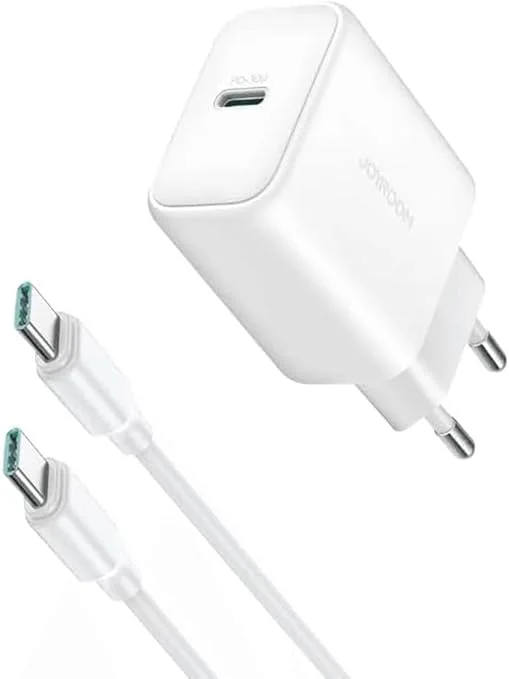
| Joyroom 30W PD | 30W | Silicon | 280 EGP | CairoVolt written store warranty |
Look at the numbers: the Anker Nano 45W delivers more power than Apple's 30W charger, in a small body and at a clearly lower price than Apple's approximate market prices.
Is 30W Enough for MacBook Air — or Do You Need 45W?
This question comes up constantly, and the answer is simple when you understand the math:
- ⚡ MacBook Air M3/M4: Typical consumption of 8-15W during normal work (browsing + documents), and up to 25W under heavy load (video export / Xcode compilation).
- 🔋 MacBook Air M4 Battery: 66.5Wh — meaning a 30W charger takes it from 0→100% in about 2.5 hours, while 45W does it in under 2 hours.
- 🔌 30W Charger: Perfectly adequate for daily work — because the laptop uses less than 30W 90% of the time. But if you're running heavy workloads and want fast charging simultaneously → 45W is better.
- 💡 Practical Rule: 30W = sufficient for light and medium use while charging. 45W = maximum possible charging speed even under heavy load. Above 45W = MacBook Air won't accept it anyway (Apple caps it at 45W).
So — if your budget is around 490 EGP and you do regular work (Office + Chrome + Zoom), the Anker Nano 3 GaN 30W will serve you perfectly. If you want maximum speed with comfortable headroom, the Anker Nano 45W at 790 EGP is a balanced choice.
MacBook Pro — Why the Story Is Different
We need to be upfront: everything above applies to MacBook Air. If you have a MacBook Pro 14" or 16", the story changes significantly:
- 💻 MacBook Pro 14" (M4 Pro): Ships with a 70W original charger — needs 65W+ for maximum charging speed.
- 💻 MacBook Pro 16" (M4 Max): Ships with a 140W original charger via MagSafe 3 — needs 100W+ via USB-C.
- ⚠️ If you have a MacBook Pro: a 45W charger will charge it, but slower than the original. For higher wattage, CairoVolt stocks the Anker Prime 67W (A2669) at 1,970 EGP and the Anker Prime 100W (A2688) at 1,999 EGP — check the per-port power split on each product page.
A 45W charger like the Anker Nano 45W can slow-charge a MacBook Pro 14" while working — an excellent solution as a secondary travel charger or emergency backup. But it shouldn't be your primary charger if you're running Final Cut or Blender all day.
⚠️ Important Warning: If you have a MacBook Pro 16" (M4 Max) running heavy render workloads, a 45W charger won't cover the device's consumption during work — the battery may drain even while plugged in. In this case, Apple's original 140W charger or a 100W GaN alternative such as the Anker Prime A2688 is the solution.
The Cable — The Forgotten Hero of the Charging Equation
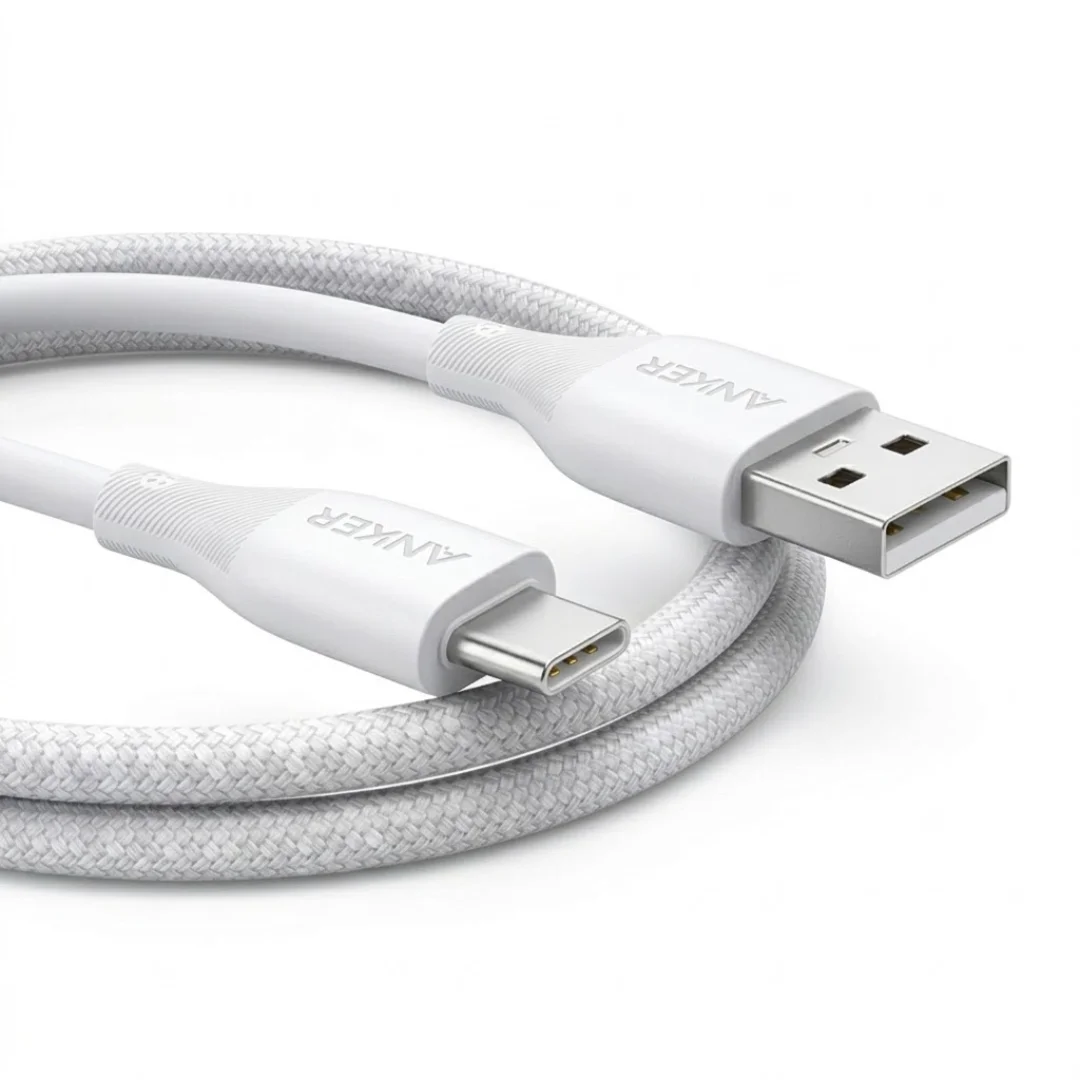
Something many people forget: you can buy the best GaN charger in the world and connect it with a cheap USB-C cable from a street vendor — and the result? Slow charging and excessive heat. The cable is an essential part of the circuit — its resistance determines the efficiency of power transfer.
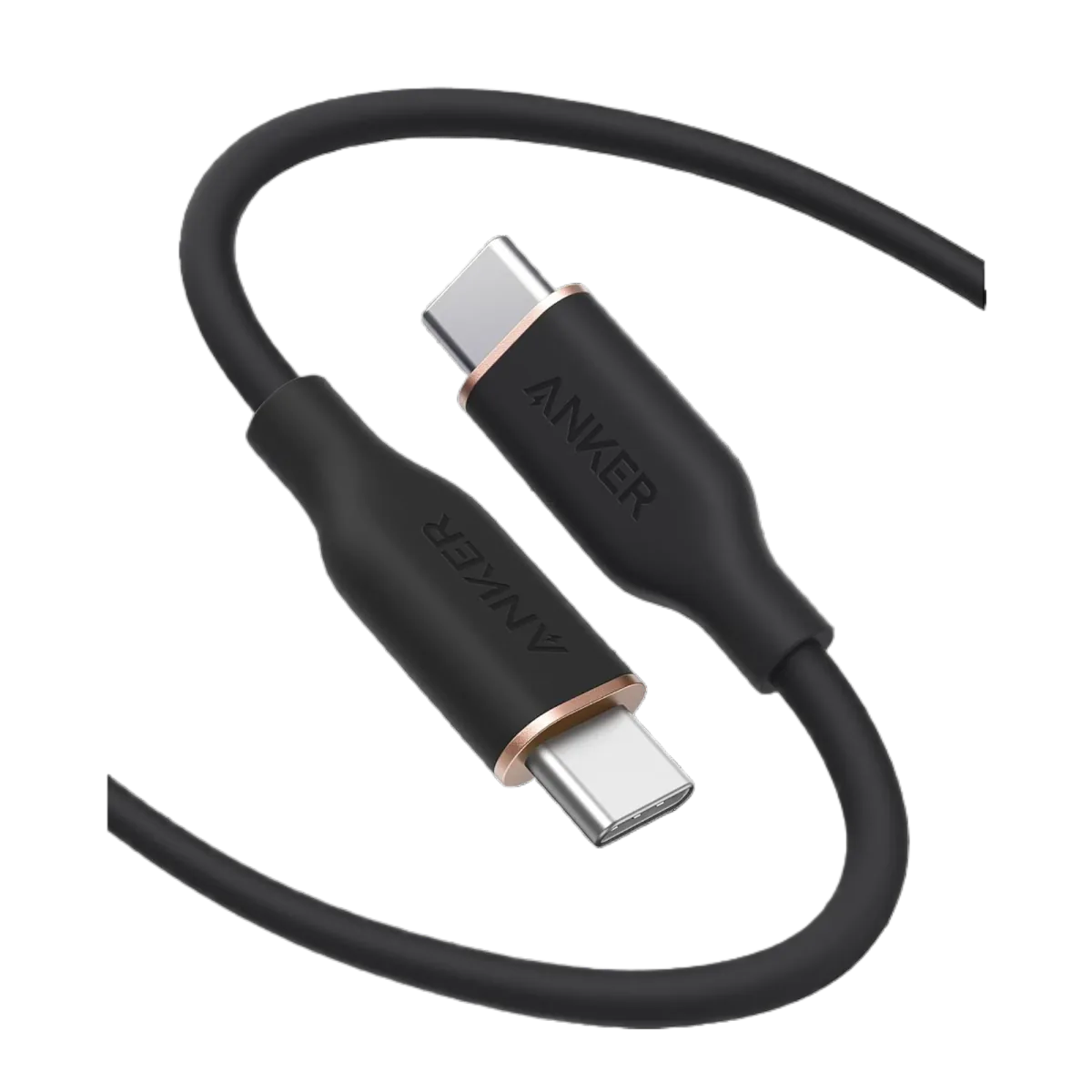
- 🔌 Minimum Requirement: A USB-C cable rated for 60W (3A @ 20V) — sufficient for MacBook Air.
- ⚡ Optimal Choice: Anker Zolo A8060 USB-C Cable with 140W support — covers any future upgrade.
- ❌ Warning: Counterfeit USB-C cables (the 15-25 EGP ones from OLX or street vendors) can have 200-300 mΩ resistance versus 50-80 mΩ for genuine cables — meaning 20-30% of power is lost as heat in the cable itself.
For more on choosing the right cable, read our guide to laptop GaN chargers in Egypt.
5 Common Mistakes When Choosing a MacBook Charger Alternative
From our experience in the Egyptian market, these are the most common mistakes we see:
- ❌ Mistake #1: Buying a charger without USB-C PD. It must support Power Delivery protocol — not every USB-C charger "speaks" MacBook's language. A QC-only charger without PD will deliver just 5W to your MacBook.
- ❌ Mistake #2: Focusing on wattage without checking the protocol. A 65W QC 3.0 charger won't help your MacBook. What matters is USB-C PD 3.0 — which is included in all Anker GaN chargers.
- ❌ Mistake #3: Buying unknown-brand chargers from OLX. "GaN" chargers at 100 EGP on OLX are likely regular silicon with a fake GaN label. Worse, they often lack OVP/OCP protection, meaning a voltage spike could fry your Logic Board.
- ❌ Mistake #4: Forgetting the cable. A cheap charge-only USB-C cable can limit speed to 15W even with a 45W charger. The cable must support E-Marker or at minimum 60W.
- ❌ Mistake #5: Buying 100W for MacBook Air. MacBook Air won't accept more than 45W — a higher-wattage charger won't cause damage (the device only draws what it needs), but you're paying for watts you'll never use.
Final Recommendation — Which to Choose Based on Your Budget
| Budget | Pick | Why? |
|---|---|---|
| Under 300 EGP | Joyroom 30W | Cheapest genuine option with warranty — charges MacBook Air for light work |
| 490 EGP | Anker Nano 3 GaN 30W | Good value — GaN in a small package |
| 790 EGP ⭐ | Anker Nano 45W GaN II | ⭐ Balanced pick — maximum MacBook Air speed + charges iPhone 17 fast too |
| 1,250 EGP | Anker Nano 45W Smart Display | Same 45W class + a display showing real-time watts |
If you ask me as an electronics engineer: the Anker Nano 45W GaN II at 790 EGP is a good balance of price, performance, and size. You get maximum MacBook Air charging speed, and you can also fast-charge your iPhone 17 or Samsung S26 — one charger for all your devices. And it costs less than Apple's original charger — the difference can buy a proper USB-C cable and still have change left over.
✅ Available at CairoVolt
All GaN chargers mentioned in this article are genuine, with CairoVolt's written store warranty (duration and terms shown on each product page) + delivery to all governorates (commonly 1–6 business days depending on governorate) + 24/7 WhatsApp support.

CairoVolt Editorial Team
Content team reviewing specifications and buying guides
The CairoVolt team reviews model numbers, specifications, and compatibility, and updates information when better data is available. Estimates are labeled as calculations, and readers can report information that needs correction.
Frequently Asked Questions
Does a GaN alternative charger damage MacBook's battery?▼
What's the difference between regular Anker Nano 45W and the Smart Display version?▼
Can I charge a MacBook Pro 14" with a 45W charger?▼
Is any USB-C cable sufficient for charging MacBook from a GaN charger?▼
Ready to Buy?
Browse available products and review specifications and CairoVolt warranty terms before ordering
Related products
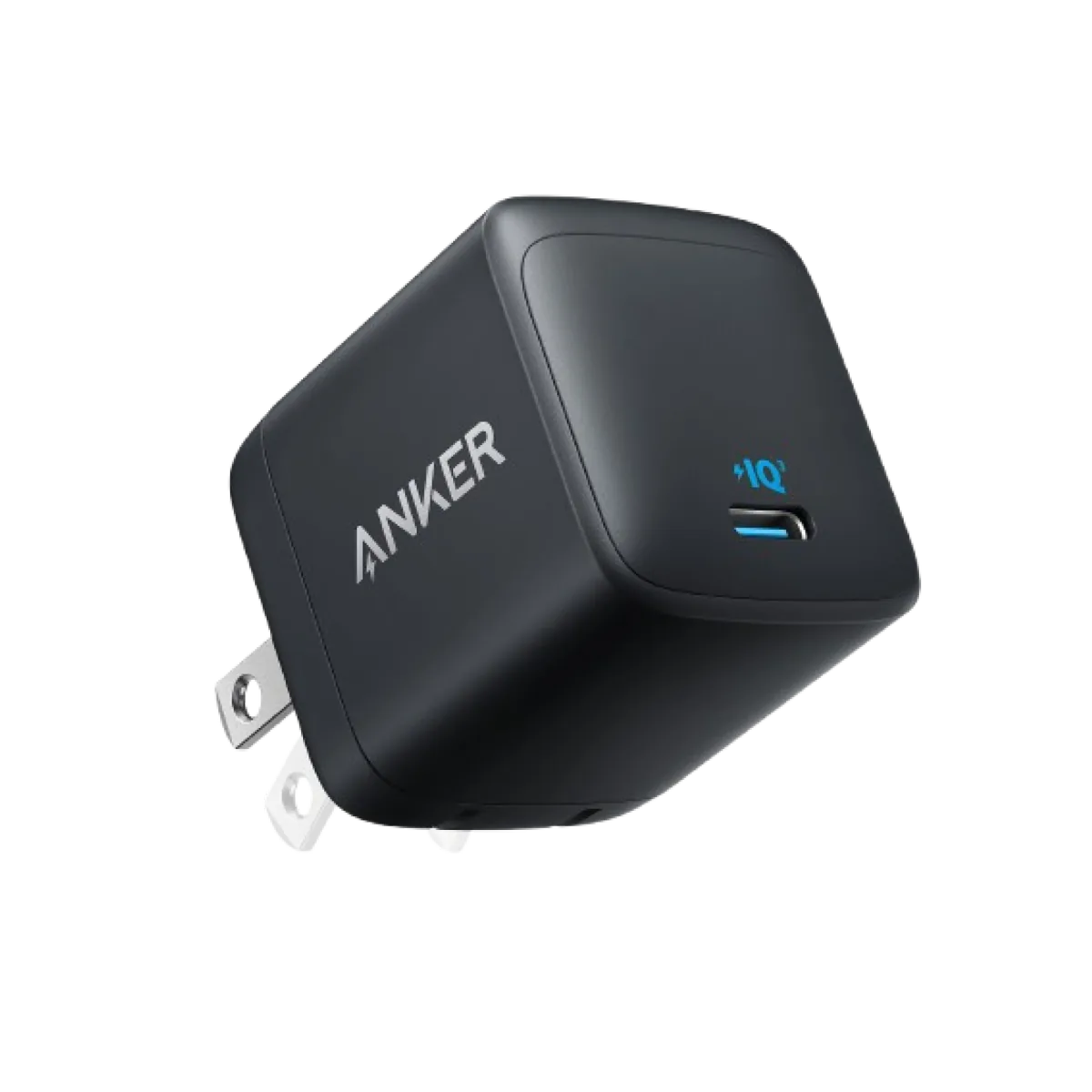
Anker Nano 45W GaN USB-C Charger | MacBook Air + iPhone 17
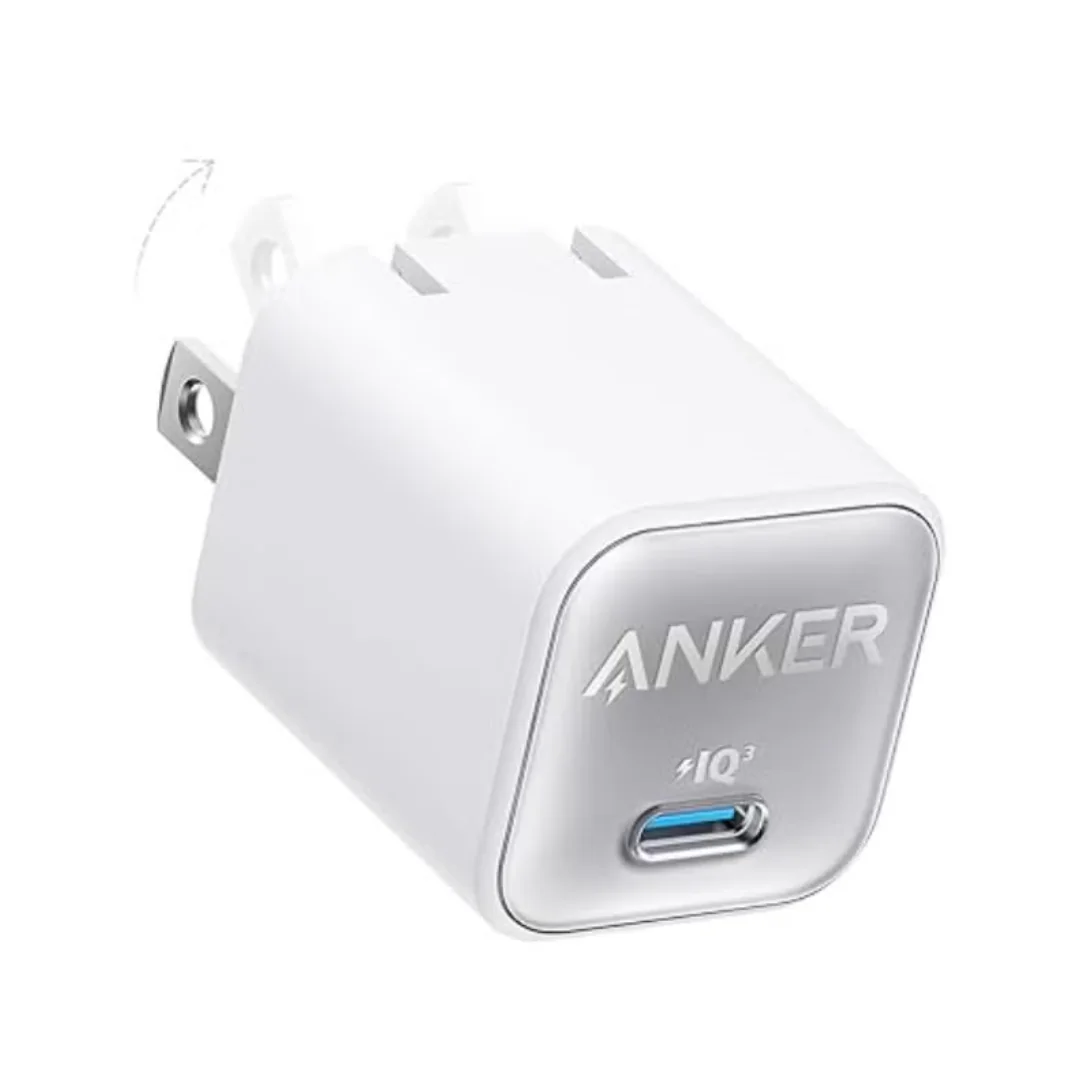
Anker 511 Nano 3 GaN Charger 30W (A2147) | USB-C PD | IQ3
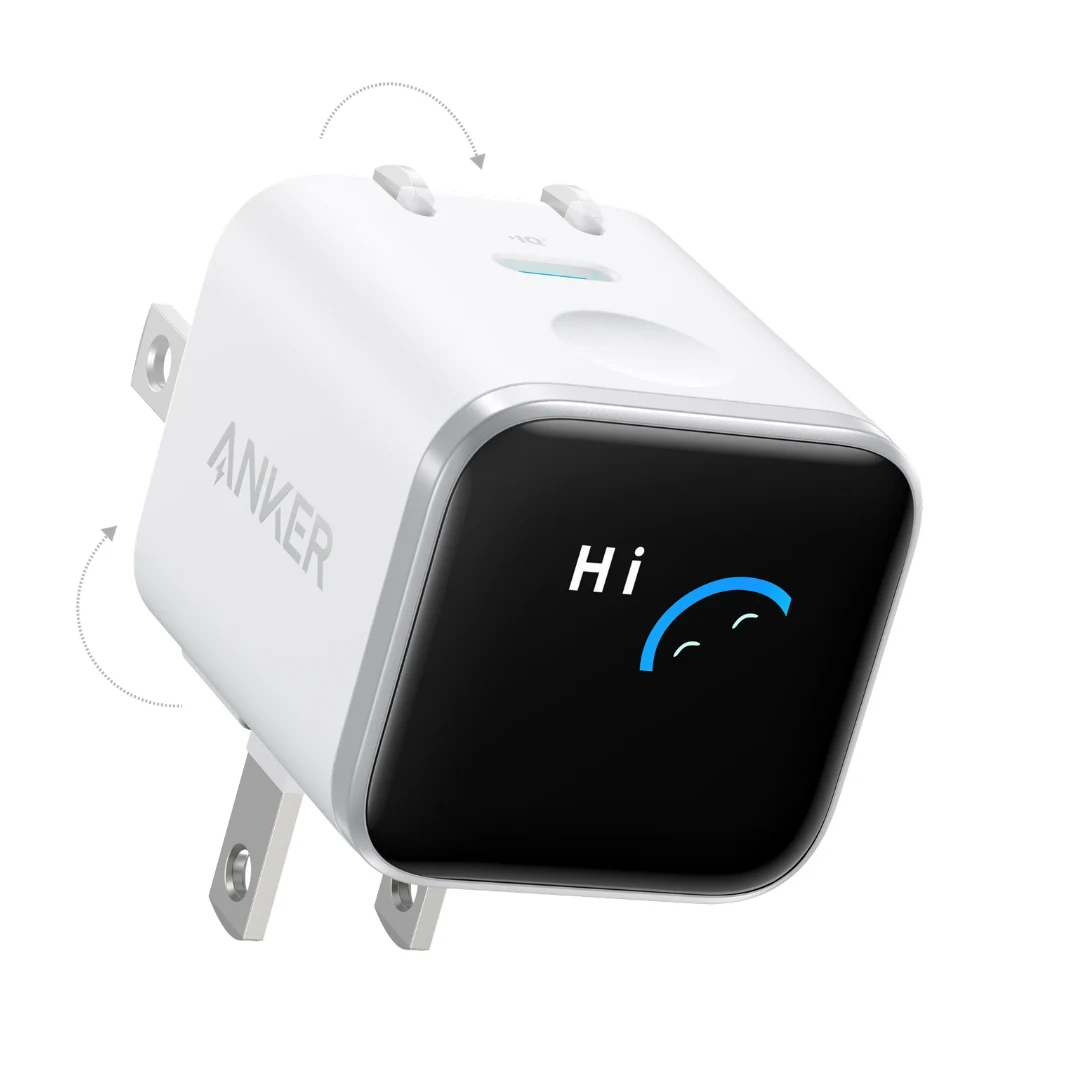
Anker Nano 45W Smart Display GaN Charger (A121D) | 180° Foldable Plug | USB-C PD
Joyroom 30W PD+QC Wall Charger | Dual USB-C and USB-A Ports
Anker USB-A to USB-C Cable (A8050) | Braided Nylon 1.8m | Fast Charging
Anker PowerLine III USB-C to USB-C | 60W | iPhone 17 & Samsung S26
Browse the categories this article covers
Related Articles

GaN Charger Technology: Why a 30W Charger is Now Smaller Than Your Thumb (Complete Science Guide)
Read more →
5 Slimmest 100W GaN Laptop Chargers for Your Bag — For Professionals & Students in Egypt
Read more →