Your Phone Determines Your Earbuds — The Ultimate Guide to Choosing Earbuds by Phone Brand
A specialized engineering guide to choosing the ideal wireless earbuds based on your phone brand — from Bluetooth codecs to chipset compatibility to ecosystem advantages.
Bottom Line: The right earbuds depend on your phone brand: iPhone supports AAC, not LDAC, so pick earbuds that do AAC well, like the Liberty 4 NC or R50i. Samsung works well with any Soundcore earbuds. Xiaomi supports LDAC, which the Liberty 4 NC can use. Oppo supports LHDC/AAC, so a balanced pair like the A30i fits.
You're standing in the store, looking at the Bluetooth earbuds on display, and the salesperson tells you "These are the best earbuds on the market!" — but best for whom exactly? Because what the salesperson isn't telling you — and what this guide explains from an engineering perspective — is that "the best earbuds" vary depending on the phone in your pocket. The same earbuds that deliver 10/10 audio on a Samsung S26 Ultra might deliver only 6/10 on an iPhone 17 Pro Max — not because the earbuds are bad, but because the protocol transferring audio between them is completely different. It's exactly like buying the fastest car in the world and filling it with 80-octane fuel instead of 95 — the engine will run, but it won't deliver its full performance.
The problem is that 90% of online content recommends "the best Bluetooth earbuds" without asking "what phone do you have?" — and that's a fundamental error. Phone manufacturers (Apple, Samsung, Xiaomi, and Oppo) each support different audio protocols (Audio Codecs). A Codec is the "language" of audio transfer between phone and earbuds — if both speak the same language at the highest level, the audio comes through pure and detailed. If not, the audio gets compressed and loses detail. In this guide, we'll open this topic from an angle nobody has addressed: we'll explain for each phone brand exactly which Codecs it supports, what the best Soundcore earbuds are for it, and why. By the time you finish reading, you'll know how to choose earbuds that actually deliver maximum performance with your phone — not "the best earbuds in general."
💡 Quick Answer: Choosing the ideal wireless earbuds depends on your phone brand: iPhone supports AAC only (no LDAC), so pick earbuds that excel at AAC like Liberty 4 NC or R50i. Samsung supports Samsung Scalable Codec + SBC, with excellent performance with any Soundcore earbuds. Xiaomi supports LDAC, so you can unlock maximum audio quality with Liberty 4 NC. Oppo supports LHDC/AAC, making a balanced earbud like A30i the best fit. The right earbuds + the right phone = a real difference in sound quality.
What Is an Audio Codec and Why Does It Affect Sound Quality?
Before we discuss each brand, we need to understand the basics. A Bluetooth Audio Codec is an algorithm that compresses digital audio so it can be transmitted wirelessly from your phone to your earbuds. The problem is that Bluetooth — even version 5.4 — has a maximum bandwidth for data transfer (approximately 2-3 Mbps theoretically), so it can't transmit audio at its full quality (a WAV file, for example, requires 1,411 kbps). That's why the Codec compresses the audio — and the difference between one Codec and another is "compression efficiency": how much audio detail is preserved while reducing data size.
| Codec | Max Bitrate | Quality | Supported By |
|---|---|---|---|
| SBC | 345 kbps | Basic — the minimum acceptable standard | Everyone (mandatory for all Bluetooth devices) |
| AAC | 256 kbps | Very good — noticeably better than SBC | Apple (iPhone/iPad/Mac) |
| LDAC | 990 kbps | Hi-Res — closest to original audio | Sony (developer) · Android (Xiaomi/Samsung/Oppo) · ❌ NOT Apple |
| aptX / aptX HD | 576 kbps (HD) | Excellent — Qualcomm exclusive | Devices with Qualcomm Snapdragon chipsets |
| Samsung Scalable | 512 kbps | Very good — adapts to signal conditions | Samsung Galaxy only (with Galaxy Buds) |
| LHDC | 900 kbps | Hi-Res — LDAC competitor | Huawei / Oppo / some MediaTek devices |
The simple engineering takeaway: higher bitrate = more details = cleaner sound. But — and this is key — the Codec must be supported by both the phone AND the earbuds. If the earbuds support LDAC at 990 kbps but the phone (like iPhone) only supports AAC at 256 kbps, the audio will transfer via AAC — meaning you lose 75% of the available bandwidth. That's why "the best earbuds" differ based on your phone.
iPhone Owners — Which Earbuds Are Right for You?
Let's start with the most asked question in Egypt: "What are the best Bluetooth earbuds for iPhone?" — and the answer requires understanding a key point: Apple does not support LDAC, aptX, or any high-bandwidth Codec other than AAC. This isn't a flaw in the iPhone — it's a deliberate design decision by Apple. Apple's AAC encoder (built into the A-series chip) is one of the best encoders in the industry. This means AAC on iPhone delivers excellent quality — significantly better than AAC on most Android devices (because Google's AAC encoder is weaker).
But what does this mean in practice? It means that if you buy earbuds with LDAC for "higher quality" and use them with an iPhone — LDAC simply won't activate. The phone will use AAC (or SBC in worst case). The feature you may have paid extra for is completely useless with iPhone.
- 🎵 Maximum Codec on iPhone: AAC (256 kbps) — this is fixed regardless of earbuds type. Even AirPods Pro 3 use AAC with iPhone (+ Apple Lossless via H2 chip exclusively).
- 📱 Ecosystem Advantage: iPhone gives priority to earbuds with excellent AAC support + Bluetooth 5.3 — connections are faster and more stable. iOS 18+ also applies fixed "Spatialize Stereo" processing to any Bluetooth earbuds, but dynamic head-tracked Spatial Audio stays exclusive to AirPods and select Beats models with Apple chips — iOS doesn't use a third-party earbud's own head-tracking sensors.
- ⚡ Latency: iPhone with AAC delivers approximately 120-150ms latency — acceptable for music and video, but for PUBG or Free Fire gaming, you'll need Game Mode in your earbuds. Soundcore earbuds offer Game Mode with approximately 60ms latency.
Best Soundcore Earbuds for iPhone Owners
Top Pick: Soundcore Liberty 4 NC — why? Because it delivers excellent AAC performance (11mm custom-tuned driver with balanced sound signature) + adaptive ANC + full Soundcore App on iOS + 8 hours of playback with ANC per Soundcore. Price: 2,570 EGP. On a budget: Soundcore R50i (880 EGP) — excellent AAC performance + 10-hour battery + full app support. The key insight: LDAC won't benefit you on iPhone, so you don't need to pay extra for a feature that won't work.
Samsung Galaxy Owners — The Advantage You're Not Using
Samsung has a unique advantage: Samsung Scalable Codec — an exclusive Codec that only works between Galaxy phones and Galaxy Buds earbuds. The Scalable Codec adapts dynamically — when signal is strong, it increases bitrate up to 512 kbps, and when signal is weak (for example, in a crowded area with lots of WiFi signals), it decreases bitrate to maintain connection without dropouts. Genuinely clever engineering.
But — and here's the surprise — Samsung Scalable Codec doesn't work with any earbuds other than Galaxy Buds. So if you have a Samsung S26 Ultra and connect Soundcore earbuds, the phone will use AAC or SBC — not Scalable. Does this make Soundcore earbuds lower quality on Samsung? No. Because Samsung phones (with Exynos or Snapdragon chipsets) support AAC encoder at very high quality, and most modern models (S24/S25/S26) also support LDAC. So if you have Liberty 4 NC — you can run LDAC at 990 kbps on Samsung!
- 🔊 Available Codecs: AAC + SBC + LDAC (on most modern Galaxy phones) — meaning you can unlock maximum audio quality with LDAC-supporting earbuds.
- 🎛️ Developer Settings: On Samsung, go to Developer Options and manually select the Codec — look for "Bluetooth Audio Codec" and choose LDAC if your earbuds support it. This ensures the phone doesn't default to SBC.
- 📱 Samsung SmartThings: SmartThings recognizes Galaxy Buds only — Soundcore earbuds are controlled via the separate Soundcore App. The advantage: the Soundcore App gives you far more custom EQ options than SmartThings.
- ⚡ Dual Audio: Some Samsung phones support Dual Audio — meaning you can connect two Bluetooth earbuds simultaneously. If you want to share audio with someone, this is a feature unavailable on iPhone.
Best Soundcore Earbuds for Samsung Owners
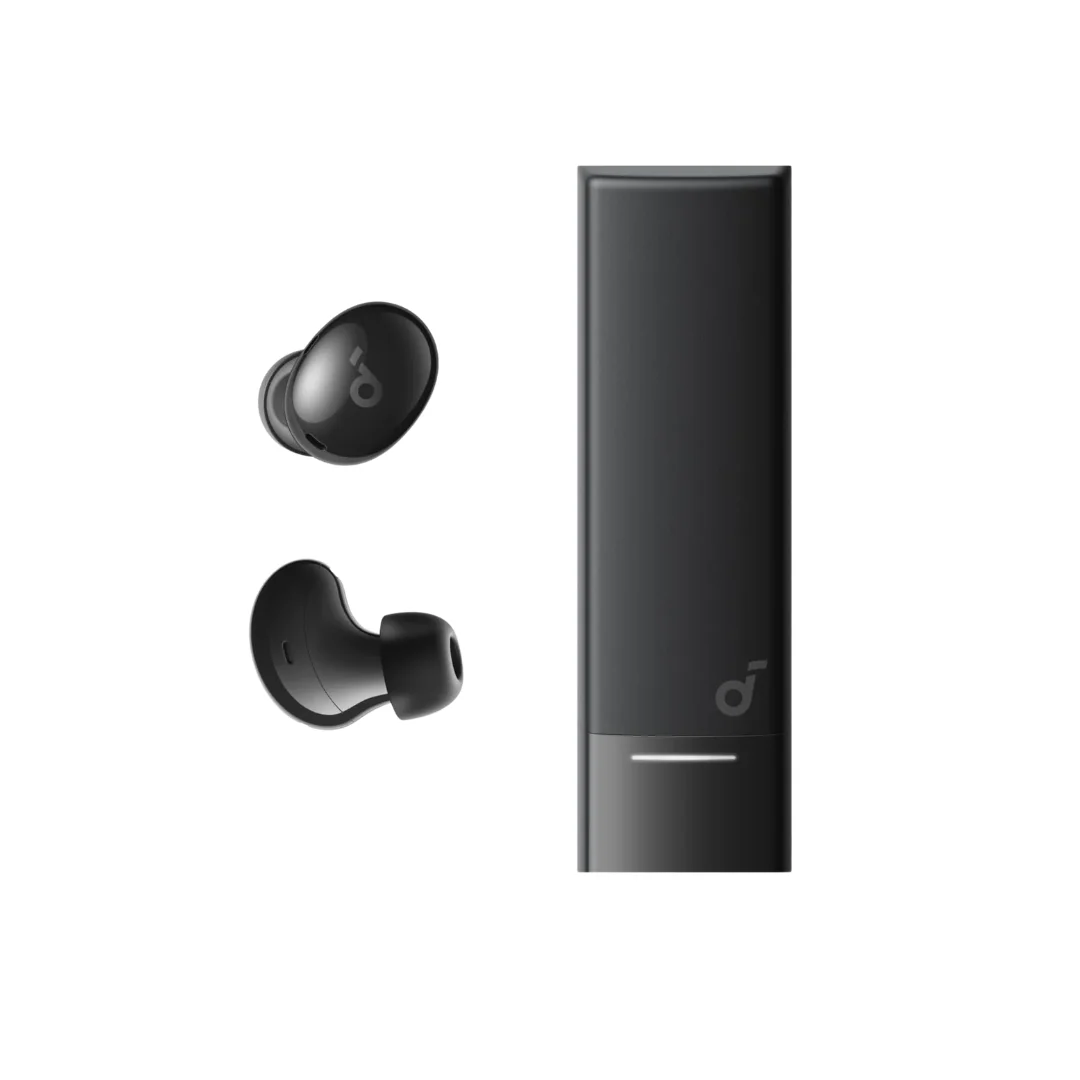
Top Pick: Soundcore Liberty 4 NC — to take advantage of LDAC at 990 kbps that your Samsung phone supports. This brings audio quality closer to the original FLAC file. Price: 2,570 EGP. Budget Pick: Soundcore A30i (1,450 EGP) — excellent AAC + ANC + compact design + up to 7-hour battery (≈5h with ANC), 24h with the case. Or R50i (880 EGP) for a tighter budget — excellent AAC performance and 10-hour battery.
Xiaomi/Redmi/POCO Owners — The Highest Audio Quality Available
Xiaomi — and many people don't know this — supports LDAC on most of its phones. From Redmi Note 12 Pro through Xiaomi 15 Ultra, most Xiaomi phones support LDAC natively in HyperOS (formerly MIUI). This means Xiaomi owners have a massive advantage they're not utilizing: they can stream audio at up to 990 kbps — closer to wired quality without the wire.
The problem is that most Xiaomi owners buy cheap earbuds for 200-300 EGP that don't support LDAC — and miss out on a noticeable quality difference. Earbuds at 200 EGP run on SBC (345 kbps), while earbuds like Liberty 4 NC run on LDAC (990 kbps) — a 3x difference in audio data transferred. That difference is especially noticeable with classical music and human voices (such as Quran recitation and podcasts — see earbuds for Quran recitation).
- 🔊 Available Codecs: SBC + AAC + LDAC (990 kbps) — one of the highest audio bitrates currently available over Bluetooth. Some Xiaomi phones with Qualcomm chipsets also support aptX.
- ⚙️ How to Enable LDAC: Go to Settings> Additional Settings> Developer Options> Bluetooth Audio Codec> Select LDAC. If you can't find Developer Options, go to Settings> About Phone> tap on MIUI/HyperOS Version 7 times. You'll see "You are now a developer."
- 📱 Important Note — Redmi Note 13 Pro: If you own a Redmi Note 13 Pro and are looking for earbuds to maximize its capabilities, choose LDAC-supporting earbuds — this phone fully supports LDAC and delivers exceptional audio quality.
- 🔋 LDAC Battery Impact: LDAC consumes approximately 15-20% more battery than AAC — meaning if earbuds last 10 hours on AAC, they'll last about 8-8.5 hours on LDAC. This is highly acceptable given the massive quality improvement.
Best Soundcore Earbuds for Xiaomi Owners
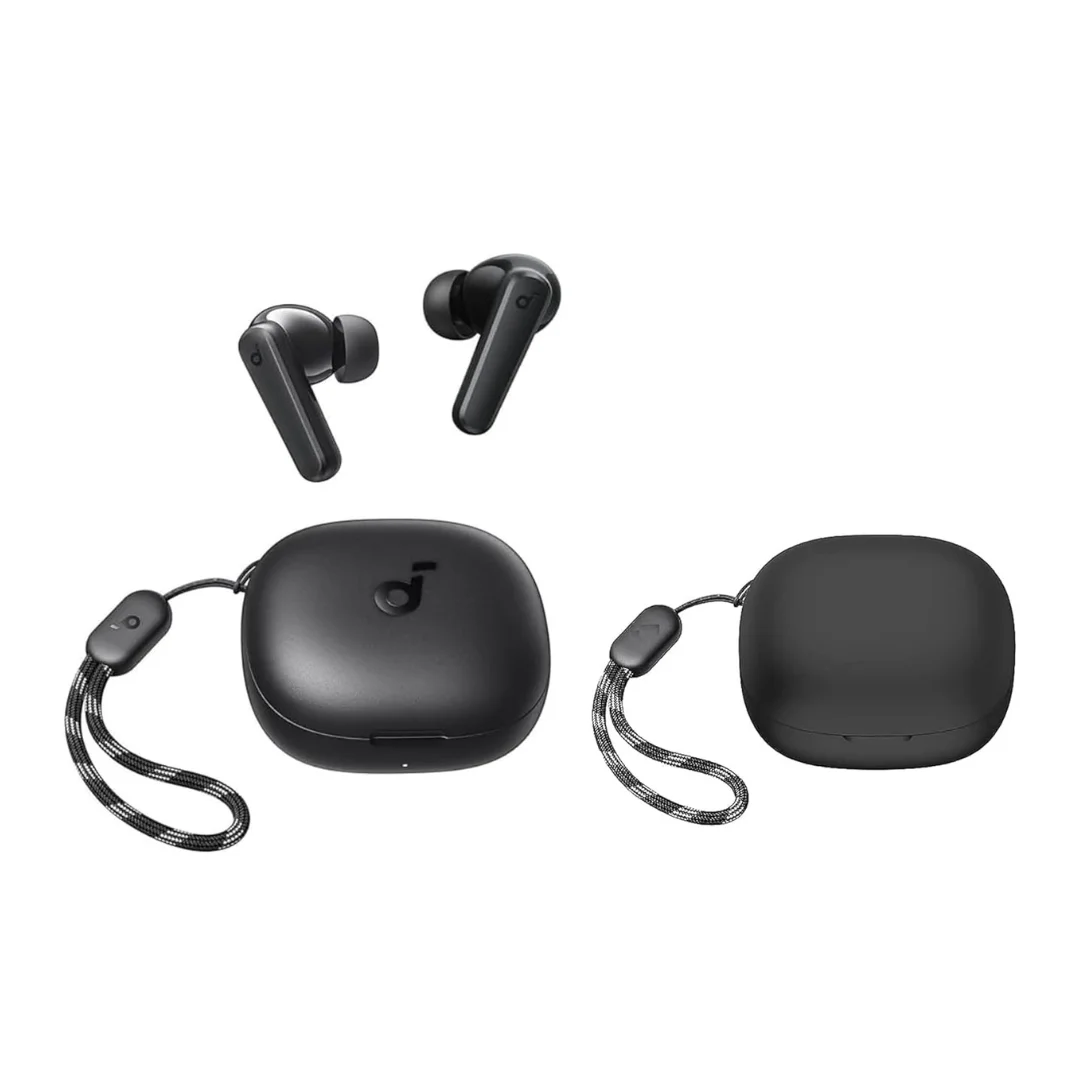
Top Pick (Essential): Soundcore Liberty 4 NC — it's one of the few Soundcore earbuds that support LDAC (alongside the Liberty 4 Pro). This means it will fully utilize your Xiaomi phone's capabilities at 990 kbps quality. Price: EGP 2,570. Budget Alternative: Soundcore P25i (770 EGP) or R50i (880 EGP) — they'll run on AAC or SBC (not LDAC) but performance is still excellent if budget is your priority.
Oppo/Realme/OnePlus Owners — The Big Family with a Hidden Advantage
Oppo, Realme, and OnePlus — all three under BBK Electronics — share many features including Codec support. Most modern Oppo phones (Reno 10 and newer) support AAC + SBC + LHDC. LHDC (Low Latency High-Definition Codec) reaches 900 kbps — a direct competitor to Sony's LDAC. Some newer models also support LDAC.
The catch: LHDC is exclusive to specific earbuds (mostly Oppo Enco) — so when you connect Soundcore earbuds to an Oppo phone, they'll run on AAC or SBC. This isn't a major issue — because the AAC encoder in MediaTek Dimensity chipsets (found in most modern Oppo phones) delivers very good performance.
- 🔊 Available Codecs with Soundcore Earbuds: AAC + SBC — delivering very good quality. Some newer models also support LDAC.
- 📱 ColorOS/Realme UI: You can enter Developer Options and manually select the Codec — same method as Xiaomi. If your phone supports LDAC and your earbuds support it (Liberty 4 NC), enable it here.
- ⚡ Oppo Owner Bonus: If you have a SuperVOOC charger and charge your phone quickly, this positively impacts Bluetooth usage — fast charging reduces the time your phone runs at high temperature, and high temperature negatively affects Bluetooth stability.
Best Soundcore Earbuds for Oppo/Realme Owners
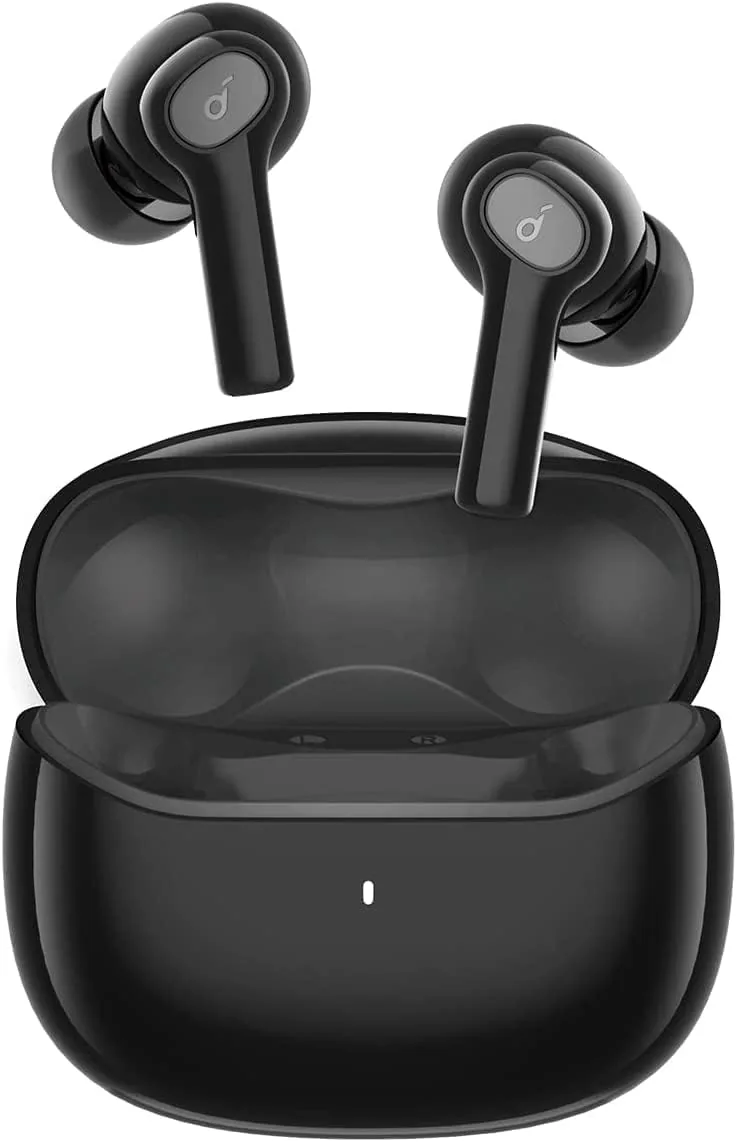
Top Pick: Soundcore A30i — excellent AAC performance + ANC + elegant compact design + 3.7g per earbud per the manufacturer + up to 7-hour battery (≈5h with ANC), 24h with the case. Price: 1,450 EGP. If your phone supports LDAC: Liberty 4 NC (2,570 EGP) — to unlock maximum quality. Budget: Soundcore Life P2i (820 EGP) — an excellent choice for tight budgets, with physical buttons and balanced sound.
Complete Compatibility Table: Every Brand × Every Earbud — Codecs and Compatibility
| Earbuds / Phone | iPhone | Samsung Galaxy | Xiaomi/Redmi | Oppo/Realme |
|---|---|---|---|---|
| Liberty 4 NC | AAC ✅ | LDAC ⭐ | LDAC ⭐ | AAC / LDAC* |
| R50i | AAC ✅ | AAC ✅ | AAC ✅ | AAC ✅ |
| A30i | AAC ✅ | AAC ✅ | AAC ✅ | AAC ✅ |
| P25i | AAC ✅ | AAC ✅ | AAC ✅ | AAC ✅ |
| Life P2i | SBC ⚠️ | SBC ⚠️ | SBC ⚠️ | SBC ⚠️ |
| Liberty 4 Pro | AAC ✅ | LDAC ⭐ | LDAC ⭐ | AAC / LDAC* |
* Depends on phone model — newer phones with MediaTek Dimensity 8000+ or Snapdragon 7-series+ chipsets generally support LDAC.
3 Common Mistakes When Choosing Earbuds by Phone
Now that we understand the compatibility landscape, let's talk about the mistakes people make — mistakes that come up again and again:
- ❌ Mistake #1: Buying LDAC earbuds for iPhone "for better quality." As we explained — LDAC doesn't work on iPhone. If you have an iPhone, earbuds that excel at AAC (like R50i or Liberty 4 NC) will deliver the exact same performance as LDAC earbuds — because iPhone will use AAC in all cases. Save your money and invest it in another feature like ANC or longer battery.
- ❌ Mistake #2: Using SBC when you could be using AAC or LDAC. Many people connect their earbuds to their phone and never check Developer Settings to confirm the Codec in use is the highest quality available. On Android, the phone sometimes defaults to SBC even when earbuds support AAC — you need to manually verify via Developer Options.
- ❌ Mistake #3: Ignoring app compatibility. The Soundcore App works on iOS and Android — but some features differ between platforms. For example: HearID (personal hearing test) is available on both iOS and Android. However, LDAC bitrate control is available only on Android. Make sure the feature you want is available on your phone's operating system.
🔬 Codec Compatibility — The Practical Picture
Based on manufacturer specifications and how each operating system negotiates codecs, here is what to expect when pairing Soundcore earbuds with phones like the iPhone 17 Pro Max, Samsung S26 Ultra, Xiaomi 15, and Oppo Reno 12 Pro: iPhone uses AAC with all earbuds. Samsung S26 Ultra automatically selects LDAC with Liberty 4 NC and Liberty 4 Pro, and AAC with the rest. Xiaomi 15 supports LDAC with Liberty 4 NC after enabling it in Developer Options. Oppo Reno 12 Pro uses AAC with all earbuds (LHDC works only with Oppo Enco earbuds). You can verify the actual Codec in use yourself via Developer Options on Android.
Final Decision Tree: What's Your Phone? → Here Are Your Earbuds
To eliminate all confusion, here's your decision tree — select your phone and find the recommendation:
- 📱 iPhone (any model)? → Liberty 4 NC (2,570 EGP — excellent AAC + ANC) or R50i (880 EGP — best value)
- 📱 Samsung S-series/A-series (recent)? → Liberty 4 NC (2,570 EGP — LDAC!) or A30i (1,450 EGP — ANC + elegant design)
- 📱 Xiaomi/Redmi/POCO? → Liberty 4 NC (2,570 EGP — LDAC is a must!) or P25i (770 EGP — excellent budget option)
- 📱 Oppo/Realme/OnePlus? → A30i (1,450 EGP — AAC + ANC + lightweight) or Life P2i (820 EGP — budget)
- 💰 Budget under 1,000 EGP regardless of phone? → R50i (880 EGP — excellent AAC with any phone + 10-hour battery)
✅ Authentic, with CairoVolt's Written Store Warranty
All Soundcore earbuds are available 100% authentic with CairoVolt's written store warranty in Egypt. Whether you have an iPhone, Samsung, Xiaomi, or Oppo — you'll find the right earbuds. Order with delivery to your door (commonly 1–6 business days depending on governorate) with cash on delivery. Need help choosing earbuds for your specific phone? Contact us via WhatsApp.

CairoVolt Editorial Team
Content team reviewing specifications and buying guides
The CairoVolt team reviews model numbers, specifications, and compatibility, and updates information when better data is available. Estimates are labeled as calculations, and readers can report information that needs correction.
Frequently Asked Questions
Will LDAC earbuds actually make a difference if I have an iPhone?▼
How do I verify my phone is using the best Codec with my earbuds?▼
Does earbuds battery life decrease when using LDAC instead of AAC?▼
Can I use Soundcore earbuds with any phone without compatibility issues?▼
Ready to Buy?
Browse available products and review specifications and CairoVolt warranty terms before ordering
Related products
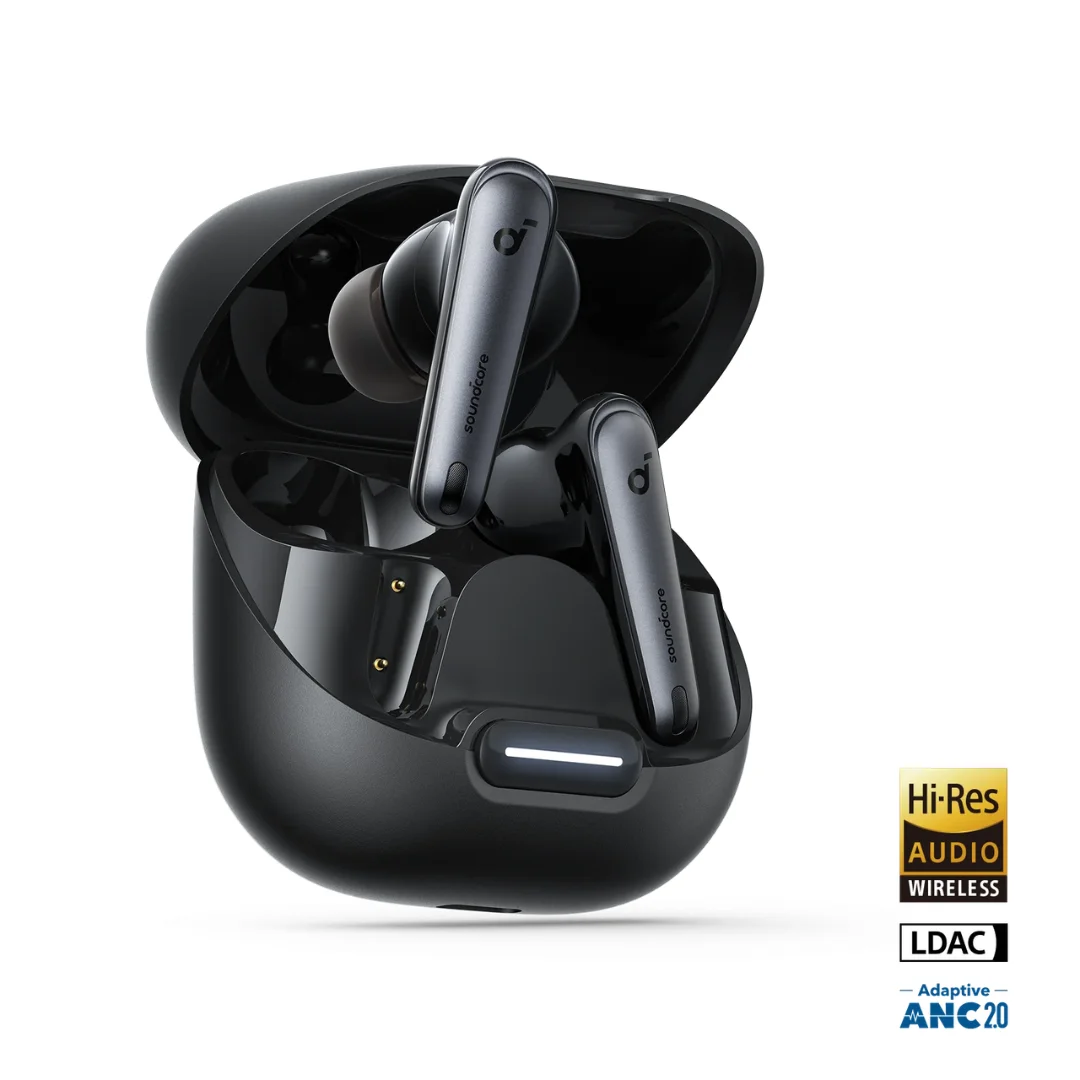
Soundcore Liberty 4 NC | Manufacturer-Listed Adaptive ANC | 11mm | LDAC | Up to 50h
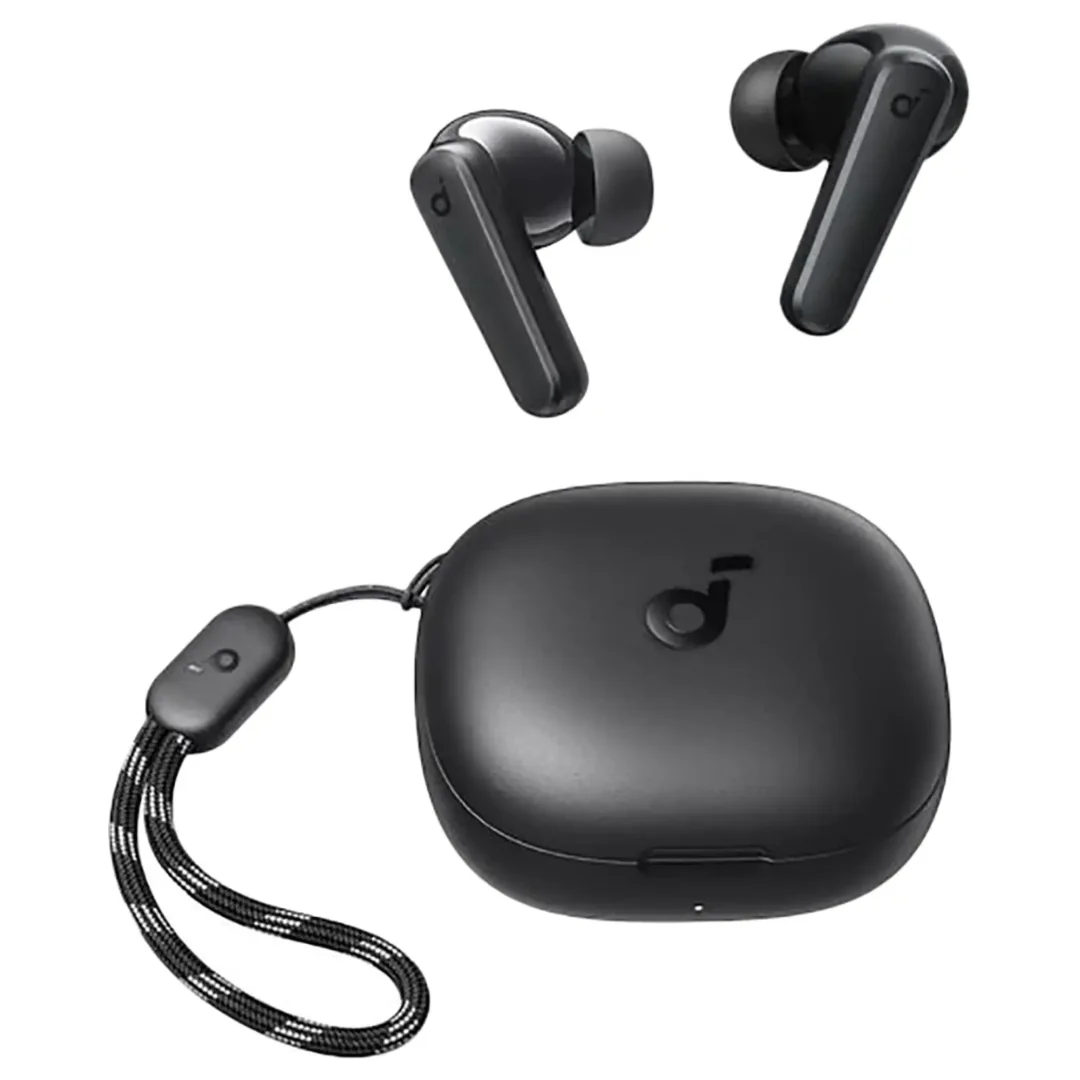
Anker Soundcore R50i | 10mm Drivers | 30h Battery | In-Ear
Soundcore A30i | 46dB Smart ANC | 6mm | 24h Battery | Lipstick Case | BT 5.4
Soundcore P25i | 10mm BassUp | 30h Battery | Ultra-Light
Anker Soundcore Life P2i | 28H Battery | AI Calls | Bluetooth 5.2