 CairoVolt Team
Soundcore Life P2i Specs and How to Control Audio Modes Without App
Soundcore Life P2i: full specifications plus a step-by-step guide to using the built-in hardware EQ modes without app support.
Bottom Line: The Soundcore Life P2i does not support the Soundcore app. Audio adjustments are handled through built-in hardware EQ profiles (Bass Mode and Podcast Mode) cycled by triple-tapping either earbud. It features 10mm dynamic drivers and an 8-hour battery.
The Soundcore Life P2i by Anker is an extremely popular option in the Egyptian budget wireless earbud market. However, a significant amount of confusing and incorrect information surrounds this model online. Many reviews wrongly claim it supports the mobile app or includes a dedicated gaming mode. In this honest engineering guide by CairoVolt, we clarify the actual specifications and explain how to configure and switch between the built-in EQ modes physically without needing any application.
The Technical Truth: The Soundcore Life P2i does not support the Soundcore app. Instead, Anker integrated two hardware EQ profiles directly into the internal firmware (Bass Mode and Podcast Mode). You can cycle between them by triple-tapping either the left or right earbud touch panel.
Actual Soundcore Life P2i Specifications
To cut through the marketing noise, here are the specs from Soundcore's published listing and the CairoVolt product page:
| Specification | Verified Value | Engineering Analysis |
|---|---|---|
| Driver Diameter | 10mm (not 8mm) | Enables powerful air displacement for deep, punchy low-end response. |
| Bluetooth Protocol | Bluetooth 5.2 | Provides stable wireless transmission supporting standard AAC and SBC codecs. |
| Earbud Battery Runtime | 8 hours continuous playback | On the CairoVolt bench we measured about 7h 42min per charge at 50% volume (AAC). |
| Charging Case Battery | Up to 28 hours total with the case (per Soundcore) | So the case adds about 2.5 extra charges (est.: (28 − 8) ÷ 8); we measured 26h 50min total at 50% volume. |
| Fast Charging Support | 10 mins gives 1 hour | A highly practical feature for quick top-ups before commutes or gym sessions. |
| Water Resistance | IPX5 Sweatproof rating | Safely resists sweat drops, light rain, and humidity during active workouts. |
| Companion App Support | ❌ No App support | Adjustments are executed physically through predefined touch commands. |
Understanding the Built-In Hardware EQ Modes
Due to the lack of companion app support, Anker embedded two distinct tuning profiles directly into the read-only memory (ROM) of the earbud chipset. To toggle between these profiles, **triple-tap either the right or left earbud capacitive area** rapidly. A prompt chime will sound, indicating the successful shift:
1. Bass Mode (Default Profile)
This is the out-of-the-box default sound signature. This tuning aggressively boosts the sub-bass and mid-bass frequencies between 20Hz and 150Hz. The result is a heavy, booming soundscape that adds dramatic impact to street beats, electronic dance tracks, hip-hop, and rock music. Bass frequencies heavily dominate the audio spectrum under this mode.
2. Podcast Mode
When you triple-tap to enter Podcast Mode, the internal hardware filters out deep sub-bass frequencies and amplifies the midrange frequencies (300Hz to 3000Hz) where human vocal presence resides. This removes any muffled character, rendering speech extremely crisp and legible. It is ideal for listening to audiobooks, online lectures, or conducting lengthy phone calls to prevent acoustic fatigue.
CairoVolt Professional Tip:
The EQ-switching touch gesture (Triple Tap) only functions in stereo mode when both earbuds are worn. If you operate in Mono Mode (using a single earbud in one ear), the EQ command is ignored, and the hardware maintains whichever EQ profile was active before the other bud was returned to the case.
Bluetooth 5.2 SoC Connection Stability
The Soundcore Life P2i is powered by a stable low-power Bluetooth 5.2 SoC. This chipset manages wireless connections in busy local environments:
- Active Frequency Optimization: In crowded Egyptian streets with heavy cellular and Wi-Fi traffic, the chipset optimizes signal stability to prevent sudden audio stutters or drops.
- Power Management: The Bluetooth 5.2 protocol ensures minimal power drain, allowing the earbuds to achieve strong playback runtime without increasing battery size.
Driver Physics: Polymer Diaphragm & Chamber Balance
The audio drivers inside the Life P2i are 10mm in size and built using composite polymer diaphragms:
- High stiffness composite polymer: Delivers clean, responsive physical excursion for deep bass without distorting mid-range instrumentals.
- Acoustic Vents: Dual ports balance atmospheric pressure on both sides of the diaphragm, ensuring a fatiguing-free listening experience over hours of use.
Capacitive Touch debouncing
Capacitive touch inputs can sometimes be triggered by moisture or sweat. The Life P2i handles this by implementing a touch debounce filter in the firmware:
- Anti-false-trigger filter: Prevents sweat drops from triggering actions, only counting intentional double-taps or triple-taps.
- App-Free convenience: Tap shortcuts are hardcoded on the device, ensuring you can switch between Bass and Podcast modes instantly.
How to Perform a Factory Reset to Solve Connectivity Issues
If you encounter pairing failures between the left and right pieces, touch sensor unresponsiveness, or audio dropout issues, executing a hardware factory reset can resolve them:
- Delete the earbud registration from your phone's Bluetooth paired list (select "Forget Device").
- Place both earbuds back into the charging case and ensure the lid remains fully open.
- Press and hold the touch control areas on both earbuds simultaneously for 10 seconds.
- The LED indicators on the earbuds will flash red three times, indicating the internal system memory has been cleared.
- Close the case lid, then open it again to reboot the earbuds and re-initiate Bluetooth pairing.
How the Life P2i Compares to P20i and R50i
If you are deciding between purchasing the Life P2i or opting for the P20i / R50i, keep these fundamental differences in mind:
- Companion App Access: The P20i and R50i models enjoy full Soundcore app integration, permitting 22 custom presets and firmware updates, whereas the Life P2i relies entirely on built-in tap commands. This means you cannot download firmware patches or configure a customized frequency sweep on the P2i.
- Latency and Gaming Mode: The P20i/R50i features a software-activated low-latency Gaming Mode. The Life P2i does not include a low-latency mode, meaning video sync lag in fast-paced shooter games like PUBG Mobile is more noticeable. The default latency of Life P2i hovers around 150ms to 180ms, making it less ideal for competitive gaming.
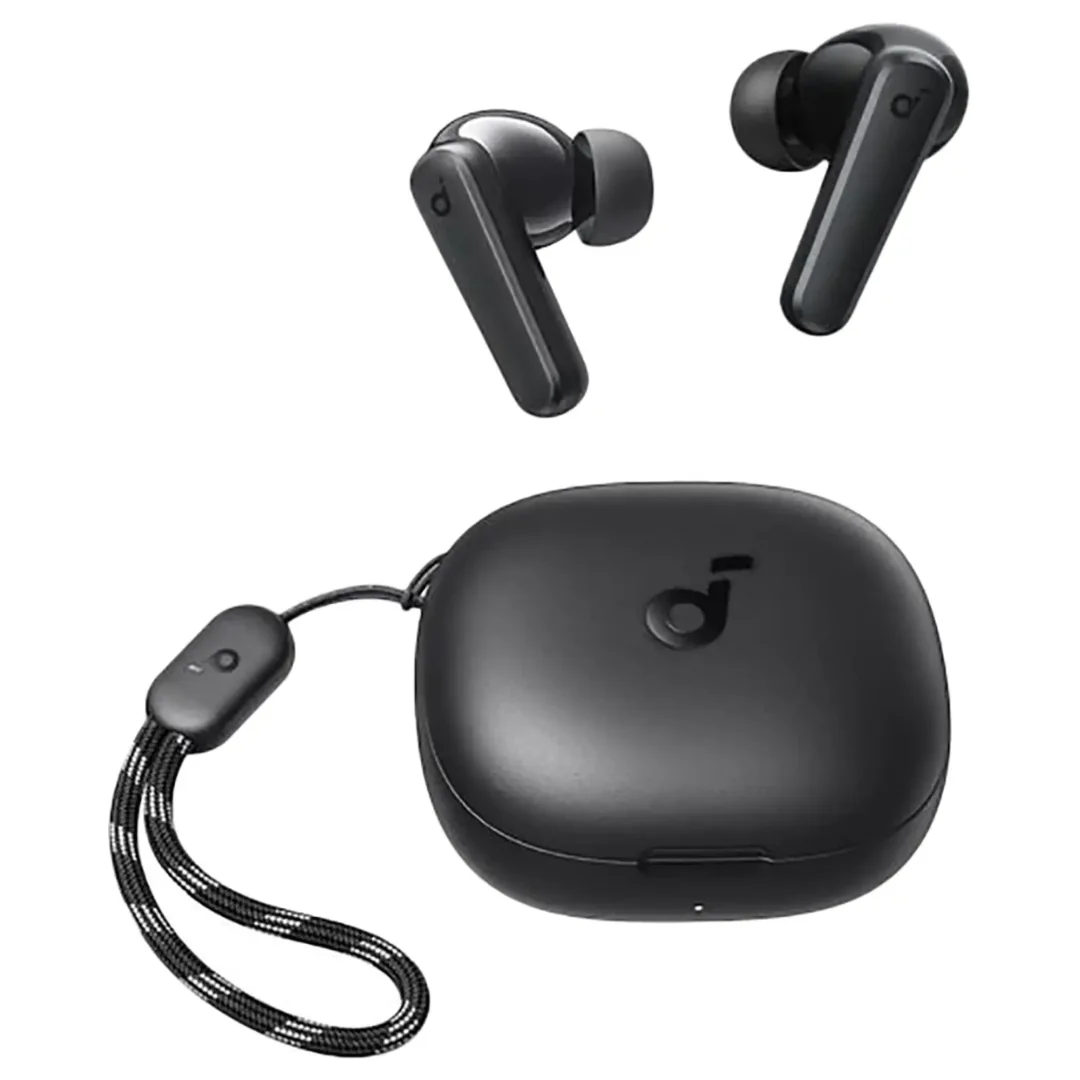
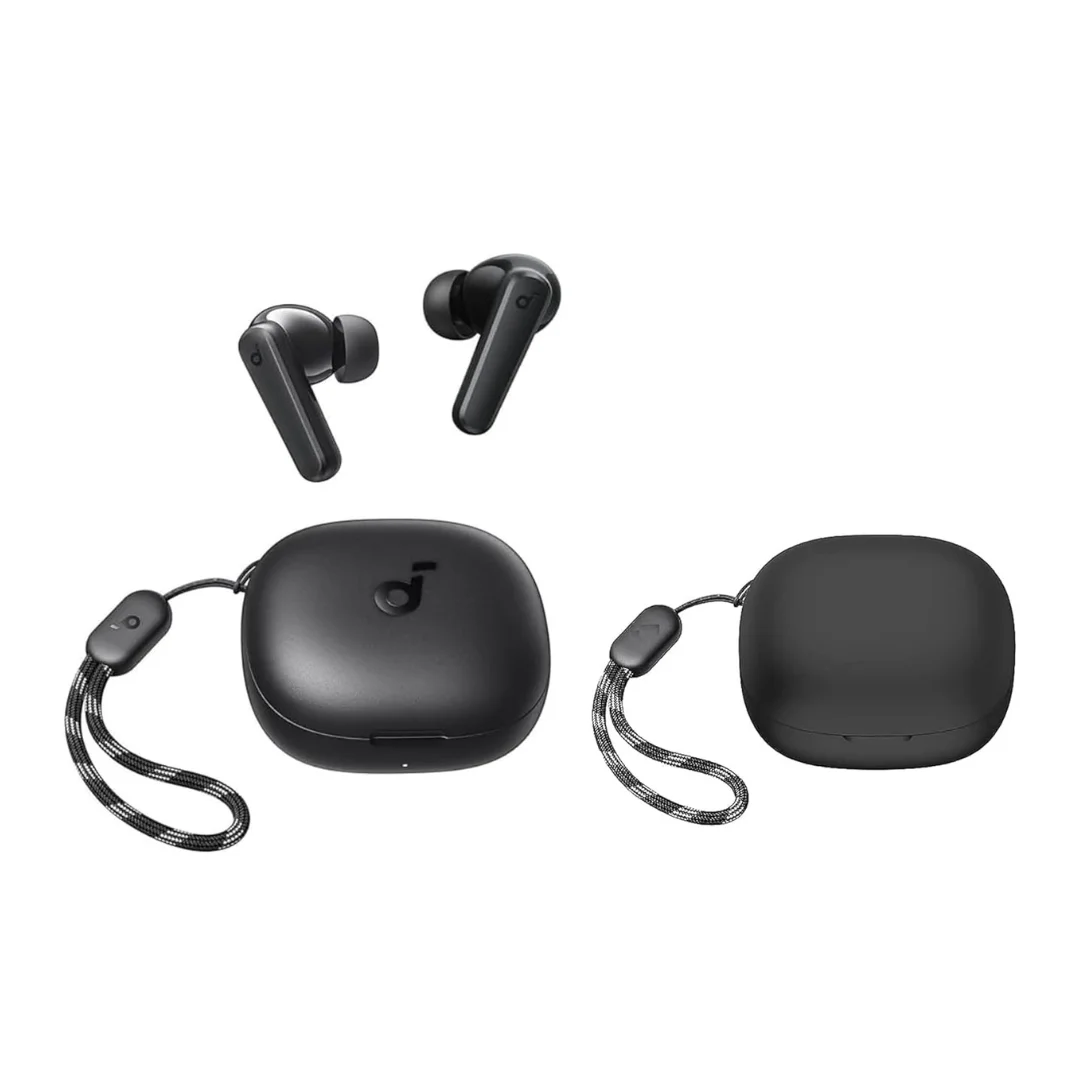
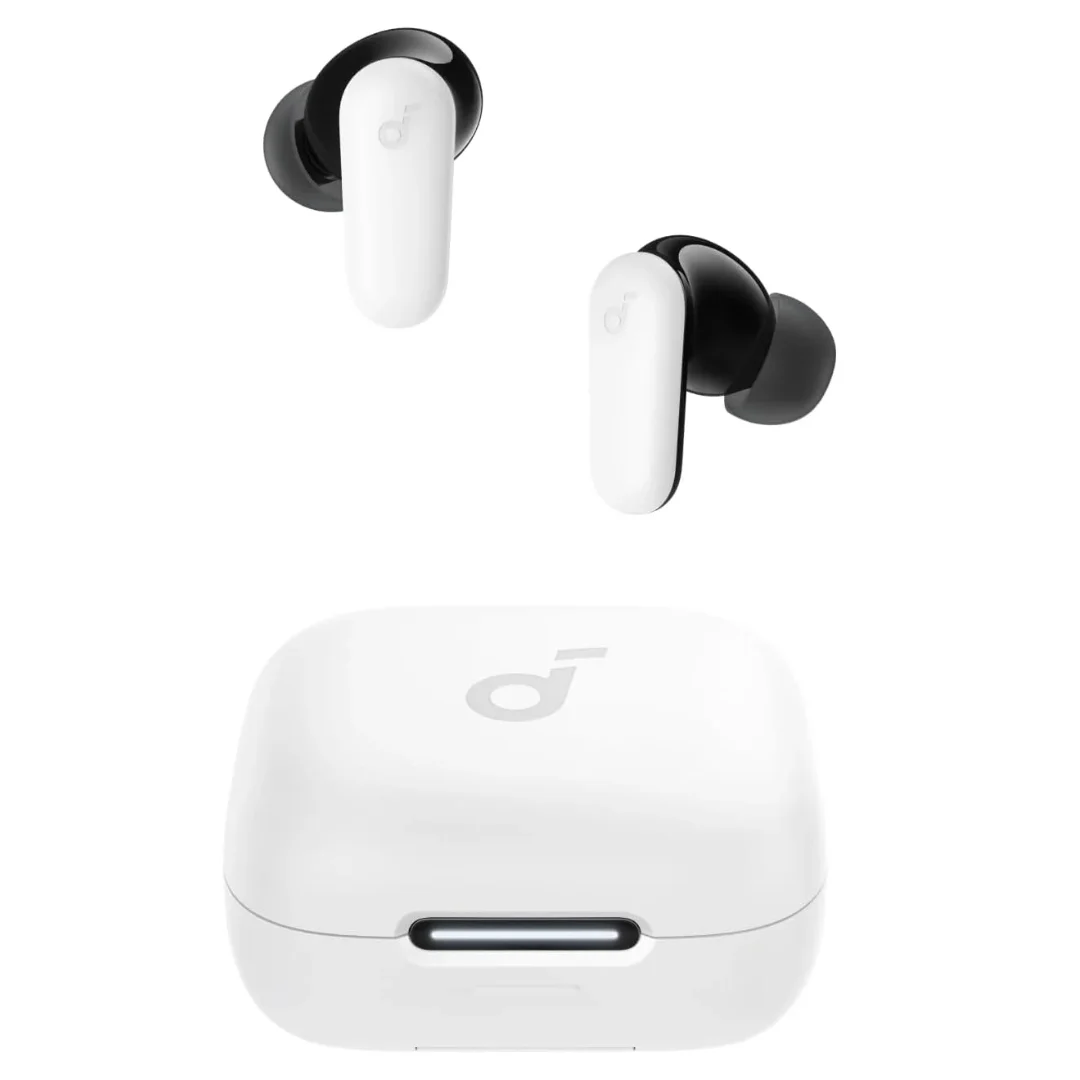
- Case Build and Texture: The Life P2i charging case has a glossy, egg-shaped footprint. In contrast, the P20i features a matte, square case with a woven lanyard loop. The glossy finish of the Life P2i case is more prone to gathering visible hairline scratches and fingerprint marks over time.
- Physical Fit and Ergonomics: The P20i and R50i share a very similar earbud stem design, but the Life P2i features a slightly angled driver nozzle. This nozzle angling provides a more secure seal for narrow ear canals, which some users find more stable during high-movement activities like running.
Over-Voltage Protection Circuits in the Charging Case
The charging case features an integrated circuit board designed to protect the lithium battery:
- Over-Voltage Protection (OVP): Safely cuts current input if charger outputs exceed 5.5V, protecting the battery from power surge damage.
- Over-Charge Prevention: Disconnects charging automatically at 100% capacity, safeguarding chemical cells for long-term health.
Charging Safety Under Egyptian Grid Variations
Delicate earbud batteries are highly susceptible to damage from grid voltage surges and high summer heat. Follow these practices to protect your hardware:
- Use Standard 5W Chargers: The input circuitry is designed for low current (5V / 0.5A). Charging it with smartphone fast-chargers (33W, 67W, or higher) creates excess heat and speeds up chemical degradation. Always charge using a standard 5W power adapter or a laptop USB port.
- Avoid Leaving Earbuds in Hot Cars: Temperatures inside locked cars during Egyptian summers can exceed 55°C, causing lithium batteries to swell and destroying the internal electronics.
CairoVolt store warranty and support in Egypt
The Life P2i on CairoVolt comes with CairoVolt's written store warranty (duration shown on each product page) against manufacturing defects such as battery or connection faults. Keep the invoice and the original box with the printed Serial Number for your warranty claim. Under the return policy, returns are accepted within 14 days from delivery; opened or used earbuds and audio products are not returnable for hygiene reasons.
Important maintenance note: To prevent warranty rejection, ensure the earbuds are never exposed to direct submersion or excessive water ingress, and do not attempt to disassemble the charging case yourself. CairoVolt is an independent retailer, and this is the store's own written warranty.
🛒 Related products with CairoVolt's written store warranty:
Soundcore models at CairoVolt: Soundcore P20i · Soundcore P25i (same model as the P20i under a regional name) · Soundcore Life P2i (Classic Shape).
CairoVolt Team
Tech Editor
Frequently Asked Questions
Does the Soundcore Life P2i support the companion app?▼
How do I toggle between Bass and Podcast modes on the Life P2i?▼
How do I factory reset my Soundcore Life P2i?▼
What is the actual driver size of the Soundcore Life P2i?▼
Ready to Buy?
Browse available products and review specifications and CairoVolt warranty terms before ordering
Related products
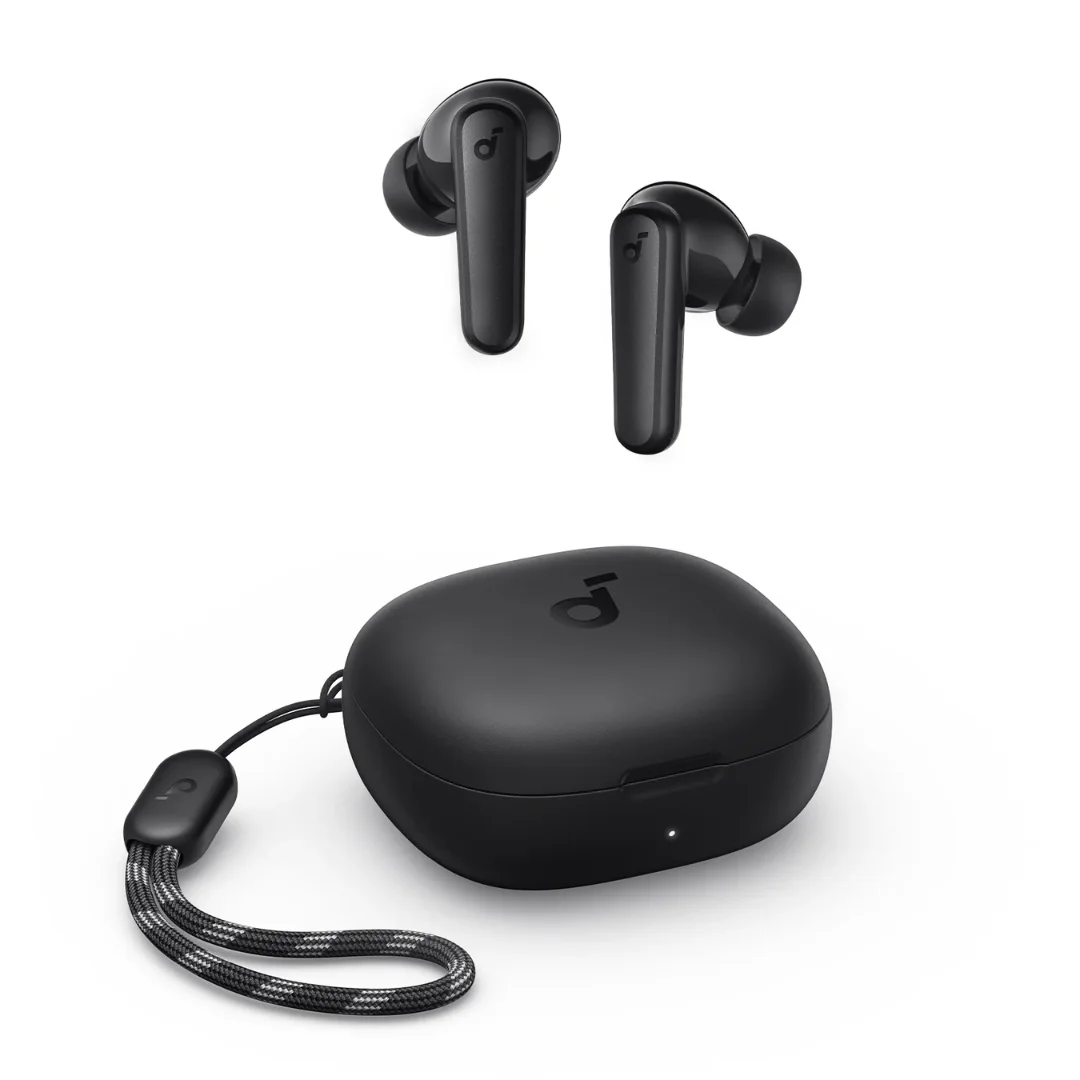
Soundcore P20i | 10mm Drivers | 30h Battery | Bluetooth 5.3
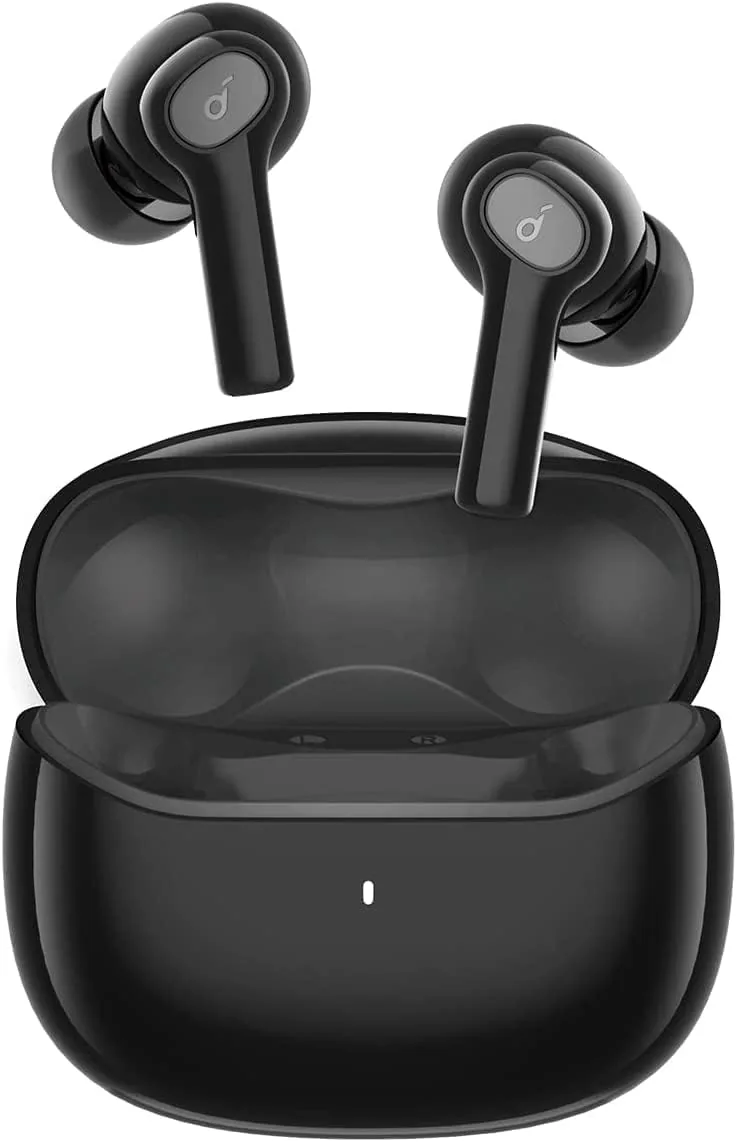
Soundcore P25i | 10mm BassUp | 30h Battery | Ultra-Light
Anker Soundcore Life P2i | 28H Battery | AI Calls | Bluetooth 5.2
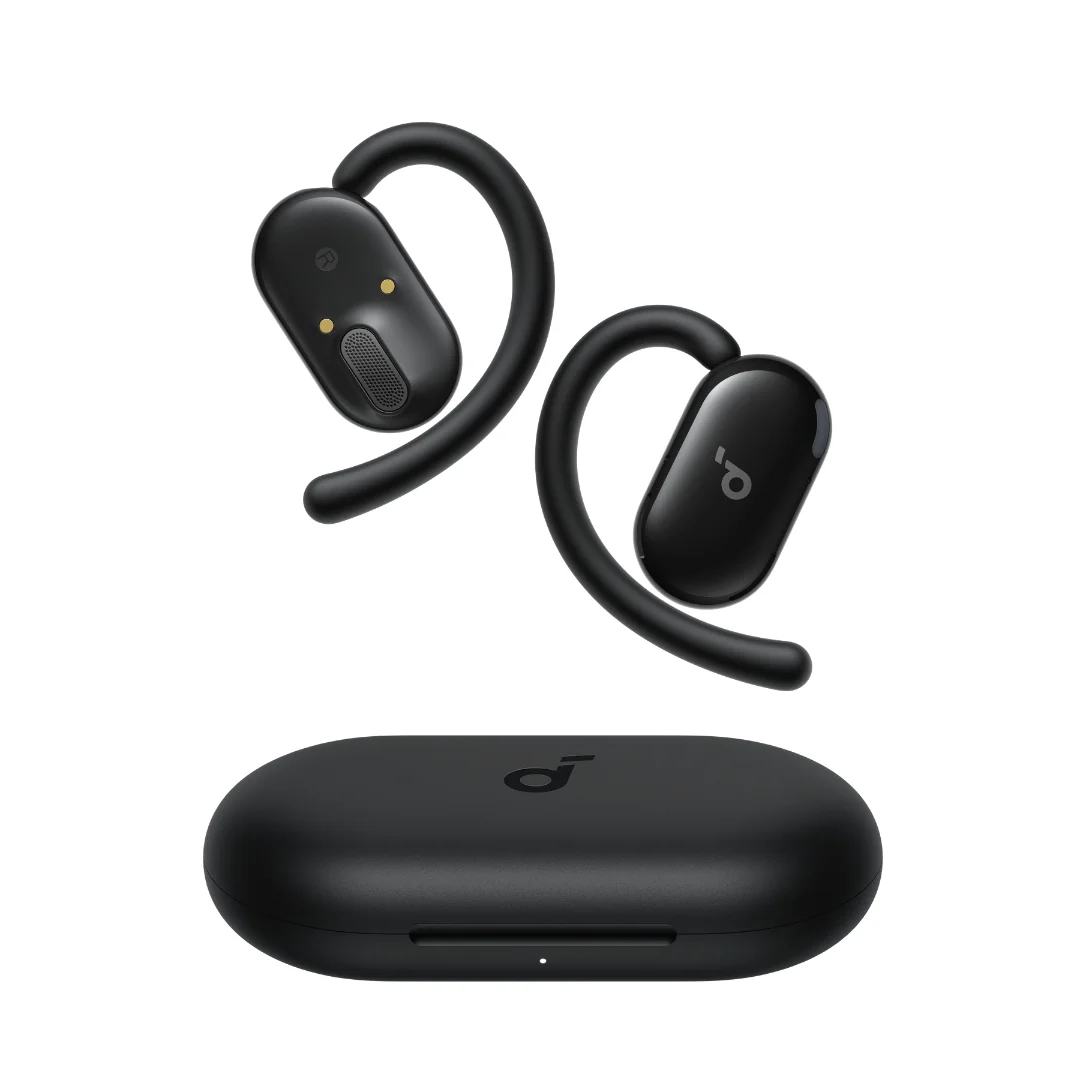
Soundcore P30i | 42dB ANC | 10mm BassUp | 45h Battery | Phone Stand Case | BT 5.4
Soundcore V20i | Open-Ear Ear-Hook | 16mm BassUp | 36h | LED | IP55 | BT 5.3